

- Power-saving profiles: These adjust system settings to reduce energy consumption, for example by disabling inactive devices or enabling low-power hardware modes.
- Performance-boosting profiles: These are designed to enhance system performance by reducing storage and network latency or by increasing throughput in environments such as virtualization.
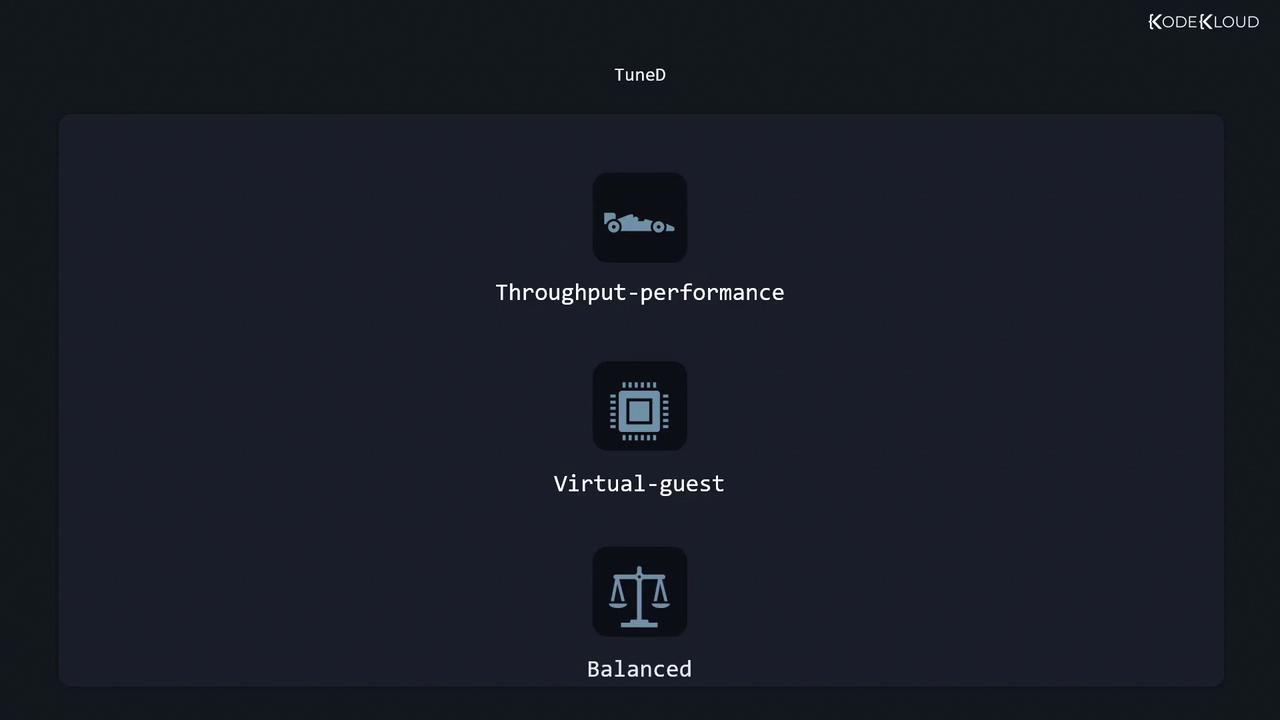
- On a high-throughput server, TuneD will choose the throughput performance profile.
- On a virtual machine, the virtual guest profile is selected.
- In all other scenarios, the balanced profile is used to maintain an equilibrium between performance and power consumption.
TuneD Profile Locations
TuneD profiles are stored in two key locations:- /usr/lib/tuned: Contains distribution-specific profiles, with each profile in its own subdirectory and its associated tuned.conf configuration file.
- /etc/tuned: Holds the main configuration file (
tuned-main.conf) and any custom profiles. Profiles in this directory override those in/usr/lib/tunedif they share the same name.
Managing TuneD Profiles with tuned-adm
The TuneD ADM command-line tool simplifies the administration of TuneD. It enables you to list available profiles, view the active profile, switch between profiles, and get profile recommendations.Listing Profiles and Checking the Active Profile
To list available profiles and see which one is active, use:Switching Profiles
To change the active profile, specify the new profile name. For example, to switch to the balanced profile:Profile Recommendation and Verification
Get a profile recommendation based on your current environment:virtual-guest, then that is the recommended profile.
Verify that the system settings align with the active TuneD profile:
Example: Switching Profiles on a Virtual Machine
In a virtual machine scenario, the active profile is usuallyvirtual-guest. However, if you need to test a high-throughput server profile, you can list available profiles and switch accordingly:
Merging Profiles
TuneD supports merging profiles. For instance, if you need a configuration that combines the settings of both virtual-host and powersave profiles (ideal for hosting virtual machines while conserving power), you can merge them. Note that if a conflict arises, TuneD applies the option from the last specified profile. !!! warning “Caution” When merging profiles, ensure that settings do not conflict. For example, avoid merging performance-optimized disk settings with power-saving parameters.Dynamic Tuning
Static tuning applies the chosen profile settings as-is. For dynamic system tuning—where TuneD adjusts settings on the fly based on system demands—you must enable dynamic tuning via the main configuration file at/etc/tuned/tuned-main.conf.
By default, dynamic tuning is disabled. Verify the current state:
0 to 1:
For further details, refer to the official TuneD documentation and related resources: This guide should help you effectively manage and optimize TuneD profiles to suit your system’s unique requirements.