

The Info System
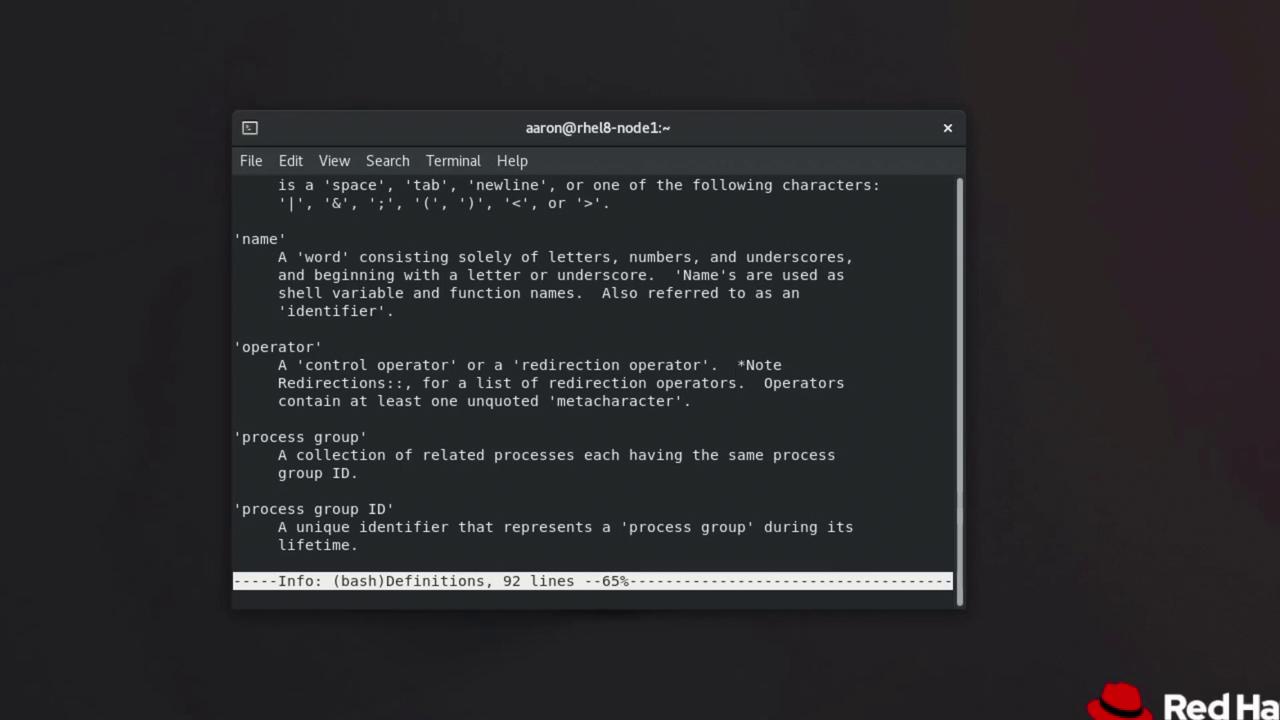
The info documentation system is a hypertext-based alternative to traditional man pages. It offers multi-page documentation that allows you to navigate seamlessly through interconnected sections. For example, to view detailed information about the Bash shell, execute:- Press the Space bar to scroll down within the current node or move to the next node when you reach the end.
- Press Backspace to return to the previous node.
- Use the Close Bracket (]) key to jump to the next node.
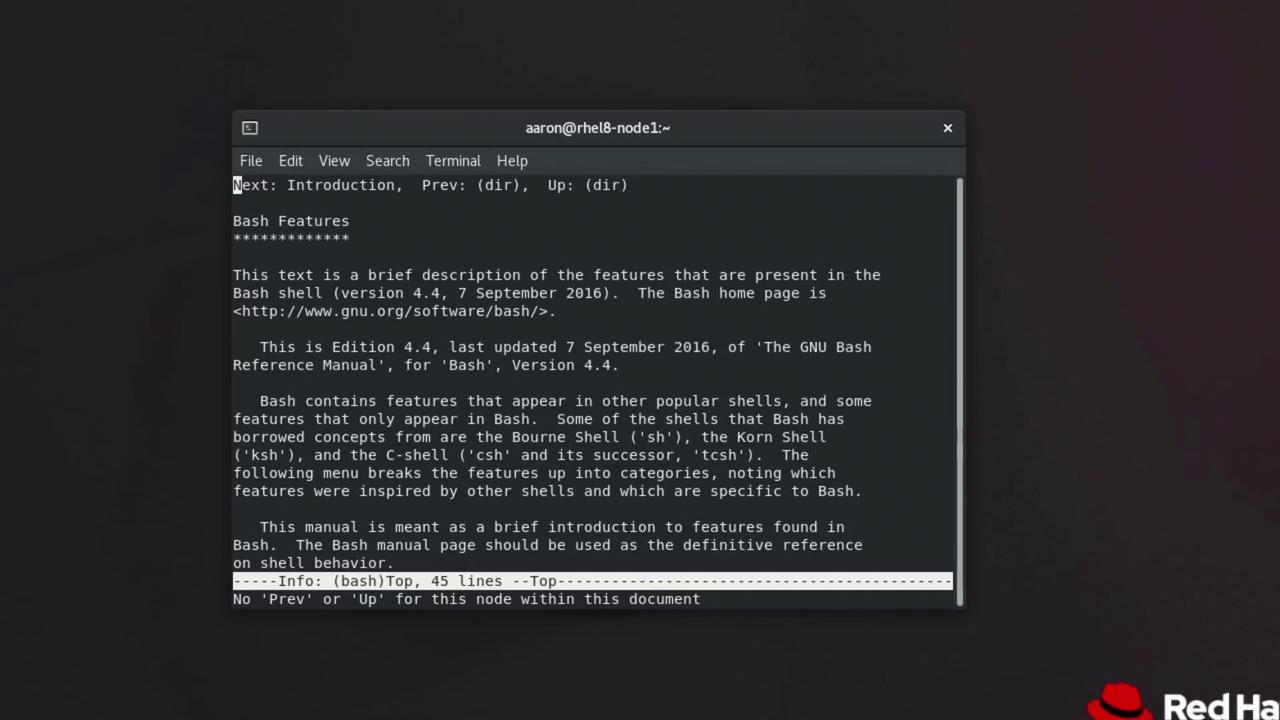
- Press the Open Bracket ([) key to navigate to the previous node.
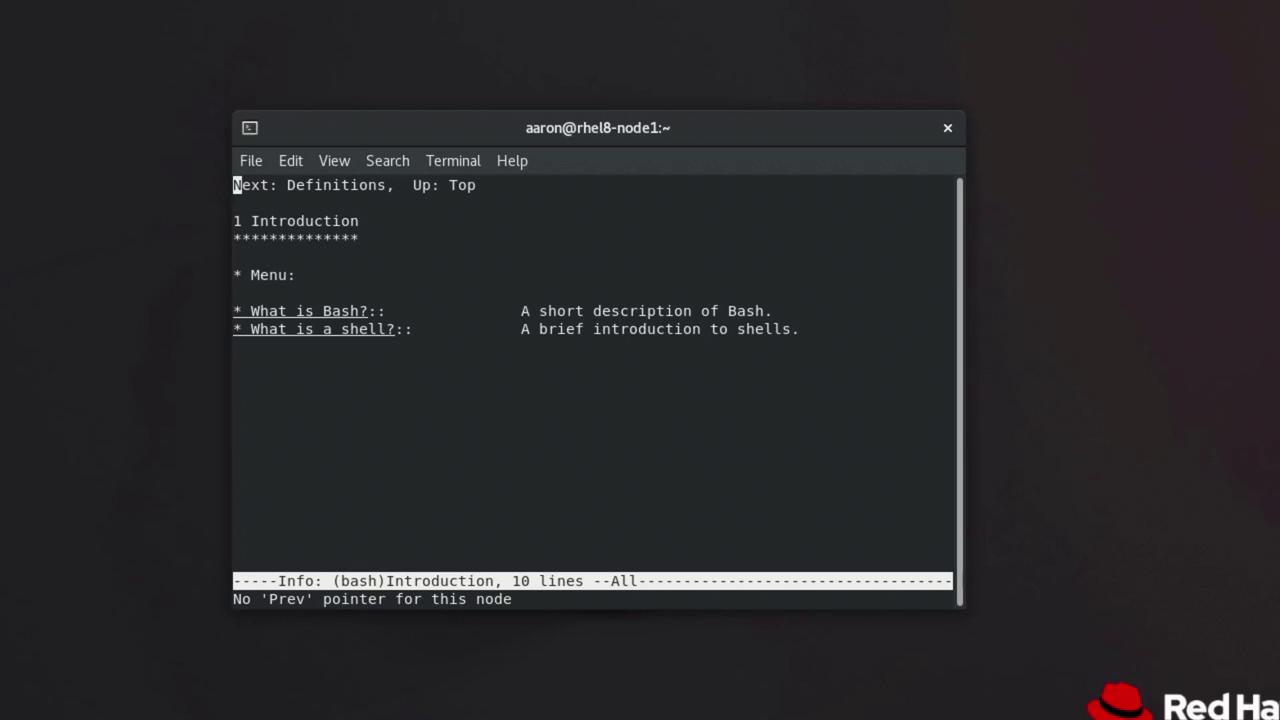
- Press n to move to the next node on the same level.
- Press p (as in “papa”) to go to the previous node on the same level (if available).
- Press u to jump up to the parent node.
- Press l (as in “lima”) to return to the last visited node.
- Press q to exit the info system.
If you get stuck while browsing, simply use the command
info <command> to retrieve detailed documentation for the command you’re working with.Documentation in /usr/share/doc
Another valuable resource is the/usr/share/doc directory, which contains documentation for many of the software packages installed on your system. This directory typically holds FAQs, README files, introductory notes, and sometimes HTML-formatted guides.
To begin exploring the documentation, change to the directory:
bash.html, bashref.html, FAQ, INTRO, RBASH, and README. To read the introductory documentation, you can use a pager like less:
vi:
grep to search for specific terms in the document, for example:
Both the info system and the
/usr/share/doc directory are comprehensive resources. By mastering their navigation and search functionalities, you can easily find detailed documentation and enhance your expertise in using Linux commands.