

git revert and push again. Does that solve the problem?
Short answer: No.
git revert creates a new commit that undoes the change, but the original commit containing the secret still exists in the repository history. Anyone (or any bot) can view older commits or run git log to recover the secret.

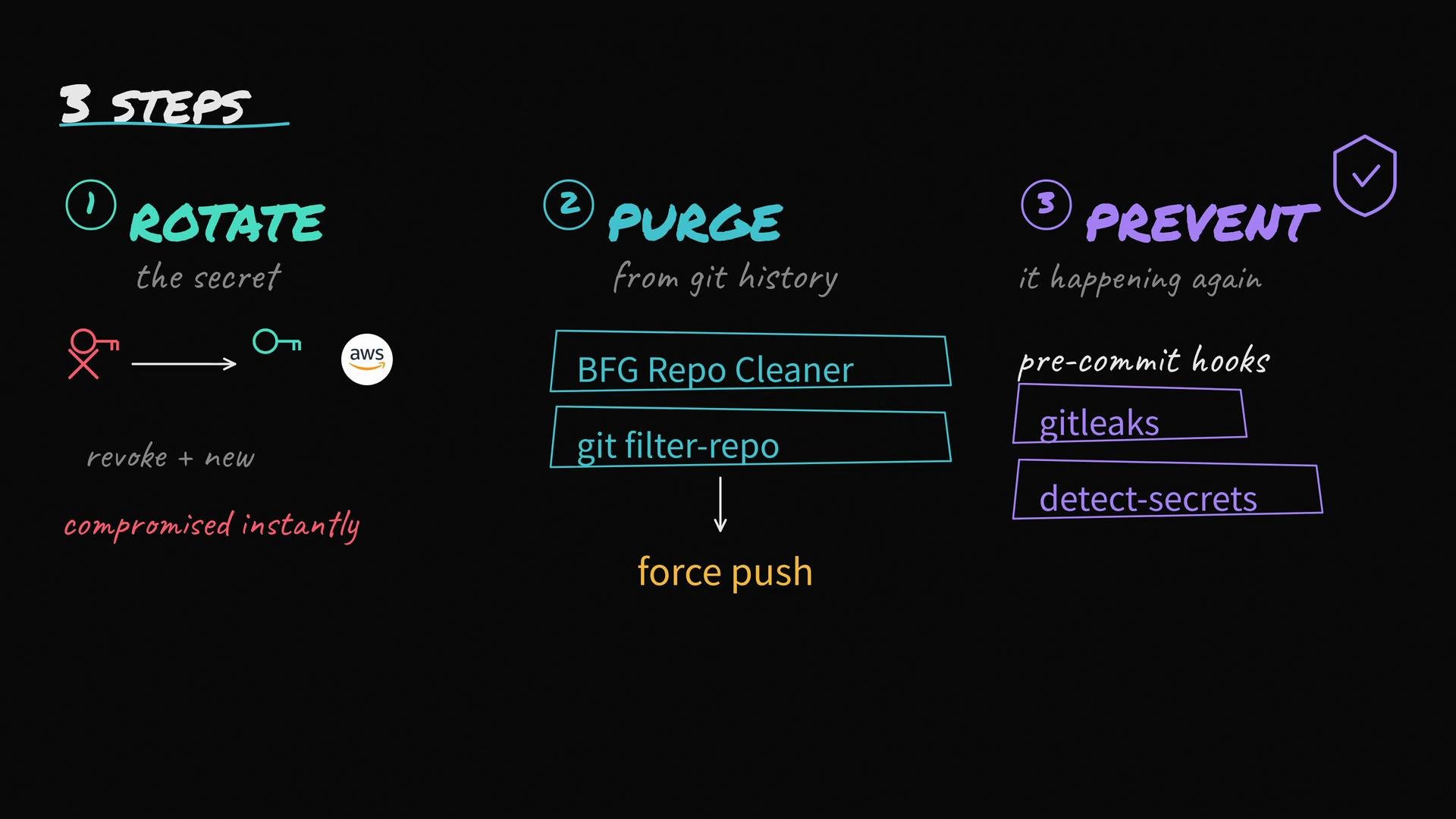
- Rotate the secret immediately (revoke it).
- Purge the secret from Git history (rewrite history).
- Prevent future leaks by adding local scans / pre-commit hooks.
Detailed steps
Step 1 — Rotate the secret (do this immediately)
Assume the key is compromised as soon as it was exposed. Do not spend time trying to remove the commit before rotating credentials.- Revoke or delete the compromised key in the cloud provider console or via CLI.
- Create a new key and update any services that used the old one.
- Notify affected developers or systems so they can update their configurations.
Step 2 — Purge the secret from Git history (rewrite history)
After credentials are rotated and invalidated, rewrite repository history to remove the secret from all commits. The two commonly used tools:git-filter-repo(recommended, actively maintained)- BFG Repo-Cleaner (simpler for straightforward file deletions)
git-filter-repo:
git-filter-repo:
- Coordinate with your team before force-pushing rewritten history.
- Ask collaborators to re-clone or reset their local repositories to avoid reintroducing old commits.
- If the repository was forked or mirrored externally, those copies may still contain the secret — contact maintainers or owners of forks if possible.
Rewriting history and force-pushing affects every collaborator and all clones. Coordinate and require everyone to re-clone or perform a clean reset. Never force-push to shared branches without communication.
Step 3 — Prevent future leaks (scan before commit)
Add automated checks to catch secrets before they are committed and pushed. Implement pre-commit hooks and CI scanning. Popular tools:- detect-secrets — heuristic-based secret scanner (Yelp)
- gitleaks — fast, configurable detection tool
- pre-commit — hook framework to run detection tools locally
.pre-commit-config.yaml using detect-secrets and gitleaks:
Short checklist when you discover leaked secrets:
- Rotate/revoke the secrets immediately.
- Rewrite Git history to remove secrets.
- Force-push the cleaned history and coordinate with your team.
- Add pre-commit hooks and CI scanning to prevent recurrence.
Tools and quick references
Final notes / best practices
- Rotating credentials immediately is the top priority. Cleaning Git history is important but secondary—do it after rotation.
- Automate secret detection in local development and CI to stop leaks before they reach remote repositories.
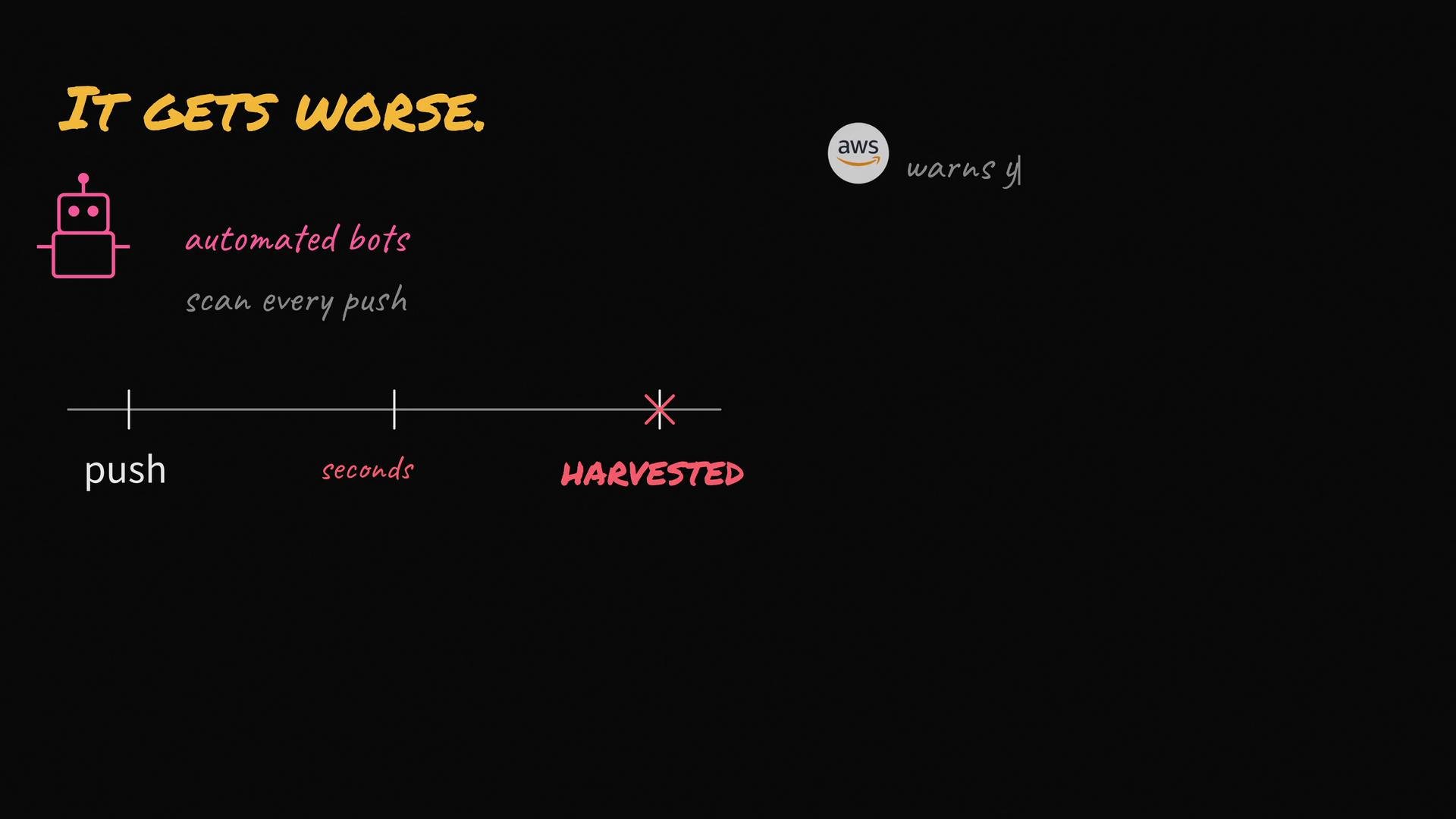
- Treat any secret exposed in a public repository as compromised: assume it was collected and acted upon.
- Maintain an incident playbook that includes credential rotation, history cleaning, and team communication steps.