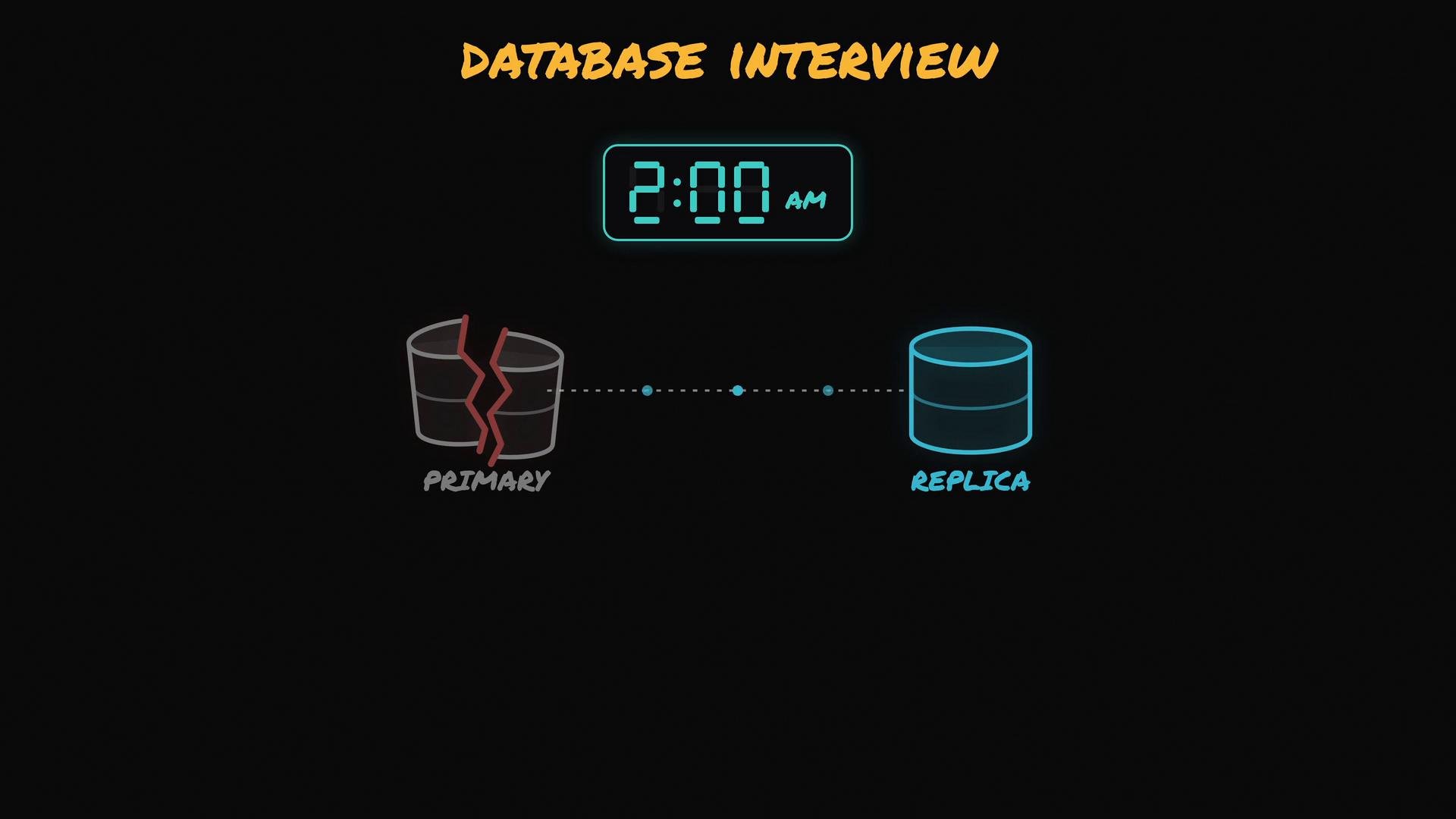
Let’s walk through a common database interview scenario: it’s 2:00 AM and your primary database server has crashed. Fortunately you planned for this: a replica (a second database server) keeps a copy of everything.
The image shows a stylized "DATABASE INTERVIEW" graphic with a digital clock reading 2:00 AM. Below it are two database icons connected by a dotted line: a cracked "PRIMARY" on the left and an intact "REPLICA" on the right.
Blindly promoting the replica to primary is rarely the best move. The primary dying does not mean your users lost read access — reads typically still work from the replica. What stops is writes, because writes are generally accepted only by the primary. That gives you a small window to perform a clean, safe failover instead of risking data divergence. Follow these stages to promote a replica safely. Stage 1 — Check the replication lag Replicas are usually slightly behind the primary because replication is often asynchronous: the primary confirms writes to clients first, then ships them to replicas. Under normal conditions the gap is milliseconds; under heavy load it can be seconds or more. Ask the replica how far behind it was when the primary died. Both PostgreSQL and MySQL expose this information.
  • PostgreSQL (on the replica)
Note: this can return NULL if the replica has not replayed any WAL yet.
  • MySQL (on the replica)
Note: Seconds_Behind_Master (or equivalent) can be NULL or misleading in some situations (for example, when replication threads have stopped or during long-running transactions). Check IO/SQL thread states, relay log positions, and last executed positions to get a reliable picture.
Measure replication lag carefully before promoting. For critical data (payments, invoices), estimate which time window of writes might be missing and prioritize recovery of those writes from the failed primary’s disk if possible.
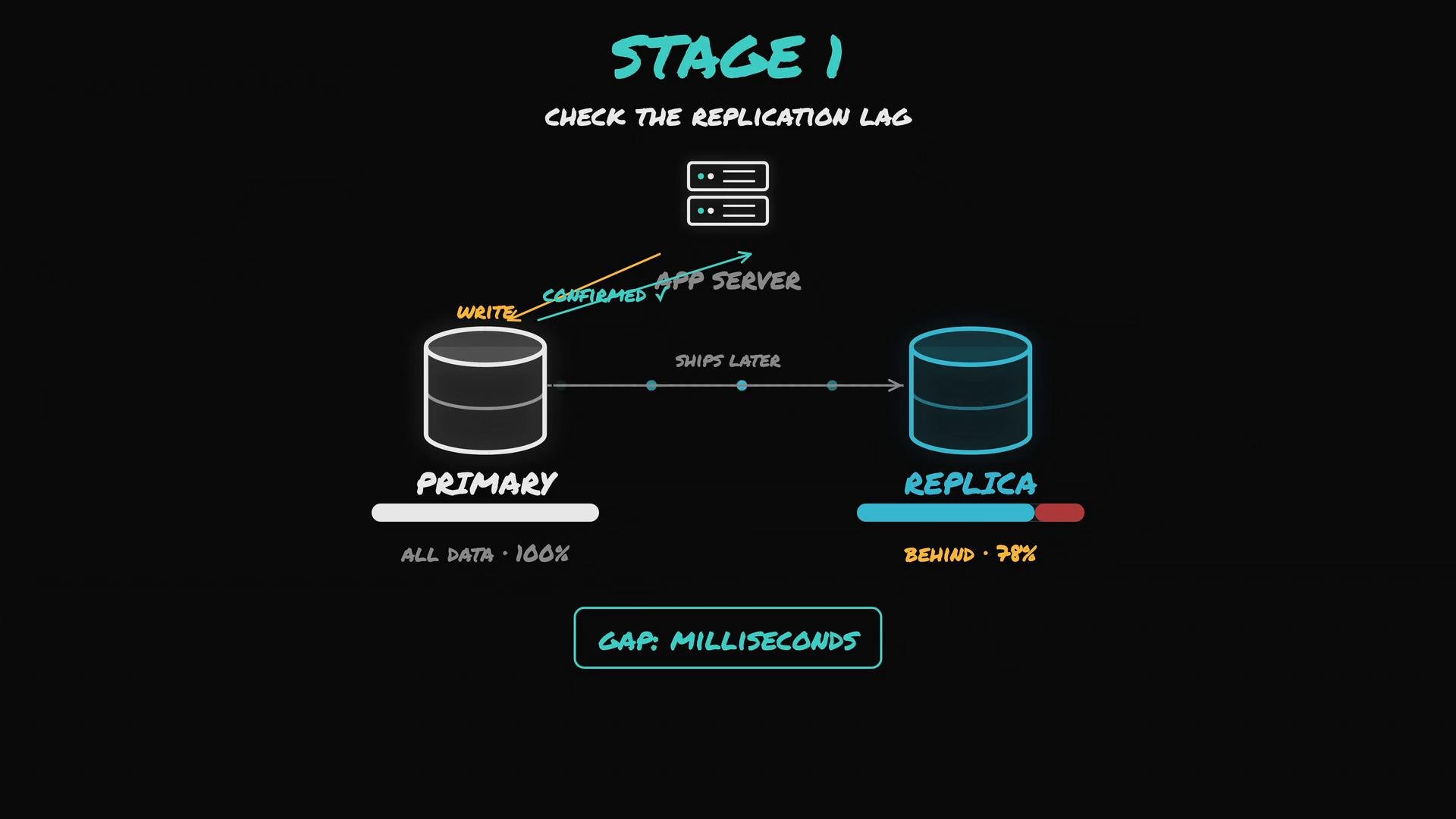
If the replica was fully up to date, you lost nothing. If it was behind, estimate the missing window and plan to recover critical writes from the old primary when possible.
An illustrated diagram titled "Stage 1: Check the replication lag" showing a primary database on the left, a replica on the right, and an app server above with arrows indicating writes are confirmed to the app server while data ships later to the replica. A progress bar and label show the replica is behind (78%) and note the gap is measured in milliseconds.
Stage 2 — Cut off the old primary (fence it) A dead primary can come back unexpectedly. If the old primary wakes and starts accepting writes while the replica has been promoted, you can end up with split-brain: two servers both believing they are primary and diverging data. That is worse than temporary downtime. Before promotion, ensure the old primary cannot accept writes again. Options include:
  • Power it off.
  • Isolate it from the network (firewall rules, route changes).
  • Use a fencing mechanism supported by your environment (for example, STONITH in clustered systems).
Do not promote a replica until you have a reliable way to prevent the old primary from accepting writes again. Split-brain leads to irreconcilable data divergence.
Stage 3 — Promote the replica Promotion is usually straightforward; exact commands depend on your database and tooling. If you have an orchestrator (e.g., Orchestrator, MHA) it can automate safe promotion and topology updates.
  • PostgreSQL (common methods)
or, on newer PostgreSQL versions:
  • MySQL MySQL replicas can be promoted by stopping replication and making the server writable, or by using orchestrators that handle configuration changes safely.
Be careful with RESET SLAVE / RESET REPLICA because they remove stored replication configuration. Prefer orchestrator tools to avoid mistakes when possible. Stage 4 — Repoint the application Your application is likely still trying to connect to the old primary address. Many teams put a single endpoint in front of databases (virtual IP, load balancer, or DNS) so you only need to update that endpoint to redirect traffic to the new primary. Actions to take:
  • Update connection strings, failover DNS, or move the virtual IP to the new primary.
  • Verify application connectivity with health checks and smoke tests.
  • Monitor error rates and replication status for other replicas.
Quick reference: common checks and promotion commands Links and further reading Summary — safe failover checklist
  1. Check replication lag to understand any potential data loss.
  2. Fence (isolate) the old primary to prevent split-brain.
  3. Promote the chosen replica to primary using the appropriate commands or orchestrator.
  4. Repoint the application (virtual IP, DNS, or client configs) and verify functionality.
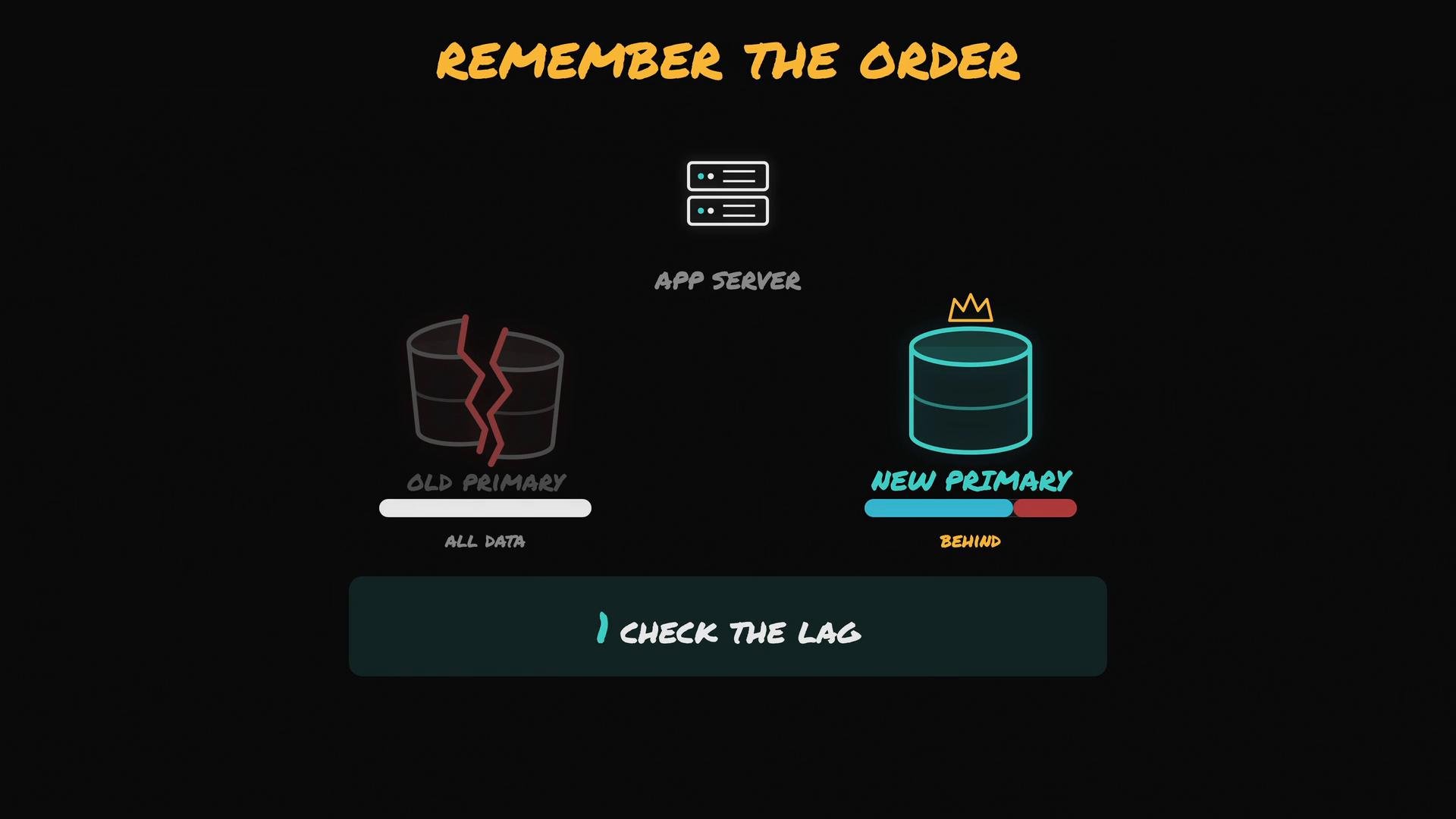
A dark-themed infographic titled "Remember the Order" showing an app server above two database icons: a cracked "old primary" on the left and a crowned "new primary" on the right with a progress bar indicating it's behind. A large "Check the lag" button appears below.

Watch Video