Here’s a common interview-style scenario from the Docker world: Scenario: one of your containers died, its logs are empty, and docker ps -a shows exit code 137.
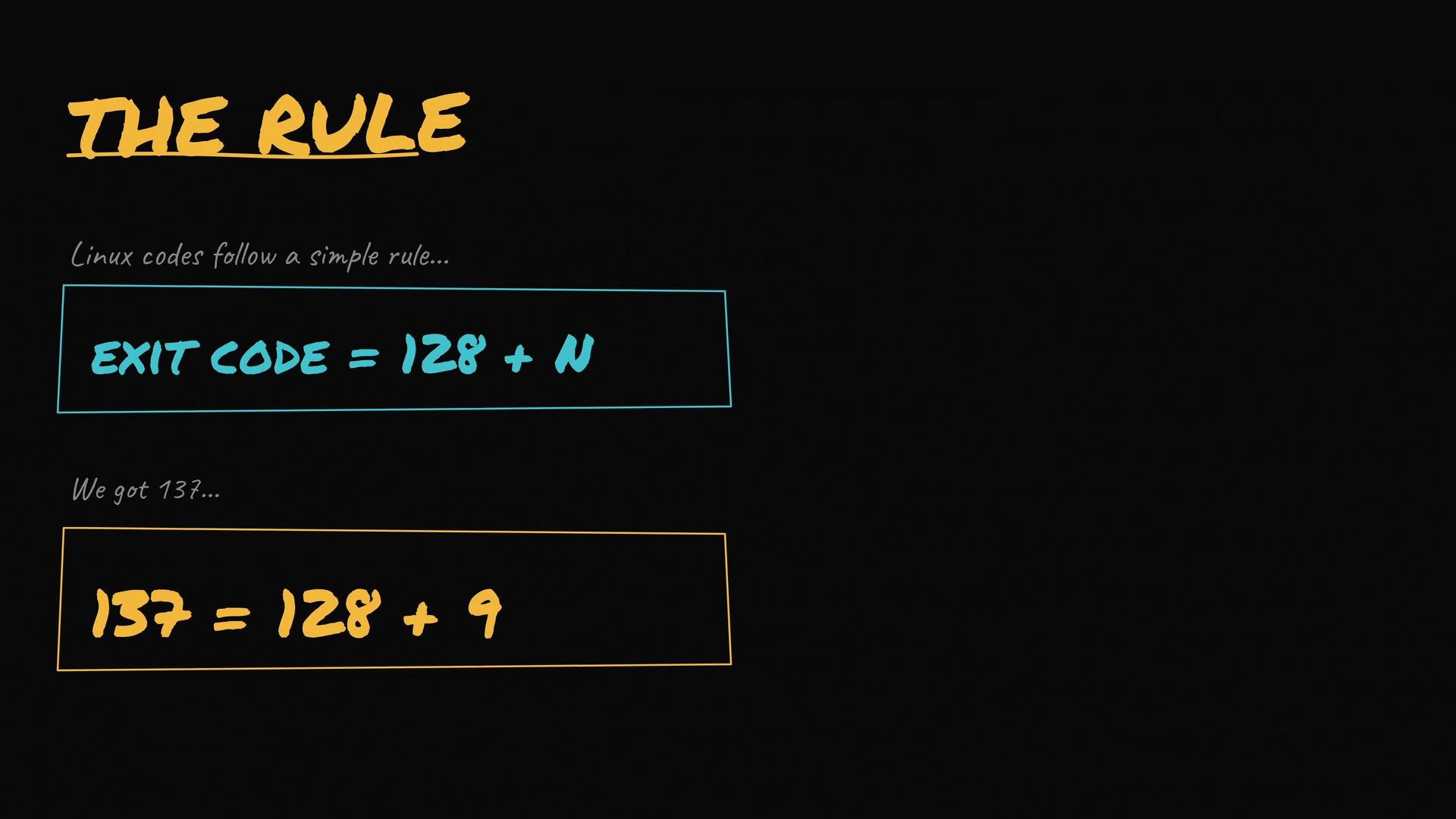
What happened? Exit code 137 is not arbitrary — it usually means the container’s main process was terminated by a signal. To decode this, remember the Linux convention for signal-based exit codes: an exit caused by a signal yields 128 + signal_number. In this case:
  • 137 = 128 + 9
The image explains a rule for Linux exit codes, stating that "Exit Code = 128 + N" and provides an example of exit code 137, which equals "128 + 9".
Signal 9 is SIGKILL, so exit code 137 indicates the container’s PID 1 (its main process) was forcibly killed with SIGKILL — not a normal exit. Who can send SIGKILL? Common senders include:
  • The kernel’s OOM (Out‑Of‑Memory) killer.
  • Docker itself (for example, after a docker stop grace period times out).
  • Orchestrators like Kubernetes (kubelet follows a SIGTERM → grace period → SIGKILL pattern).
  • Systemd on some hosts.
  • A person running docker kill <container-id>.
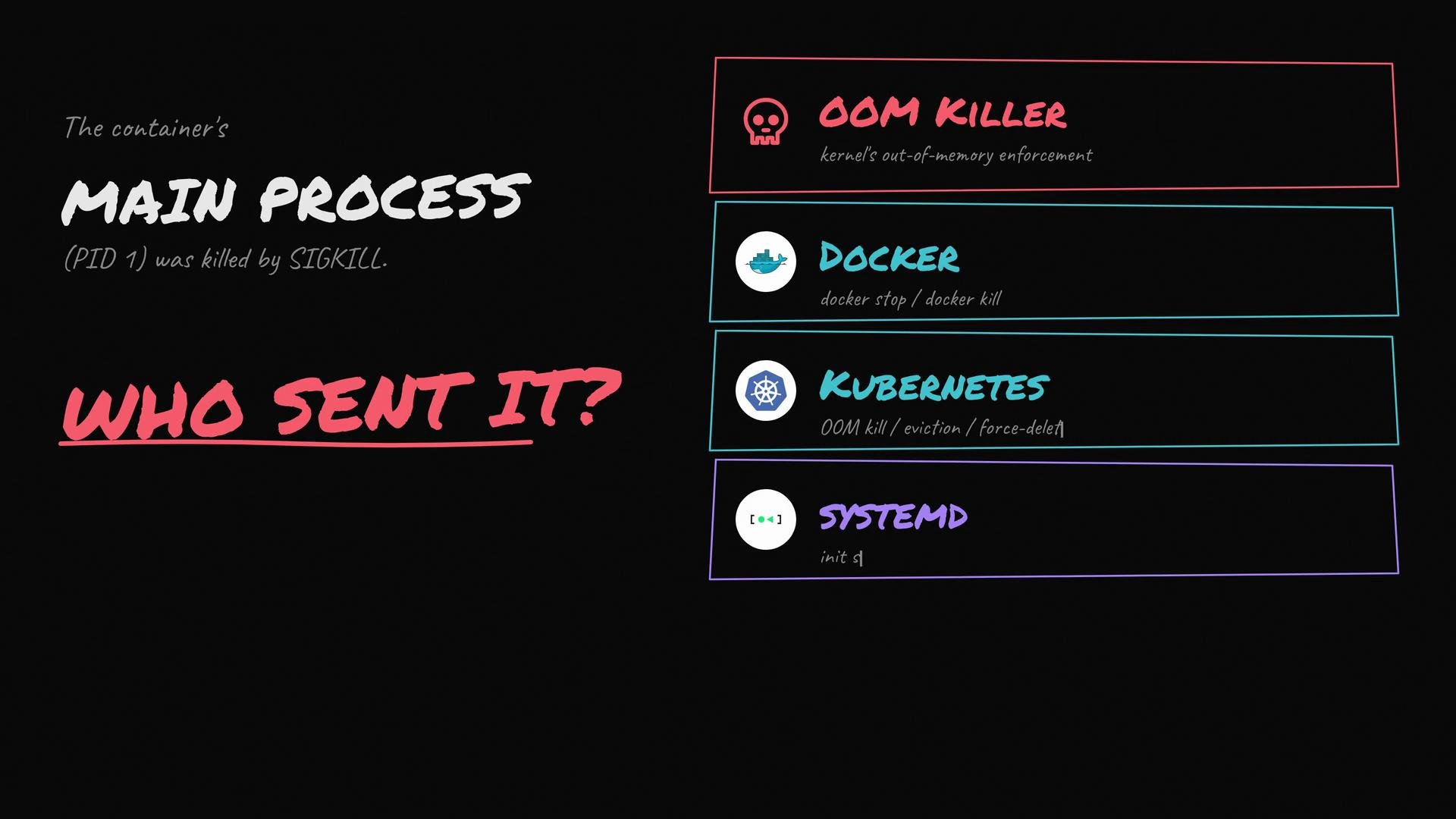
The image explains that a container's main process was killed by SIGKILL and asks "Who sent it?" with possible sources: OOM Killer, Docker, Kubernetes, and Systemd.
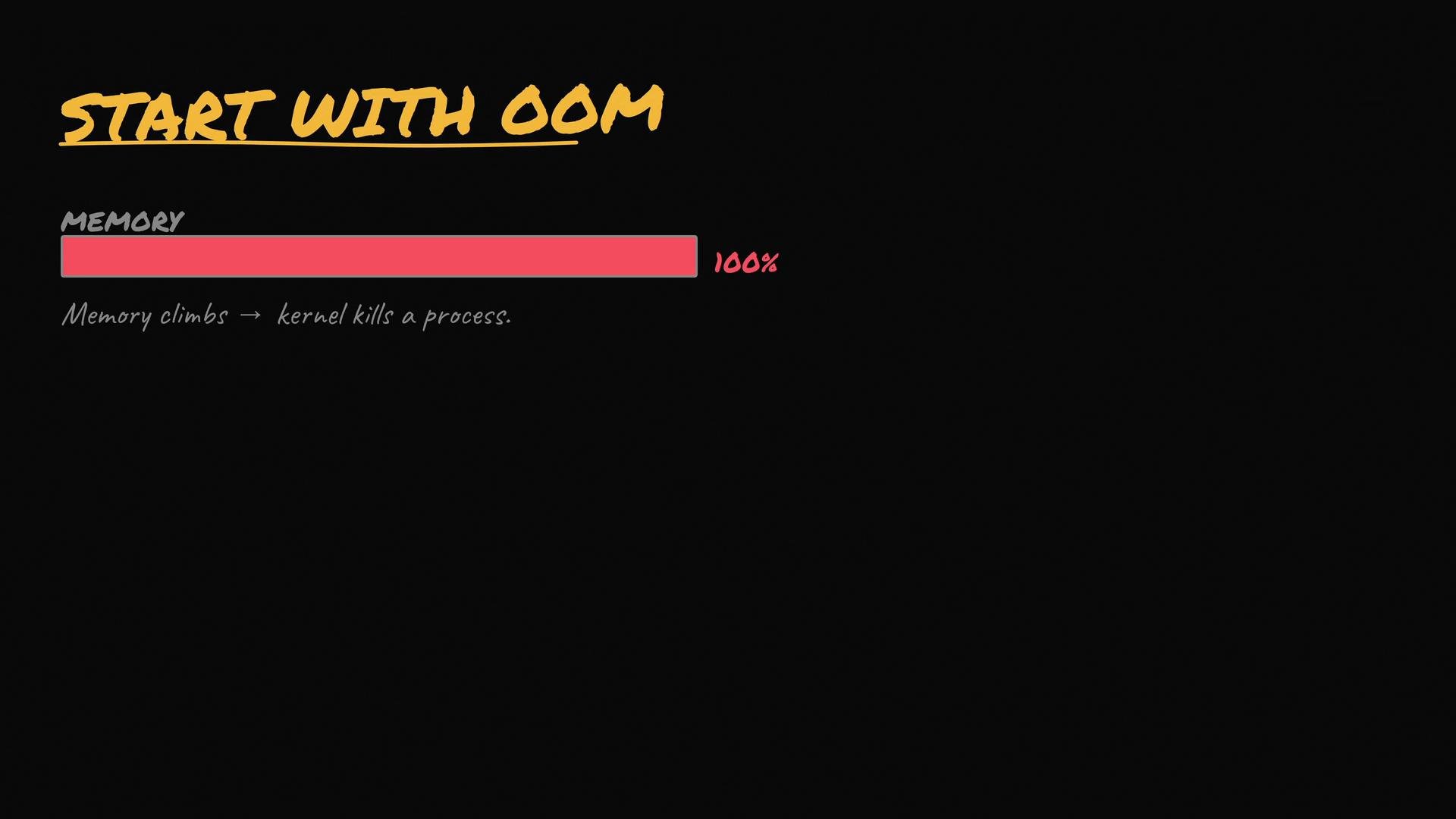
In production, the OOM killer is often the first suspect, especially when a container has memory limits or memory usage was climbing before the exit. Under memory pressure the kernel frees memory by killing processes, and it uses SIGKILL to do so.
The image shows a graphic illustrating memory usage reaching 100%, with a subtext explaining that as memory climbs, the kernel kills a process.
How to confirm whether SIGKILL was from the OOM killer
  • Inspect the container state for the OOMKilled flag.
  • Check kernel logs (dmesg or journalctl -k) for OOM messages.
Example commands:
If you see OOMKilled: true or an “Out of memory: Killed process” line in kernel logs, the OOM killer was responsible for the SIGKILL. If there’s no OOM evidence, consider other common causes:
  • Docker after docker stop: Docker sends SIGTERM, waits the stop timeout (default 10s), then escalates to SIGKILL.
  • Orchestrator termination: Kubernetes/other orchestrators use SIGTERM then SIGKILL after the pod’s termination grace period.
  • Manual intervention: someone executed docker kill.
To investigate non-OOM kills, check container events and orchestrator logs. Example:
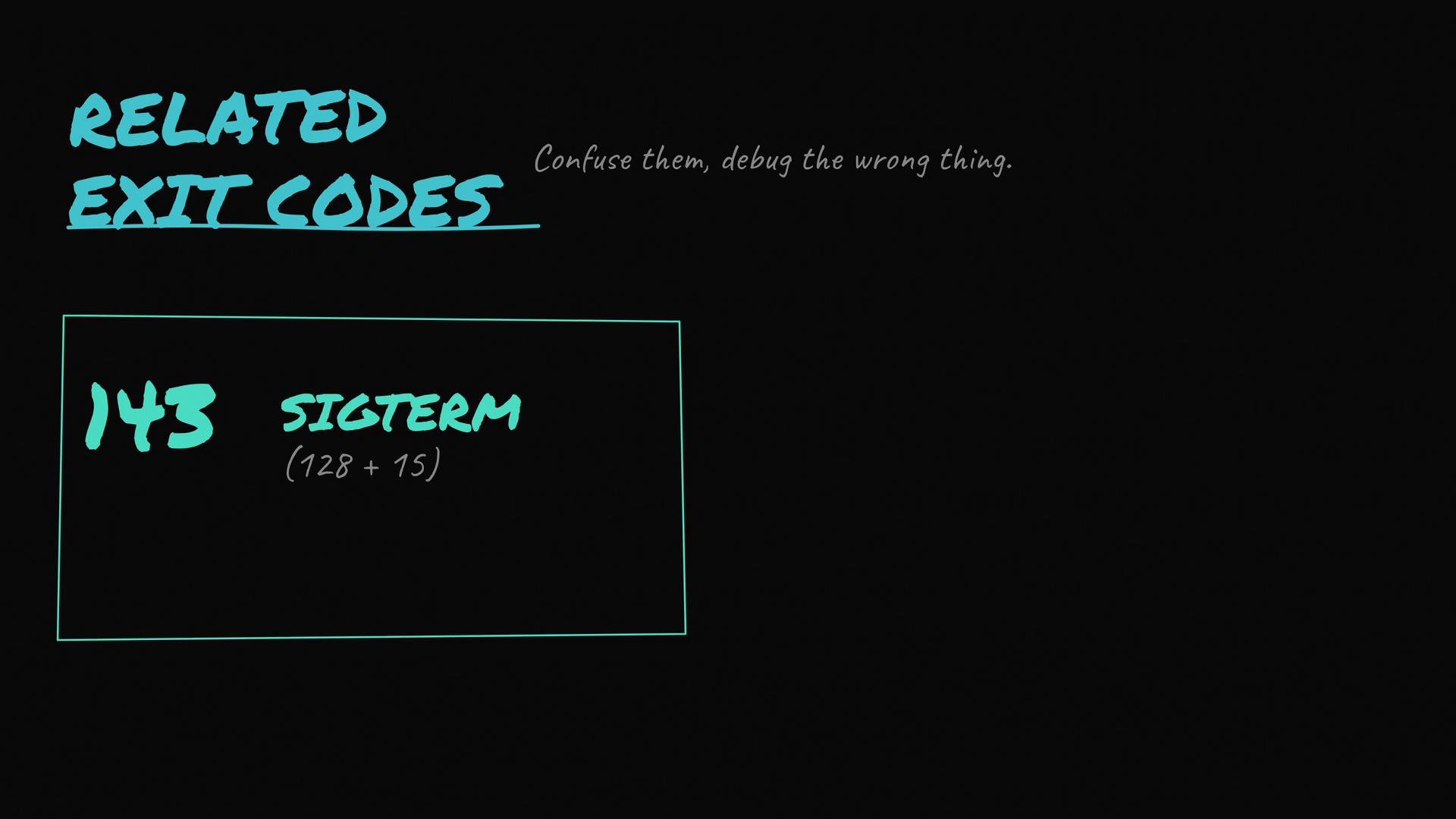
Related exit codes to be aware of
The image displays the text "Related Exit Codes" with a reference to exit code 143, labeled as SIGTERM, calculated as 128 + 15. The phrase "Confuse them, debug the wrong thing." appears at the top.
Use the following quick reference table to avoid debugging the wrong symptom: Best-practice checklist when you see Exited (137)
  1. docker inspect <id>: look for "OOMKilled": true.
  2. Check kernel logs: dmesg or journalctl -k for OOM messages.
  3. Examine Docker events: docker events --filter 'container=<id>' --since '10m'.
  4. Review orchestrator logs (kubelet, controller manager, etc.) for stop/kill actions.
  5. Confirm memory limits on the container and review memory metrics leading up to the failure.
  6. If needed, reproduce the issue while collecting memory and process metrics to pinpoint the root cause.
If you see Exited (137) but no OOMKilled flag and no kernel OOM messages, focus your investigation on orchestrator logs or manual actions (e.g., docker kill). Don’t assume OOM without confirming the kernel logs.
Avoid treating 137 as an application bug by default; it indicates an external kill. Only investigate application-level causes (crashes, segfaults) after ruling out external signals and resource limits.
Links and references This guide should help you quickly identify why a container exited with code 137 and which next steps to take based on the evidence you find.

Watch Video