

options setting, commonly ndots:5. This article explains what ndots does, shows how it multiplies lookups, and describes practical fixes for Kubernetes pods.
What ndots means
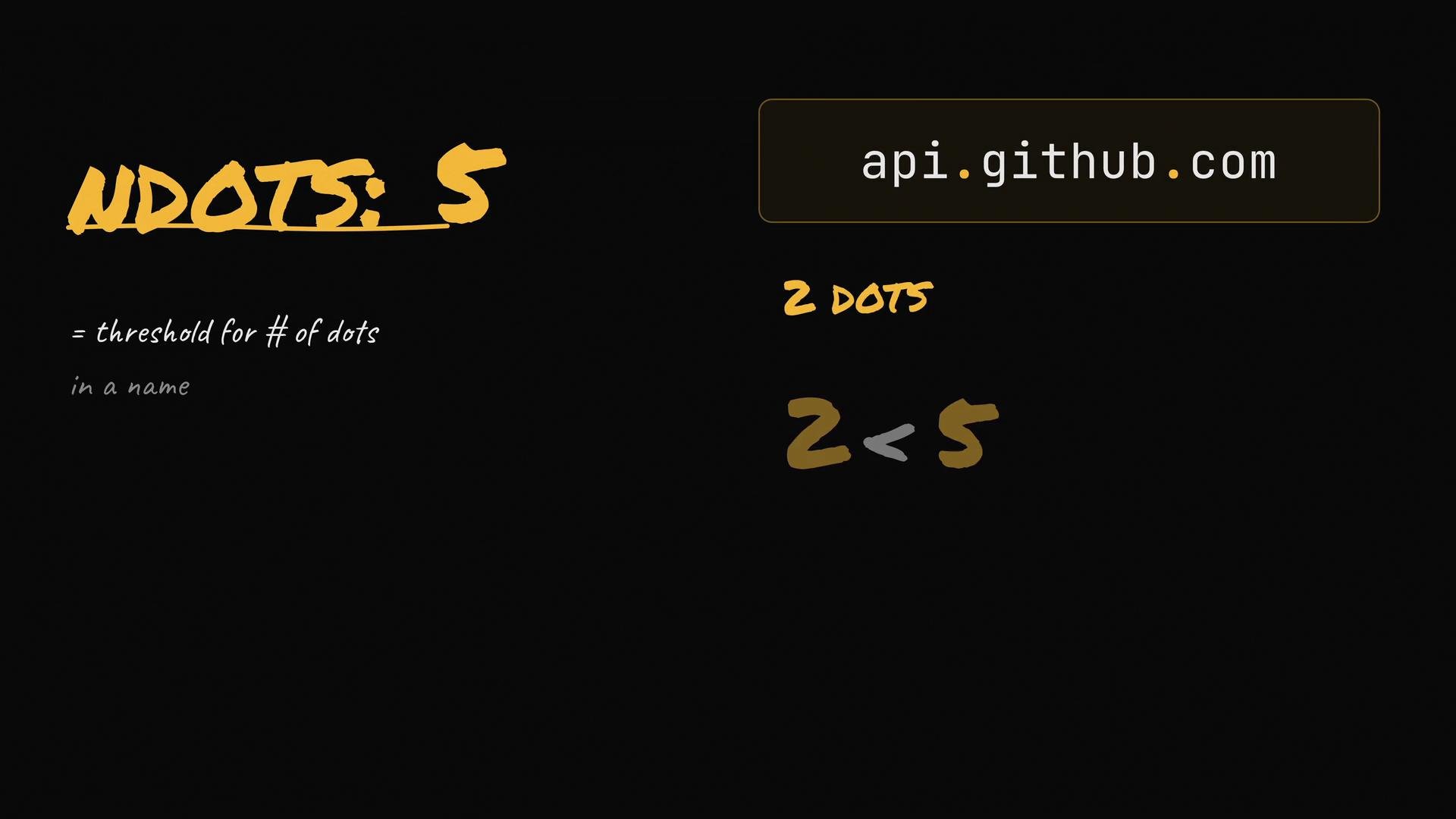
The ndots option sets a threshold for how many dots must appear in a hostname before the resolver treats it as “absolute” and queries it as-is. If a name has fewer dots than the ndots value, the resolver first appends the configured search domains and tries each candidate before falling back to the original name.
For example: api.github.com contains two dots. With ndots:5, 2 is less than 5, so the resolver will treat api.github.com like a short (potentially cluster-local) name and attempt the search-domain-expanded names first.
How the resolver expands names
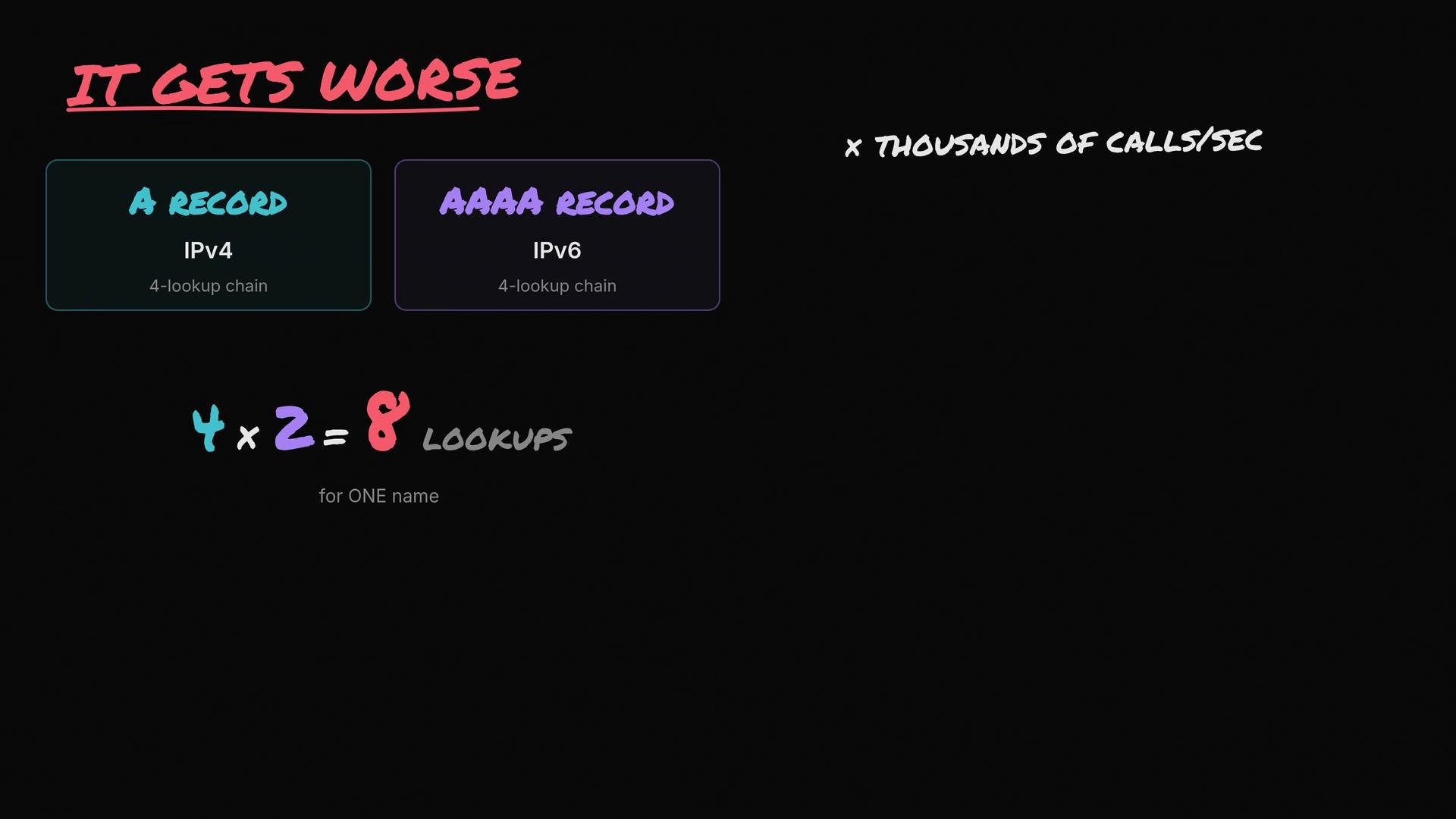
Withndots:5, a query for api.github.com will cause the resolver to try the search domains before the actual external name. Typical candidates (for a cluster with default search domains) are:
api.github.com.default.svc.cluster.localapi.github.com.svc.cluster.localapi.github.com.cluster.local- finally
api.github.com
dig output for these attempts:
Common mitigations
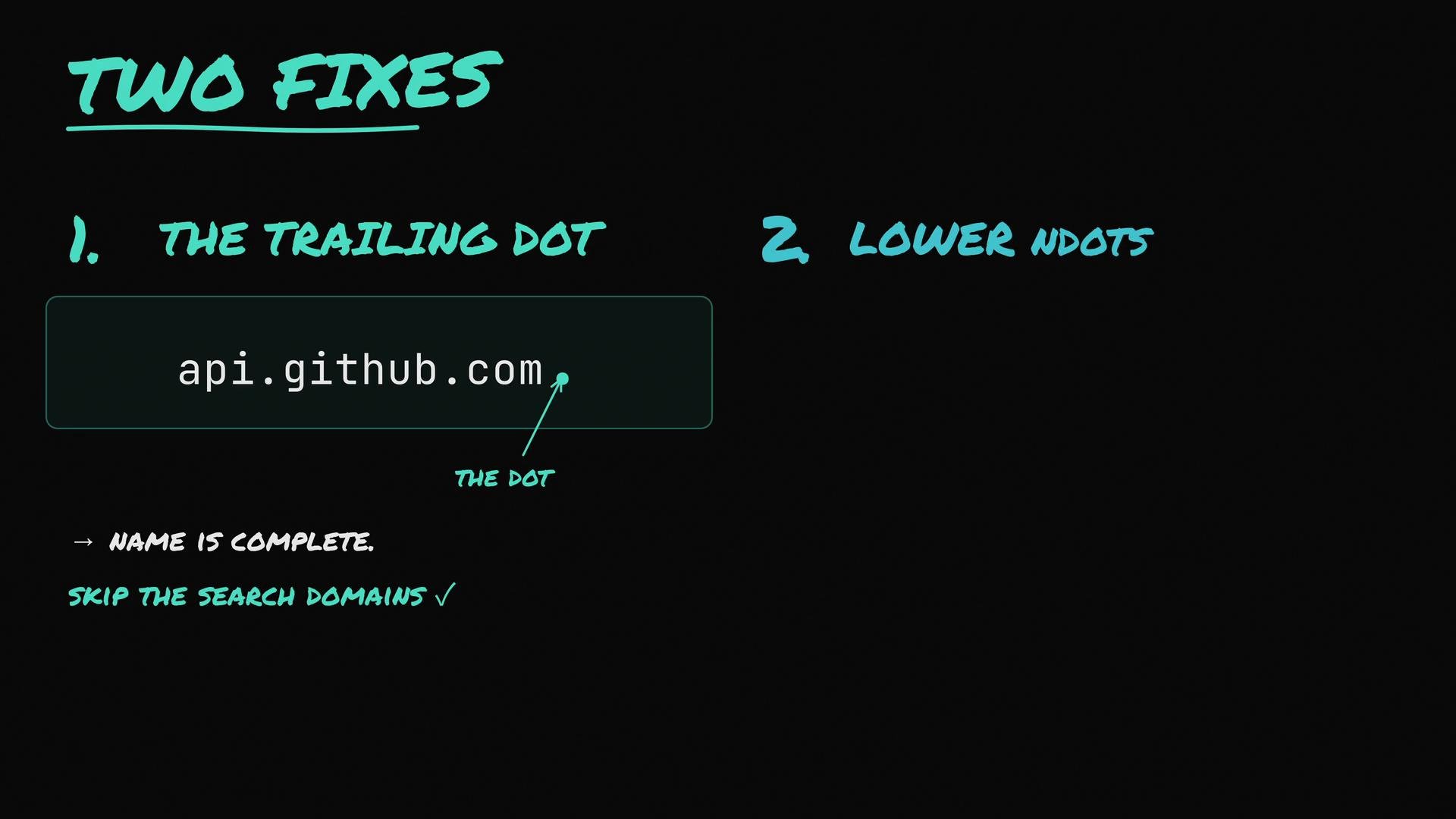
There are two straightforward mitigations to reduce unnecessary search-domain lookups:-
Use a trailing dot. Writing a fully qualified domain name (FQDN) with a trailing dot — for example,
api.github.com.— tells the resolver the name is absolute and it will query that exact name immediately (no search-domain expansion). -
Lower
ndotsin the pod’s DNS configuration. Settingndotsto1or2keeps the ability to resolve short, cluster-local names while preventing most external hostnames from triggering the full search list.
ndots to 2:
Quick comparison
Kubernetes default
ndots is commonly 5 (the “ndots:5 trap”). Lowering ndots to 1 or 2 reduces wasted search-domain lookups for typical external hostnames while still allowing short cluster-local names to resolve.Avoid globally setting
ndots too low without testing: some legacy apps rely on search-domain expansion to resolve internal services. Validate behavior in a staging environment before changing production pod specs.Additional resources
- CoreDNS documentation
- Kubernetes DNS policy and
dnsConfig man resolv.conf— explainsndots,search, and other resolver options
ndots and how search domains are applied, you can eliminate a common source of DNS-related latency inside Kubernetes pods and reduce load on your cluster DNS service.