

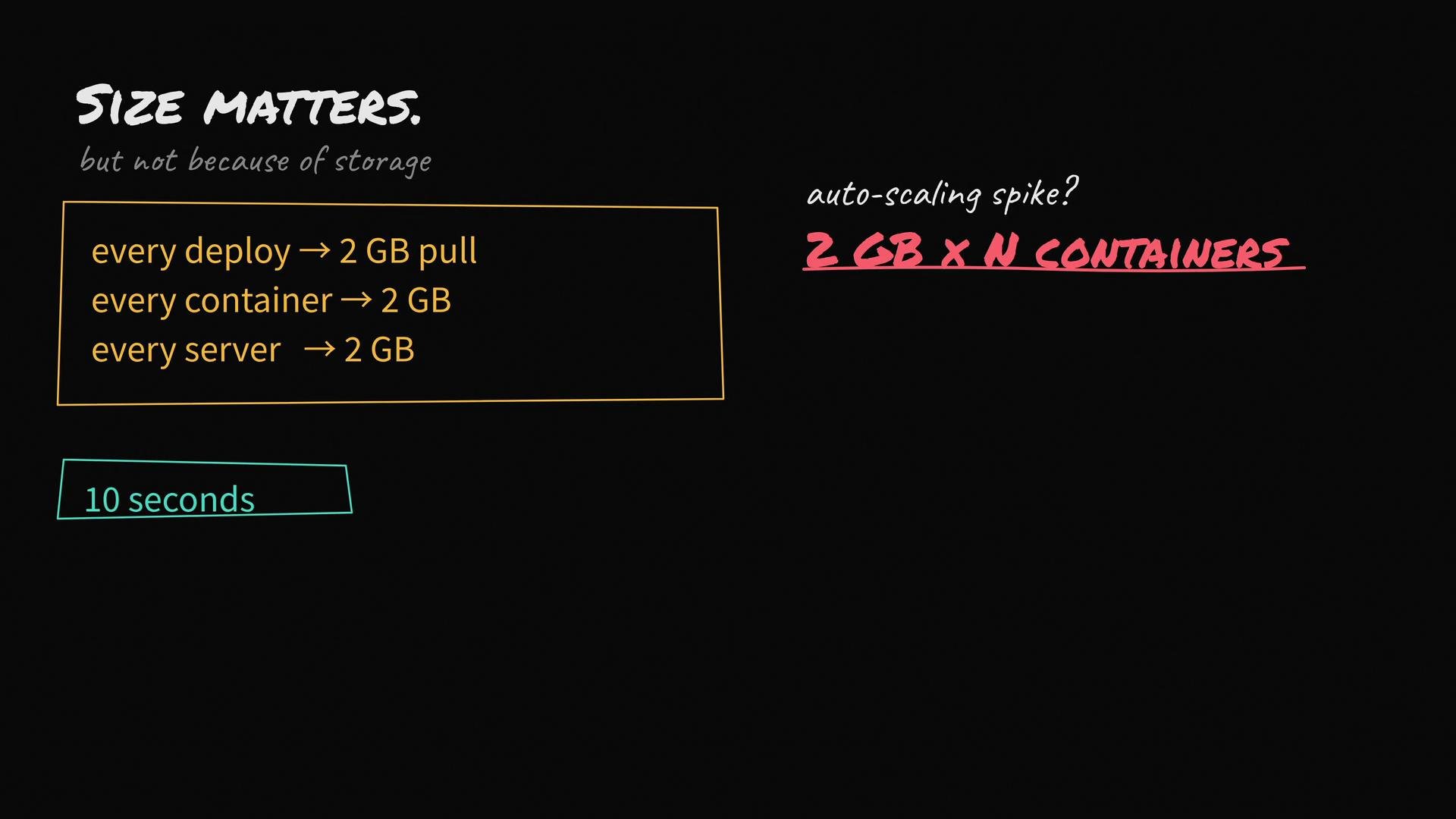
- Every deploy pulls 2 GB across your network.
- Every new container on every host pulls 2 GB.
- During autoscaling, a traffic spike can cause many instances to pull 2 GB each.
- Cold redeploys and crash recoveries take longer because of the large image transfers.
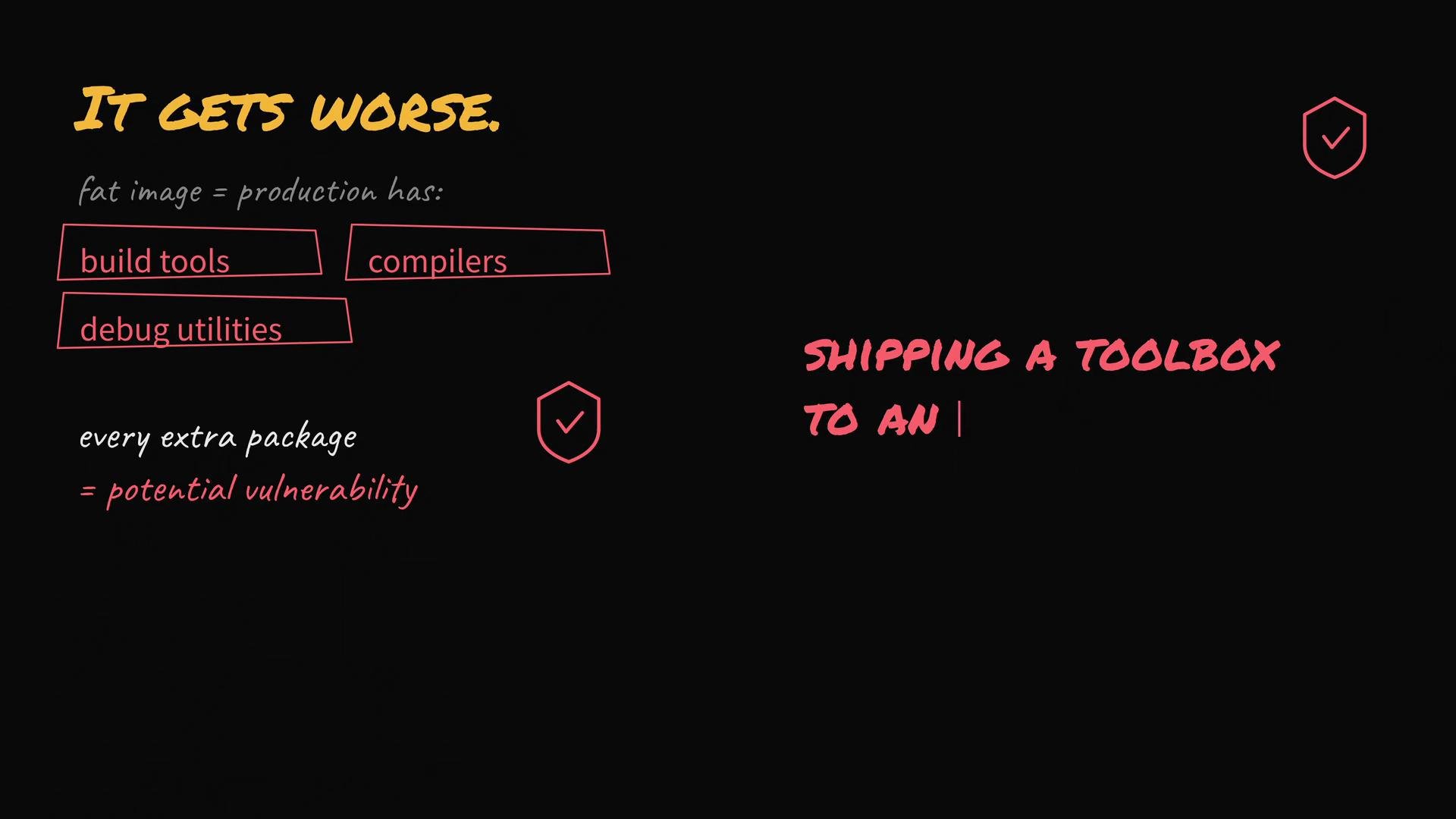
It gets worse: fat images often contain build tools, compilers, and debug utilities that aren’t needed at runtime. Each extra package increases attack surface and may introduce vulnerabilities. You’re effectively shipping a toolbox an attacker could misuse.
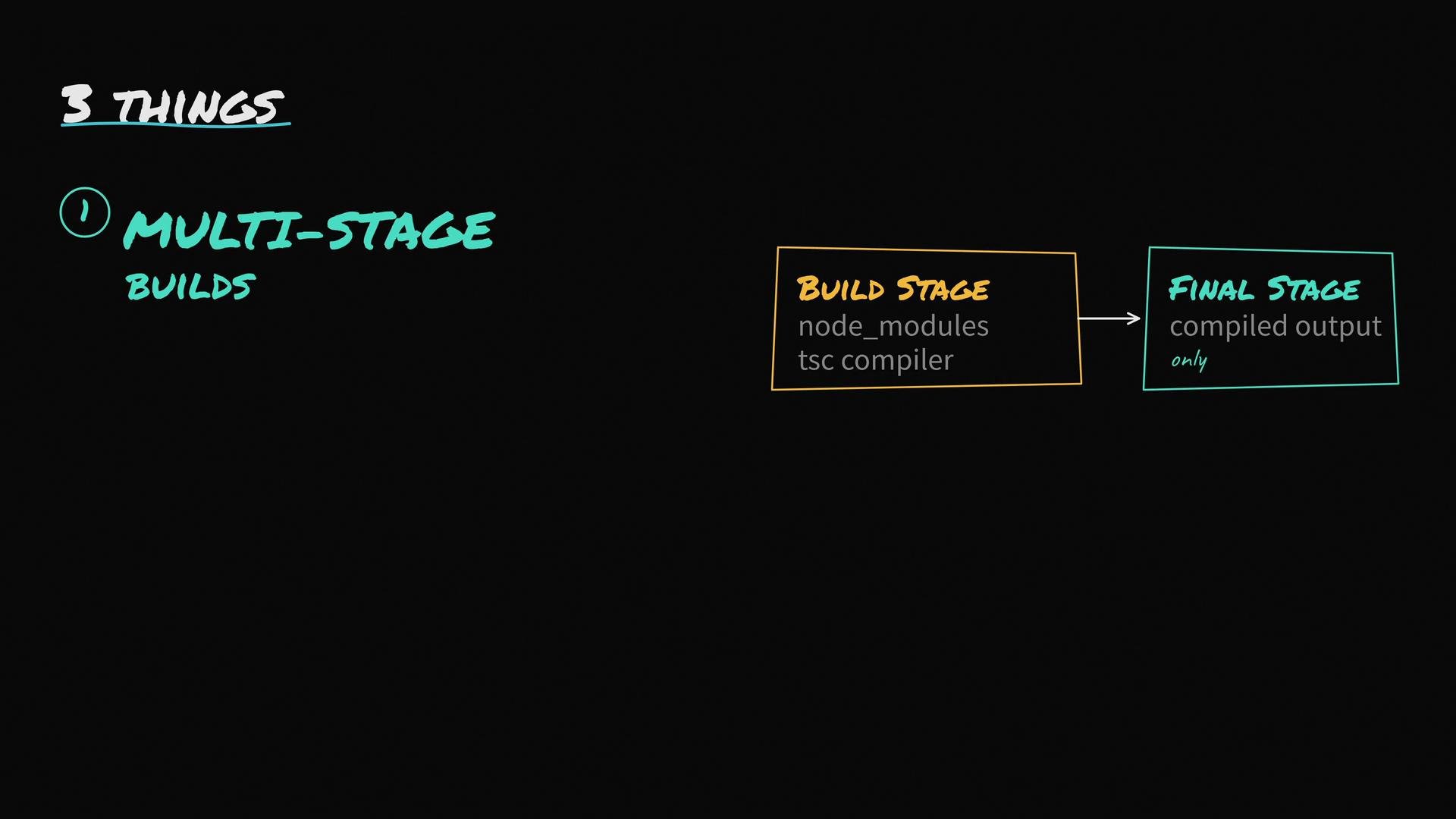
- Use multi-stage builds
- Do compilation and other build steps in a stage containing dev dependencies and build tools.
- Copy only the build artifacts and minimal runtime dependencies into the final image.
- This keeps compilers, package managers, and test tools out of production images.
- Start from a small base image
- Prefer
-slimor Alpine-based images when appropriate. Alpine-based images are often much smaller than Debian/Ubuntu equivalents. - For the smallest runtime and reduced attack surface, consider distroless images such as
gcr.io/distroless/nodejs:18. Distroless images remove package managers and shells. - Test compatibility: Alpine uses musl instead of glibc, so some native Node modules may fail.
Alpine uses musl instead of glibc; some native Node modules built against glibc may fail on Alpine. If your app depends on native binaries, either build those binaries for musl or use a
-slim/glibc-based image. Always test before switching base images.- Add a good .dockerignore
- Many Docker builds accidentally include
node_modules,.git, local configs, test folders, and large artifacts in the build context. That bloats the build context and can leak into the image. - A
.dockerignorekeeps unnecessary files out of the build context (like.gitignorefor Docker).
.dockerignore:
- Inspect layers to find the biggest contributors:
docker imagesanddocker history <image:tag>show layer sizes.- Use dive to visualize layers and contents: https://github.com/wagoodman/dive
- Combine RUN steps to reduce intermediate layers and clean up package caches in the same RUN to avoid leftover files.
- Example:
RUN apt-get update && apt-get install -y build-essential && rm -rf /var/lib/apt/lists/*
- Example:
- Use
--no-install-recommendson Debian/Ubuntu when installing packages to avoid extra packages. - Avoid committing secrets or large artifacts into the image or build context.
- Consider build-time dependency separation: compile native modules in the build stage, then copy compiled artifacts into the runtime stage.
- Kubernetes Basics — deploy time and autoscaling context
- dive — layer inspection: https://github.com/wagoodman/dive
- Distroless images: https://github.com/GoogleContainerTools/distroless
A small, minimal image improves bootstrap time, reduces network/IO costs, and reduces your production attack surface. Multi-stage builds + a minimal base image + a proper
.dockerignore usually solve most “fat image” problems.