

CMD and ENTRYPOINT interact with docker run. Here’s a clear explanation with practical examples and recommended patterns.
Scenario
Your colleague writes a Dockerfile that sets CMD to python app.py, builds an image, and deploys it. Everything works initially.
Then they run:
docker run always starts a new container. Any command you pass on the docker run command line becomes the container’s command and replaces the image CMD. So running:
bash as its command — the image default CMD (python app.py) is not started in that container.
If you want to inspect a running container, start it detached and then use docker exec to open a shell in the existing process:
CMDprovides a default command for the image. If you supply arguments todocker run, they replaceCMD.ENTRYPOINTdefines the fixed executable for the image. Any arguments given todocker runare appended toENTRYPOINT.
-
If Dockerfile uses
CMD:- Dockerfile:
CMD ["python", "app.py"] - Command:
docker run myimage bash→ runsbash(replacesCMD)
- Dockerfile:
-
If Dockerfile uses
ENTRYPOINT:- Dockerfile:
ENTRYPOINT ["python", "app.py"] - Command:
docker run myimage --debug→ runspython app.py --debug(appends args)
- Dockerfile:
ENTRYPOINT with --entrypoint:
ENTRYPOINT for the main executable and CMD for its default arguments. This gives you a stable entrypoint while keeping sane defaults that users can override by supplying alternate runtime arguments.
Dockerfile (exec/JSON form recommended):
docker run myimage→python app.py --port 8080docker run myimage --debug→python app.py --debugdocker run --entrypoint /bin/bash myimage→/bin/bash(ENTRYPOINT overridden)
Shell form vs exec (JSON/array) form — signals and shutdown
You can write
CMD and ENTRYPOINT in two ways: shell form and exec (JSON) form.
-
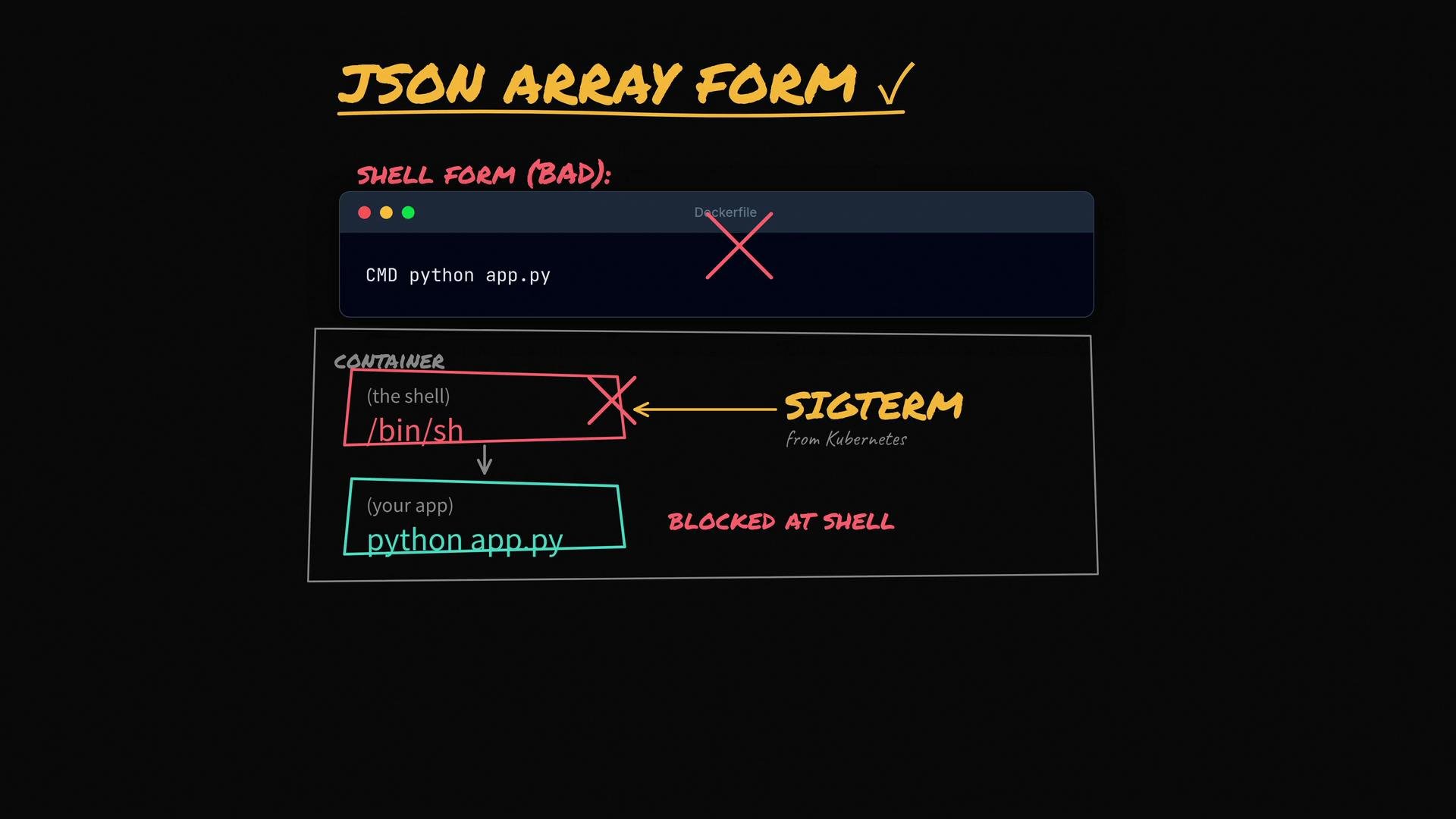
Shell form (not recommended):
- Example:
CMD python app.py(no brackets) - Docker runs the command through a shell:
/bin/sh -c "python app.py". The shell becomes PID 1 and may not forward signals (e.g., SIGTERM) to your app, which prevents graceful shutdown.
- Example:
-
Exec form (recommended):
- Example:
CMD ["python", "app.py"] - Docker executes the process directly (no intermediate shell), so signals are delivered to the application, allowing graceful termination.
- Example:
- For live debugging: start a container detached then
docker exec -it <name> bash.- Example:
- Example:
- Use
ENTRYPOINTfor the executable that must always run. - Use
CMDfor default arguments that can be overridden. - Prefer exec (JSON/array) form, e.g.
["python", "app.py"], to avoid an extra shell as PID 1 and to ensure proper signal handling. - Use
--entrypointwhen you intentionally want to replace the ENTRYPOINT.
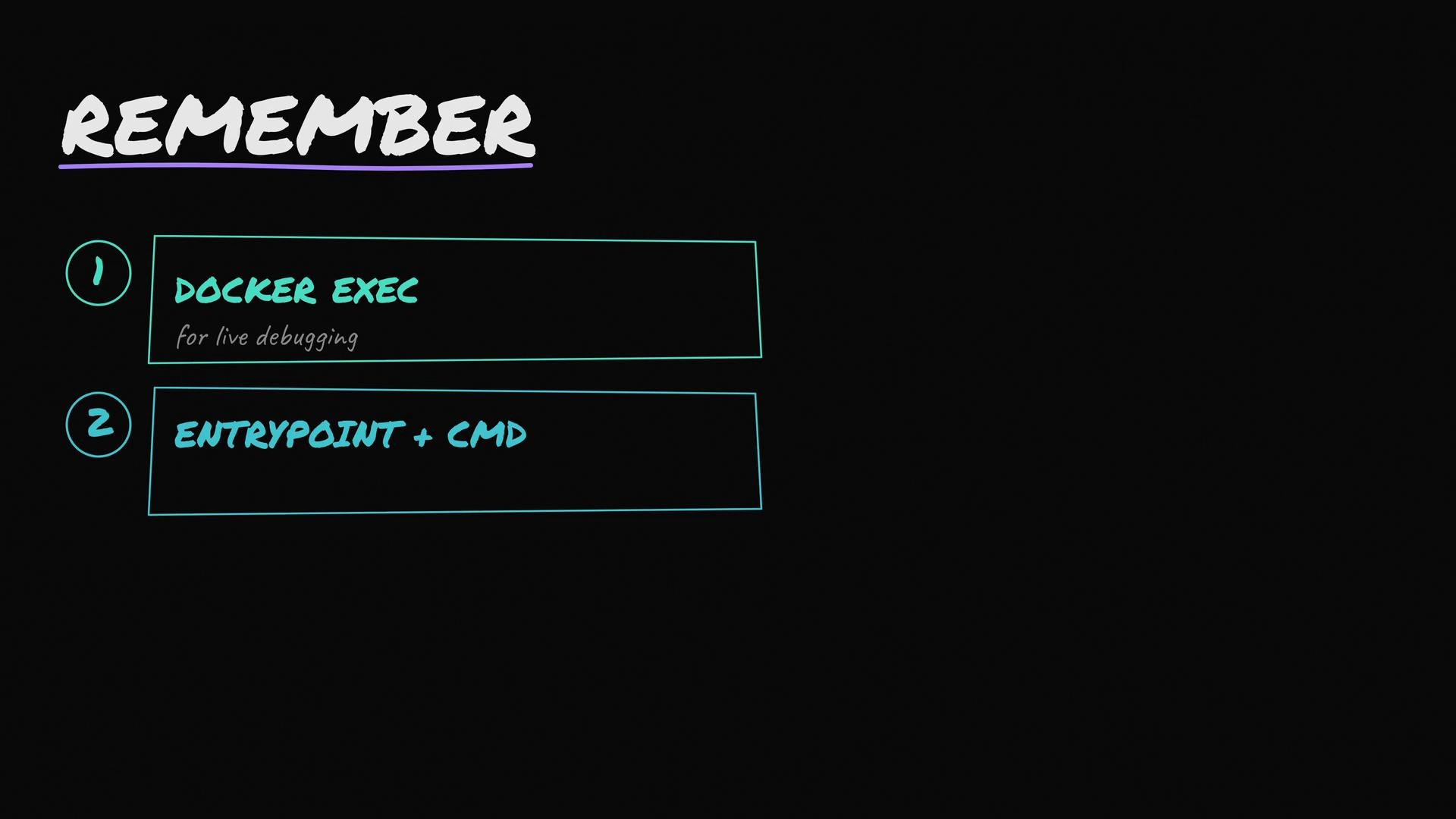
Use ENTRYPOINT for the always-run executable, CMD for default arguments, write both in exec/JSON form so signals are handled correctly, and use
docker exec to debug a running container (do not replace CMD by running a new container).- Docker run reference (official docs)
- Dockerfile reference: CMD and ENTRYPOINT
- Kubernetes: how SIGTERM and graceful shutdown work
- Related courses: Docker training, Kubernetes for beginners