In this tutorial, you’ll create an AI agent that delivers real-time flight updates by integrating with FlightAware’s AeroAPI . You’ll walk through:
Registering and securing your AeroAPI key
Building a custom LangChain tool for live flight status
Assembling a React-style agent that uses both your tool and a Python REPL
1. Obtain Your FlightAware API Key
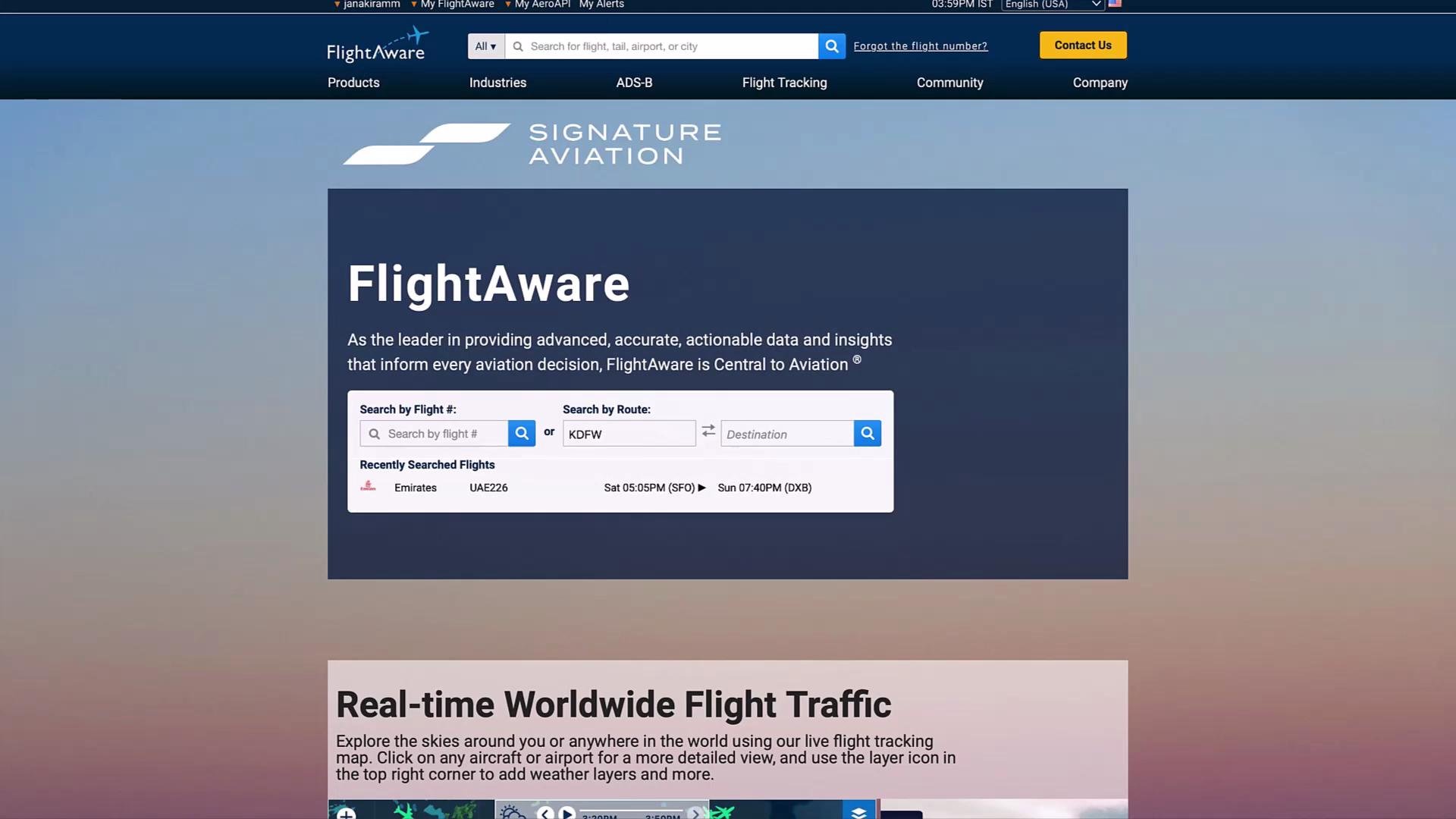
Sign up for a free account at FlightAware to access global flight data:
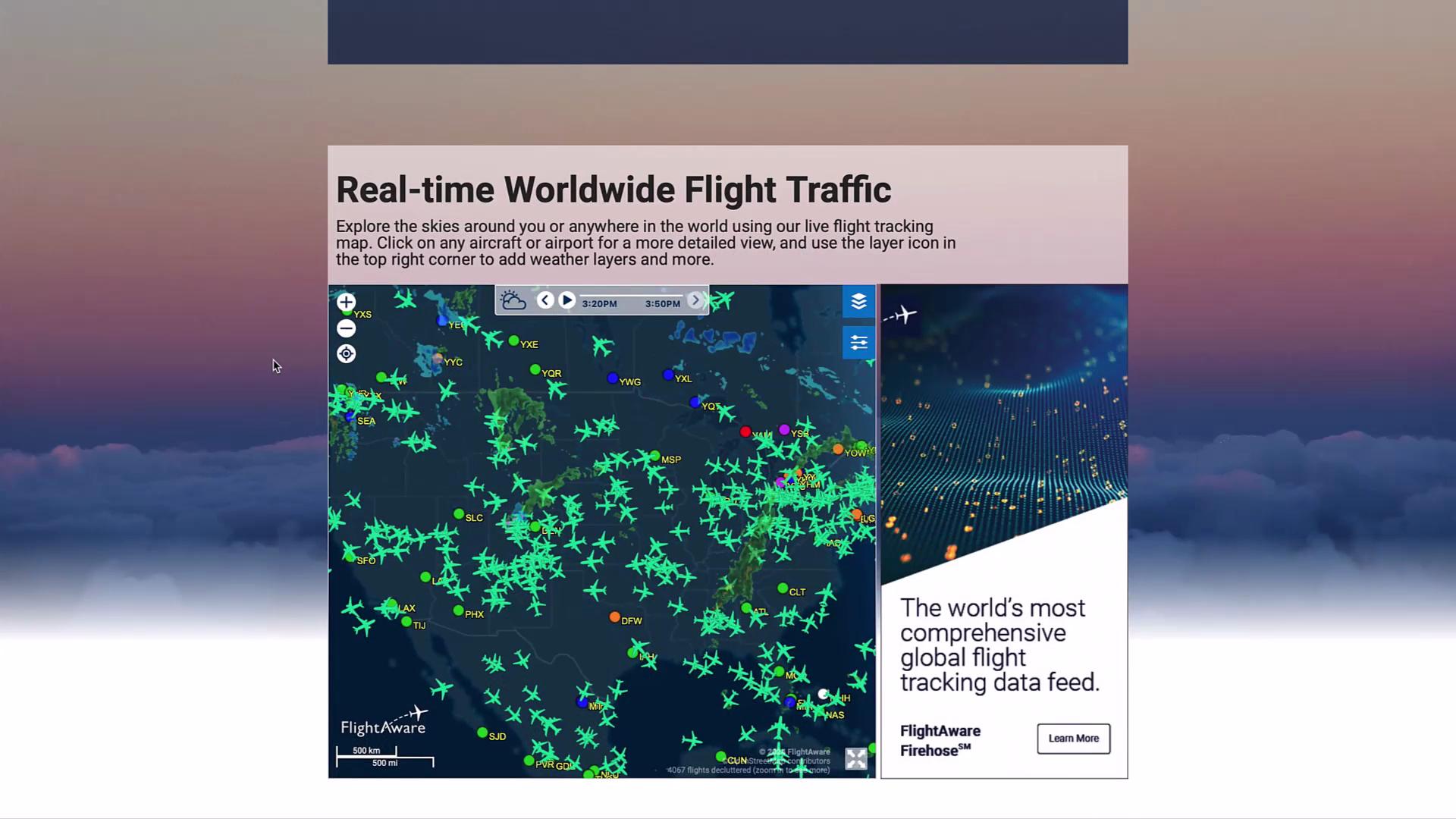
Track flights on an interactive map:
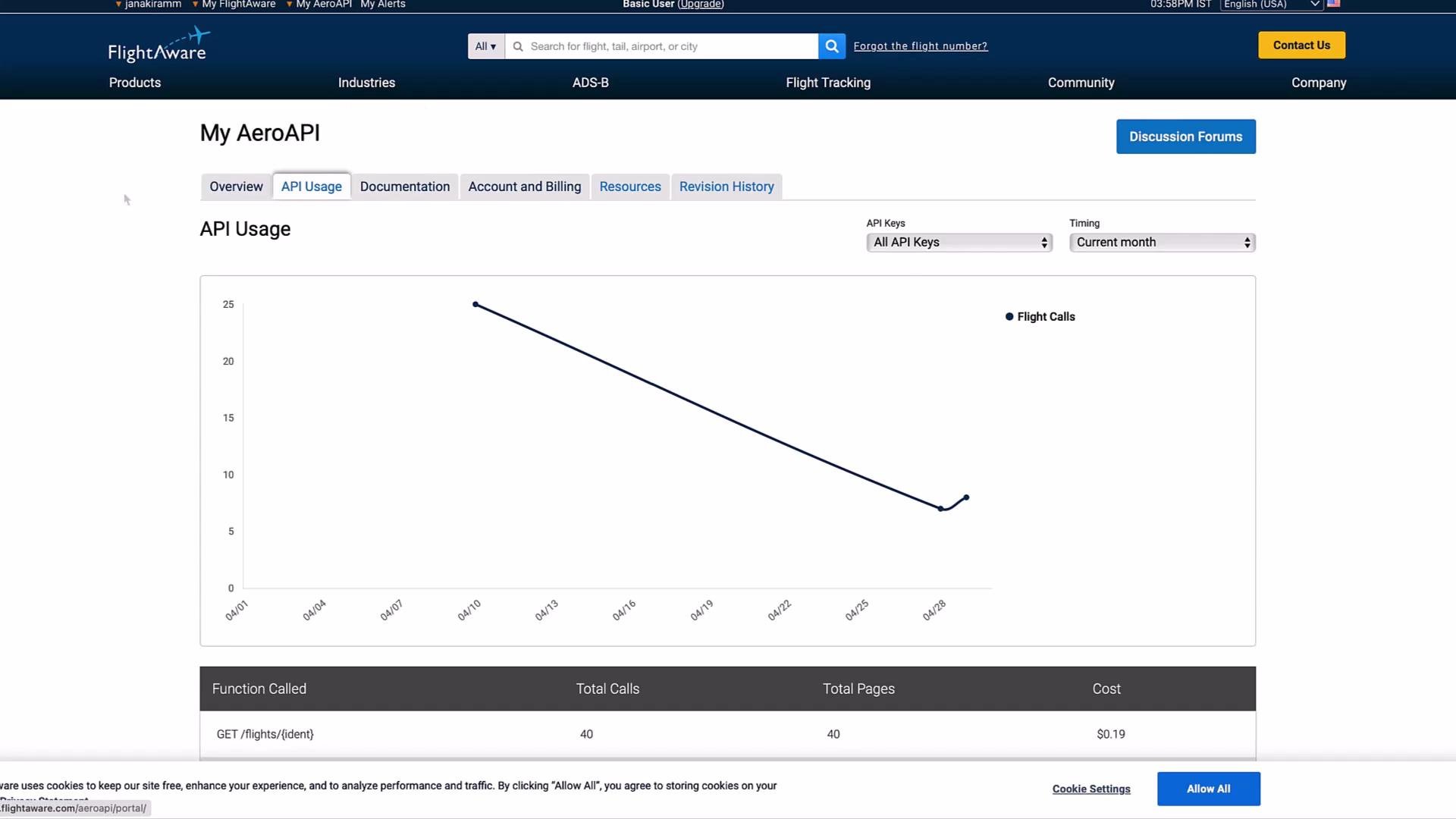
Once registered, visit your AeroAPI dashboard , generate a new key, and copy it:
Keep your AEROAPI_KEY private. Never commit it to version control.
Export the key in your shell:
export AEROAPI_KEY = "Your_AeroAPI_Key"
2. Install Dependencies
Use pip to install required packages:
Package Purpose requests HTTP client for API calls pytz Timezone conversions langchain Agent framework openai Chat model integration
pip install requests pytz langchain openai
Import modules and configure the base URL and API key:
from datetime import datetime, timedelta
import os
import requests
import pytz
from langchain.tools import tool
from langchain.experimental.tools import PythonREPLTool
AEROAPI_BASE_URL = "https://aeroapi.flightaware.com/aeroapi"
AEROAPI_KEY = os.getenv( "AEROAPI_KEY" )
Define the custom tool to fetch and format flight details:
@tool
def get_flight_status ( flight_id : str ) -> str :
"""Fetches real-time flight status from AeroAPI."""
def get_api_session ():
session = requests.Session()
session.headers.update({ "x-apikey" : AEROAPI_KEY })
return session
def fetch_flight_data ( fid , session ):
if "flight_id=" in fid:
fid = fid.split( "flight_id=" )[ 1 ]
today = datetime.now().strftime( "%Y-%m- %d " )
tomorrow = (datetime.now().date() + timedelta( days = 1 )).strftime( "%Y-%m- %d " )
url = f " { AEROAPI_BASE_URL } /flights/ { fid } ?start= { today } &end= { tomorrow } "
response = session.get(url)
response.raise_for_status()
return response.json()[ "flights" ][ 0 ]
def utc_to_local ( utc_str , tz_str ):
utc_dt = datetime.strptime(utc_str, "%Y-%m- %d T%H:%M:%S" ).replace( tzinfo = pytz.utc)
local_dt = utc_dt.astimezone(pytz.timezone(tz_str))
return local_dt.strftime( "%Y-%m- %d %H:%M:%S" )
session = get_api_session()
data = fetch_flight_data(flight_id, session)
dep_key = next (k for k in [ "estimated_out" , "actual_out" , "scheduled_out" ] if data.get(k))
arr_key = next (k for k in [ "estimated_in" , "actual_in" , "scheduled_in" ] if data.get(k))
details = {
"source" : data[ "origin" ][ "city" ],
"destination" : data[ "destination" ][ "city" ],
"depart_time" : utc_to_local(data[dep_key], data[ "origin" ][ "timezone" ]),
"arrival_time" : utc_to_local(data[arr_key], data[ "destination" ][ "timezone" ]),
"status" : data[ "status" ],
}
return (
f "Flight { flight_id } from { details[ 'source' ] } to { details[ 'destination' ] } is "
f " { details[ 'status' ] } – departed at { details[ 'depart_time' ] } and arrives at { details[ 'arrival_time' ] } ."
)
print (get_flight_status( "EK226" ))
print (get_flight_status( "EK524" ))
# Flight EK524 from Dubai to Hyderabad is Scheduled – departed at 2024-04-30 22:00:00 and arrives at 2024-05-01 03:05:00.
4. Build the LangChain Agent
Import agent utilities, register your tools, and define a React-style prompt:
from langchain.prompts import PromptTemplate
from langchain_openai import ChatOpenAI
from langchain.agents import AgentExecutor, create_react_agent
from langchain.experimental.tools import PythonREPLTool
tools = [get_flight_status, PythonREPLTool()]
template = """
Answer the following questions:
You have access to tools: {tools}
Format:
Question: ...
Thought: ...
Action: choose from [ {tool_names} ]
Action Input: ...
Observation: ...
... (repeat Thought/Action as needed)
Final Answer: ...
Begin!
Question: {input}
Thought: {agent_scratchpad}
"""
prompt = PromptTemplate(
template = template,
input_variables = [ "agent_scratchpad" , "input" , "tool_names" , "tools" ],
)
llm = ChatOpenAI()
agent = create_react_agent( llm = llm, tools = tools, prompt = prompt)
agent_executor = AgentExecutor( agent = agent, tools = tools, verbose = True )
The PythonREPLTool lets your agent execute inline Python code for calculations.
Component Role get_flight_status Custom tool for real-time flight data PythonREPLTool Executes on-the-fly Python computations
4.1 Query Flight Status
response = agent_executor.invoke({
"input" : "What is the status of EK524? Always include the source and destination."
})
print (response[ "output" ])
# The status of flight EK524 from Dubai to Hyderabad is Scheduled – departed at 2024-04-30 22:00:00 and arrives at 2024-05-01 03:05:00.
5. Calculate Post-Arrival Times
Leverage the Python REPL for follow-up arithmetic, such as booking a cab:
response = agent_executor.invoke({
"input" : "If it takes 3 hours in the airport after the arrival of EK524, what time should I book a cab?"
})
print (response[ "output" ])
# You should book a cab at 06:05 AM on May 1st, 2024 after the arrival of EK524.
Under the hood:
from datetime import datetime, timedelta
arrival_time = datetime.strptime( "2024-05-01 03:05:00" , "%Y-%m- %d %H:%M:%S" )
cab_time = arrival_time + timedelta( hours = 3 )
For 4.5 hours:
response = agent_executor.invoke({
"input" : "If it takes 4.5 hours in the airport after the arrival of EK524, what time should I book a cab?"
})
print (response[ "output" ])
# You should book a cab at 07:35 AM on May 1st, 2024 after the arrival of EK524.
Conclusion
You’ve now integrated FlightAware’s AeroAPI with LangChain to build an interactive, real-time flight agent. This pattern—combining a custom tool (get_flight_status) with a Python REPL—enables both external API queries and dynamic calculations. Extend this framework to other APIs for even richer, tool-enabled AI agents!
Links and References