

- Load both web pages,
- Combine (or “stuff”) their text into a single prompt context, and
- Send that combined context with a prompt to an LLM using LangChain’s
create_stuff_documents_chain.
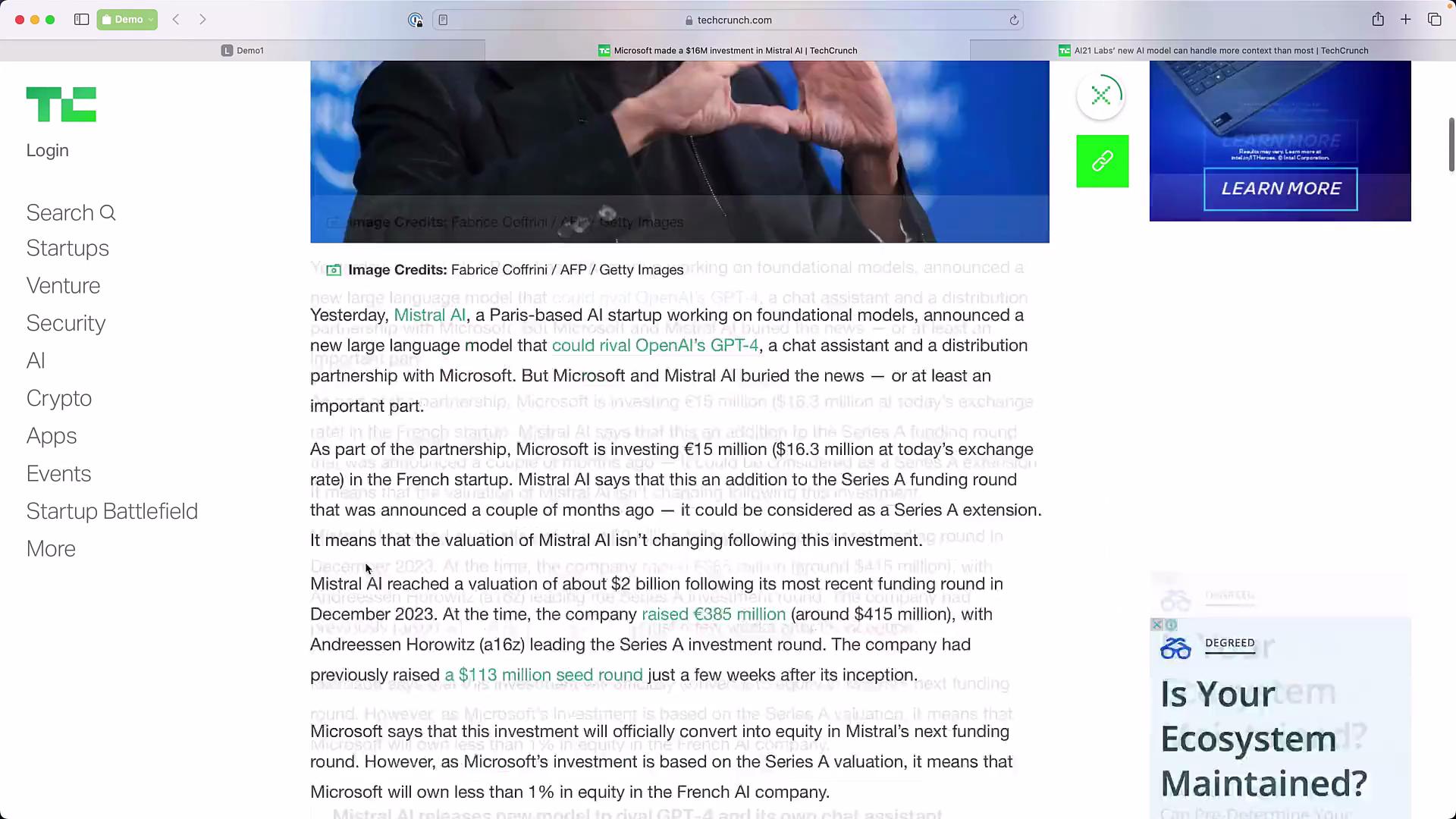
- Input: two TechCrunch URLs about Mistral AI and AI21 Labs.
- Process: fetch page text with
WebBaseLoader, concatenate documents into{context}, and run a “stuff” chain that uses a chat LLM. - Output: a synthesized answer that extracts model names or other requested facts from both articles.
- Import the chat model, the chat prompt template helper, the web loader, and the helper that builds a “stuff documents” chain.
- Define the two TechCrunch URLs, construct a
WebBaseLoaderwith both, and callload(). The loader returns a list of Document objects (one per page in this example), each containingpage_contentandmetadata.
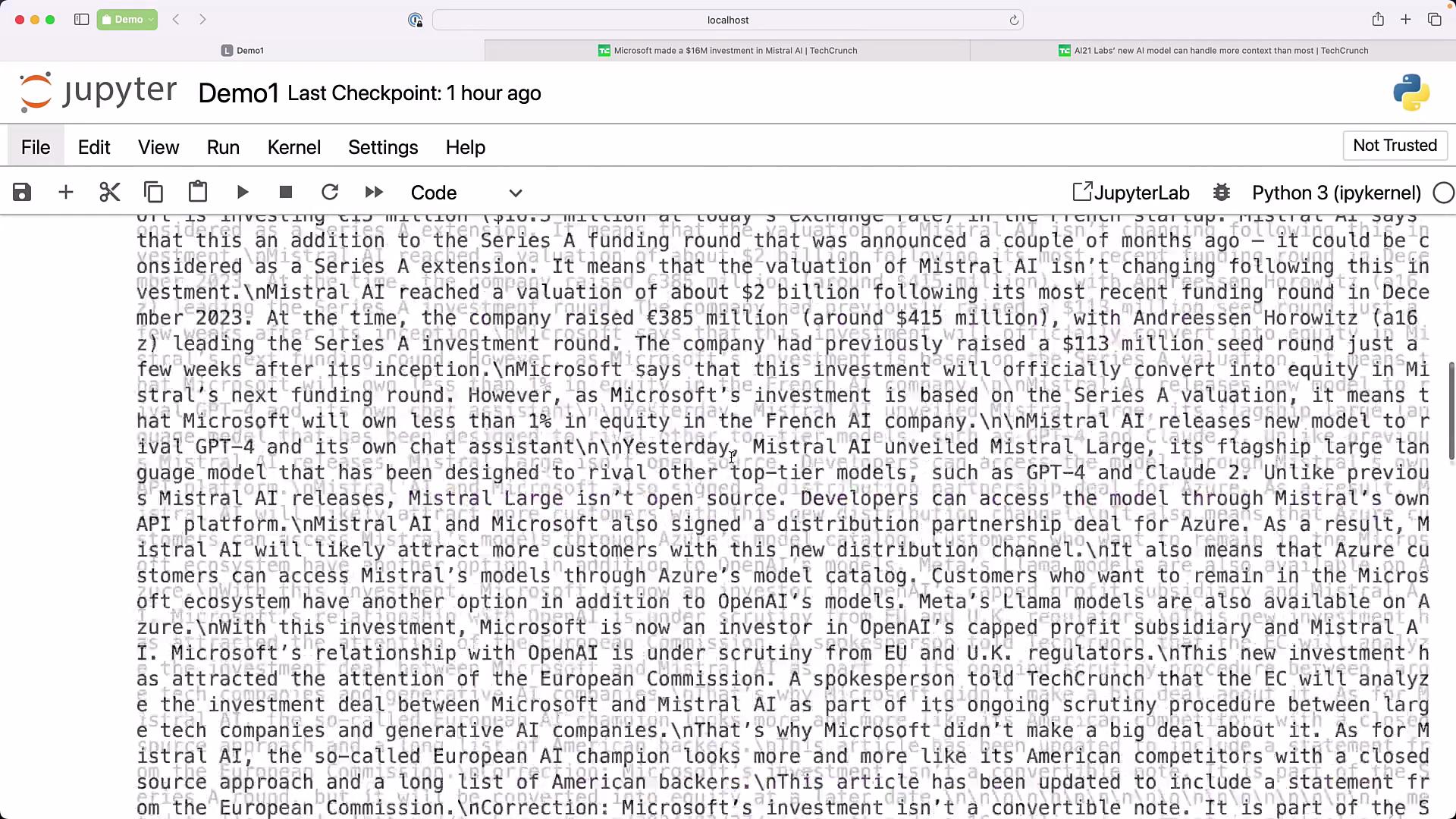
- Inspect
data[0].page_contentordata[1].page_contentto preview the scraped text. Each Document has the text and any available metadata (e.g.,source).
- Create a system-style prompt template that expects a
contextvariable. The stuffs chain will concatenate document texts and inject them into{context}.
- This simple template asks the model to extract model names (and can be adapted to request summaries, comparisons, or bullet lists).
- Instantiate the chat LLM (here using GPT-3.5-turbo) and pass it with the prompt template into
create_stuff_documents_chain.
- Call the chain with the
input_documentsparameter set to thedatalist returned by the loader. The stuff chain concatenates the Documents and places that text into the prompt’s{context}variable before sending the combined prompt to the LLM.
- The LLM may return a concise synthesized answer combining information from both articles, for example:
- The “stuff” approach:
- Concatenates all document contents into a single context string.
- Inserts that string into the prompt template’s
{context}. - Sends the full prompt to the LLM in one request.
-
Use a stuff documents chain when:
- The combined text comfortably fits within your model’s context window.
- You want a simple, deterministic pipeline for small document sets.
-
Prefer a retrieval-based chain when:
- You have many documents or very long texts.
- You need relevance filtering or semantic search over chunks before prompting.
- Steps covered:
- Load multiple web pages with
WebBaseLoader. - Build a prompt template that accepts a
{context}placeholder. - Create a stuff documents chain using
create_stuff_documents_chain(llm, prompt). - Invoke the chain with the loaded documents to get a synthesized response.
- Load multiple web pages with
Links and references
Use the stuff documents chain when your documents’ combined size is comfortably within the model’s context window. If you expect larger corpora or many documents, prefer a retrieval chain to select relevant chunks before prompting the LLM.