

- Loading the page with a web loader
- Inspecting the returned Document(s)
- Splitting (chunking) the text for embedding or indexing
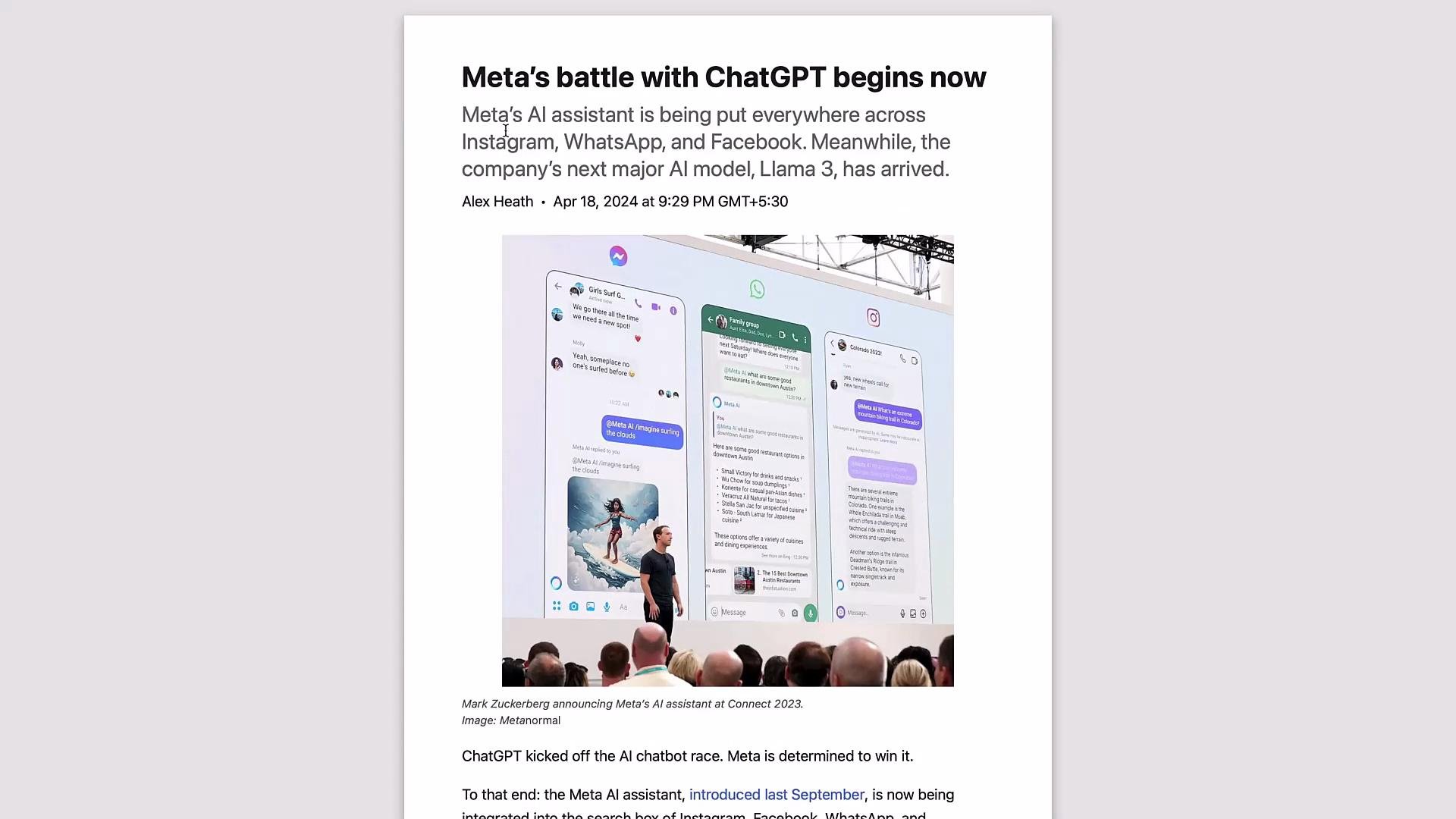
1) Load the page using WebBaseLoader
WebBaseLoader fetches and parses a page, returning a list of LangChainDocument objects. It often captures metadata such as the source URL and title.
Example:
2) Inspect the loaded Document
A single Document usually contains full page content inpage_content and any available metadata in metadata.
Web pages are usually loaded as a single Document (so
len(data) is often 1). Each Document has page_content (the full text) and metadata (title, source URL, etc., when available). Use these fields when adding provenance to your index or when building prompts that reference sources.Respect website terms of service and robots.txt when scraping or ingesting web content. For production ingestion, consider rate limits, caching, and error handling for transient network issues.
3) Split (chunk) the text for embedding or indexing
Large documents should be split into smaller overlapping chunks before embedding or indexing. The RecursiveCharacterTextSplitter is a good default for general-purpose chunking. Example:chunks is a Document representing an excerpt of the original page. These chunks are ready to be passed to an embedding model or a vector store.
Typical workflow after chunking
- Create embeddings for each chunk.
- Store embeddings and chunk metadata in a vector database.
- Retrieve relevant chunks at query time and use them as context in a prompt to an LLM.
- LangChain Documentation
- LangChain Community Loaders
- Original article used: https://www.theverge.com/2024/4/18/24133808/meta-ai-assistant-llama-3-chatgpt-openai-rival
Quick reference table
This completes loading a webpage and preparing it for chunking and embedding. From here, you can proceed to create embeddings, insert into a vector store (e.g., Pinecone, FAISS, Milvus), and build retrieval-augmented prompts for downstream applications.