

- It provides context and continuity so the model can generate coherent, context-aware replies.
- It supports auditing and compliance by recording interaction trails for review, debugging, and regulatory purposes.
- It enables advanced flows like follow-ups, clarifying questions, and multi-turn reasoning that depend on prior exchanges.
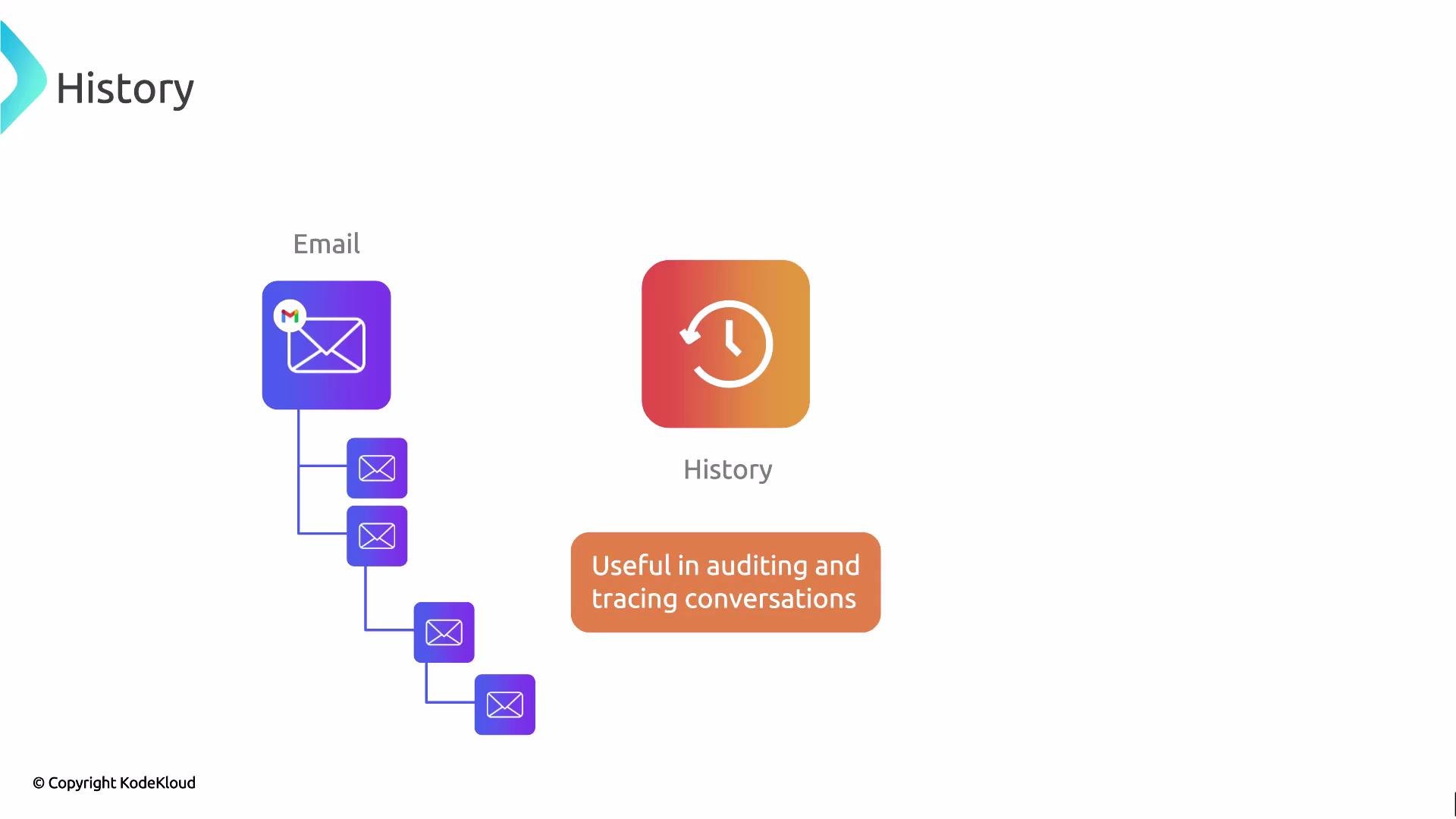
- Store each user prompt and the corresponding model response as discrete entries in your conversation log. Include metadata such as timestamps, user IDs, model version, and any system-level instructions if you need to trace behavior later.
- When continuing a conversation, feed relevant slices of that history back into the model. Prioritize the most recent and most relevant turns to preserve context while staying within the model’s context window.
- Implement summarization and retrieval strategies for long histories:
- Summarization: Condense older conversation segments into brief summaries that retain essential facts and decisions.
- Retrieval: Use semantic search or vector databases to surface the most relevant history items (e.g., previous answers, facts, or user preferences) instead of feeding the entire log.
- Be mindful of context window limits. Long raw histories can exceed token limits and degrade performance; use selective truncation, summarization, or retrieval-augmented generation (RAG) patterns to scale.
Persisting prompts, responses, and metadata is essential for teams that must audit, debug, or evaluate LLM interactions. A well-designed history store simplifies compliance checks and helps you reproduce or analyze model outputs over time.
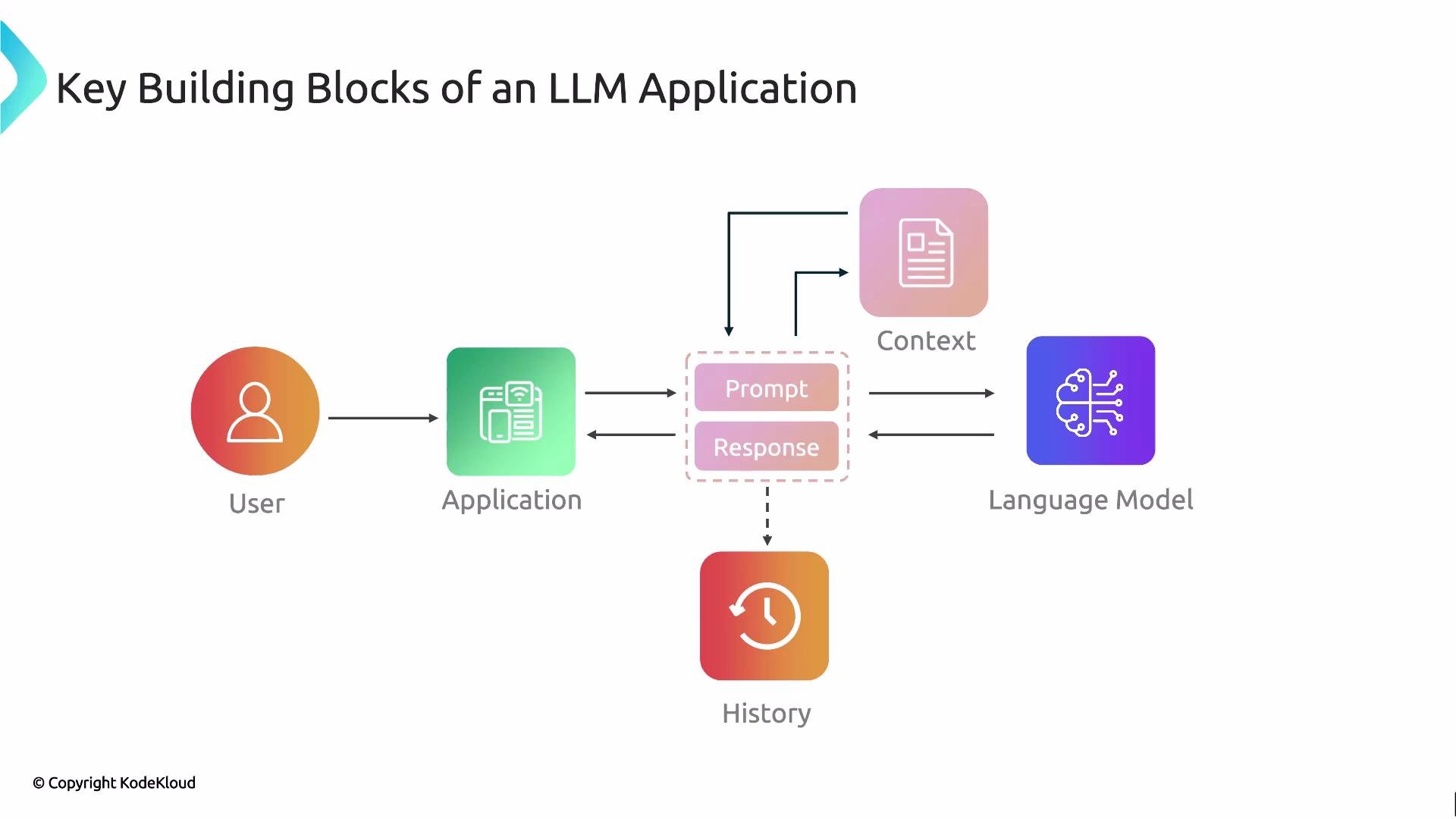
- Prompt: the user’s request or instruction.
- Context: background, augmentation, and retrieved knowledge added to the prompt.
- Language model: the LLM that generates responses.
- Response: the raw model output, which may need formatting or post-processing.
- History: the recorded sequence of prompts and responses that preserves context and enables auditing.
- LangChain course
- Retrieval-Augmented Generation (RAG) — overview and patterns
- Best practices for prompt engineering and history management