

- Instruct the model, in the prompt, to produce a specific format (for example
JSON,XML,CSV, orYAML), and provide a schema or examples. - Parse, validate, and transform the returned text into the target schema or runtime data structure (e.g., a Pydantic model, dataclass, or XML object).
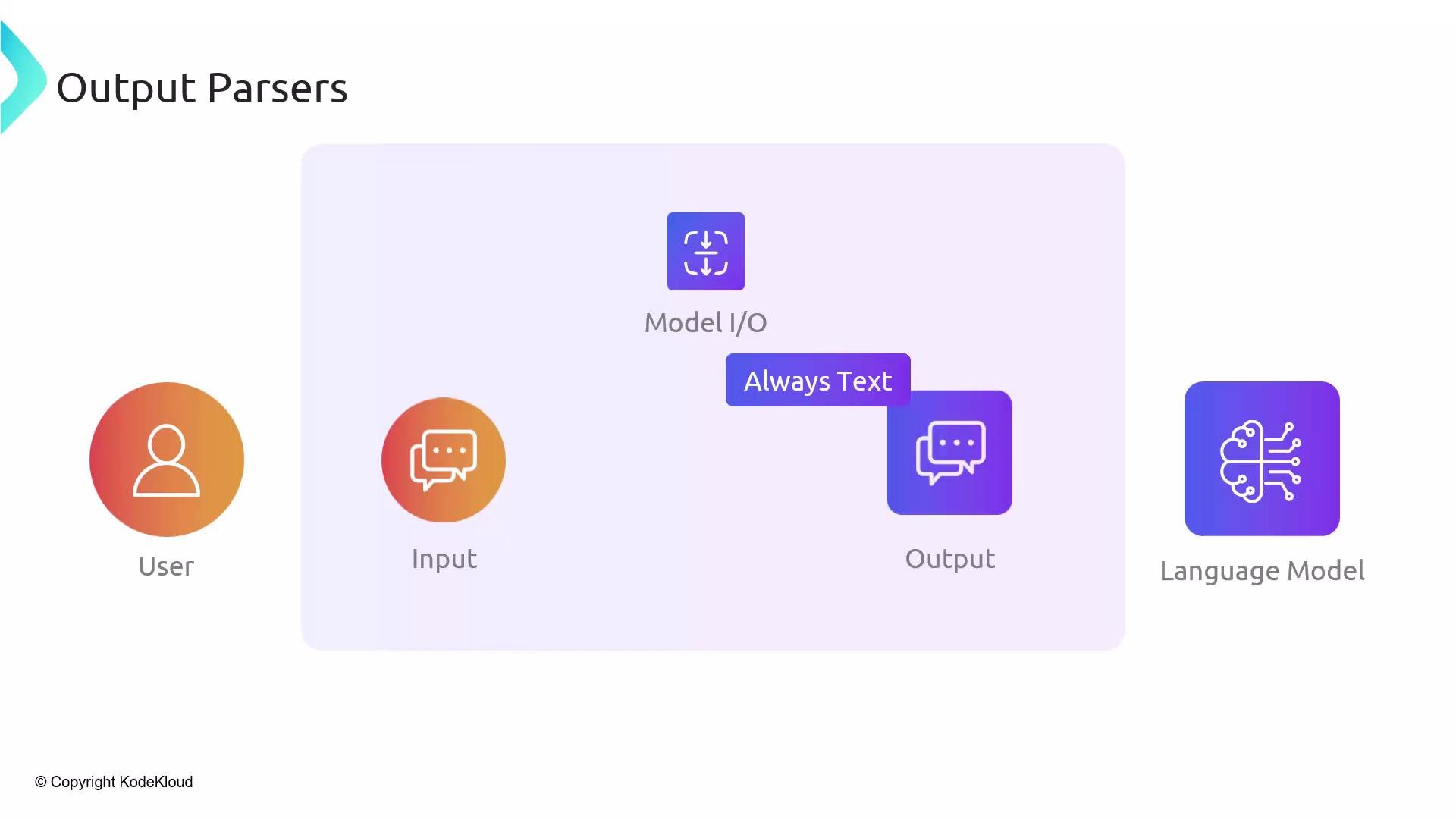
- They generate format instructions to include in your prompt, so the model knows the precise structure you expect.
- They offer parsers that convert the model’s textual output into typed objects (for example, Pydantic models), or into other markup languages (XML/YAML), making the output immediately consumable.
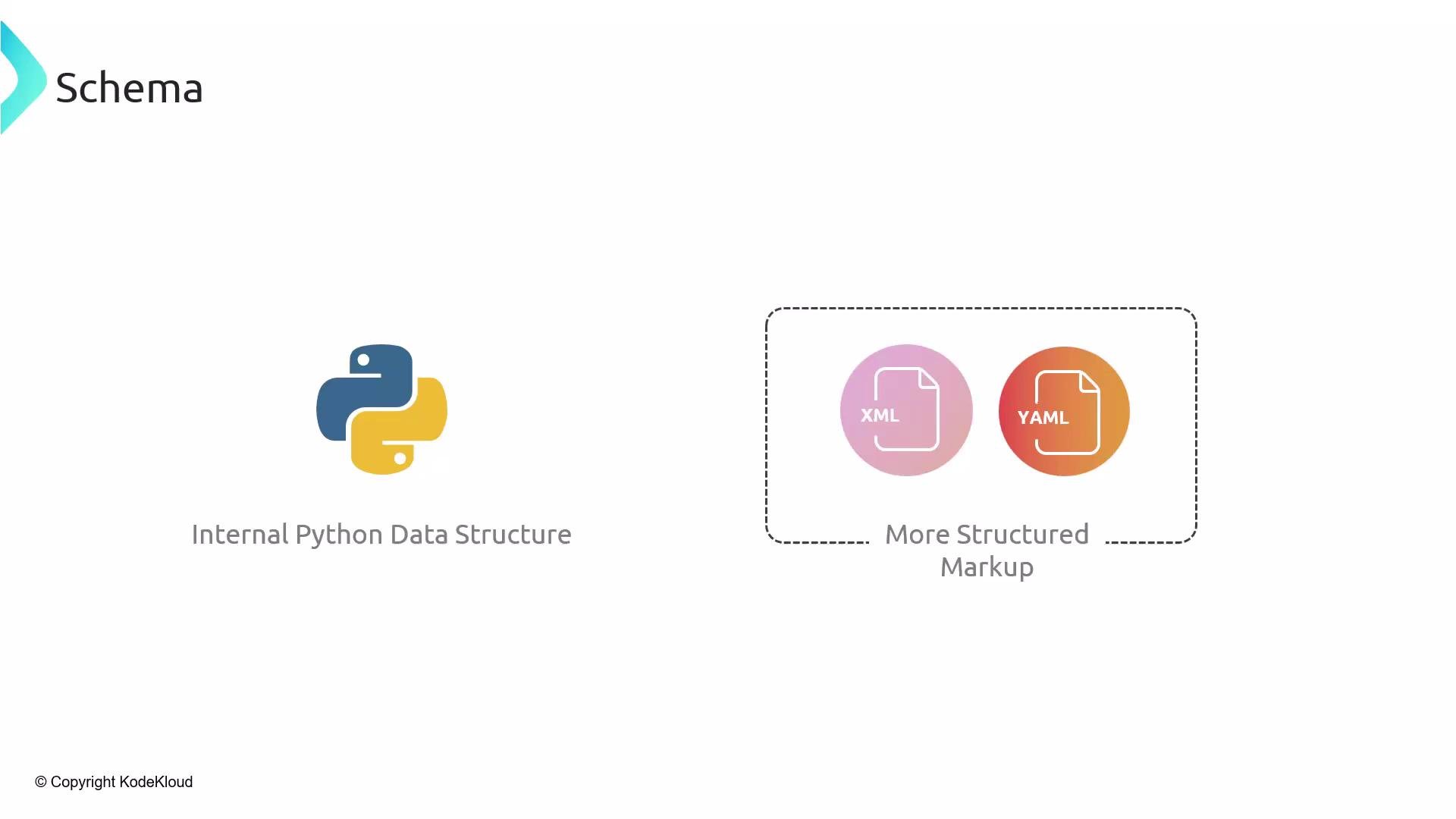
- Add the parser’s format instructions to the prompt so the model returns data that matches the expected schema.
- Parse the returned text into a typed structure (e.g., a Pydantic model) to enforce types and validation.
- Handle parsing errors and edge cases gracefully—never assume a perfect output.
Below is a concise, practical example using LangChain’s
PydanticOutputParser. It shows how to instruct the model to produce JSON matching a Pydantic schema, then parse that JSON into a typed Python object.
- Include the parser’s format instructions in the prompt so the LLM knows the expected structure.
- Always validate and handle parsing errors—models can still produce malformed or extra text.
- Use temperature 0 (or low values) for more deterministic outputs when format strictness matters.
- Consider tolerant post-processing strategies (strip extra commentary, repair minor JSON issues) when the model frequently deviates.
- Log raw model outputs and parsing errors to help iterate on prompt wording and parser configuration.
Always validate model outputs before using them in production. Even with strict format instructions, the model may produce additional text or malformed structures—handle parsing errors and sanitize input for downstream systems.
- LangChain documentation and output parser utilities: https://learn.kodekloud.com/user/courses/langchain
- Pydantic: https://pydantic-docs.helpmanual.io/
- Best practices for prompt engineering: https://www.prompting.guide/