

- Preparing the prompt (input) sent to the model.
- Parsing and validating the model’s raw output so your application can safely consume it.
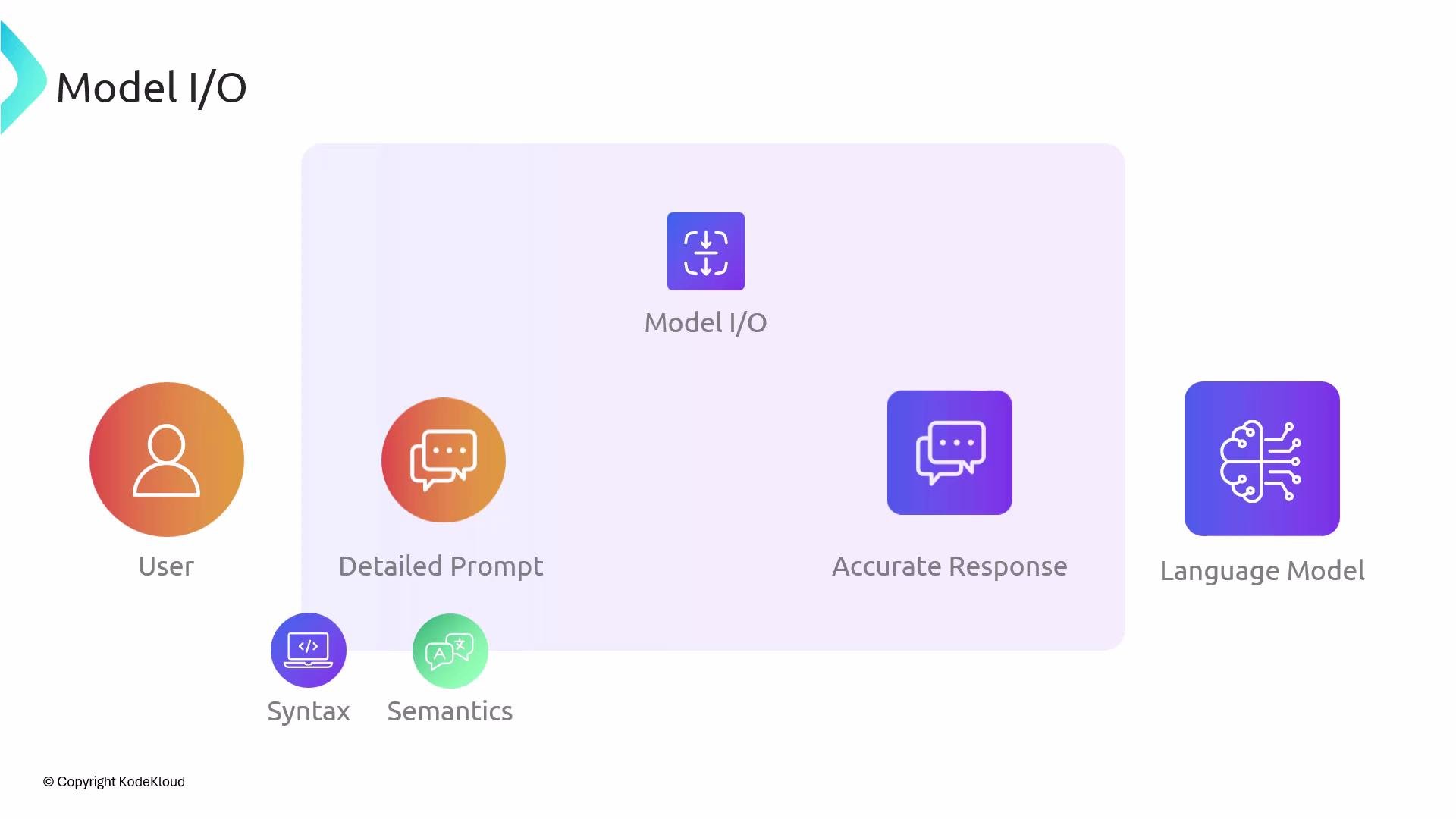
Model I/O is where most prompt-engineering and output-parsing logic lives. Investing effort here yields more predictable LLM behavior and safer, more maintainable integrations.
- Prompt templates — Use templating to inject variables and to enforce structure (roles, instructions, response format).
- Output formats — Prefer strict, machine-readable formats (JSON, YAML, CSV) when possible and document the schema in the prompt.
- Validation — Run schema validation immediately after parsing to catch and handle malformed or unexpected outputs.
- Always ask the model to produce machine-parseable output (for example, explicitly request JSON).
- Provide an example of the desired response format in the prompt.
- Use structured schema validation libraries (Pydantic, Zod, Ajv) to enforce types and ranges.
- When possible, add sanity checks after parsing (length checks, required fields, enumerations).
- Log both raw LLM outputs and parsed/validated results to help debug parsing issues.
Never trust raw LLM output as authoritative. Always parse and validate outputs before using them in critical systems. Include fallback behavior for malformed or missing fields.
- LangChain: https://python.langchain.com/ (for prompt templates and utilities)
- OpenAI Prompt Best Practices: https://platform.openai.com/docs/guides/prompts
- JSON Schema: https://json-schema.org/
- Pydantic: https://pydantic-docs.helpmanual.io/
- Zod (TypeScript): https://github.com/colinhacks/zod