

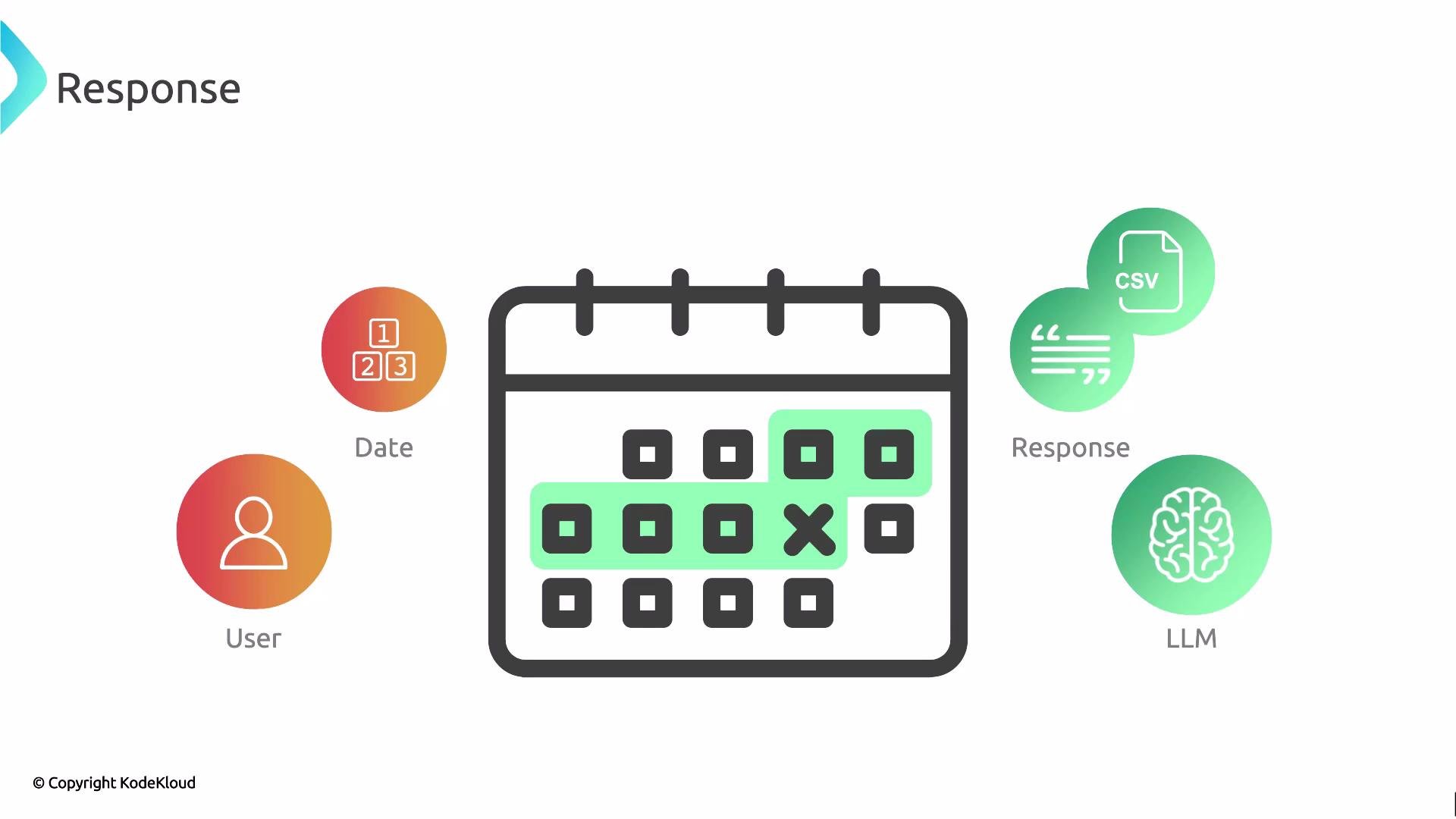
- Detect the format (plain text vs. requested JSON/CSV/XML).
- Validate the structure (required keys, value types, allowed enums).
- Normalize values (parse ISO-8601 dates, trim whitespace, coerce numbers).
- Apply domain-specific checks (ranges, cross-field consistency).
- Fail fast or fallback to safe defaults when validation fails.
Always ask the LLM for a clear output format (for example,
JSON with explicit keys). Validate and sanitize the returned data before using it in production. Consider schema validation libraries (e.g., pydantic, jsonschema) for reliable enforcement.- Prefer
date.fromisoformat()forYYYY-MM-DD. It raisesValueErrorfor invalid formats, which you should catch and handle. - For timestamps with time and timezone, use
datetime.fromisoformat()or a robust parser likedateutil.parser.isoparse().
- Appending
"T00:00:00Z"forces UTC parsing forYYYY-MM-DDinputs and avoids off-by-one-day errors from local timezone offsets. - For more complex datetime handling, consider a library like
luxonordate-fns.
Do not execute or evaluate code, commands, or markup produced by an LLM without strict validation. Treat LLM output as untrusted data: validate structure, types, ranges, and content before use.
- Minimal JSON schema prompt:
text provided to analyze; awaiting input."}
- JSON schema with validation hints:
"status":"pending"}
- JSON Schema: https://json-schema.org/
- Python date handling (
datetime): https://docs.python.org/3/library/datetime.html - ISO 8601 date format overview: https://en.wikipedia.org/wiki/ISO_8601
- JavaScript Date pitfalls and timezone handling: https://developer.mozilla.org/en-US/docs/Web/JavaScript/Reference/Global_Objects/Date