

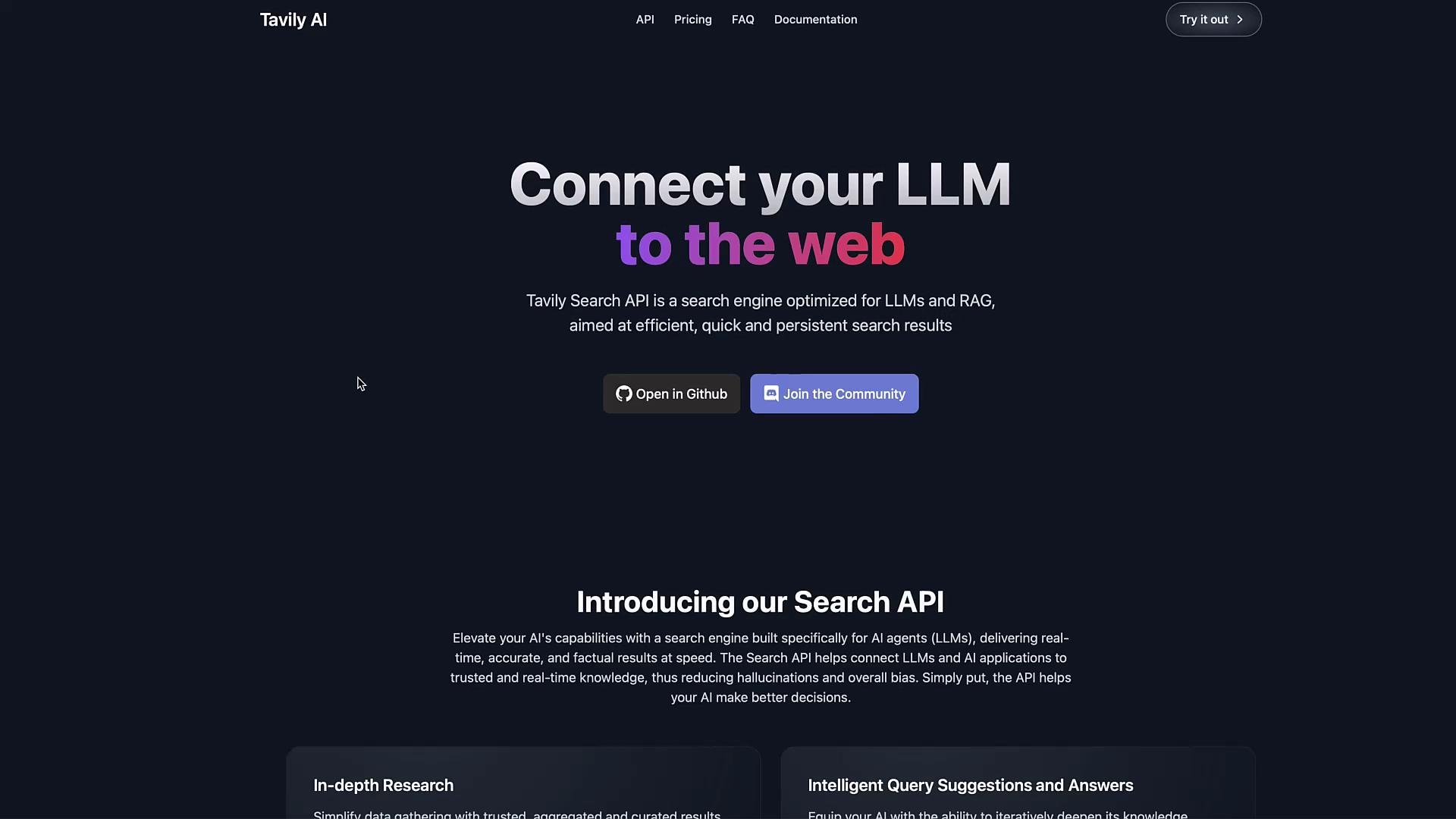
- Use Tavily to perform web searches and collect the returned page snippets and URLs.
- Store your Tavily API key securely (environment variable recommended) and never commit secrets to source control.
- Aggregate, chunk, or index the returned content to provide up-to-date, cited context to your LLM.
- Sign up for Tavily and visit your dashboard.
- Copy the API key and set it as an environment variable on your machine or deployment environment (example below).
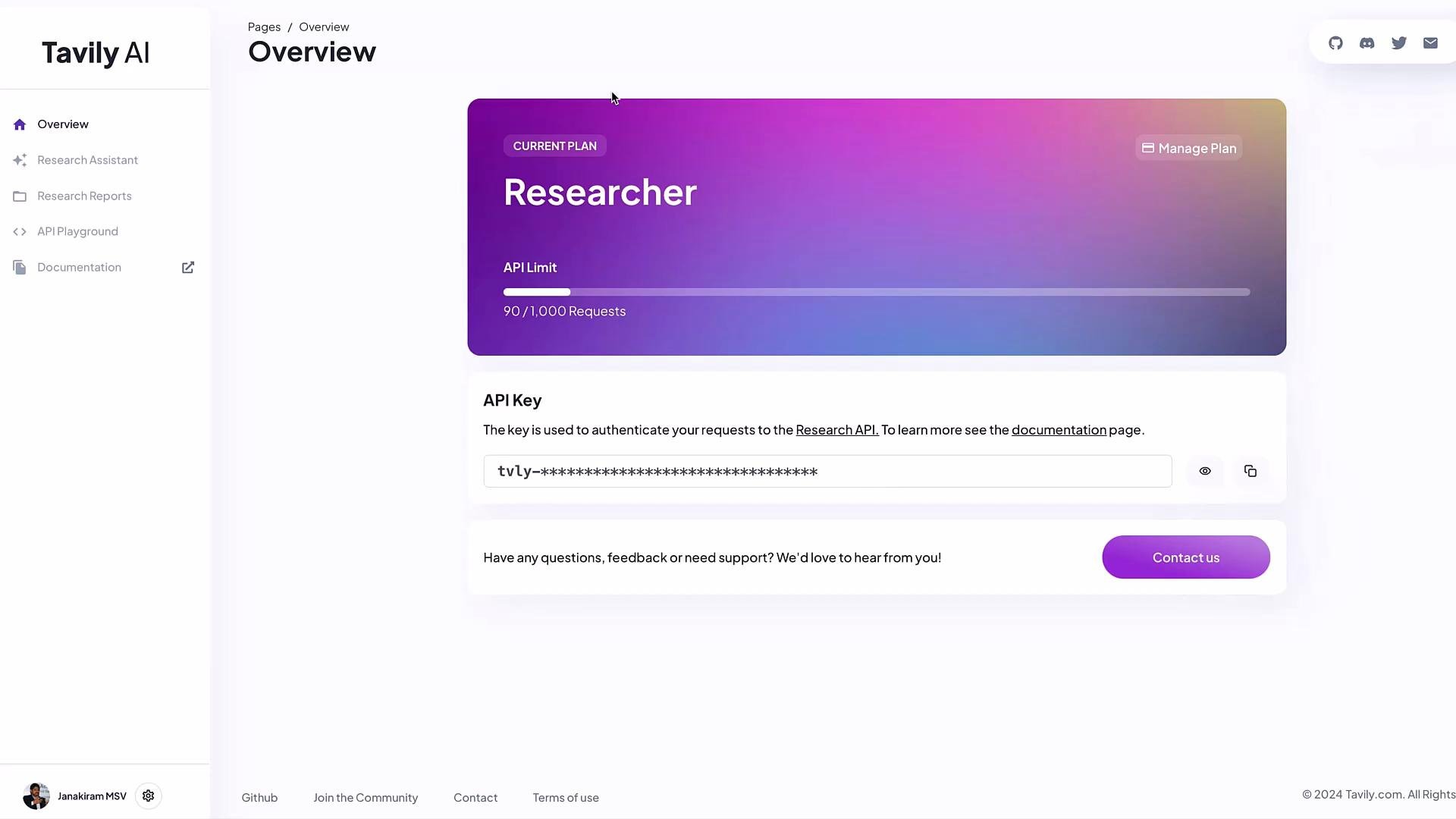
Tavily often provides a free developer tier (for example, 1,000 calls/month at the time of writing). Store your API key in an environment variable such as
TAVILY_API_KEY and avoid hard-coding secrets in source files.- The LangChain community package provides a
TavilySearchResultswrapper to simplify queries and return structured results. - The wrapper typically reads the
TAVILY_API_KEYenvironment variable when initialized.
- Export your API key locally:
- Minimal Python usage:
- The
invokemethod returns a list of dictionaries. Each dictionary typically includesurlandcontentkeys (snippet of the page). - Example (trimmed):
Combining and chunking results for RAG
- The default response often returns five results. Aggregate and chunk
contentfields, then include the most relevant chunks (with URLs) as context in your LLM prompt. - Example: join all content into one string before chunking or indexing.
- Prioritize relevance: sort or filter results by relevance before concatenating content.
- Chunking: split large combined text into smaller chunks that respect your LLM context window.
- Citation: always include source URLs in your final output so results are verifiable.
- Rate limits: respect Tavily’s API rate limits; implement retries and backoff where appropriate.
- Security: keep API keys in secrets management (environment variables, secret managers, or vaults).
Never commit your
TAVILY_API_KEY (or any secret) to version control. Use environment variables or a secrets manager in production to avoid accidental exposure.- Use Tavily results directly in prompts for short answers (with citations).
- For larger systems, index the returned snippets into a vector store and perform semantic retrieval before calling your LLM.
- Integrate the tool into a LangChain toolset or agent to automate search-and-answer workflows.
- LangChain community tools and integration examples: https://learn.kodekloud.com/user/courses/langchain
- LangChain tools documentation: https://python.langchain.com/
- Tavily provides search results optimized for LLM-driven RAG workflows.
- Store your API key securely and use the
TavilySearchResultswrapper to fetch structured results. - Aggregate, chunk, and cite returned
contentandurlfields when constructing LLM context for accurate, up-to-date answers.