Static messages work, but they’re not flexible or reusable across an application. Prompt templates let you parameterize system, human, or AI messages with placeholders that are filled in at runtime. This makes prompts easier to manage, share, and maintain—especially as your LLM-based application grows.
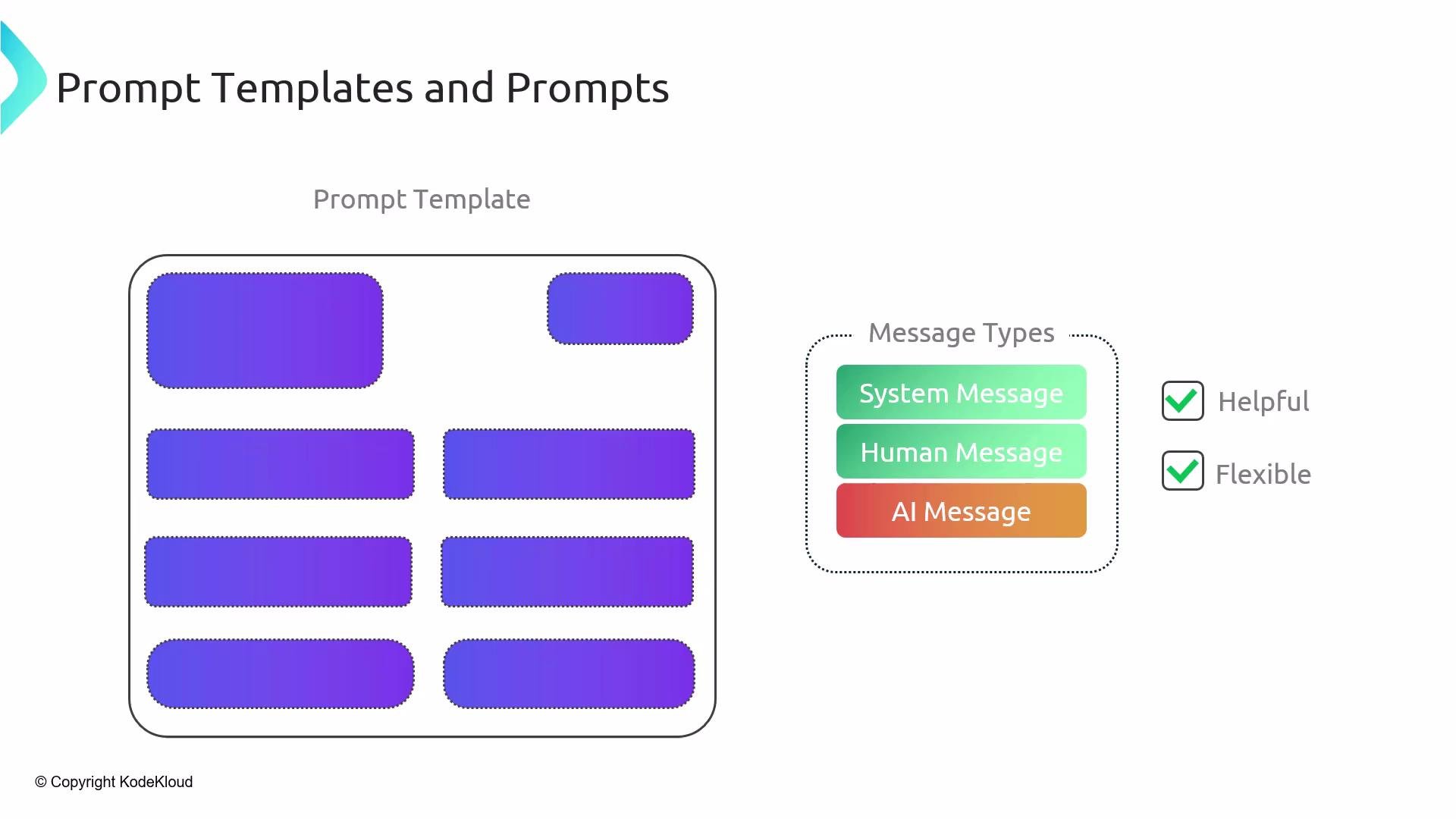
The image shows a diagram labeled "Prompt Templates and Prompts" with rounded rectangles representing different prompts and a legend indicating message types: System Message, Human Message, and AI Message. It notes the attributes "Helpful" and "Flexible."
In practice, you define templates for each role (system, human, AI) and then combine them to build the final messages sent to your model. A common pattern is to use a system template to set behavior and constraints, and a human template to include the dynamic content or user input.
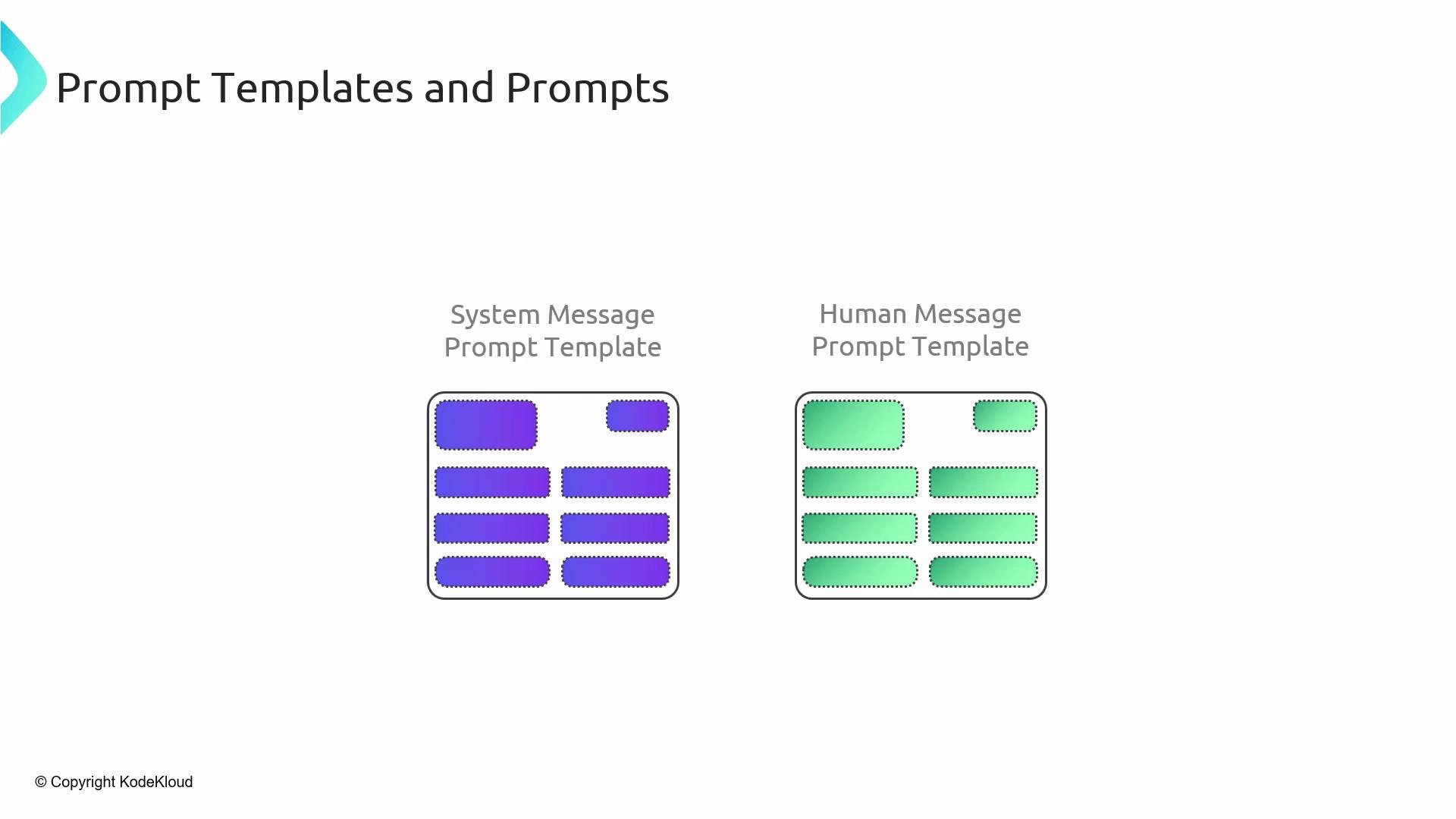
The image shows two sections titled "System Message Prompt Template" and "Human Message Prompt Template," each with colored rectangular prompts. The system template is in blue, and the human template is in green.
The model’s reply is returned as an AI message. While you can’t control the exact content the model generates, using an AI prompt template or output-parsing logic can help standardize expected formatting and extract structured results.
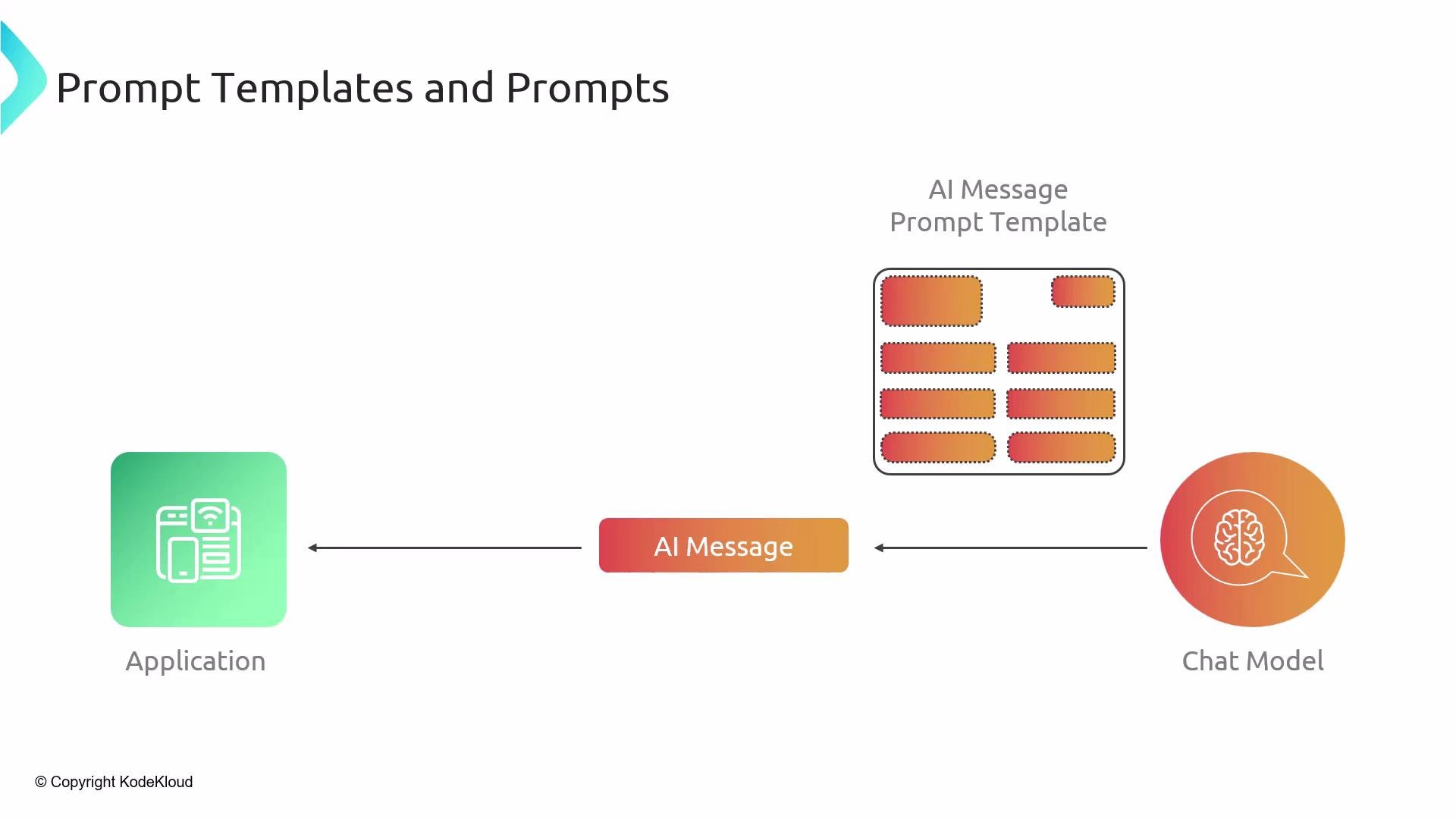
The image illustrates a process flow from an "Application" to an "AI Message" and finally to a "Chat Model," associated with an "AI Message Prompt Template" concept.

Quick Python example

Below is a concise example showing how to compose chat-style prompt templates using LangChain. This demonstrates a SystemMessagePromptTemplate and a HumanMessagePromptTemplate with a placeholder called text. When formatted, the placeholder is filled and converted to messages that you can pass to a chat model.
Use prompt templates to keep prompts consistent, enforce style or constraints, and share reusable patterns across your application or organization.

Prompt template types and common uses

Best practices

  • Keep system templates focused on role, constraints, and safety guardrails.
  • Use human templates for dynamic content and user data; validate or sanitize inputs before formatting.
  • Create small, composable templates for reuse (e.g., short/concise vs. long/detailed personas).
  • Manage organization-wide templates in a central repo or configuration to maintain consistent model behavior.
  • Combine templates with output-parsing tools or schema validation when you need structured data from responses.

Example use cases

  • Summarization: system sets tone, human provides target text.
  • QA over documents: system enforces source citation, human supplies query and document context.
  • Multi-persona assistants: swap system templates to change assistant behavior without editing application logic.
Next, we’ll walk through demos showing how to construct these prompt templates and use them inside chains.

Watch Video