Having implemented retrieval-augmented generation (RAG) and built chains for summarization and retrieval, it’s time to focus on tools — what they are, why they matter, and how they differ from RAG. LangChain provides a set of tools to integrate large language models (LLMs) with external systems. In production, LLMs rarely operate alone; they often need access to up-to-date information, computation, or services outside of pre-indexed content.
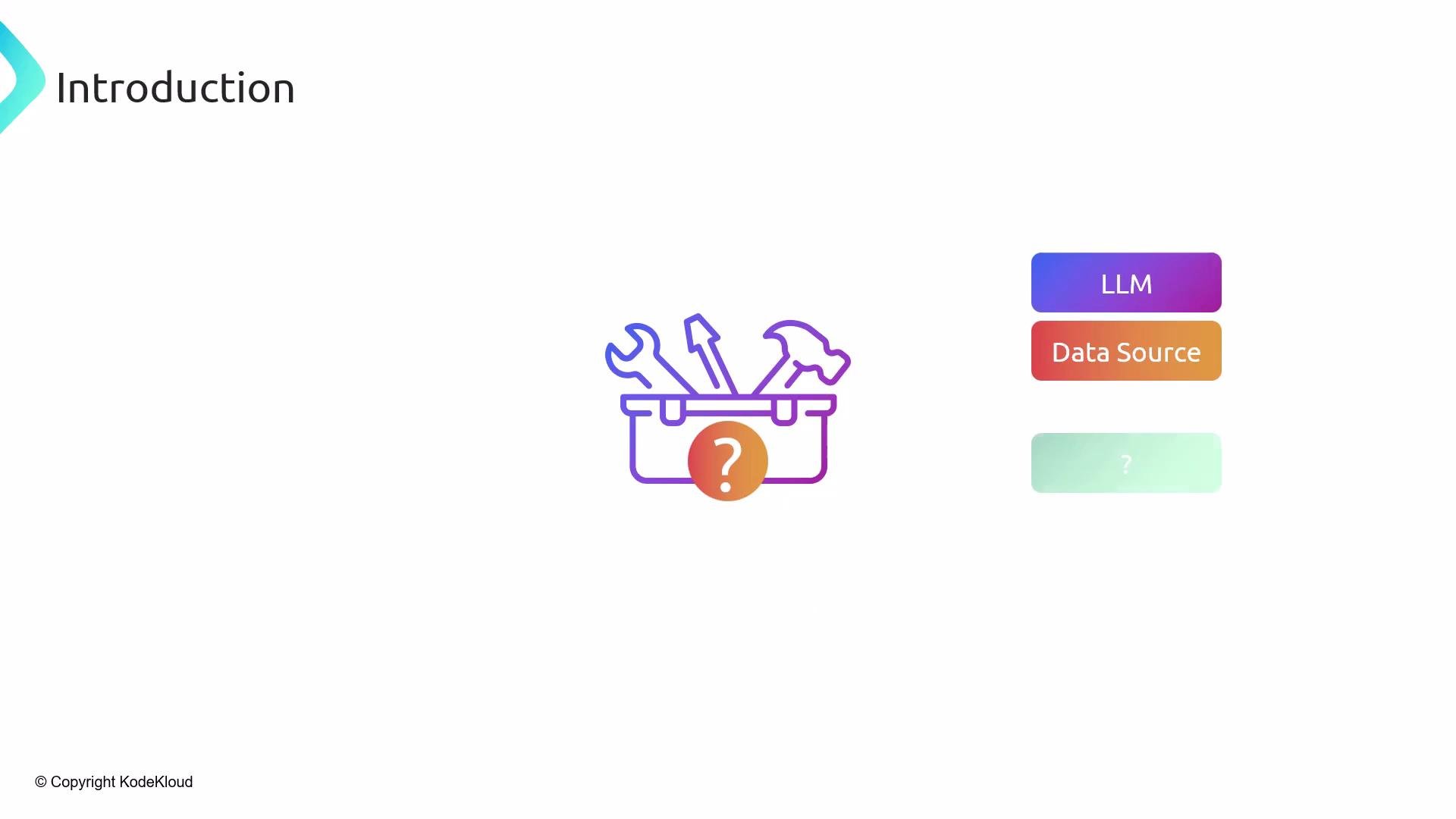
The image features an "Introduction" title, an icon of a toolbox with tools and a question mark, and three labeled elements: "LLM," "Data Source," and a question mark.
We always need an LLM, and we frequently use a data source (for example, documents stored in a vector database). But many real-world tasks need integration points to external systems — tooling that either supplies live data or performs on-demand computation. Example: an airline chatbot
  • Customer asks, “What is the baggage policy?” — this typically triggers RAG: retrieve relevant policy text from an indexed document (vector DB), inject it into the prompt, and generate an answer.
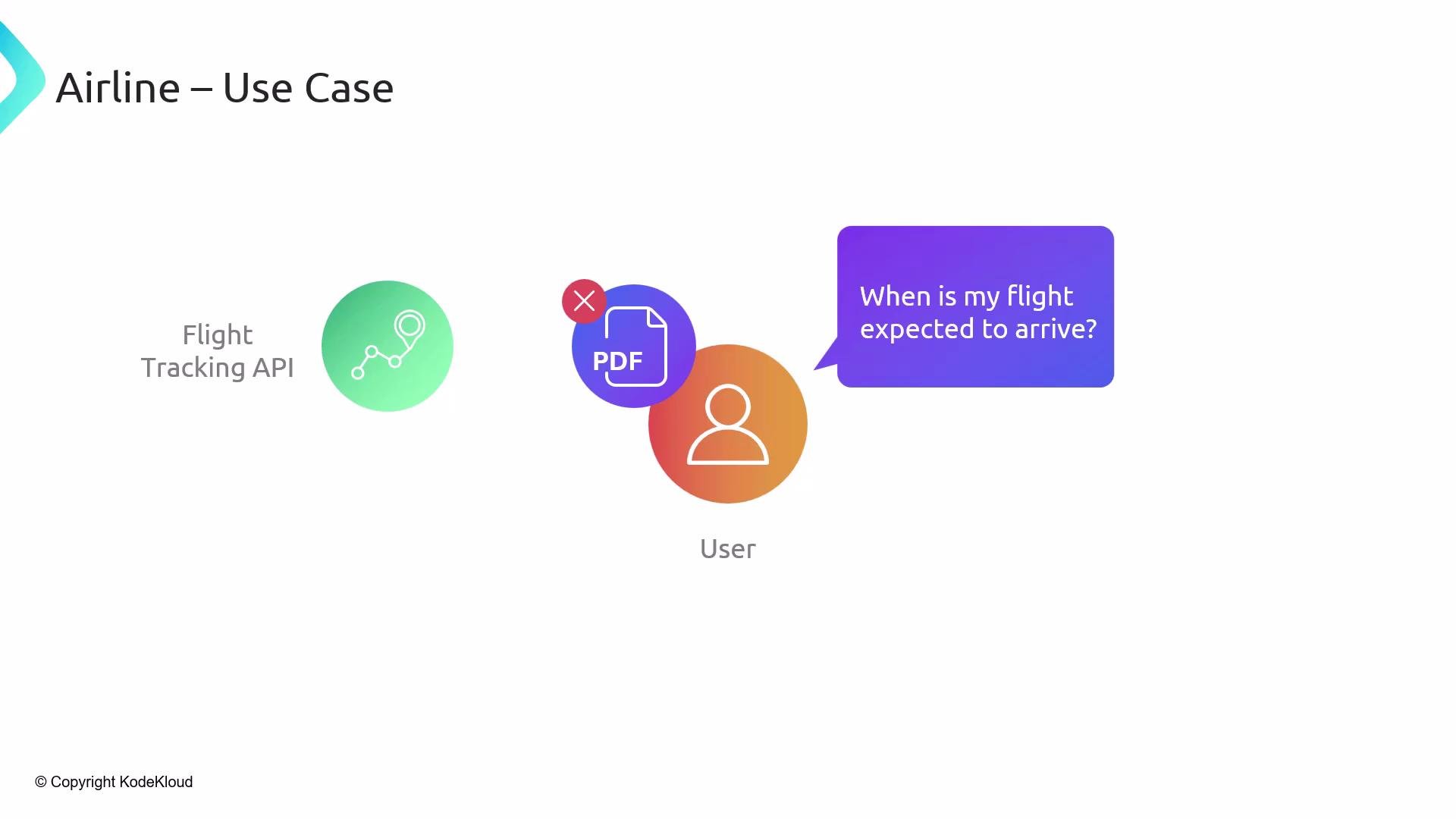
  • Customer asks, “When is my flight expected to arrive?” — that requires current status from a flight-tracking API; the answer depends on live data, not the stored PDF.
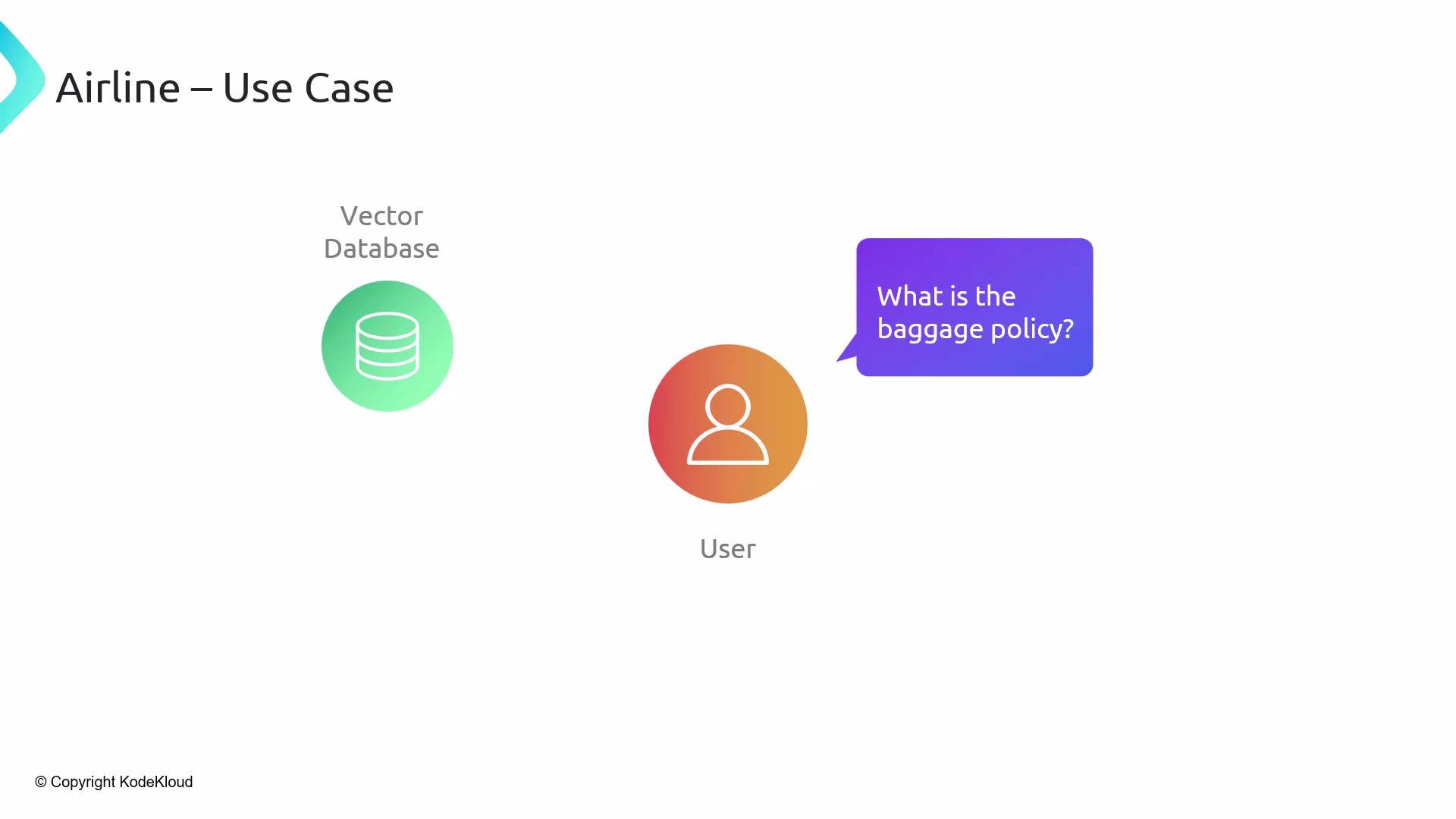
The image depicts an airline use case with a user asking, "What is the baggage policy?" accompanied by icons representing a vector database and a user.
For live queries like the flight status, you must call an external API. This is the job of tools: they let your LangChain application interact with real-time services, streaming data sources, or specialized compute environments.
The image illustrates an airline use case involving a user asking about flight arrival using a flight tracking API, with a crossed-out PDF icon suggesting non-use of PDFs.
What is a tool?
  • In LangChain, a tool is a configurable module that exposes some external capability to your chain.
  • Tools can fetch live data, call APIs, run custom logic, or execute code in a runtime (for example, Python).
  • Agents — autonomous components that plan and pick actions — depend on tools to perform operations that the LLM cannot do by generation alone.
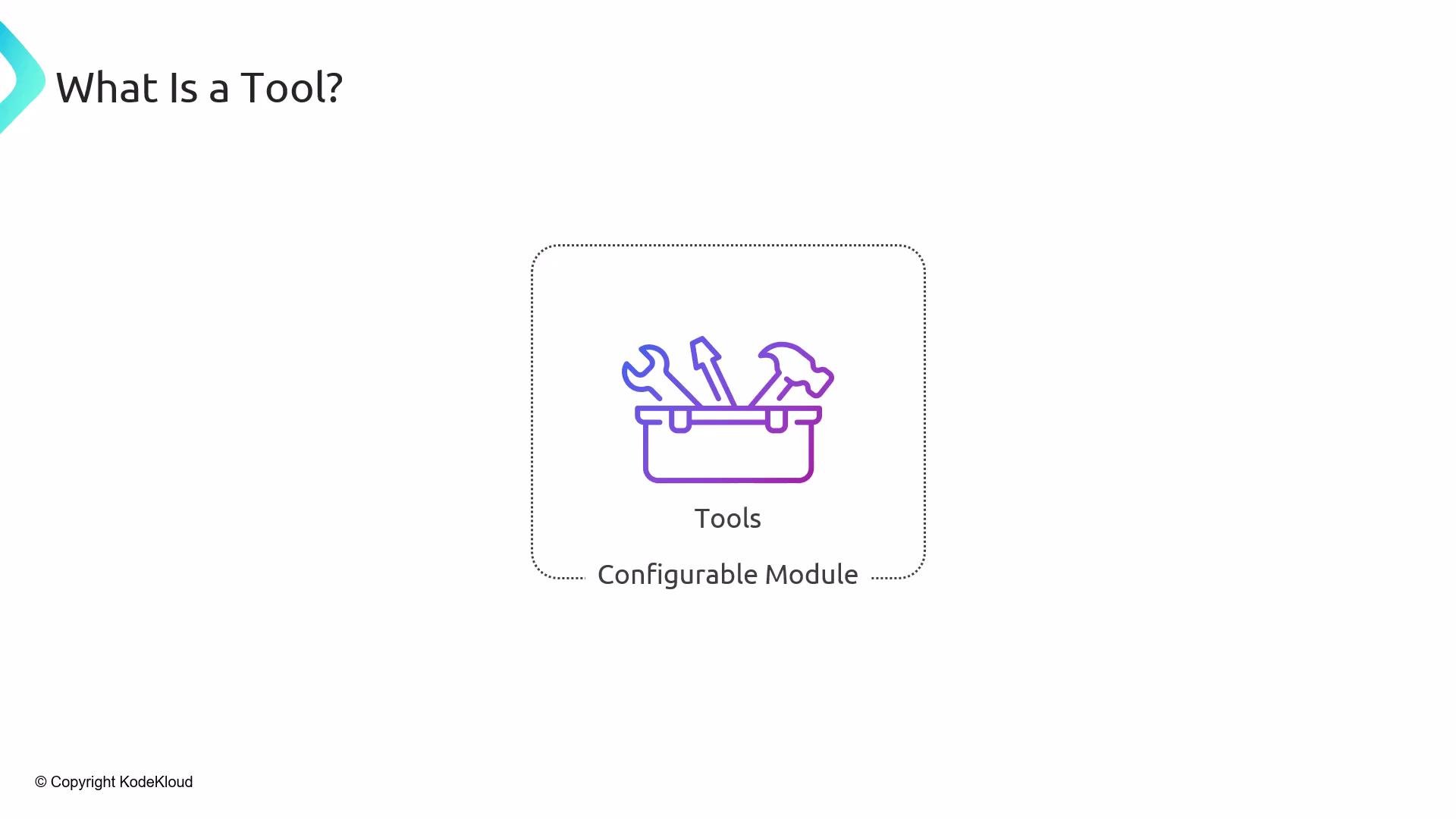
The image displays a simple illustration of a toolbox with tools inside, labeled "Tools" and "Configurable Module," under the question "What is a Tool?"
Common tool examples
  • Wikipedia — fetch and summarize articles (Wikipedia)
  • Web search — perform live internet queries
  • YouTube — retrieve transcripts or summarizations (YouTube)
  • Python runtime — run code for numerical computation or data processing (Python)
  • Custom tools — wrappers for internal APIs or business logic
The image shows icons representing "Wikipedia" and "Tools" under the heading "Tools – Examples."
YouTube is a common case: fetch a transcript, summarize salient points, or answer questions about the video in real time.
The image shows the YouTube logo with a search bar beneath it. The words "Tools – Examples" are at the top left corner.
A Python runtime as a tool is especially powerful:
  • Run complex simulations, perform statistical analyses, or generate structured outputs.
  • Return results to the LLM for further reasoning or response composition.
  • Wrap domain-specific functions as callable tools to preserve business logic and ensure repeatability.
When to use RAG vs Tools
  • RAG: augment prompts with context retrieved from preprocessed, indexed data (vector databases, document stores). Best for static or slowly changing content (policies, manuals, archived logs).
  • Tools: interact with live systems or perform computation that must occur at query time (APIs, streaming data, heavy algorithms).
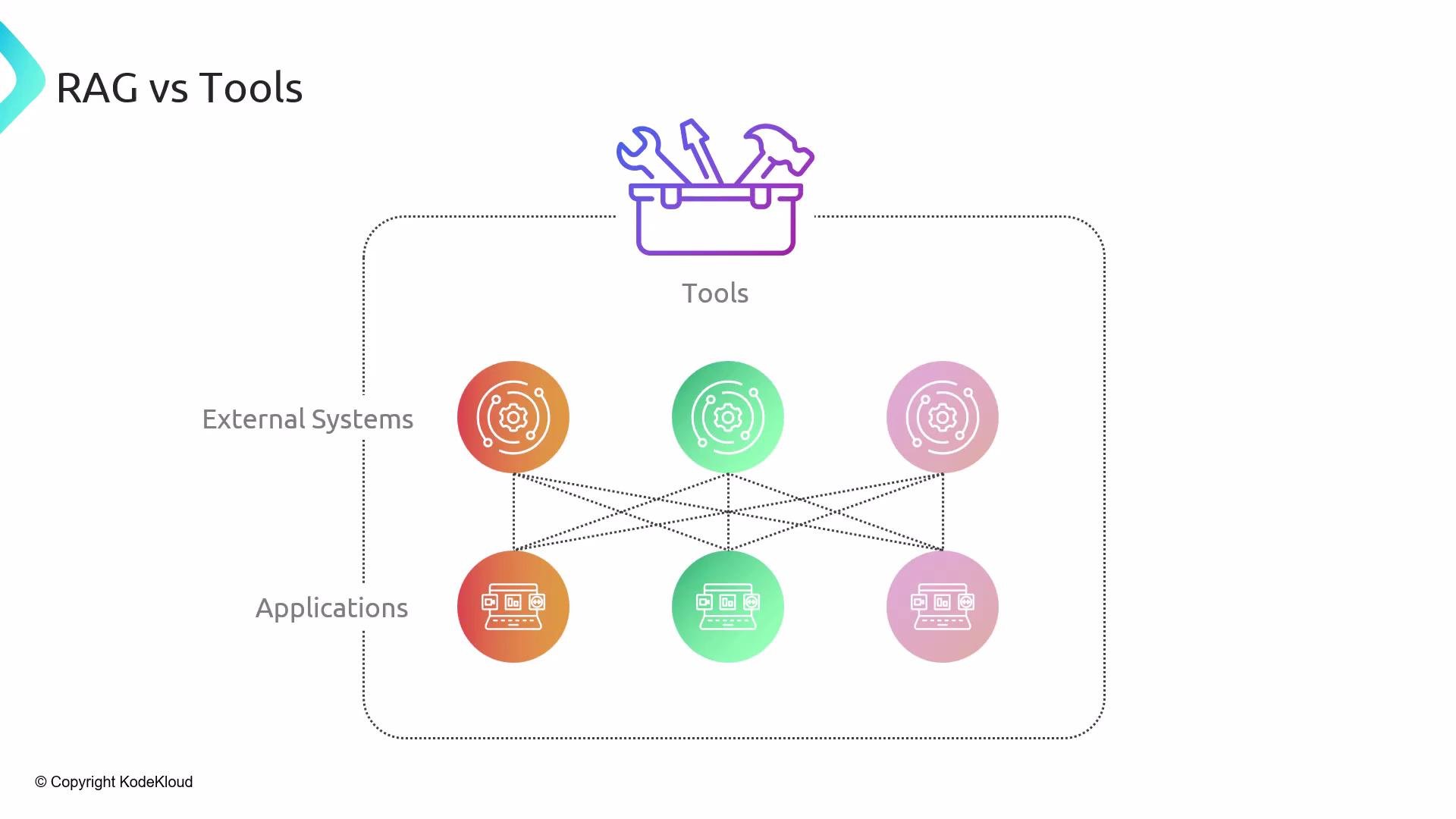
The image illustrates a comparison between RAG (Retrieval-Augmented Generation) and tools, showing interconnected external systems and applications. It includes icons representing tools and technology within a dotted framework.
Key distinctions
  • RAG is usually asynchronous and batch-driven: documents get vectorized over time, and retrieval happens during queries.
  • Tools provide synchronous access to external capabilities and real-time data.
  • For heavy computation or real-time decision-making, delegate to tools (e.g., a Python tool). For retrieving policy text or archived content, use RAG.
Example recap
  • Baggage policy → RAG (static documentation)
  • Flight tracking → Tool (flight-tracking API / real-time data)
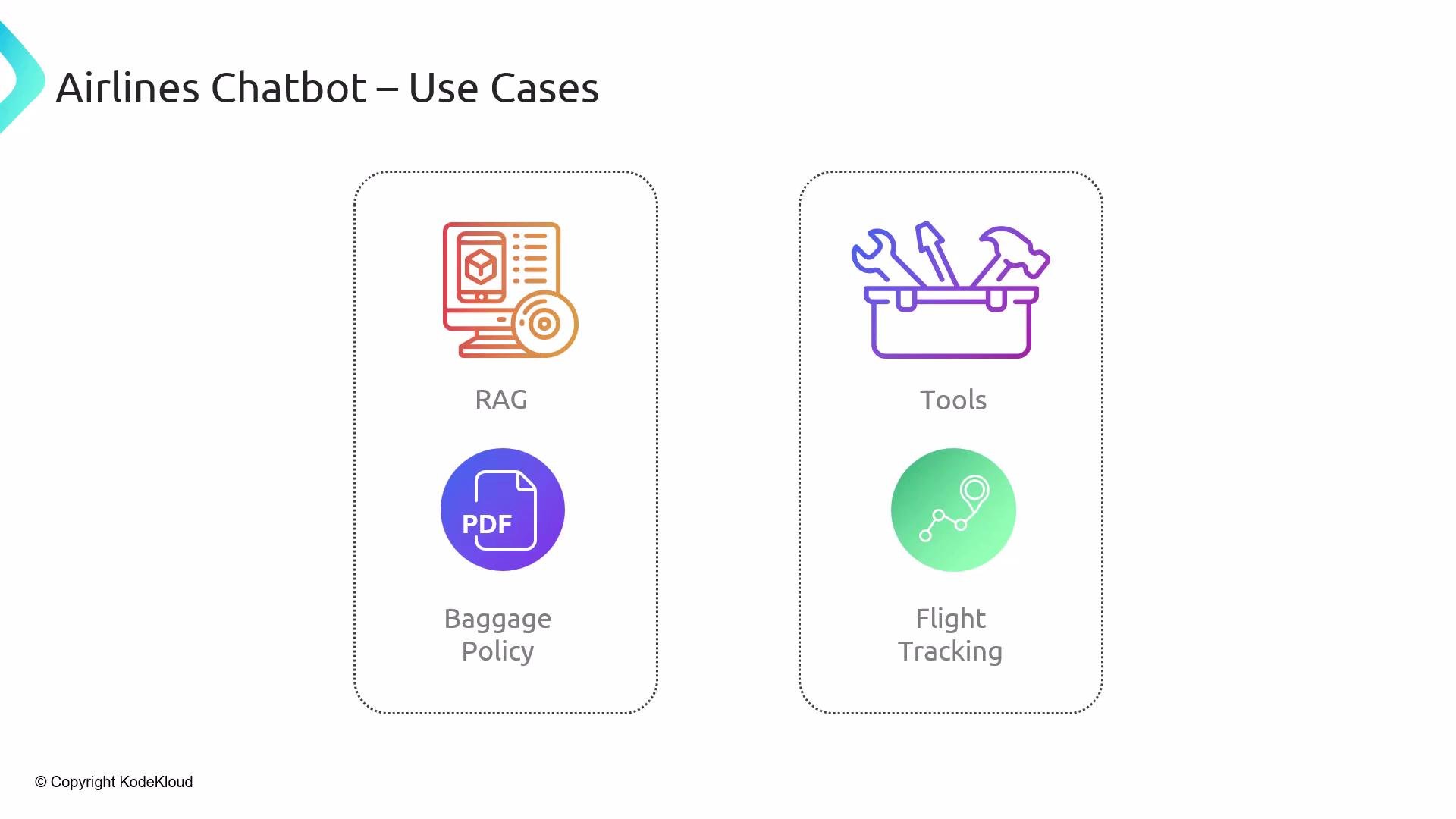
The image illustrates use cases for an airlines chatbot, highlighting features like RAG, baggage policy, tools, and flight tracking.
Quick reference: RAG vs Tools
RAG is ideal for retrieving pre-indexed, relatively static content. Use tools when you need real-time data, live API calls, or external computation.
Next steps
  • We will demonstrate concrete tool implementations and how to wire them into LangChain chains.
  • After the demos, we’ll dive into agents: how they plan, decide which tools to call, and orchestrate multi-step workflows.
Links and references

Watch Video