

Prerequisites
- Python 3.8+ (or a supported version for your
anthropicSDK) - A Claude API key from Anthropic
- Basic familiarity with Jupyter notebooks
Installation
Install the official Anthropic package from PyPI:Setting the API Key
Store your Claude API key securely — the recommended approach is an environment variable such asCLAUDE_API_KEY. For quick demos you can use a placeholder or local config, but never commit real keys.
Never commit API keys or other secrets to public repositories. Use environment variables, a secrets manager, or platform-provided secret stores in production.
Be aware of usage limits and billing. Running long conversations or repeated calls can incur cost—monitor your Anthropic account and set safeguards where appropriate.
Minimal Claude Chat Agent (single Python cell)
The example below demonstrates a compact pattern for a Jupyter cell that:- Initializes the Anthropic client,
- Sends a system-level prompt to define the assistant behavior,
- Maintains short-term message history,
- Runs an interactive loop for chatting.
Key implementation notes
- Many Anthropic SDKs accept a separate
systemparameter instead of a message with"role": "system". If you include a"system"role insidemessageswhen the SDK expects asystemparameter, you may see errors. Always consult the documentation for the SDK version you’re using. - Use
"user"and"assistant"roles in themessageslist to preserve conversation state and allow Claude to reference earlier turns. - Tune
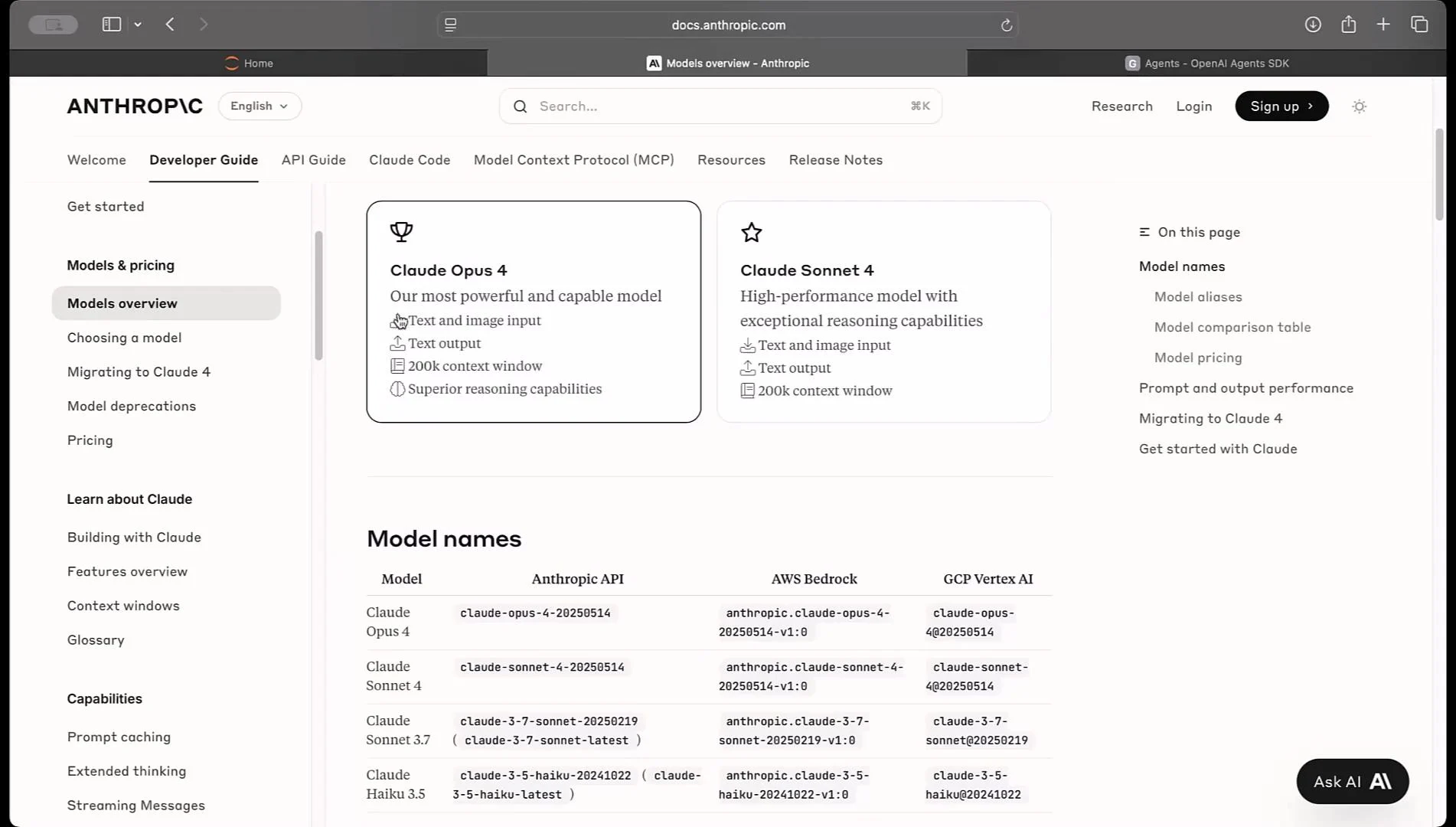
max_tokensto control the maximum reply length andtemperatureto adjust randomness. - SDK class and method names may change between versions — e.g.,
anthropic.Clientvsanthropic.Anthropic. If you encounter import errors or an unexpected response structure, check docs.anthropic.com for version-specific examples.
Quick reference: common troubleshooting
Try it out
After starting the interactive loop, try asking Claude a question such as:- “Give me a recipe for banana bread.”
- “Summarize the key points from this paragraph.”
- “Draft a short email asking for a meeting.”
exit or quit to end the session.
Extending the agent
From this minimal example you can extend your agent in many ways:- Persist chat history to disk or a database for longer-term context.
- Add tools or retrieval layers (e.g., vector DB + semantic search) to ground responses in external data.
- Implement streaming responses (if supported by your SDK) for real-time UI updates.
- Post-process model outputs to extract structured data, generate artifacts (tables, charts), or call downstream APIs.
Wrapping up
This guide demonstrated a minimal Claude chat agent in a Jupyter notebook:- Define a system role to shape behavior.
- Maintain a message history to give Claude conversational context.
- Send the system prompt and messages via
client.messages.create. - Append assistant replies to history.
- Use an interactive loop to simulate chat sessions.
Links and references
- Anthropic documentation: https://docs.anthropic.com
- Anthropics Python package on PyPI: https://pypi.org/project/anthropic/