

- Embeddings and semantic representation
- Vector databases and providers
- Agent memory and retrieval patterns
- Traditional databases vs. vector databases
- Agent frameworks and tooling ecosystems
- Connecting embeddings, memory, and Retrieval-Augmented Generation (RAG)
- How to choose the right tech stack for your agent project
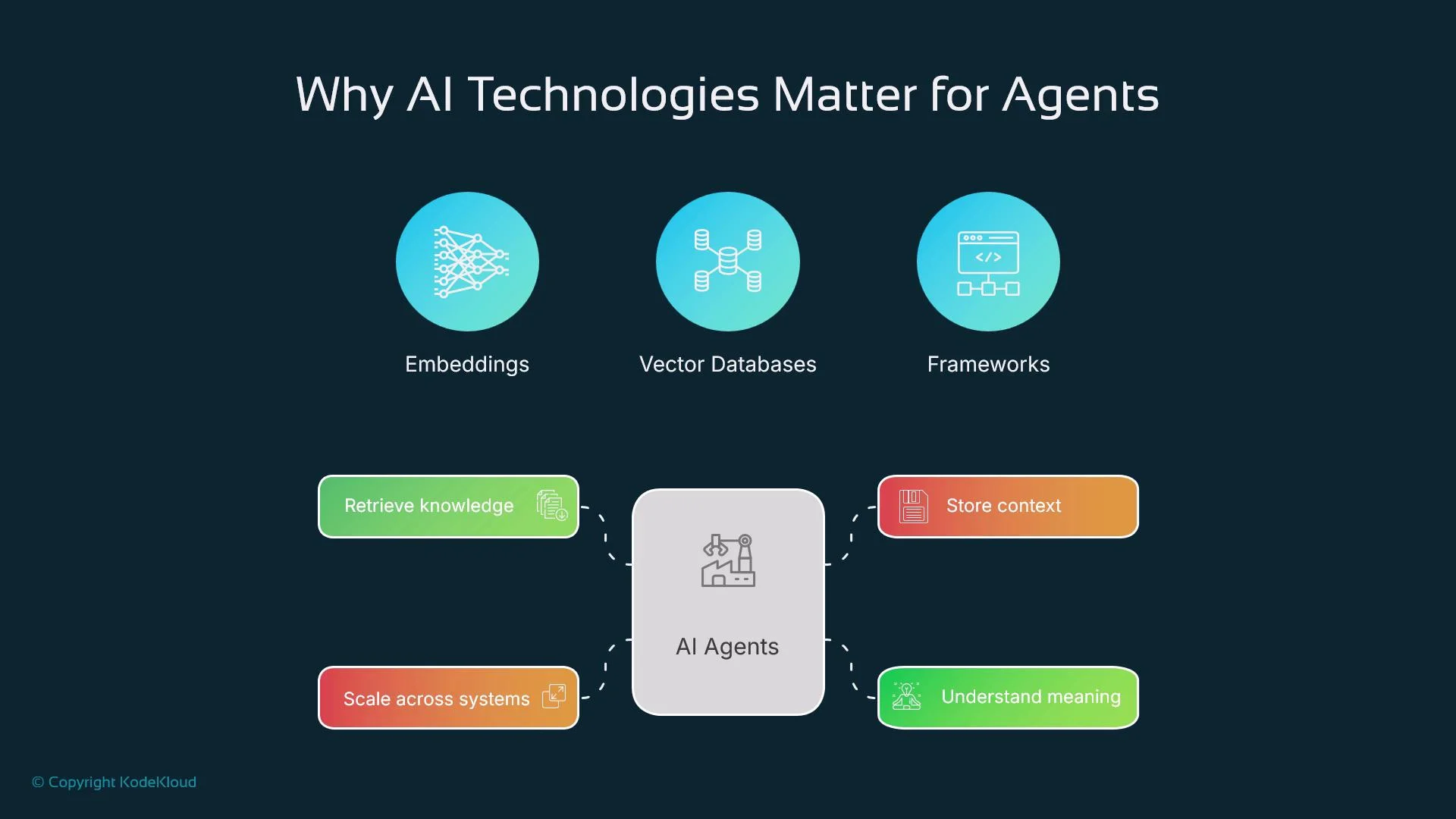
Why these technologies matter
A modern agent must:- Understand unstructured data (text, images, audio)
- Search and filter large memories or corpora by meaning
- Maintain short- and long-term context for multi-step tasks
- Interact with external tools and services reliably
Embeddings — the semantic glue
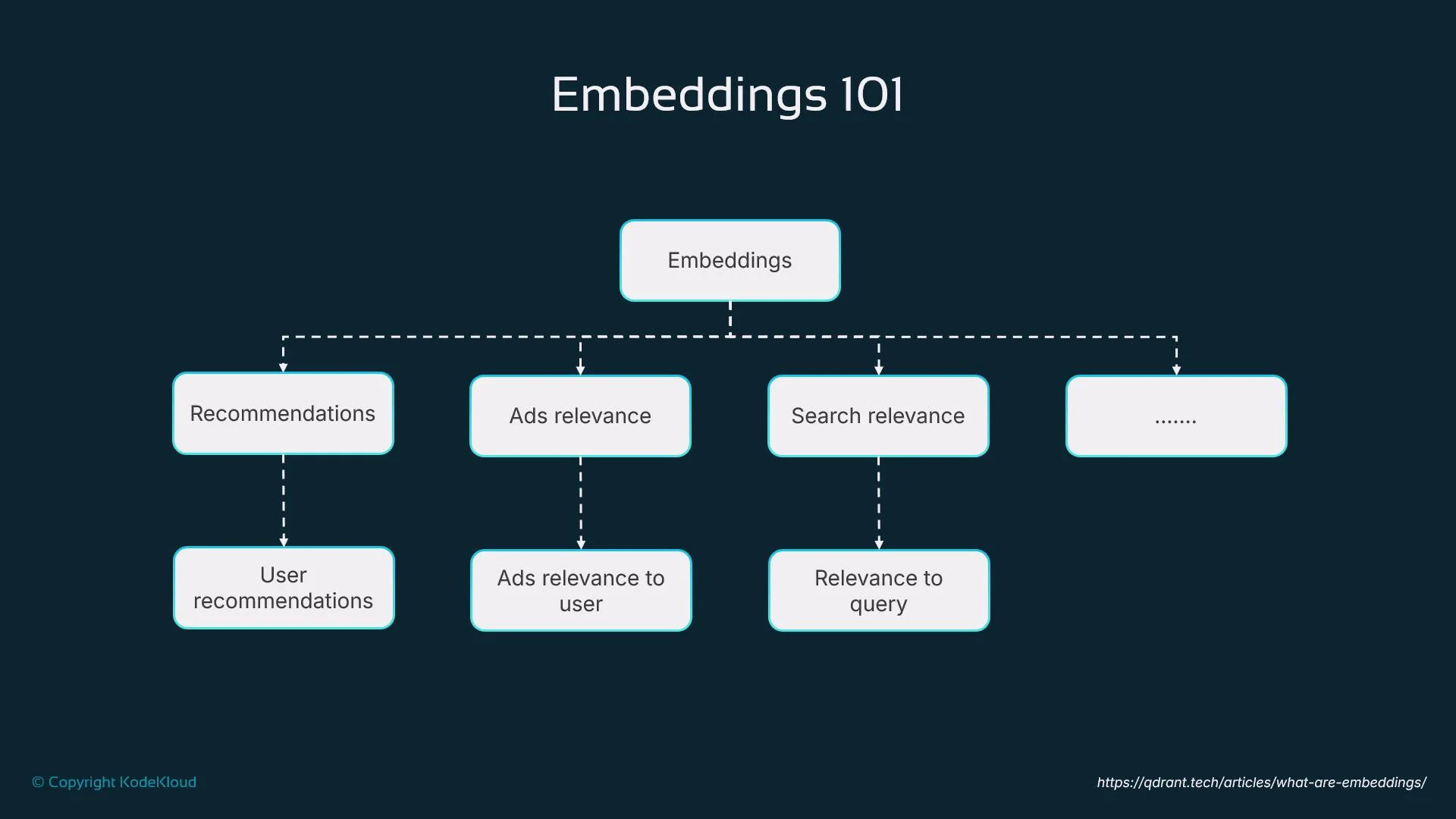
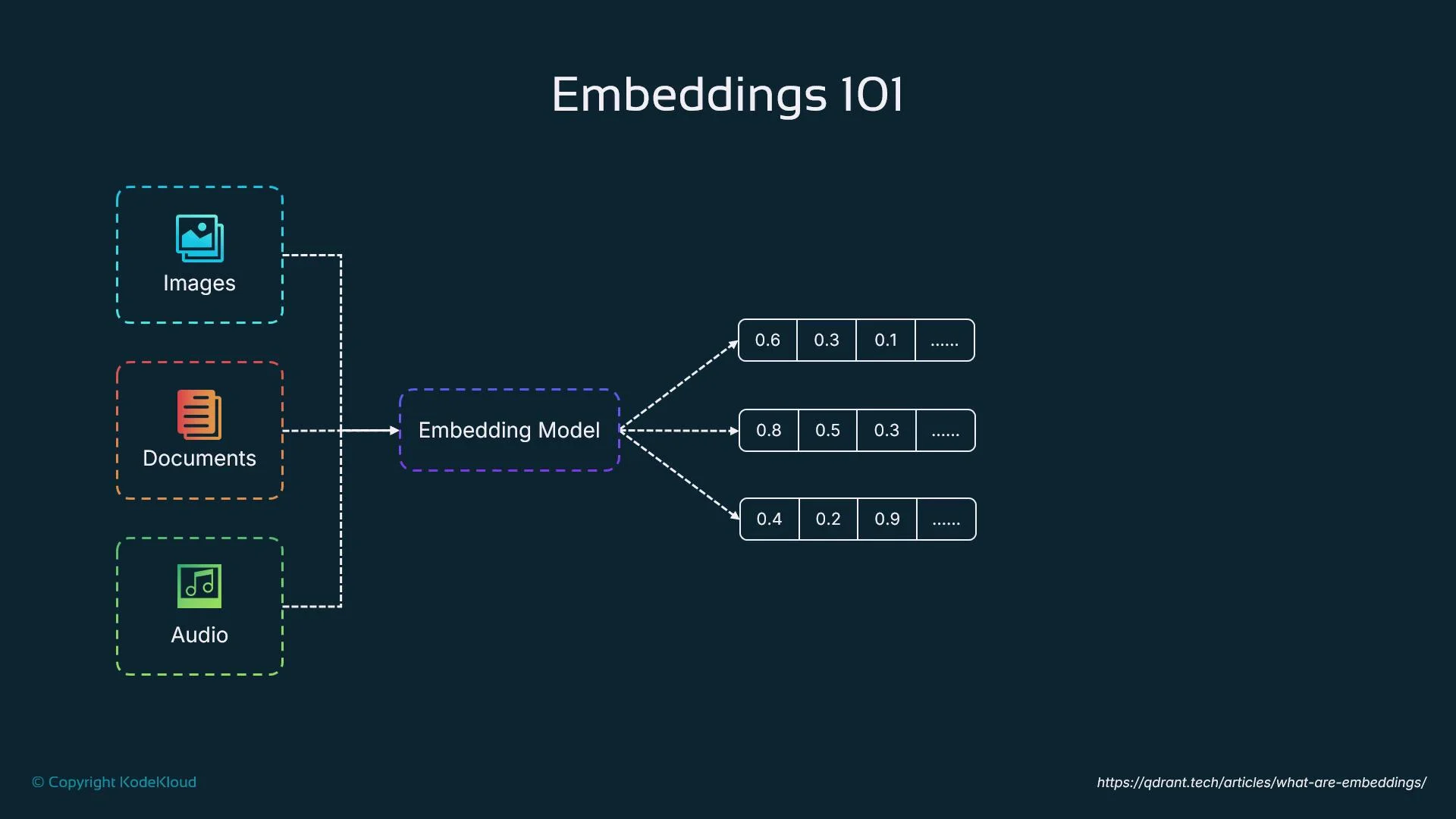
Embeddings map text, images, or audio into dense numerical vectors that capture semantic meaning. For example, the vectors for “dog” and “puppy” will be closer in vector space than “dog” and “car”. Agents use embeddings to:- Compare concepts by similarity
- Retrieve related documents or past interactions
- Make context-aware decisions and rank responses
Vector databases — persistent, performant semantic stores
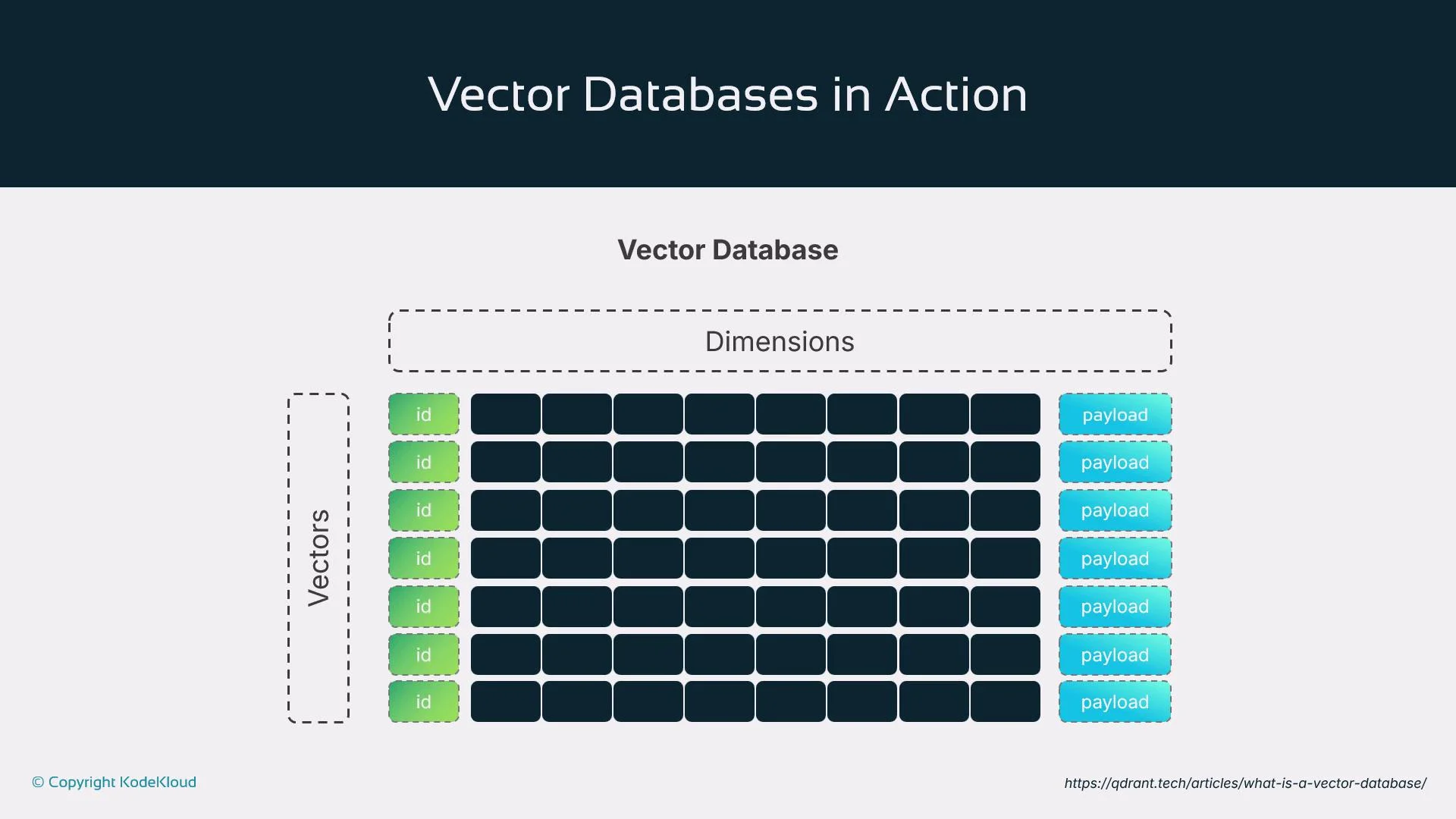
Vector databases store and index embeddings for fast, scalable semantic retrieval. When an agent needs to remember something or find related concepts, it queries a vector DB with an embedding and retrieves results by semantic proximity rather than exact keyword matches. This is essential for agents working with large corpora such as documents, chat history, or logs. Vector DBs are the backbone of agent memory patterns like RAG, tool chaining, and long-term context handling. Examples:- Pinecone — managed vector DB optimized for production
- Chroma — developer-friendly open source vector store
- Milvus — scalable open-source vector database for enterprise
Cloud providers and vector search offerings
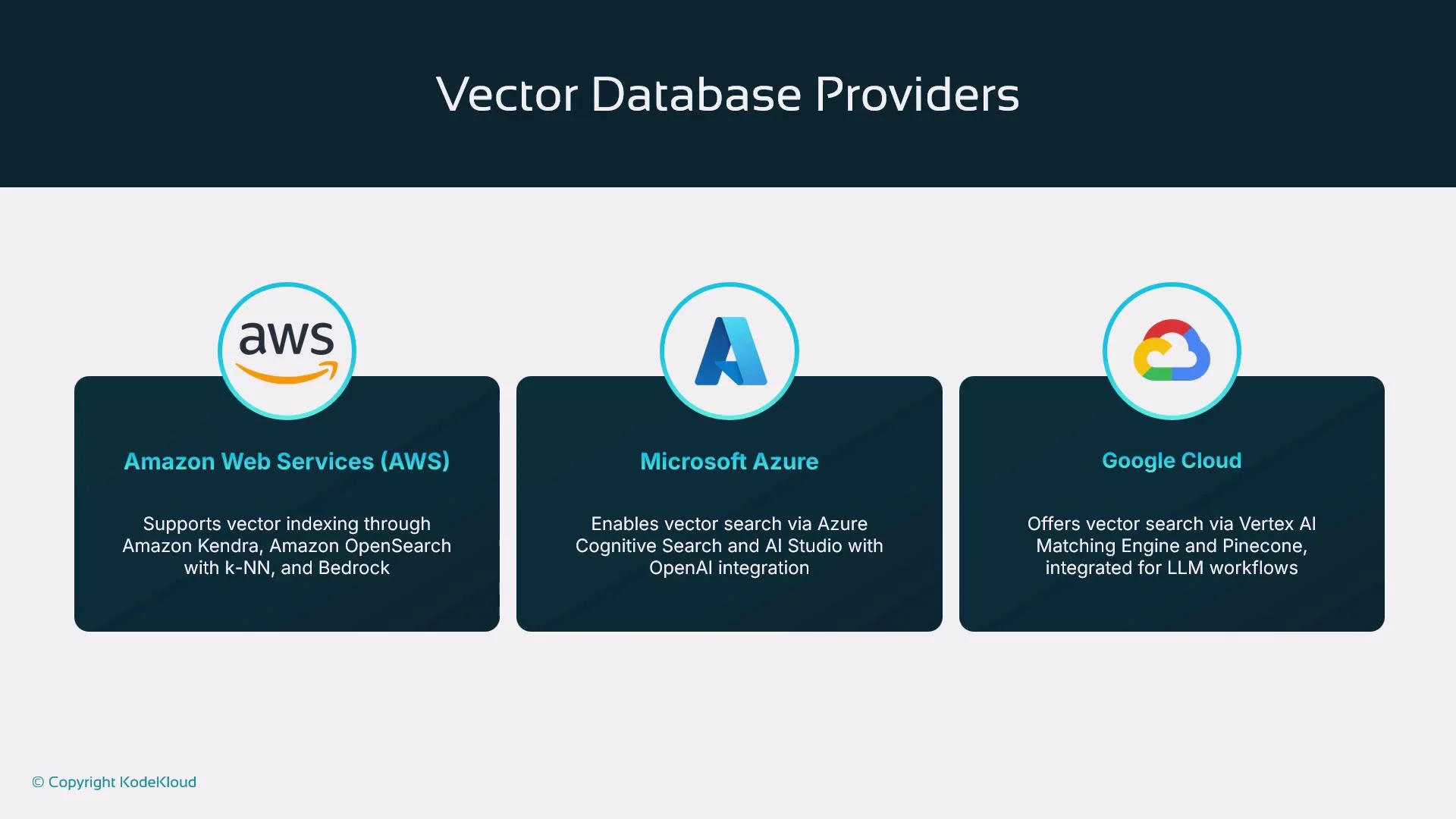
Major cloud providers or ecosystems offer native vector search or integrate with vector providers:- AWS: Amazon Kendra, Amazon OpenSearch Service (K-NN), and Bedrock integrations
- Azure: Azure Cognitive Search and Azure AI Studio, integrated with OpenAI embeddings
- Google Cloud: Vertex AI Matching Engine and third-party integrations (e.g., Pinecone)
Traditional databases vs. vector databases
Traditional OLTP/OLAP databases are built for structured data (transactions, user records, analytics) and excel at schema-driven queries. They are not optimized for semantic search over unstructured content like PDFs, audio transcriptions, or images. Vector databases complement traditional systems by converting unstructured content into embeddings and enabling similarity-based retrieval for:- Document search and RAG
- Recommendations and personalization
- Contextual retrieval for chat/history
Note: Use traditional DBs for transactional integrity and configuration; use vector DBs for meaning-based retrieval.
Agent frameworks, orchestration, and tooling
Agents need orchestration frameworks to plan actions, manage goals, and interact with tools. Popular frameworks include:- OpenAI Agent SDK — goal-oriented, multimodal runtime with plugins and tracing
- LangChain — modular library for RAG, tool use, and chains
- AutoGen (Microsoft) — framework for multi-agent LLM collaboration and orchestration
Retrieval-Augmented Generation (RAG)
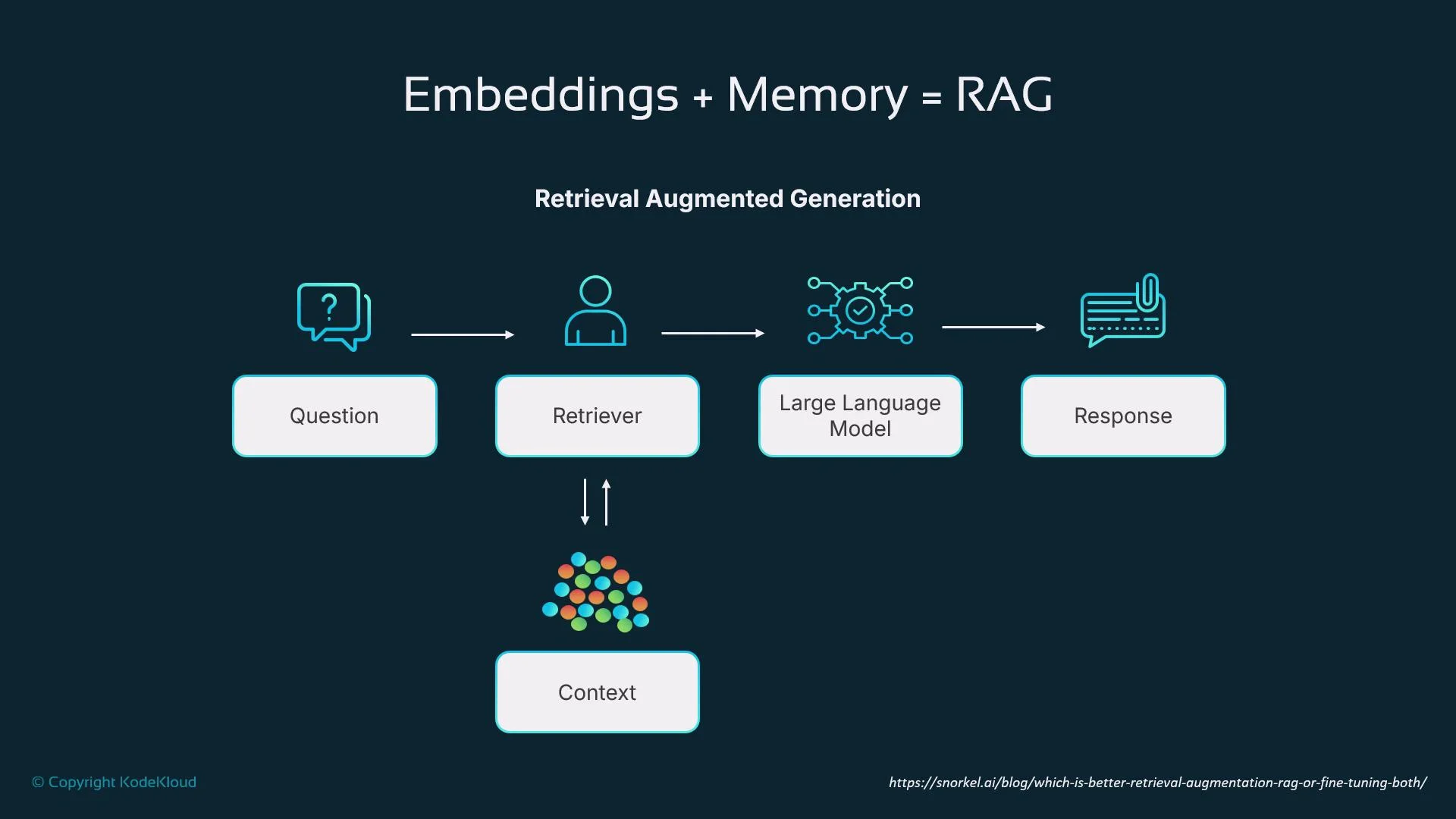
RAG is a core pattern for agents that require contextual awareness beyond a single prompt. The typical RAG workflow:- Convert the user query into an embedding.
- Retrieve relevant context from a vector DB using that embedding.
- Pass the retrieved context and the original query to an LLM.
- The LLM generates a response grounded in the retrieved information.
Choosing the right stack — practical guidance
Deciding on a backend and tools depends on requirements like memory persistence, multi-step reasoning, scale, latency, and data governance. General recommendations:- Long-term memory / document search → Embeddings + Vector DB
- Multi-step reasoning / tool orchestration → Use a framework (LangChain, OpenAI Agent SDK, AutoGen)
- Enterprise production → Leverage cloud provider vector offerings for integration, compliance, and scaling
When selecting components, consider latency, cost, data residency, refresh rates for embeddings, and how frequently your agents will write to or query the vector store. These operational factors strongly influence architecture choices.
Typical agent architecture
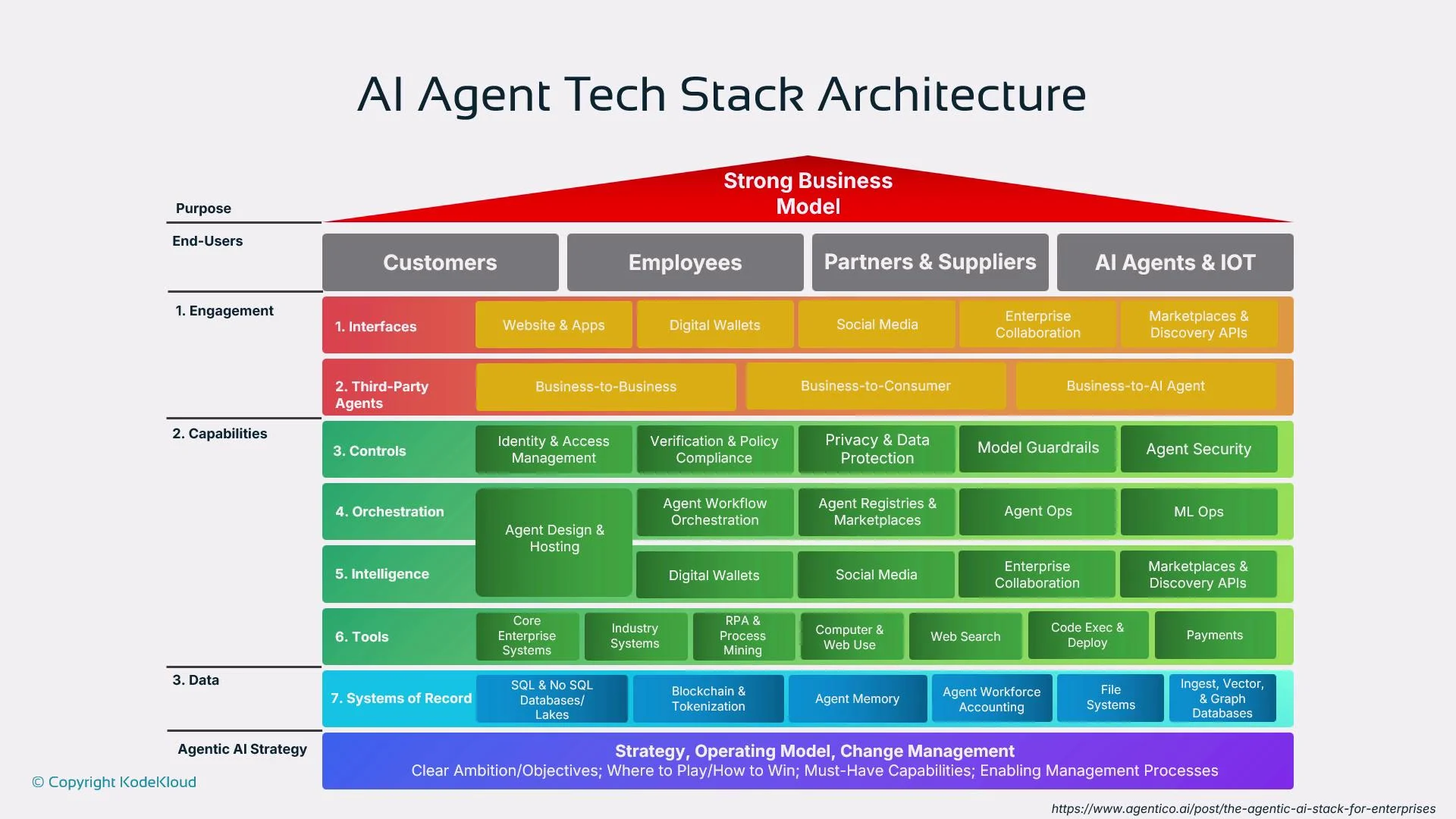
A typical production agent connects the following components:- User interface or API that captures user input
- Orchestration framework that plans steps and invokes tools
- Embedding model to convert queries and documents into vectors
- Vector database for memory and similarity retrieval
- External tools/services for executing actions (APIs, databases, business systems)
Privacy and compliance matter: before storing user data or embeddings, confirm data residency, PII handling, and encryption requirements. Embeddings derived from sensitive data may still be sensitive — apply anonymization, access controls, and legal reviews.
Links and references
- Pinecone — managed vector database
- Chroma — open-source vector store
- Milvus — scalable open-source vector DB
- Amazon Kendra / OpenSearch / Bedrock
- Azure Cognitive Search / Azure AI Studio
- Vertex AI Matching Engine
- OpenAI Agent SDK
- LangChain
- AutoGen (Microsoft)
- Retrieval-augmented generation (Wikipedia)
This overview should help you map the right components to your agent project. Focus on the combination of embeddings, a reliable vector store, and an orchestration framework to build memoryful, tool-capable agents that scale in production.