

- What a Speech Translation Agent is and why audio input matters
- OpenAI audio tools (WhisperInput and Text-to-Speech)
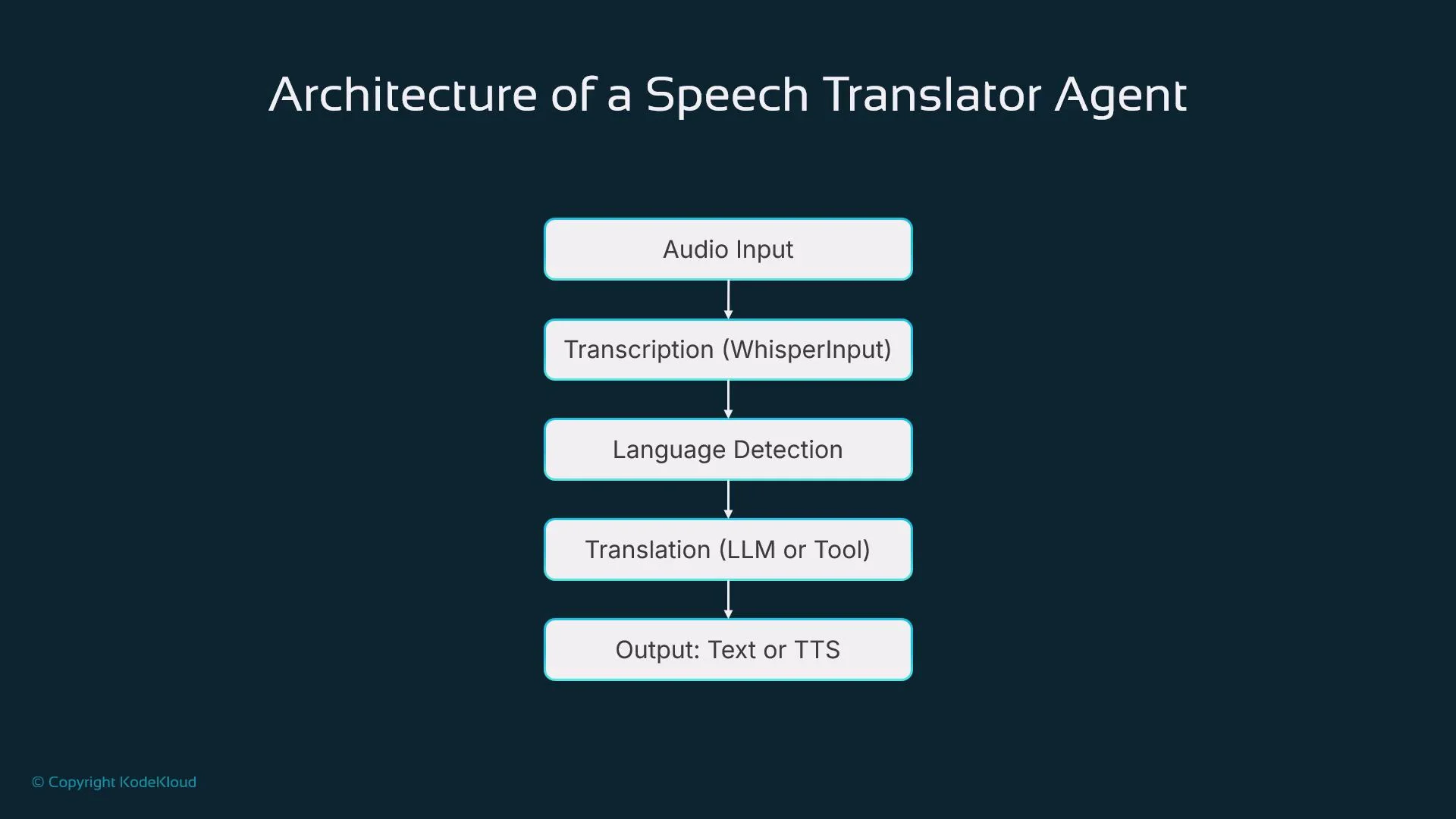
- The Speech Translator Agent architecture: capture → transcription → language detection → translation → output
- Transcription, language detection, and translation flow
- Output options (text vs. synthesized speech)
- Streaming vs. batch processing
- Integration with agent tooling and memory, use cases, and best practices
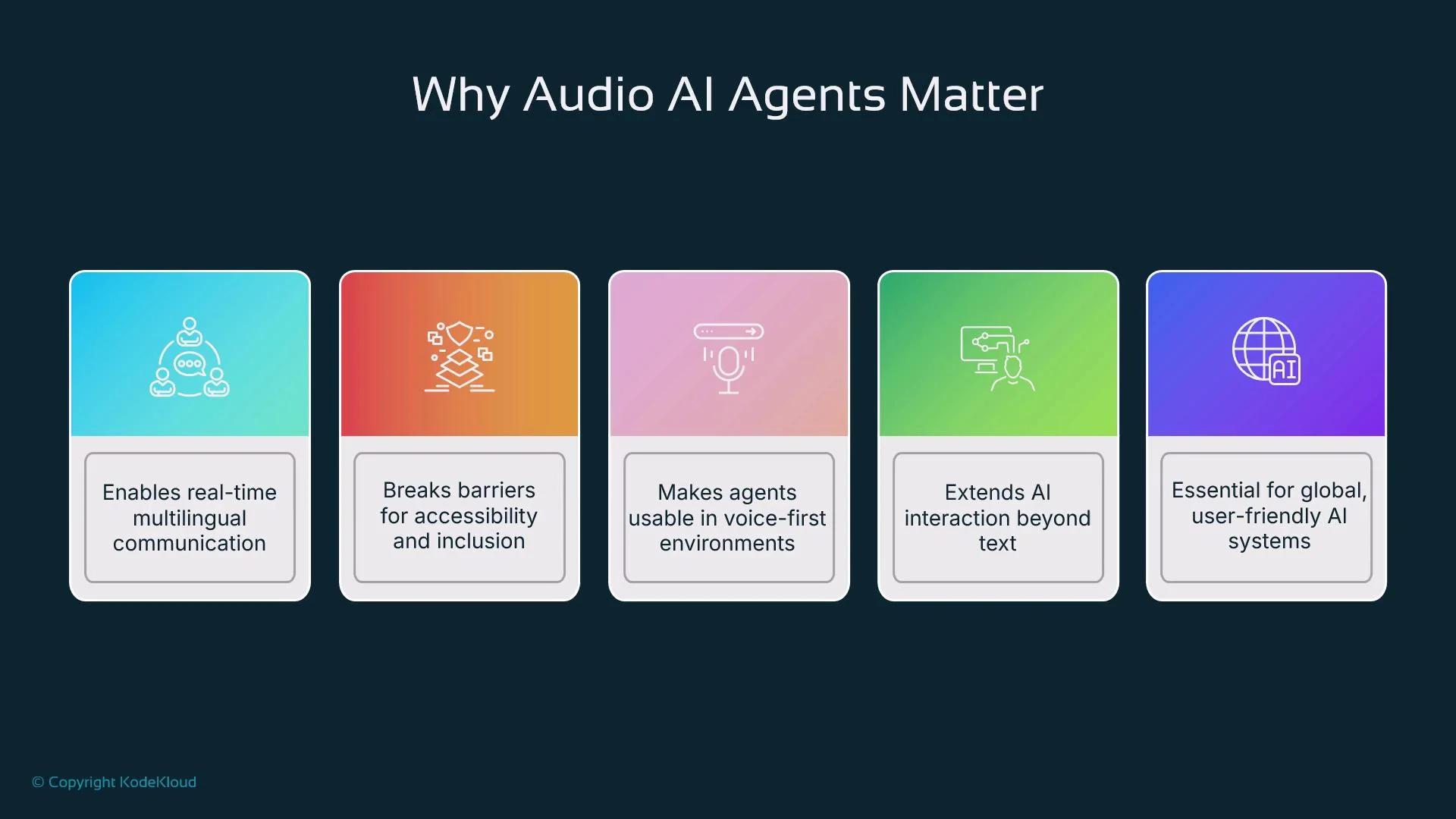
What is a Speech Translation Agent?
A speech translation agent takes audio input, converts speech to text, detects the speaker’s language, translates into one or more target languages, and returns either translated text, synthesized speech, or both. It functions similarly to human interpreters and can be embedded into mobile assistants, contact centers, kiosks, and accessibility tools. Typical capabilities:- Real-time or batch transcription
- Language detection and context-aware translation
- Synthesized audio responses via TTS
- Integration with memory and tooling for continuity and personalization
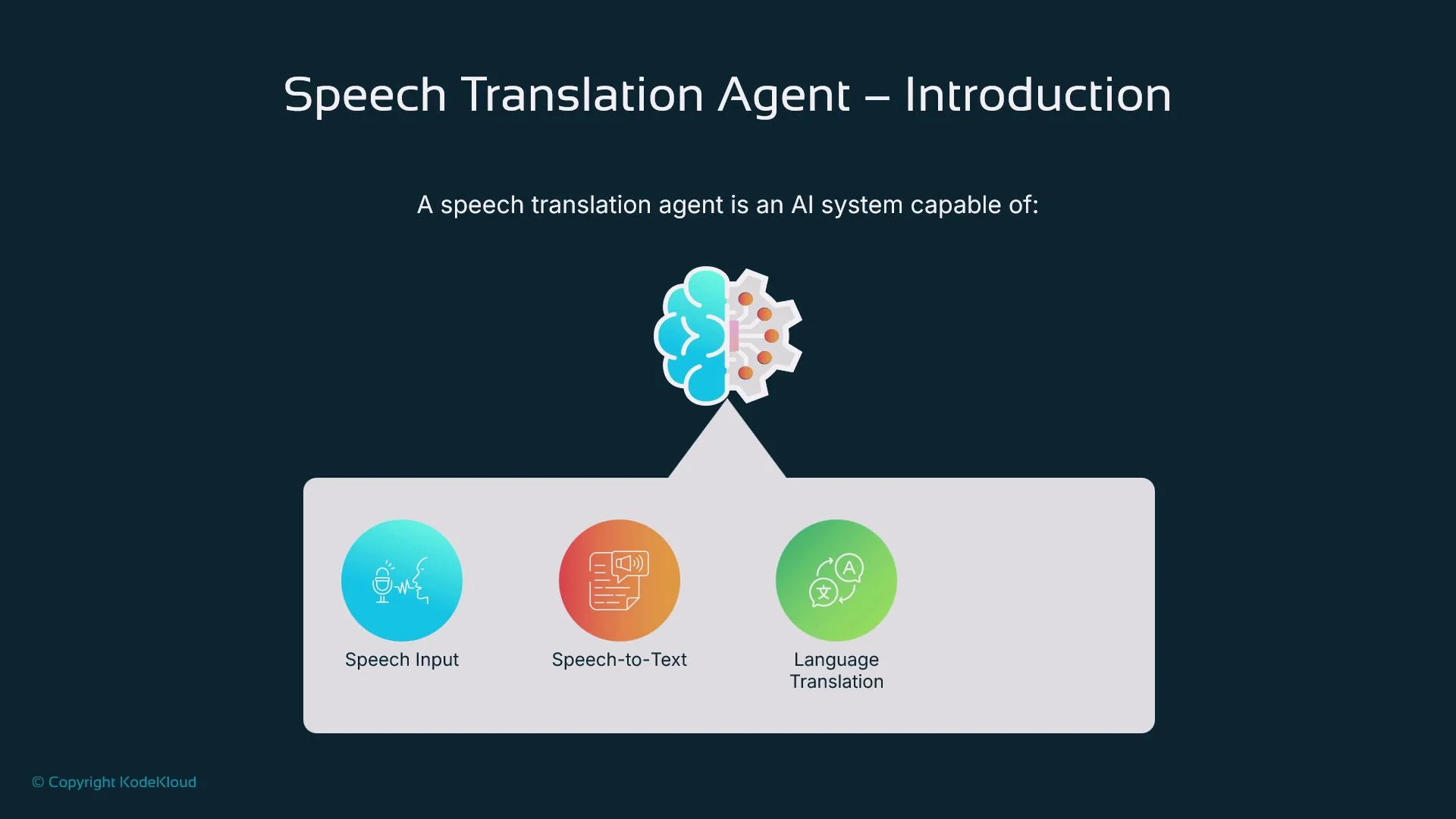
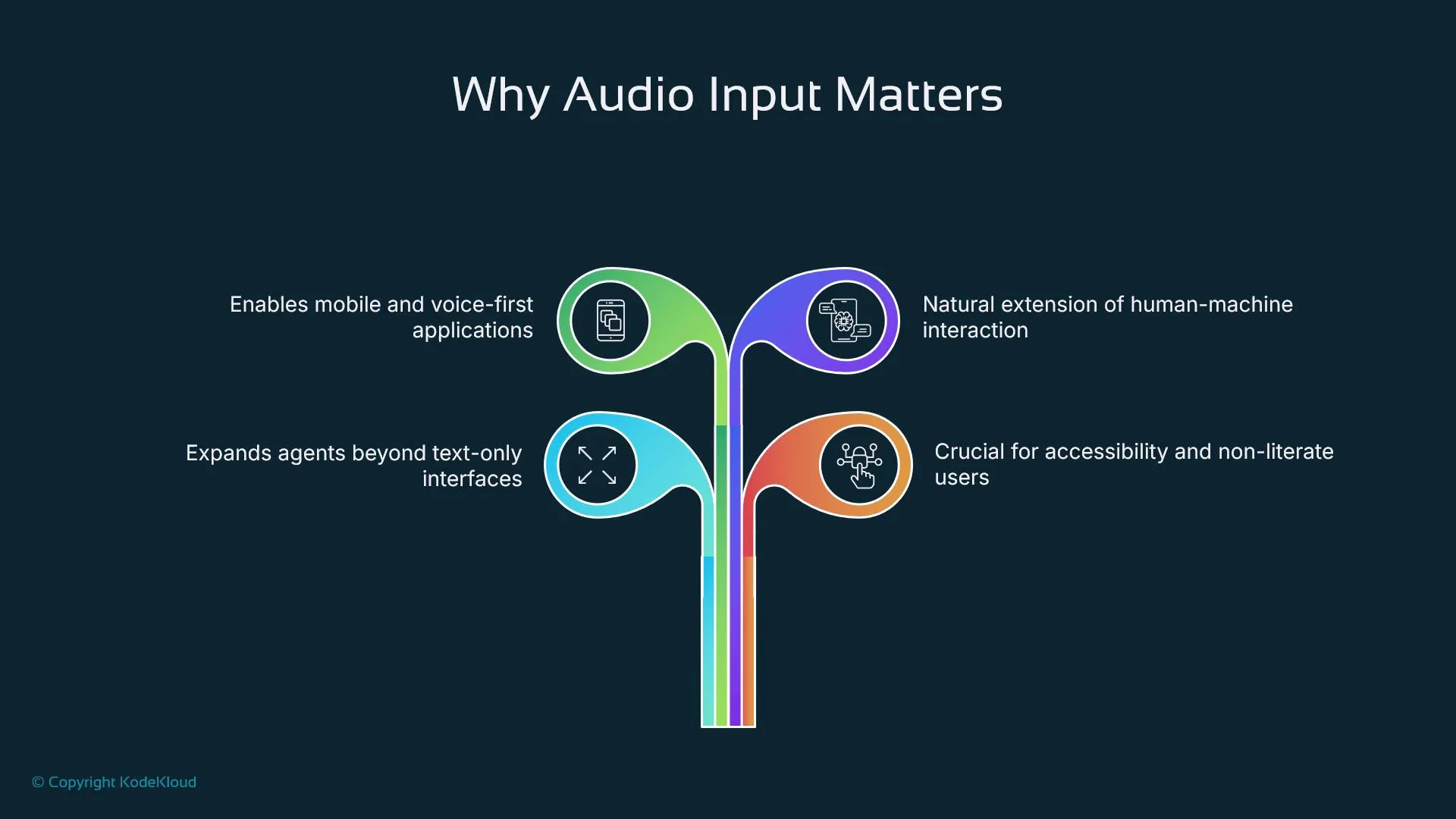
Why include audio input?
Voice input is essential when typing is inconvenient or impossible (hands-free scenarios, mobile usage, low literacy, or accessibility needs). Combined with transcription and translation, voice enables:- Live multilingual assistants and meeting interpreters
- Faster, natural interactions (speak and listen like with a human)
- Multimodal workflows (speech + text + UI)
OpenAI audio tools
OpenAI provides two primary audio building blocks commonly used in speech translation agents:
WhisperInput handles many languages and audio conditions; the TTS API lets agents reply with natural voices. Both integrate with agent SDKs so developers can build agents that listen, understand, and speak.
Architecture overview
A modular pipeline lets you swap components depending on latency and quality requirements. Typical pipeline steps:- Capture audio (microphone stream or uploaded file)
- Transcribe audio to text (WhisperInput)
- Detect source language (Whisper metadata or an LLM)
- Translate using an LLM or an external translation API
- Output translated text and/or synthesize speech with TTS
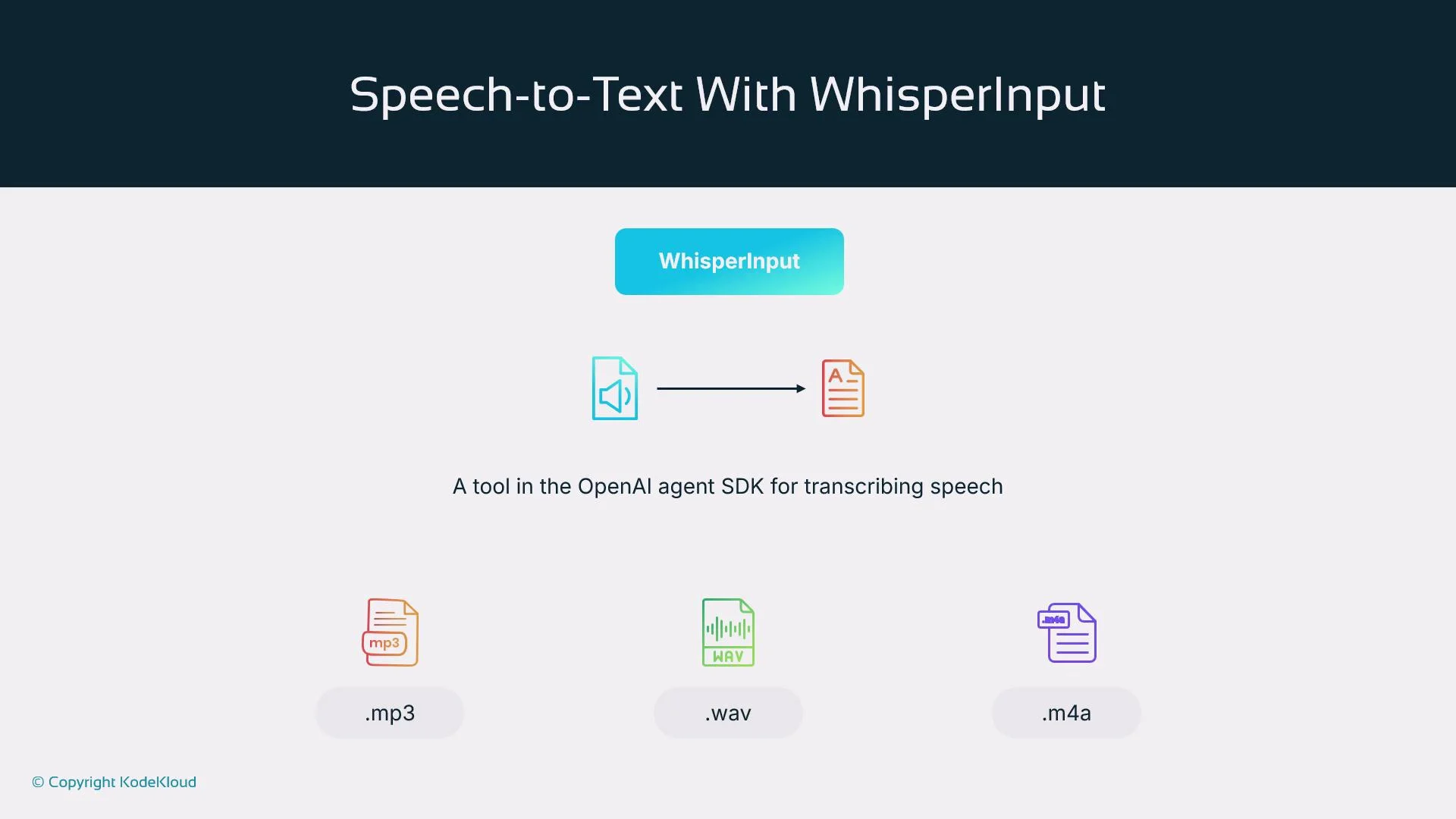
WhisperInput (speech-to-text)
WhisperInput is the transcription tool in the agent SDK. It supports:- File mode — submit a complete audio file (
.mp3,.wav,.m4a) for full transcription and richer post-processing. - Streaming mode — send audio chunks progressively for low-latency partial transcripts.
Language detection and translation flow
Language detection can be inferred from Whisper’s metadata or by passing the transcription to an LLM for robust detection. After detecting the source language, translate using either:- An LLM (e.g., GPT-family) for context-aware translation, or
- A specialized translation API (e.g., DeepL) when domain-specific or high-fidelity translations are required — see DeepL for specialized translation capabilities: https://www.deepl.com/translator
- Conversation context
- Speaker metadata (role, formality preference)
- Domain or glossary constraints
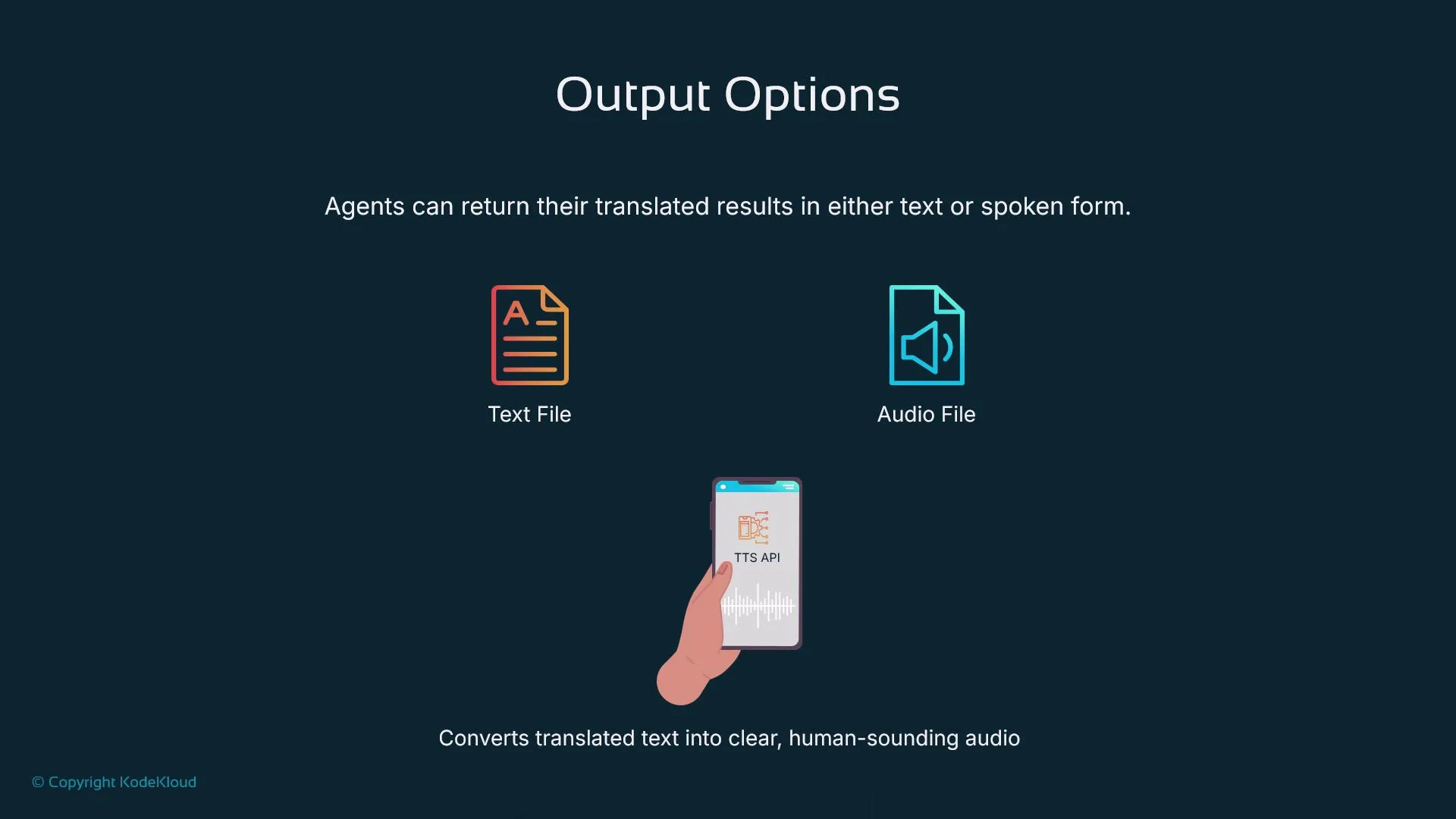
Output options (text and TTS)
Translated results can be delivered as:- Plain text or downloadable caption files (SRT, VTT)
- Synthesized speech (TTS API) for hands-free playback
- Streaming partial text + partial audio for live experiences
Streaming vs. batch processing
Choose the processing mode based on the application’s latency and accuracy demands.
Streaming is best for immediate feedback; batch is best for accuracy and deep analysis.
Memory and context integration
Integrate memory to maintain context across a session and across interactions. Memory enables:- Consistent speaker identity and personas
- Terminology and preferred translations (company terms, user nicknames)
- Persistent language preferences and formality level
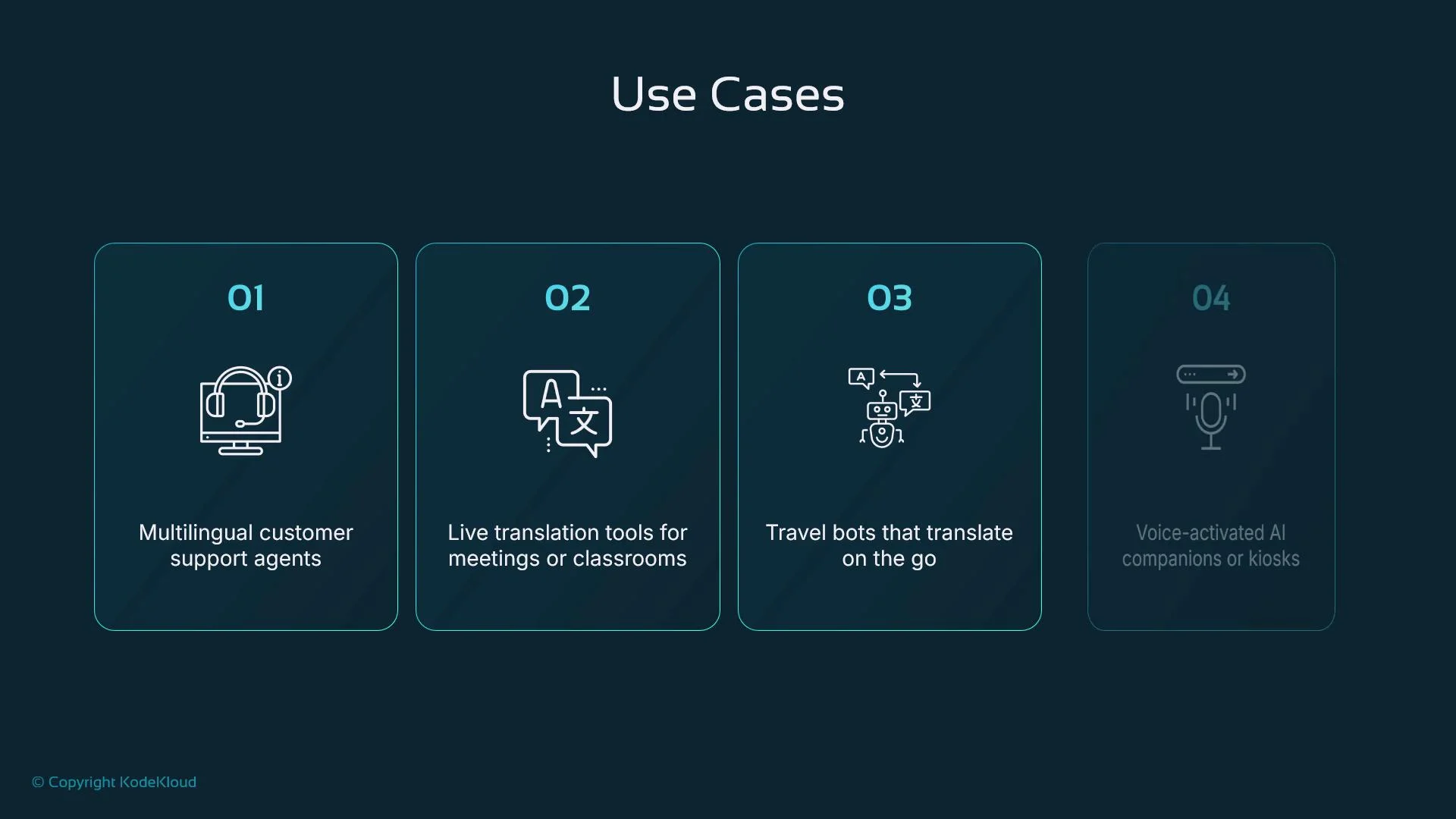
Use cases
Speech translation agents are valuable across industries:- Customer support: real-time interpretation for international callers
- Education: live translations in multilingual classrooms
- Travel: real-time travel assistants and kiosks
- Healthcare: telehealth interpreters and appointment support
- Meetings: live translation and multilingual meeting summarizers
- Language learning: tutors giving spoken feedback and translations
Limitations and best practices
Key limitations and recommended mitigations:- Audio quality: background noise, heavy accents, and low-fidelity recordings reduce accuracy. Use noise suppression and high-quality mics.
- Context preservation: include conversation and speaker metadata to preserve tone and intent.
- Fallbacks: design graceful fallback flows when speech is unintelligible (request repetition, provide transcripts, surface confidence scores).
- Latency: for real-time apps, prefer streaming with partial outputs and tuned chunk sizes.
- Data privacy: treat audio as sensitive data. Encrypt, limit retention, and obtain consent.
Always implement strong privacy protections for audio data. Obtain user consent before recording, use secure transmission and storage, and apply data retention policies to limit exposure.
Example high-level flow (pseudo-code)
Below is a concise logical sequence for a speech translation agent. Replace pseudo calls with your SDK/API specifics and error handling.For real-time scenarios, process audio in small chunks and stream partial transcripts and translations to the client for lower perceived latency.
Final recommendations
- Design modular pipelines: separate capture, transcription, detection, translation, and TTS so you can iterate on components independently.
- Profile streaming vs. batch in your environment to find optimal chunk sizes and latency/accuracy trade-offs.
- Surface confidence scores and human-in-the-loop review for safety-critical domains.
- Localize voice and translation settings to match user expectations for formality and dialect.
- Test widely: diverse accents, noisy environments, and target demographics to ensure robustness.