

What is Poe?
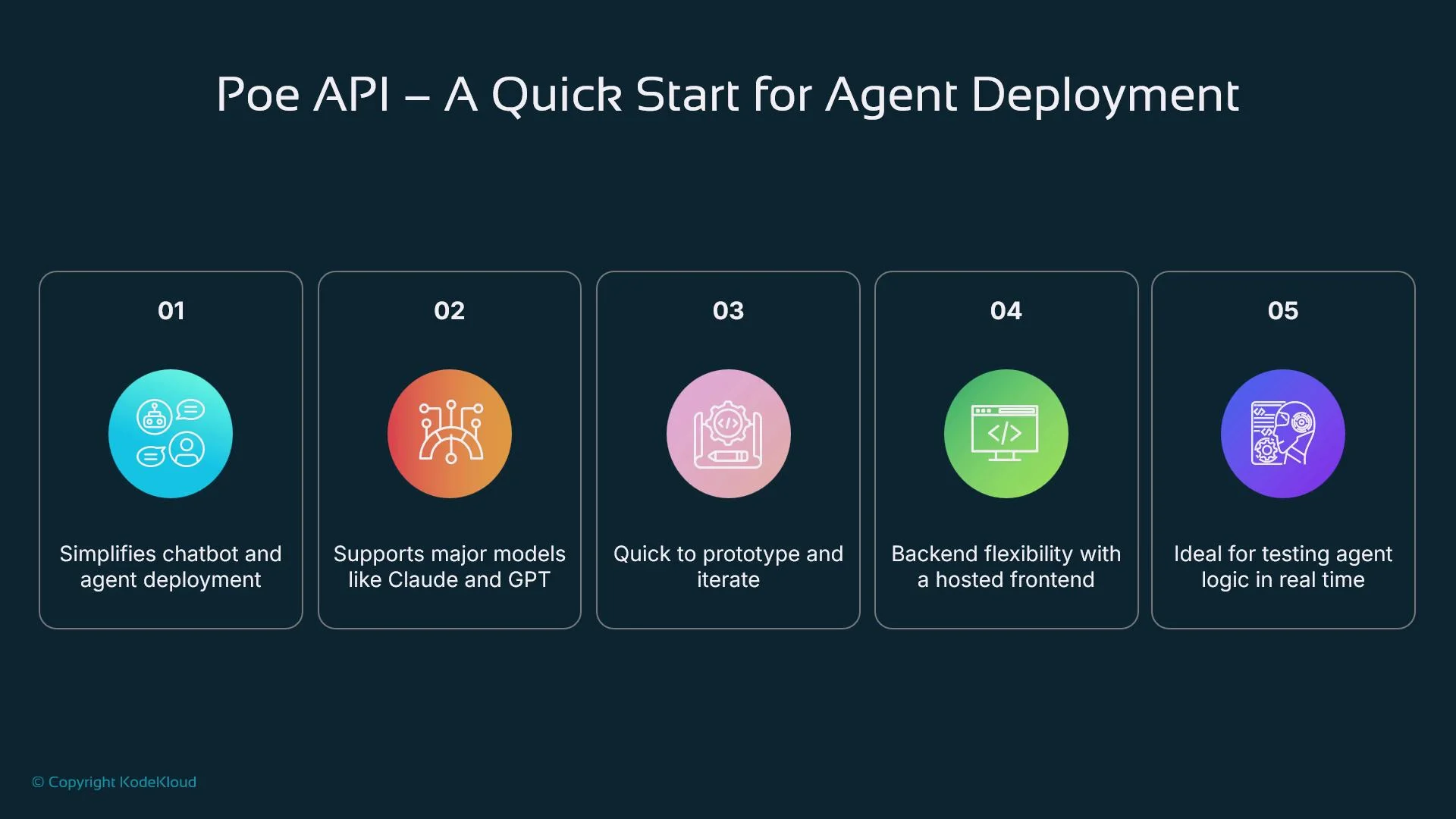
Poe (Platform for Open Exploration) is Quora’s framework for creating and deploying chatbots powered by large language models (LLMs). Poe emphasizes accessibility: it provides a simple creator UI to connect models such as Claude, GPT-4, GPT-3.5, and others to real users while handling session management and the front end. Key benefits:- Hosted UI and session handling for faster prototyping
- Plug-and-play access to multiple LLMs
- Server-bot support for real-time backend logic and integrations
Server-side bots and use cases
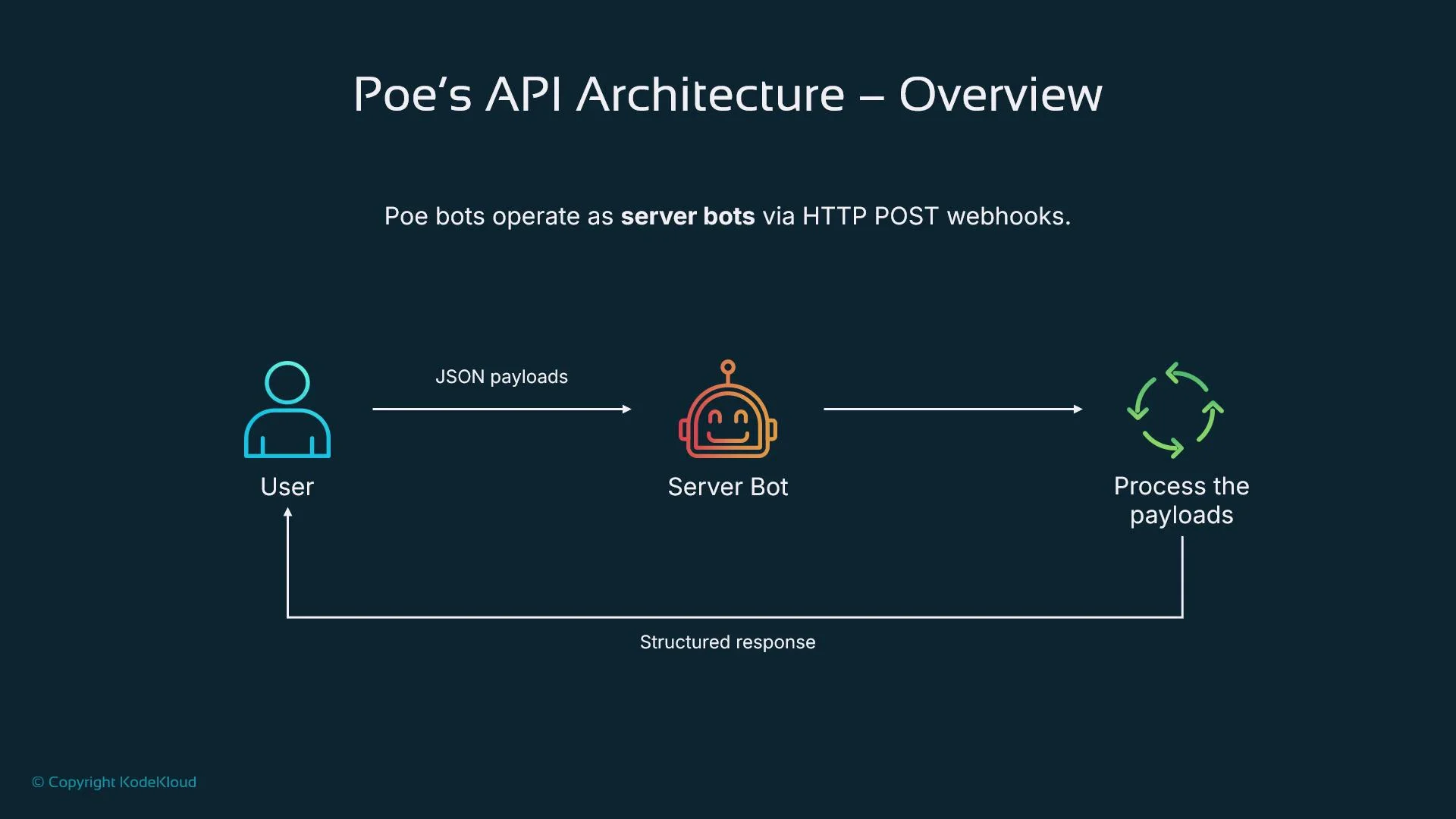
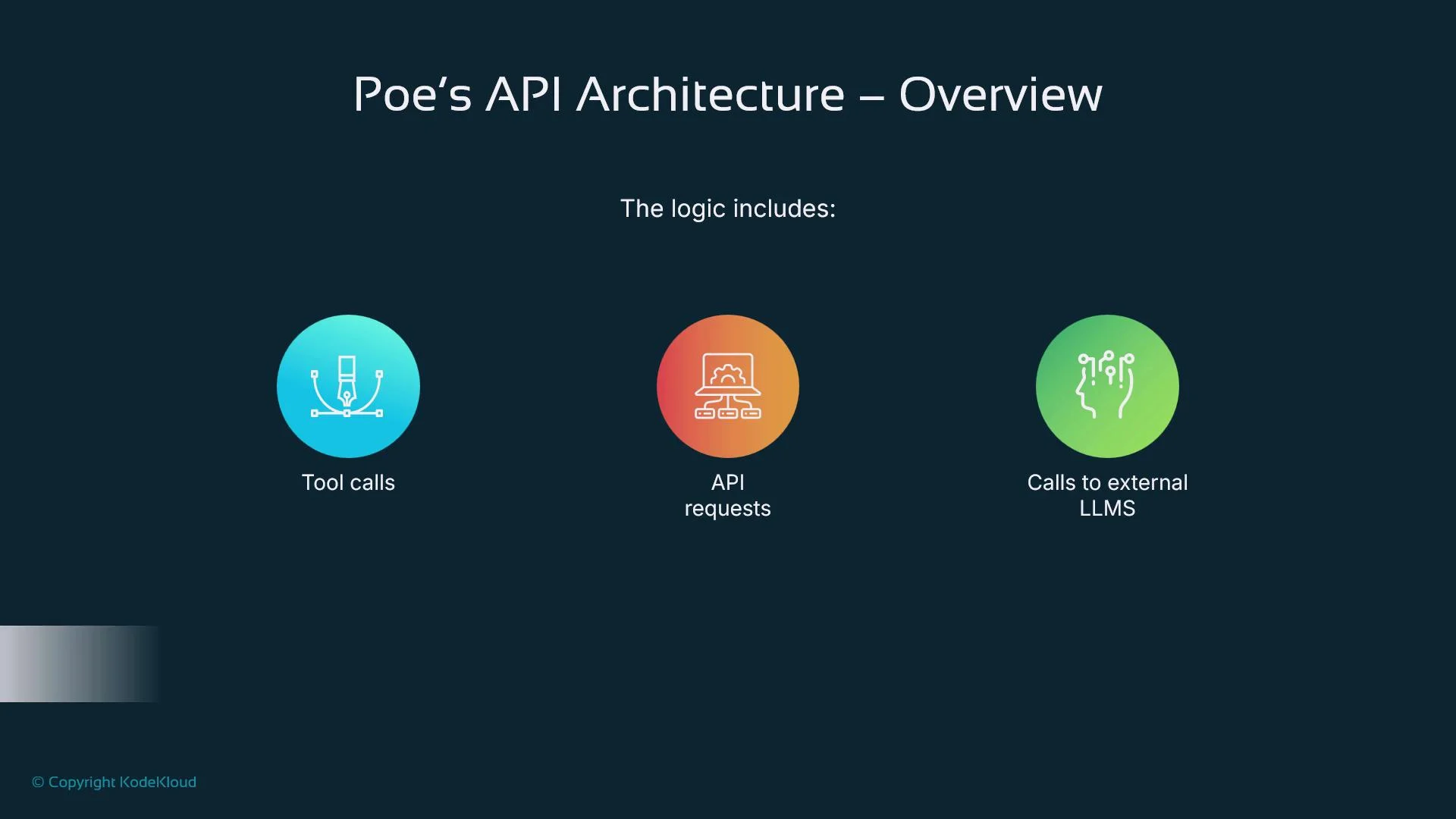
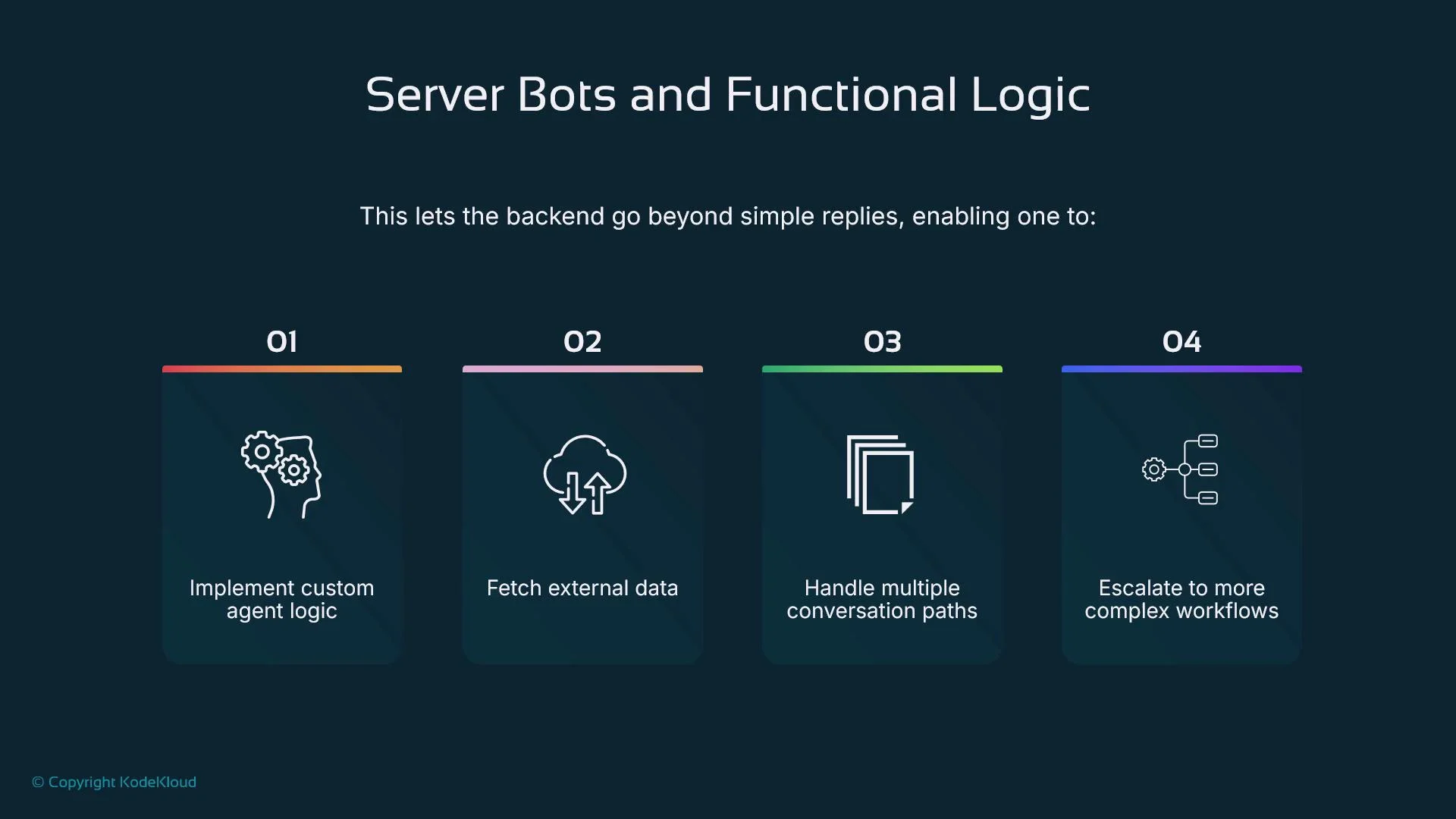
Poe’s server-side bots (webhook bots) let you implement real-time, agent-like behavior on your backend. These bots receive webhook events from Poe, execute logic, call APIs or external LLMs, and return structured JSON responses. Typical use cases include:- Hosting and customizing LLM-powered chatbots without building a UI.
- Agentic bots that integrate with external APIs or run conditional, programmatic logic.
- Embedding conversational interfaces in web or mobile apps quickly.
- Rapid prototyping and iterative model testing before building a custom stack.
Typical request flow
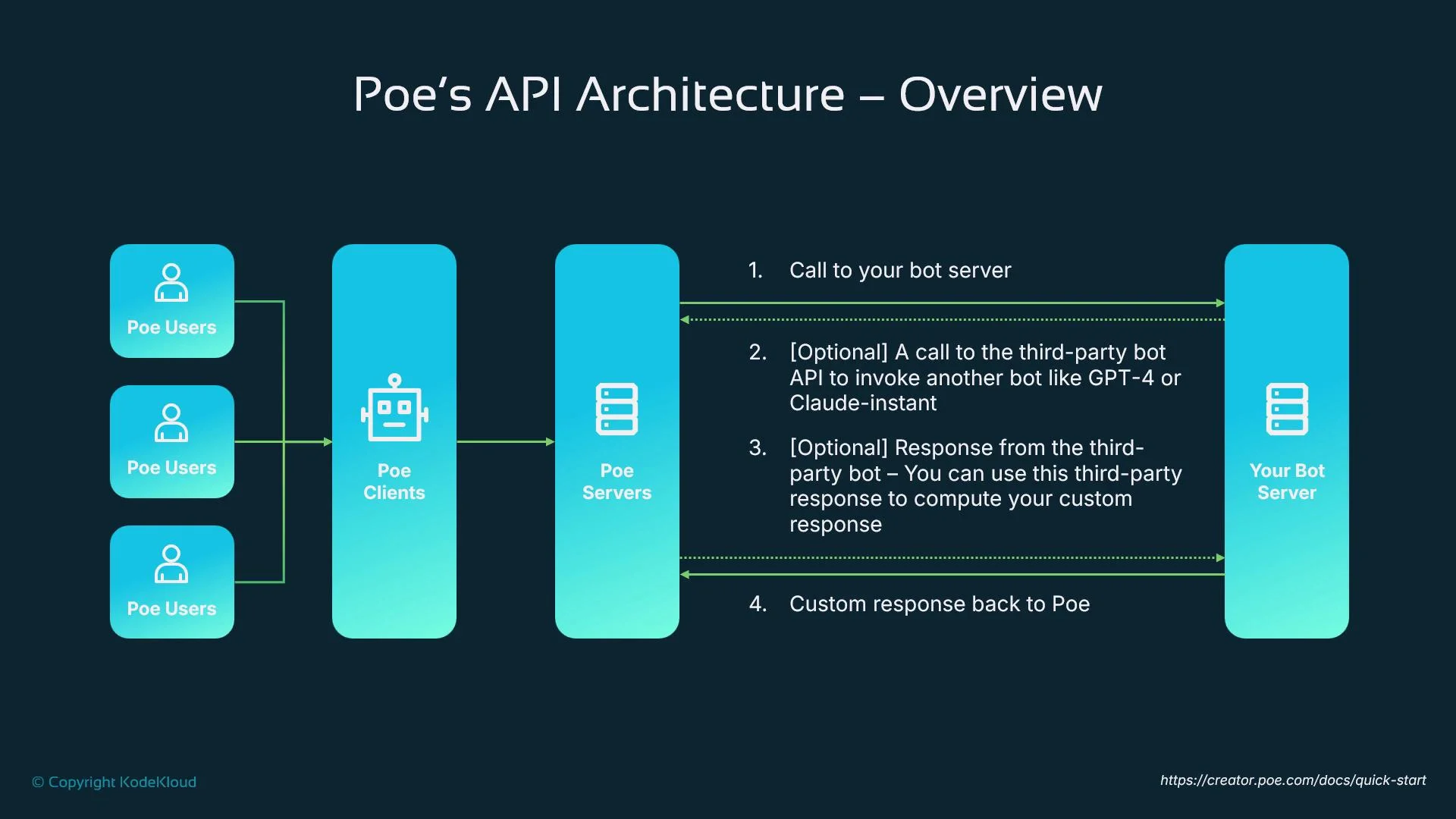
A common request loop looks like this:- A user interacts with a client (web or mobile).
- The client sends the message to Poe’s servers.
- Poe routes the event to your configured server bot via HTTP POST.
- Your server processes the event, optionally calling third-party APIs or LLMs (e.g., GPT-4 or Claude).
- Your server returns a structured JSON response; Poe renders that response to the user.
Message loop and streaming
Poe sends an event payload (webhook) to your server whenever a user message arrives. Your server should return a valid JSON response within 30 seconds. Valid response types include:- A complete message (single response)
- Streaming tokens (incremental partial responses)
- Suggestions or follow-up prompts
Creating a custom Poe bot
Start at the Poe Creator: https://creator.poe.com. The creator UI lets you configure the bot’s display name, greeting, profile image, description, and the public webhook URL that receives Poe POSTs. You can also choose default LLM settings and session memory behavior. Once configured, your server must handle the incoming webhook events and return responses per Poe’s schema.Server-bot event types and minimal response example
Server bots commonly receive these event types:message— user messages and conversation eventssettings_update— changes to bot configurationreport_feedback— user feedback eventserror— diagnostic or error events
message events and return a JSON object containing fields like messages or text. Here is a minimal response example:
meta or stop can be used to control flow more granularly (partial responses, fallbacks, or suggested actions).
LLM integrations and model selection
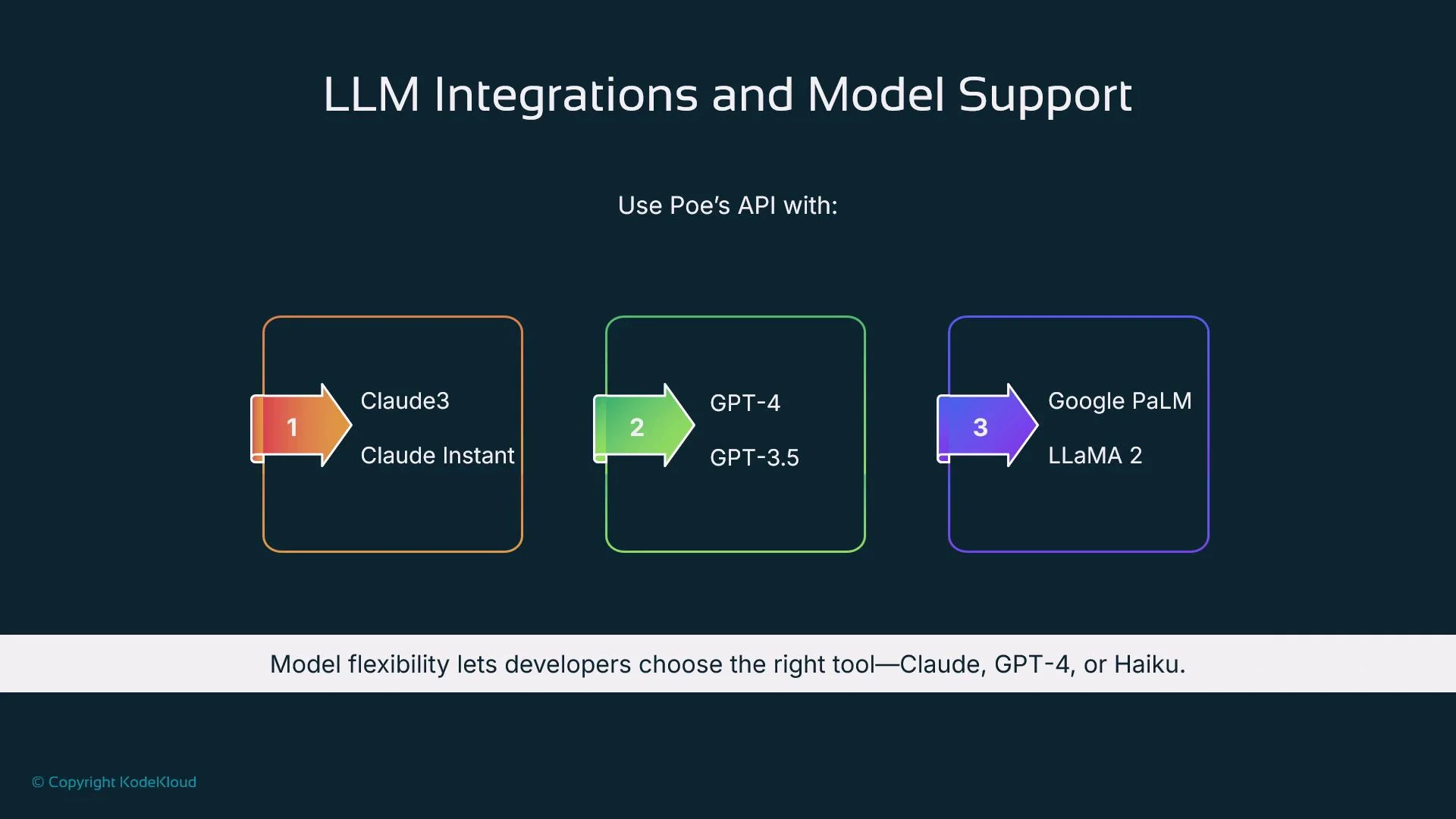
Poe supports multiple models out of the box, including Claude 3, Claude Instant, GPT-4, GPT-3.5, Google PaLM, and Meta LLaMA 2. Choose models based on the task:- Claude: steerable safety and structured responses
- GPT-4: creative, reasoning-heavy tasks
- Smaller/faster models: low-latency or cost-sensitive tasks
Webhooks, hosting, and deployment
Because Poe relies on webhooks, your backend must be publicly accessible over HTTPS and able to receive POST requests. Poe expects a JSON response within 30 seconds, so design for low latency or use streaming for long-running tasks. Recommended hosting options:- Render, Vercel, Replit, Glitch — lightweight platforms that provide HTTPS endpoints.
- Container platforms or cloud VMs if you need more control.
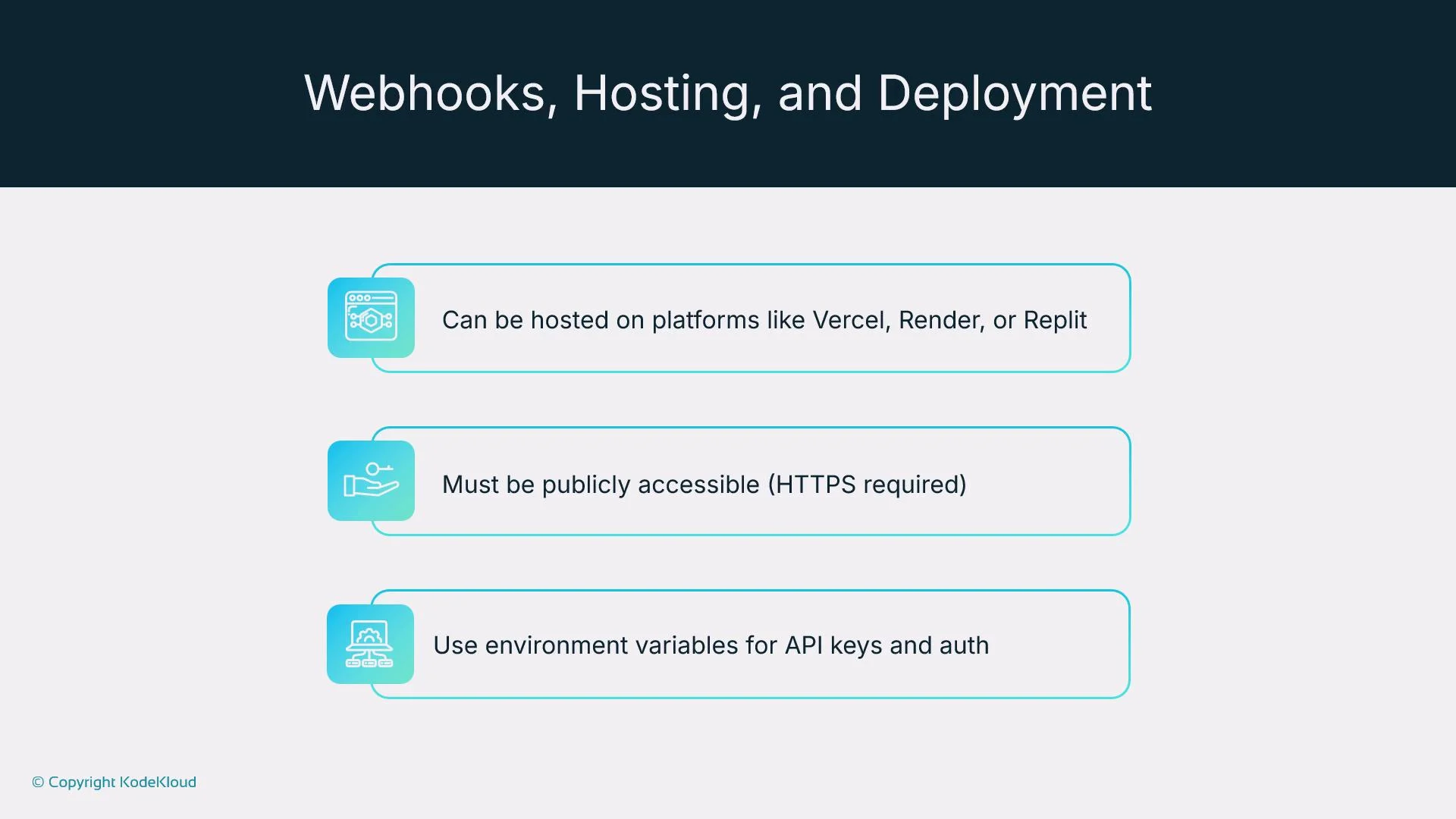
Your webhook endpoint must be publicly reachable over HTTPS and secured. Never commit API keys or secrets to source control — use environment variables, secret stores, or platform-provided secret management.
Keep synchronous responses under 30 seconds. For tasks that take longer, stream tokens immediately to improve perceived responsiveness.
Best practices for Poe bot design
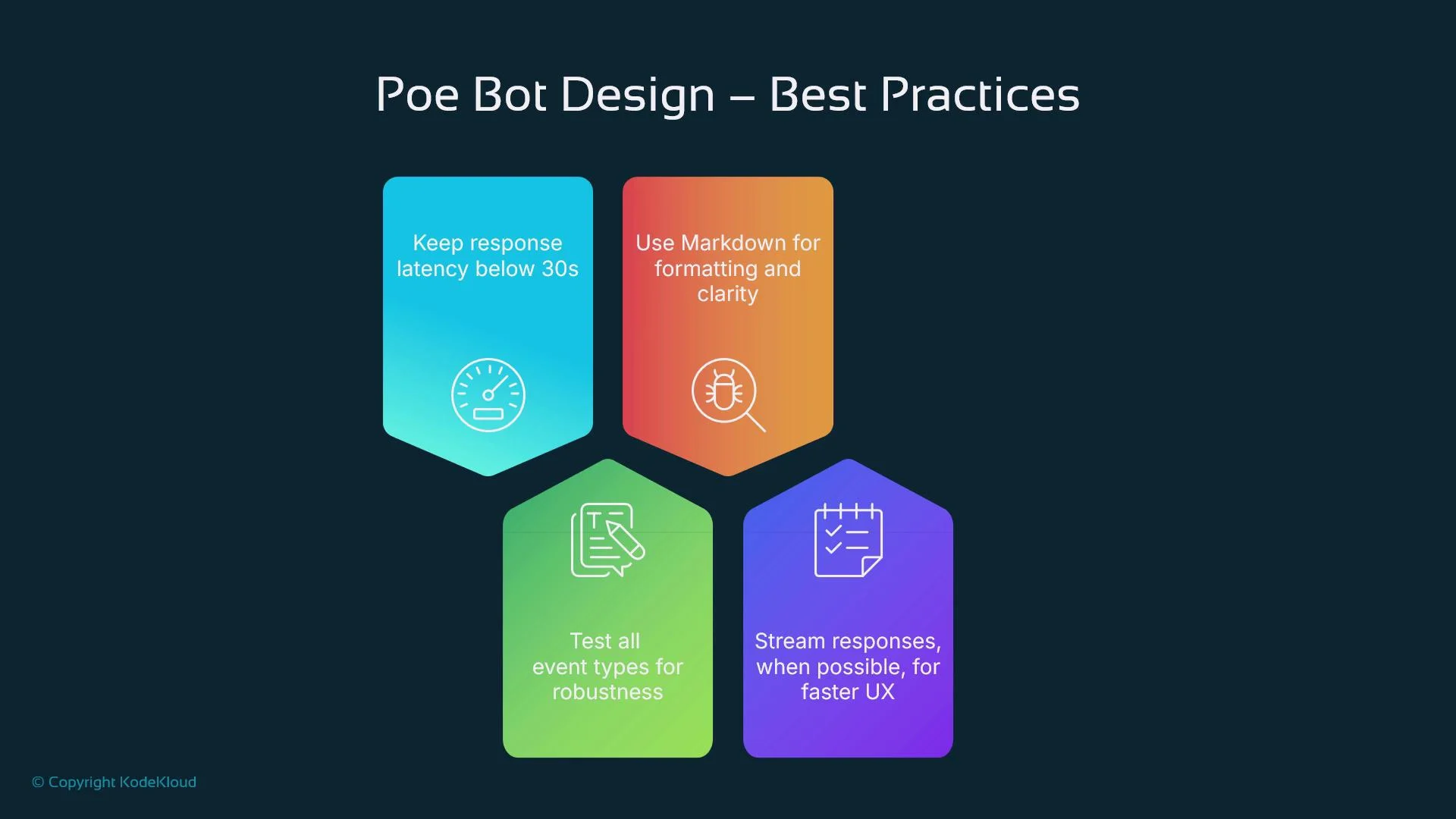
- Keep synchronous response latency below 30 seconds; stream for long-running tasks.
- Use Markdown formatting (bold, lists, links) to improve readability.
- Validate user input before invoking external APIs or performing actions.
- Test all event types and edge cases (errors, retries, feedback events) to ensure production reliability.
- Log requests/responses and implement retries and graceful degradation for third-party failures.
- Use rate limiting and quota controls for downstream APIs to prevent unexpected costs or throttling.
Limitations and comparisons
Consider these limits when deciding whether Poe fits your product:- The built-in UI is primarily a chat window with limited customization. If you need rich UI components, build a custom front end.
- Poe does not natively provide complex orchestration or tool-chaining like frameworks such as LangChain. Implement multi-agent or stepwise planners on your backend when needed.
- Because Poe controls hosting of the front end and UI, there are constraints compared to fully custom stacks — but Poe often speeds up prototyping and early-stage testing.
When to choose Poe
Poe is an excellent choice for early-stage projects, prototypes, or lightweight agent wrappers when you want to iterate quickly and test user interactions without building a full UI. For complex, high-control multi-agent systems, or deeply customized front ends, consider building a custom stack and using orchestration frameworks on your backend.Links and references
- Poe Creator: https://creator.poe.com
- LangChain (example orchestration framework): https://langchain.com/
- Kubernetes Basics: https://kubernetes.io/docs/concepts/overview/what-is-kubernetes/
- Poe docs (creator and webhook guides) — check the Poe creator site for the latest webhook schema and examples.
- Provider docs for any LLMs you integrate (OpenAI, Anthropic, Google, Meta) for model-specific guidance and authentication details.