

- Agent-computer tools: what they are and why they matter
- Why browser automation is important for agents
- Understanding Playwright and its core capabilities
- Integrating Playwright with AI agents (pattern and example)
- Use cases for web scraping and data extraction
- Typical architecture and runtime flow
- Security, sandboxing, and practical limitations
- Comparing Playwright to other browser automation tools
- Best practices and real-world examples
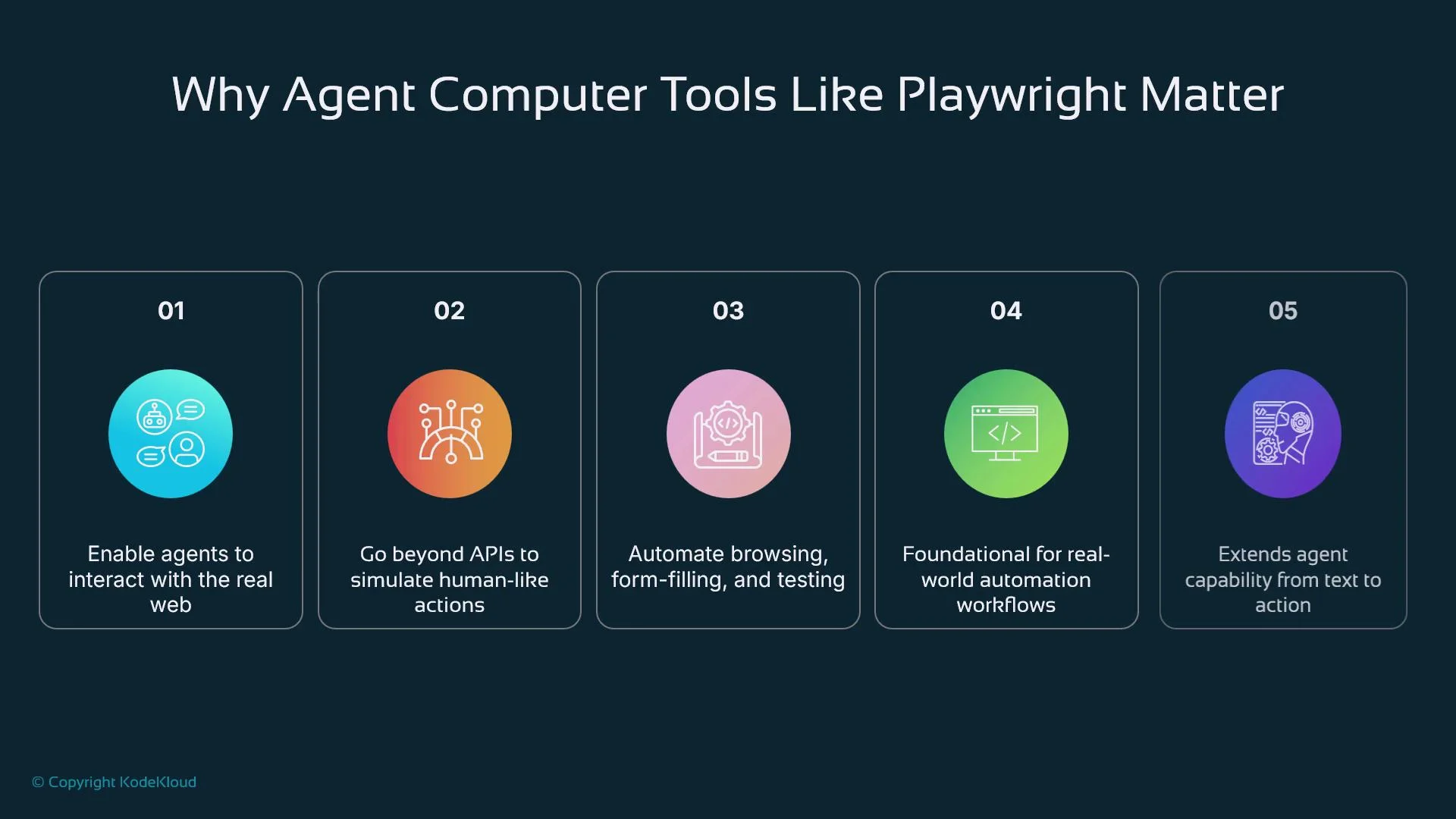
- No API exists or an API is restricted or rate-limited.
- The workflow requires simulating human interaction (multi-step logins, consent dialogs).
- Client-side JavaScript or dynamic rendering prevents simple HTTP scraping.
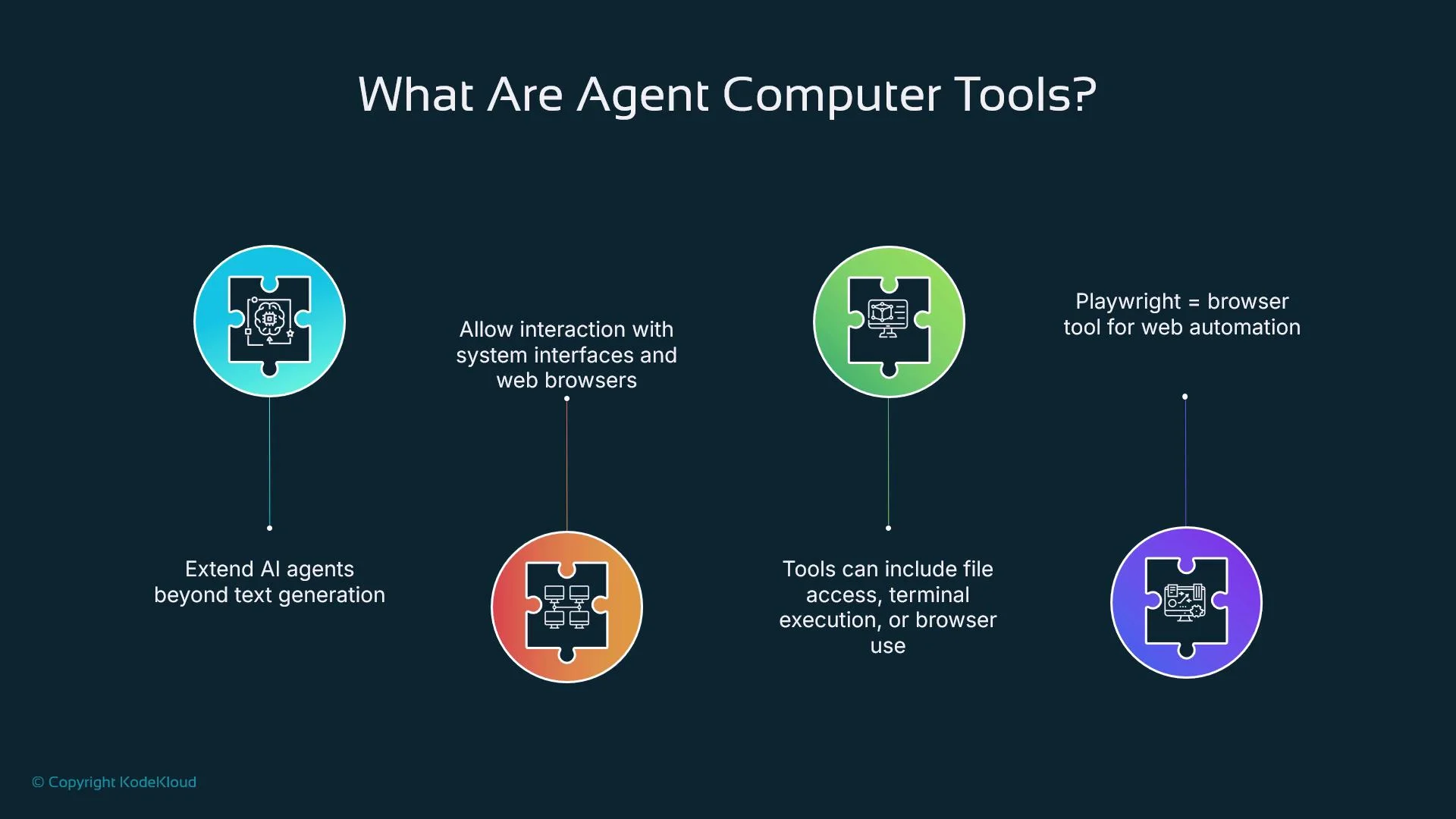
- Public APIs are absent, restricted, or require partner agreements.
- Workflows require a real user session (multi-step flows, SSO, consent screens).
- Pages rely on client-side frameworks (React, Vue, Angular) that render content dynamically.
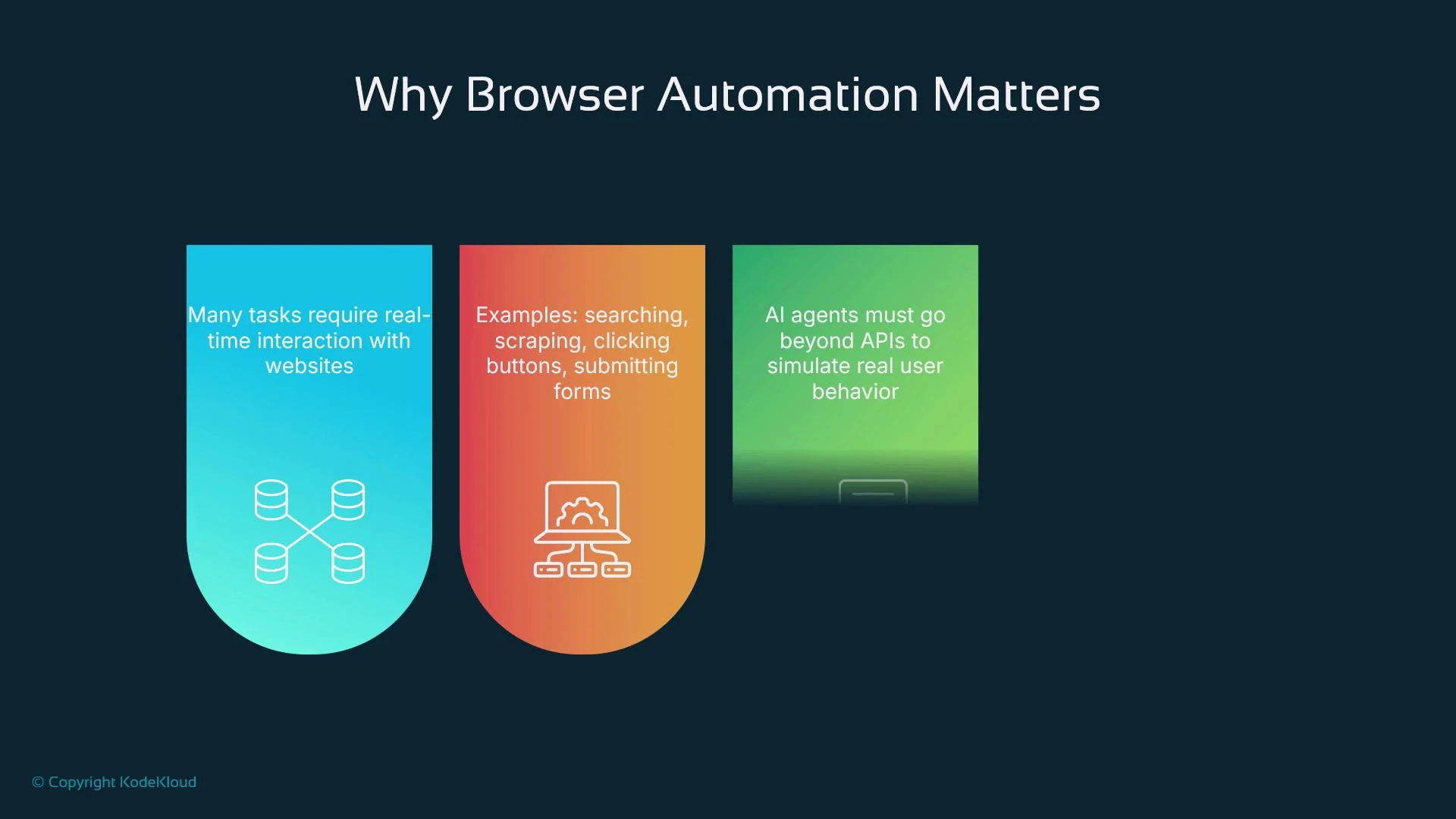
- Page navigation, clicks, typing, and file uploads/downloads
- Pop-up and multi-page handling
- Network interception and request/response inspection
- Screenshots, PDFs, and visual evidence capture
- Auto-waiting for elements and reliable async handling
fetch_balance, receives structured results, and decides whether to finish or issue additional steps. This read-act-think-act loop enables mid-execution adjustments and robust error handling.
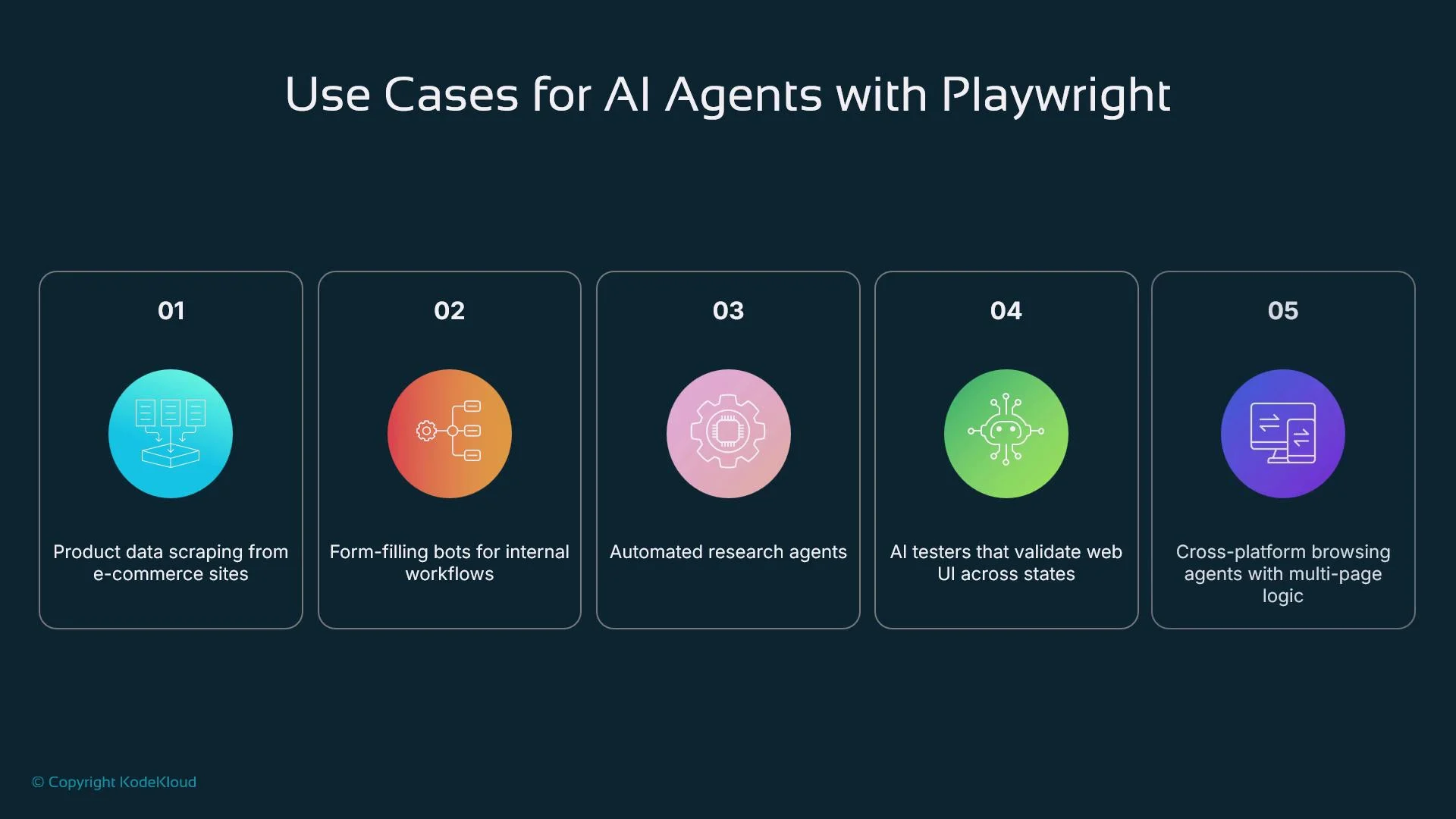
- Research agents: extract citations and metadata from academic sites
- Customer support: log into internal dashboards and fetch user status
- Autonomous QA: run nightly flows to detect regressions or UI breakages
- Data scraping: collect product listings, pricing, and availability from web UIs
- Workflow automation: submit forms, pull invoices, or interact with legacy portals lacking APIs
- A user prompt or scheduled trigger initiates the task.
- The AI agent interprets the goal and decomposes it into discrete steps.
- Steps are dispatched to a Playwright tool wrapper (local process or microservice).
- The wrapper launches a browser context, performs actions, and gathers results (text, screenshots, network logs).
- Results are returned to the agent for further reasoning or final output.
- Sites may detect and throttle automated browsers (bot detection, CAPTCHAs).
- Multi-factor authentication and advanced anti-bot defenses can block automation.
- Unconstrained agents risk performing unsafe actions (clicking harmful links or exfiltrating data).
- Enforce domain allow lists, rate limits, and click limits.
- Run agents inside isolated sandboxes with constrained network access.
- Record and log every browser action for auditing and debugging.
- Use per-session credentials and avoid storing sensitive secrets in-process.
- Implement human approval for sensitive or irreversible actions.
Automated interaction with third-party sites can have legal or terms-of-service implications. Always confirm that scraping or automation is permitted, and avoid actions that could impersonate or harm users.
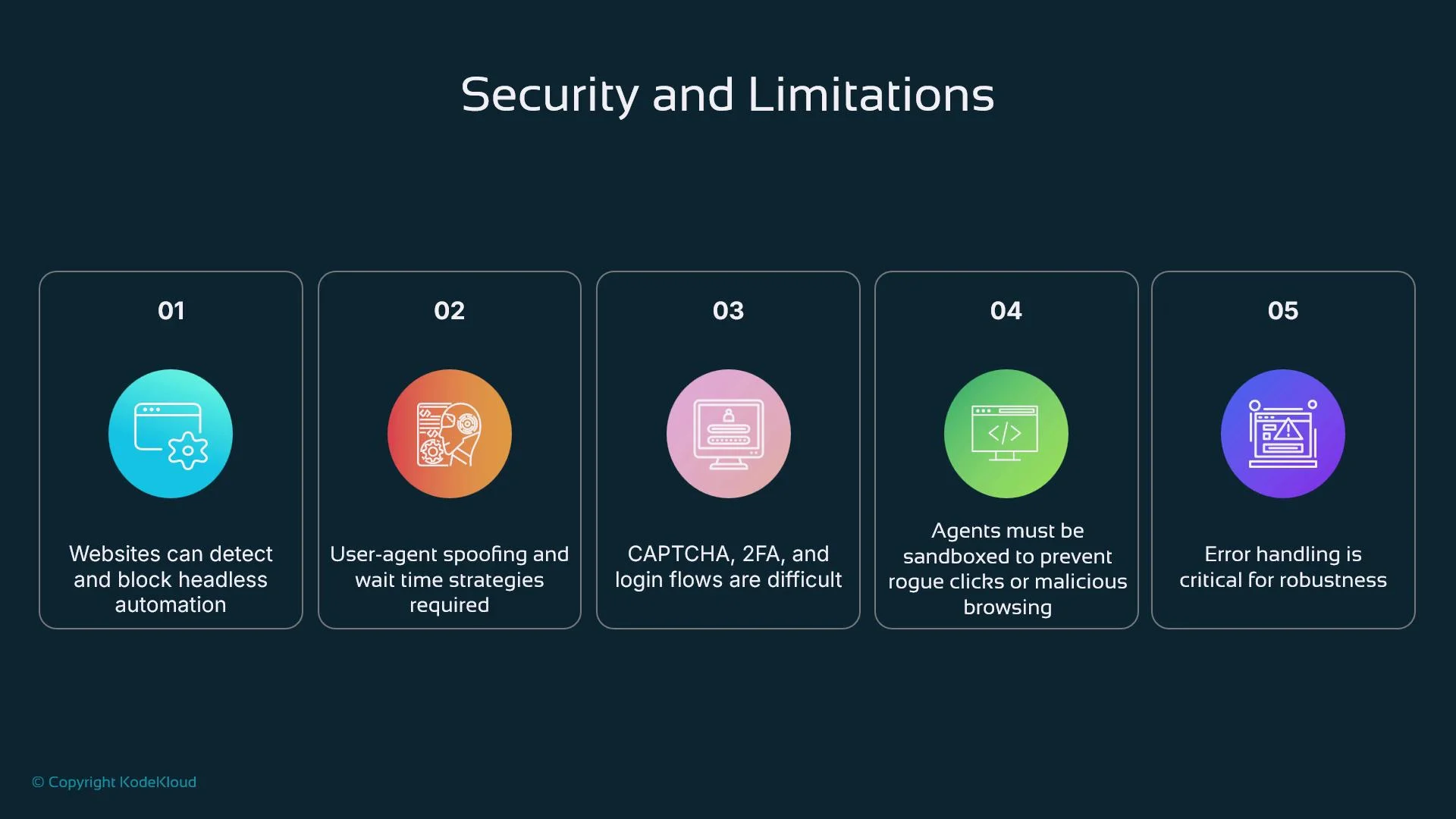
Practical advice for robust automation:
- Prefer stable selectors (IDs,
data-*attributes) over fragile XPaths. - Use explicit waits (e.g.,
wait_for_selector,wait_until="networkidle") for dynamic content. - Modularize functionality into small, testable functions or endpoints the agent can call.
- Wrap actions in try/except (or try/catch) and return structured errors the agent can handle.
- Log actions and responses with timestamps for traceability.
- Never inject unvalidated user input directly into navigations or selectors.
Design agent workflows so Playwright calls are idempotent and have clear failure modes; this simplifies retries and recovery.
- Recruitment automation: an agent logs into LinkedIn Recruiter, searches for candidates that match criteria, extracts profiles, and drafts outreach messages.
- Continuous QA: an automated tester navigates critical purchase flows daily, captures screenshots for failures, and opens tickets with logs.
- Healthcare portals: an automation agent logs into patient portals to download statements, reconcile invoices, and flag discrepancies for human review.