Welcome back. In this lesson we’ll walk through how to use Poe (Platform for Open Exploration) — Quora’s chatbot platform — to create, test, and embed conversational AI agents. This guide covers the core capabilities, the user interface, a quick hands-on demo to build a prompt bot, and links to further documentation. What is Poe? Poe is a chat-first platform that lets you interact with powerful large language models (LLMs) such as GPT-4, Claude, and others via a polished chat UI. Poe supports:
  • Server bots: you host the backend logic and Poe provides the front-end chat experience.
  • Embedded bots: embed a Poe widget into your web app or notebook.
  • Creator features: monetization and subscription options for bot creators.
What Poe can do
  • Build server bots: Host your backend LLM, call external APIs and tools, manage conversation state, and stream multi-message responses while Poe handles the chat UI.
  • Embed bots: Use Poe’s embed API to place bots in websites, apps, or dashboards. Any bot you publish on Poe can be embedded and customized.
  • Monetize: Optional creator monetization and subscription controls let you charge for access or messages.
Feature summary
CapabilityUse caseQuick example
Server botsCustom backend, tools, APIsHost your own LLM and stream responses to Poe’s frontend
Embedded widgetAdd a chat UI to a website or SaaS productEmbed a bot with a few configuration options
MonetizationCharge users or set message limitsEnroll in Poe’s creator program and set message prices
Explore the UI The Poe interface makes it easy to create different bot types — prompt bots, image/video generation bots, roleplay bots, server bots, and canvas apps. The left navigation groups your bots, subscriptions, and settings so you can manage projects and billing in one place.
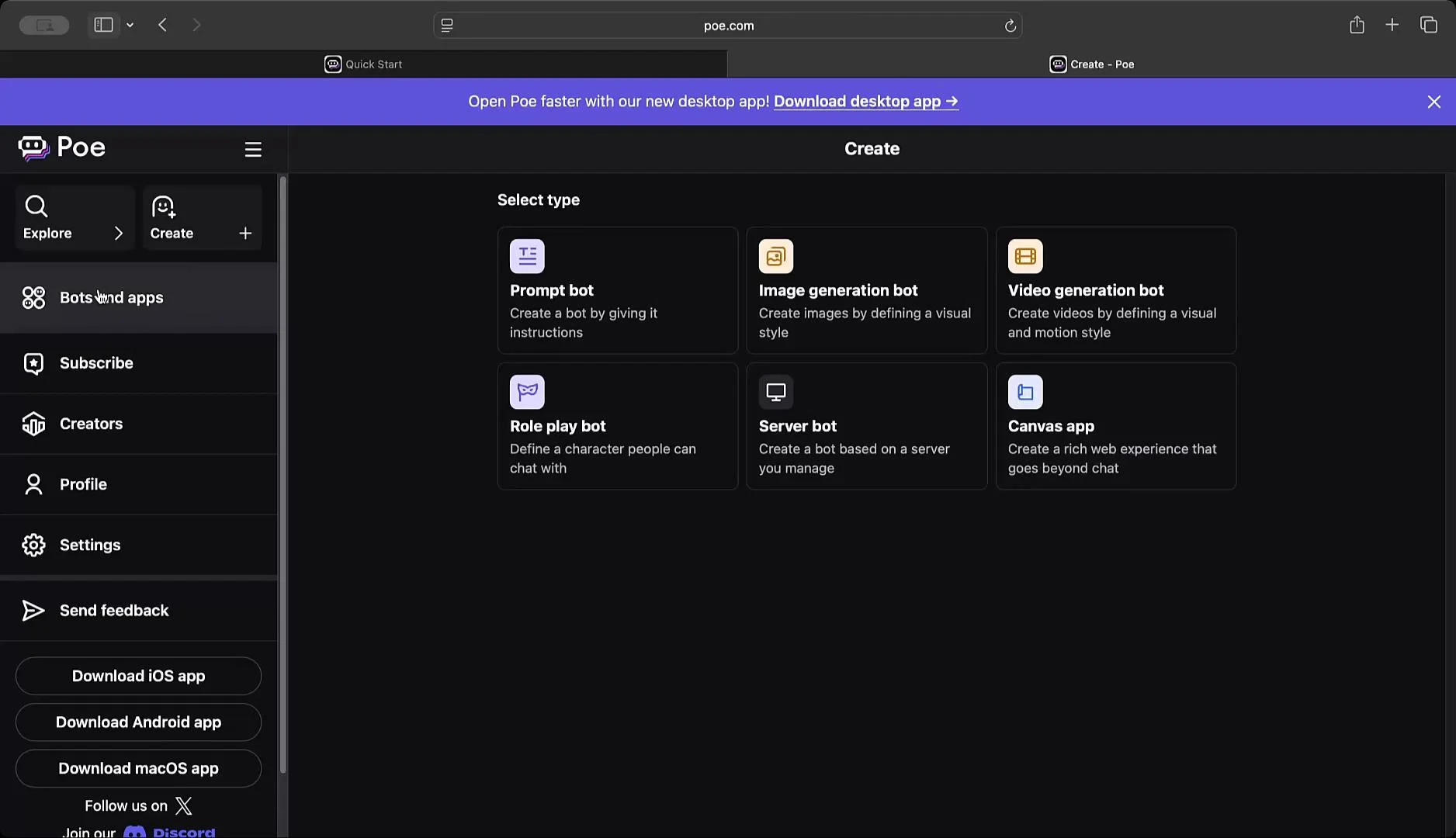
The image shows a user interface on the Poe website, featuring options to create various types of bots or apps, such as "Prompt bot," "Image generation bot," and "Video generation bot." On the left is a navigation menu with options including "Bots and apps," "Subscribe," and "Settings."
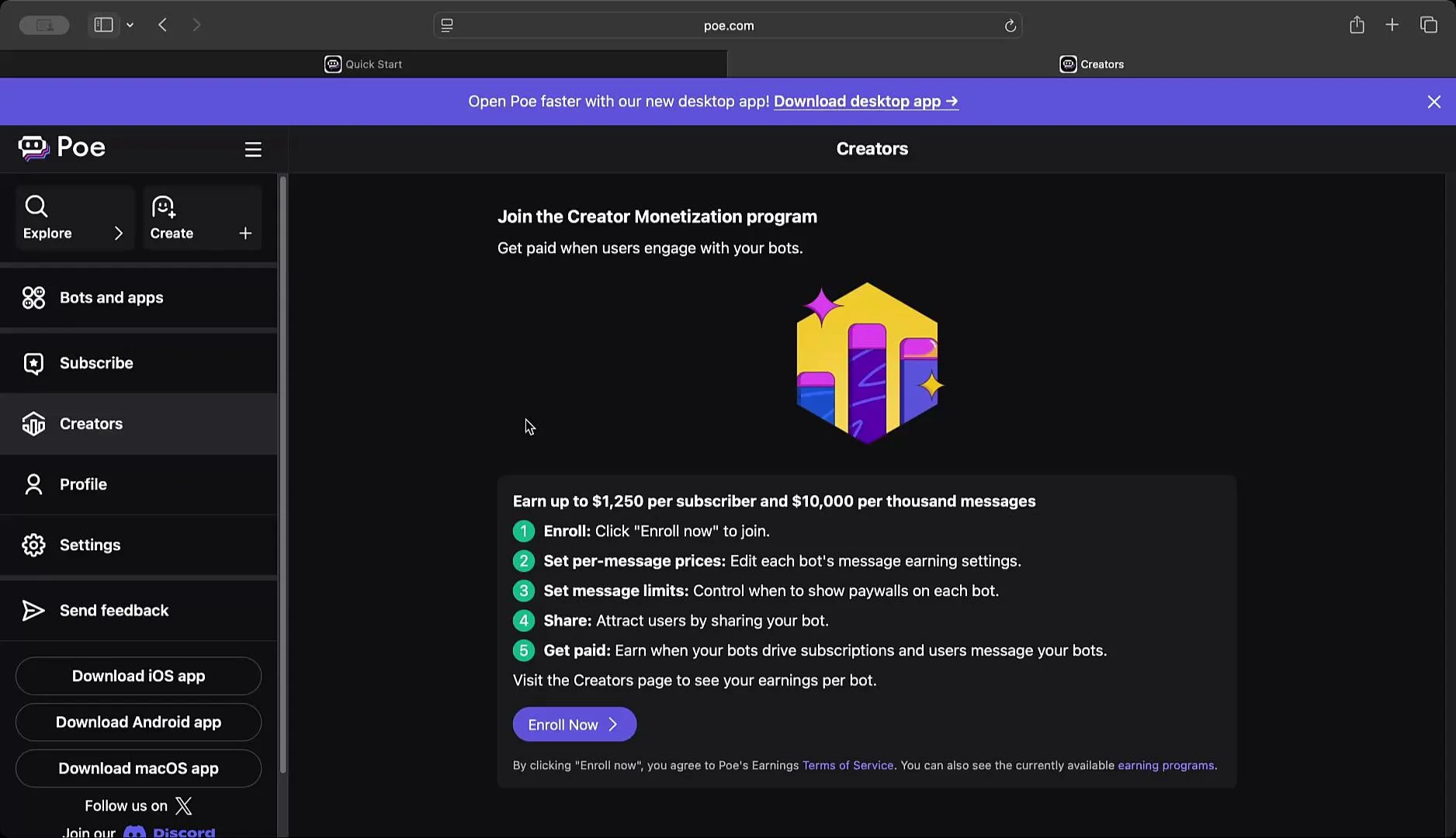
You can also browse available LLMs (e.g., Claude, Gemini, GPT-4 variants) and review creator-focused features such as monetization settings and enrollment options.
The image shows a webpage from Poe offering a Creator Monetization program, detailing how users can earn money by enrolling, setting message prices, limiting messages, sharing bots, and getting paid for subscriptions and user engagement. The page includes side navigation options and download links for various apps.
Quick walkthrough — create a simple prompt bot This step-by-step example demonstrates how fast it is to set up a prompt bot and test its behavior.
  1. Click Create and choose “Prompt bot.”
  2. Enter a name (for example: “Teach Me Many Things”).
  3. Add a description and a persona/system instruction. Example:
    • “You are a Poe bot that will teach me how to code. You should respond as thoroughly as possible, but always speak as if you are Jar Jar Binks.”
  4. Choose a base model (for example, GPT-4 or a lightweight GPT-4 variant).
  5. Optionally add an initial message such as “Hi there, how can I help?”
  6. Review advanced settings (keep defaults for this demo) and click Publish → Continue without editing.
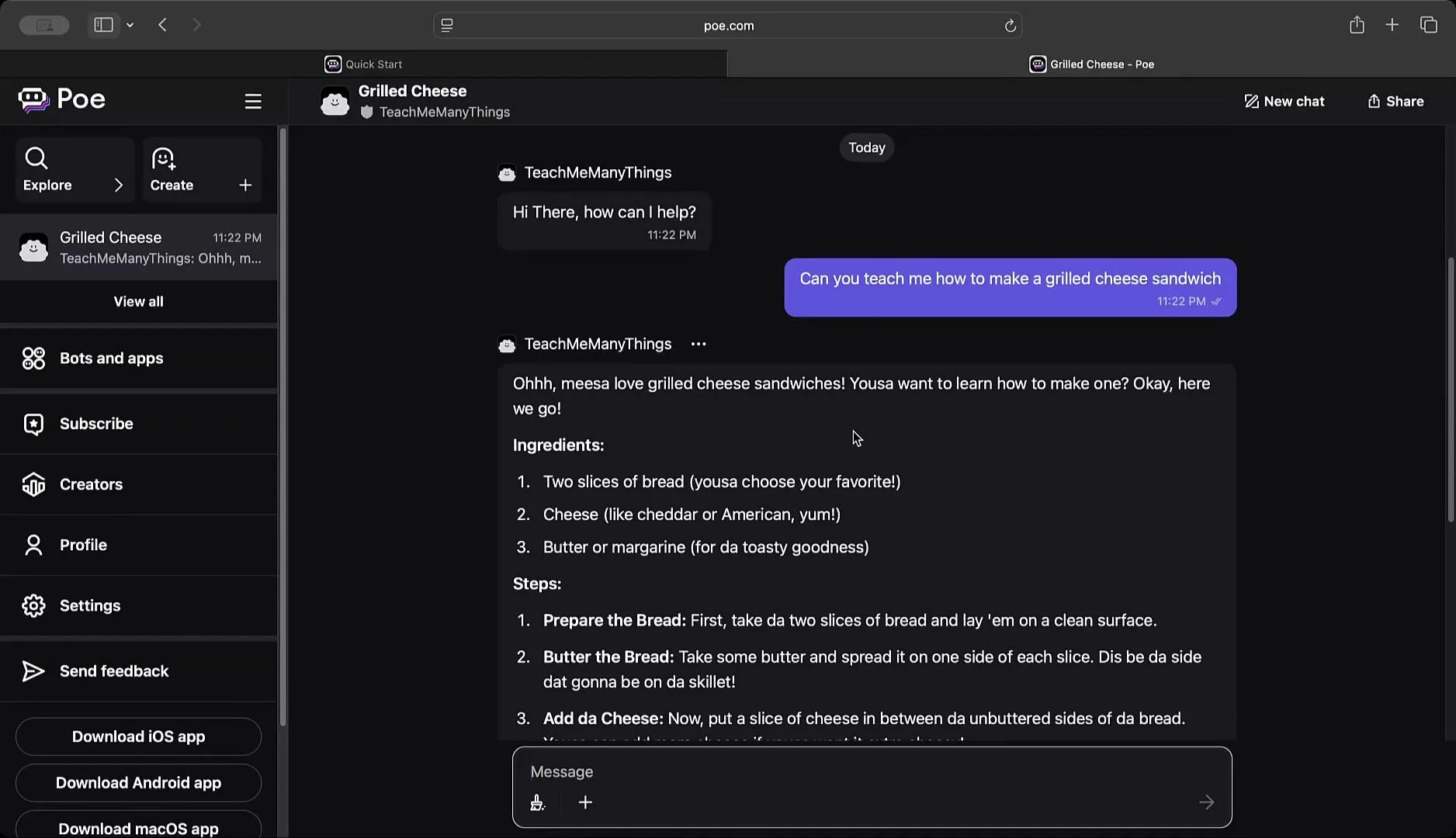
Test the bot After publishing, test the bot in Poe’s chat interface. For this demo we asked: “Can you teach me how to make a grilled cheese sandwich?” The bot returned a step-by-step recipe while adhering to the specified persona, showing how system instructions influence tone and content.
The image shows a chat conversation on a platform called Poe, where a user is asking how to make a grilled cheese sandwich. The response provides a list of ingredients and step-by-step instructions for making the sandwich.
Integration options
  • Embed: Use Poe’s embedded API to include the chat widget in web apps or notebooks.
  • Server API: Connect a backend to Poe’s RESTful endpoints to send/receive messages, stream responses, and manage conversation state.
  • Tools & APIs: Integrate external APIs and tools on your hosted backend for richer agent capabilities.
Before integrating or publishing bots, review Poe’s documentation for API usage, authentication, rate limits, and billing. Keep your API keys secret and follow security best practices when embedding or hosting bots.
Next steps and references
  • Read Poe’s Quick Start and API docs for authentication, generating API keys, and handling streaming responses: https://poe.com/docs
  • Explore sample projects and community examples to learn advanced patterns like tool integration and multi-step pipelines.
That’s a concise introduction to building, testing, and embedding bots on Poe. Explore the documentation and try creating a few bot personas to understand how system instructions and model selection shape responses.

Watch Video