

Overview
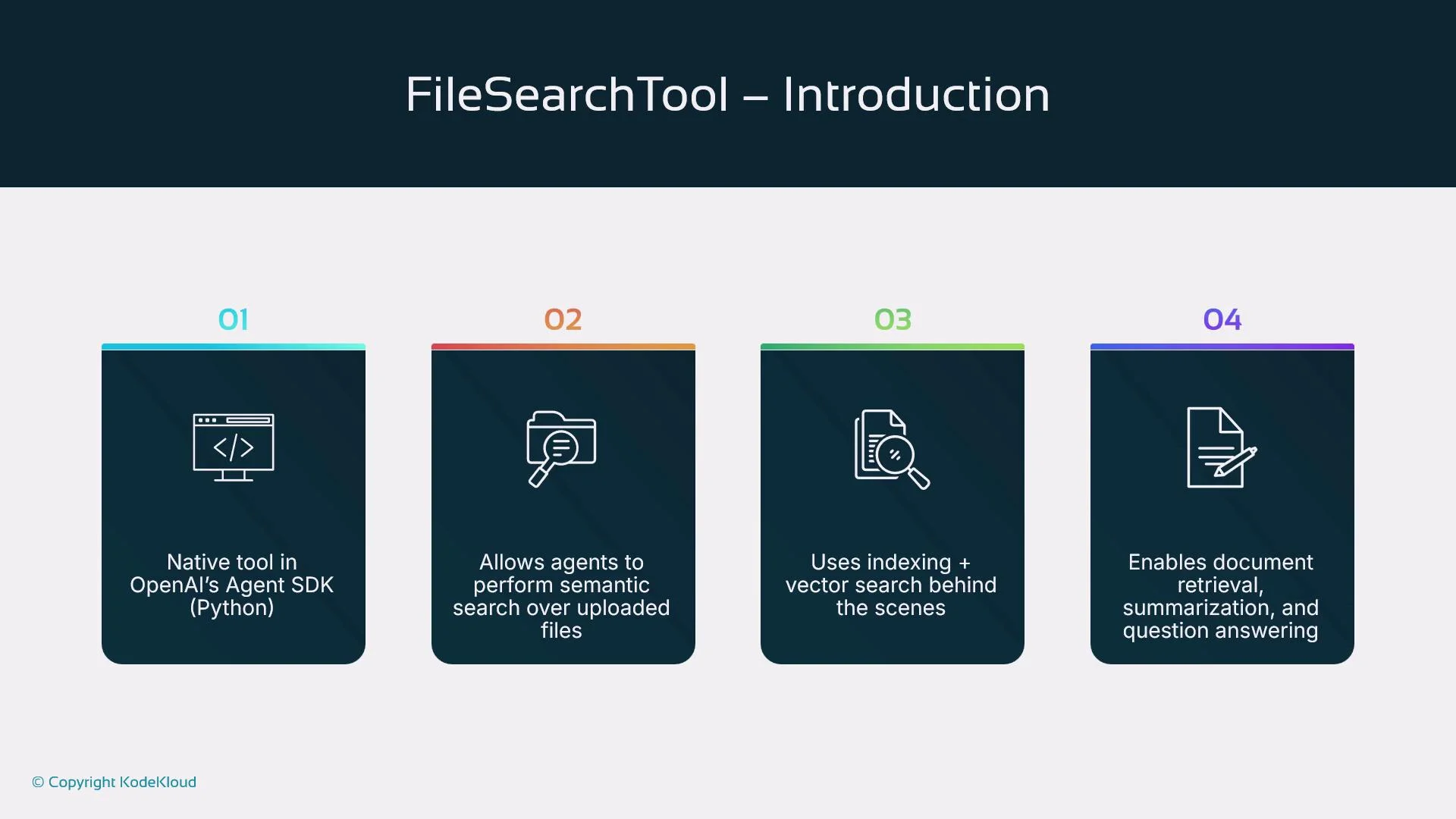
The FileSearchTool enables agents to semantically search and interact with file contents so static documents become active knowledge sources. This is essential when agents must summarize, extract, validate, or reason over contracts, reports, datasets, policies, or other large documents. Unlike a developer-managed embedding pipeline paired with an external vector database, the FileSearchTool is a native component of the OpenAI Agents SDK that handles chunking, embedding, and retrieval with minimal setup. It helps agents scale beyond prompt size limits and return grounded answers that cite source passages — a requirement for high-trust workflows such as compliance checks, legal review, and data analysis.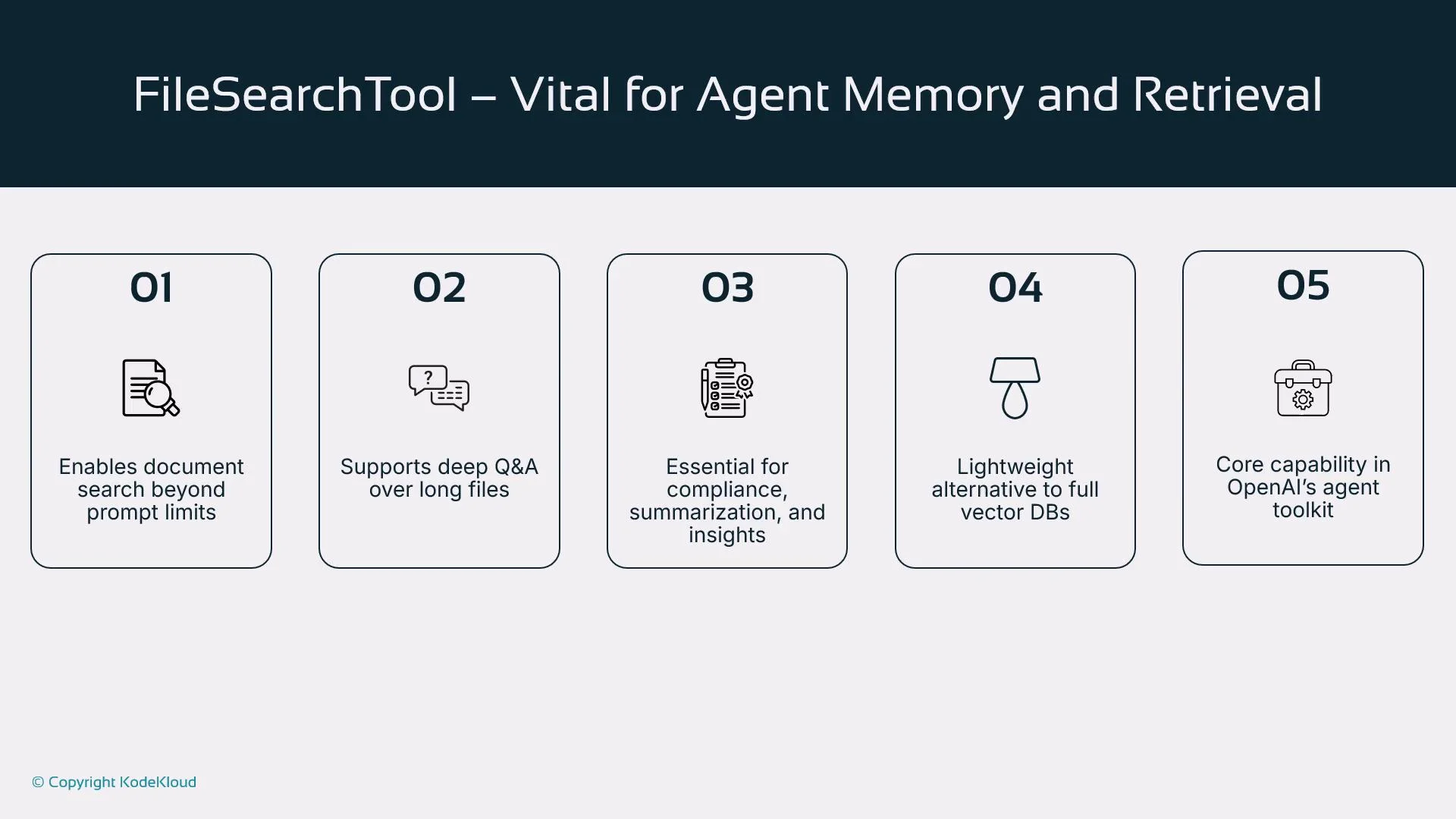
What FileSearchTool Does
FileSearchTool provides native, session-scoped access to file-based knowledge for agents:- Breaks documents into semantically coherent chunks (paragraphs, sections, or sliding windows with overlap).
- Generates vector embeddings for each chunk using OpenAI embedding models.
- Stores embeddings and metadata in a temporary vector index scoped to the agent session.
- Accepts natural-language queries, converts them to embeddings, and returns the most relevant chunks by similarity.
- Injects retrieved chunks into the agent prompt so the model can generate grounded, context-aware responses.
Why file-based semantic search matters
Large documents rarely fit fully in an LLM’s context window. Agents therefore need a fast, accurate way to locate the most relevant passages and feed only that context to the model. FileSearchTool solves this by performing semantic search over document chunks so the agent receives the most informative context for a given query. This is particularly valuable in enterprise scenarios: contract analysis, policy review, auditing, and extracting findings from long research papers.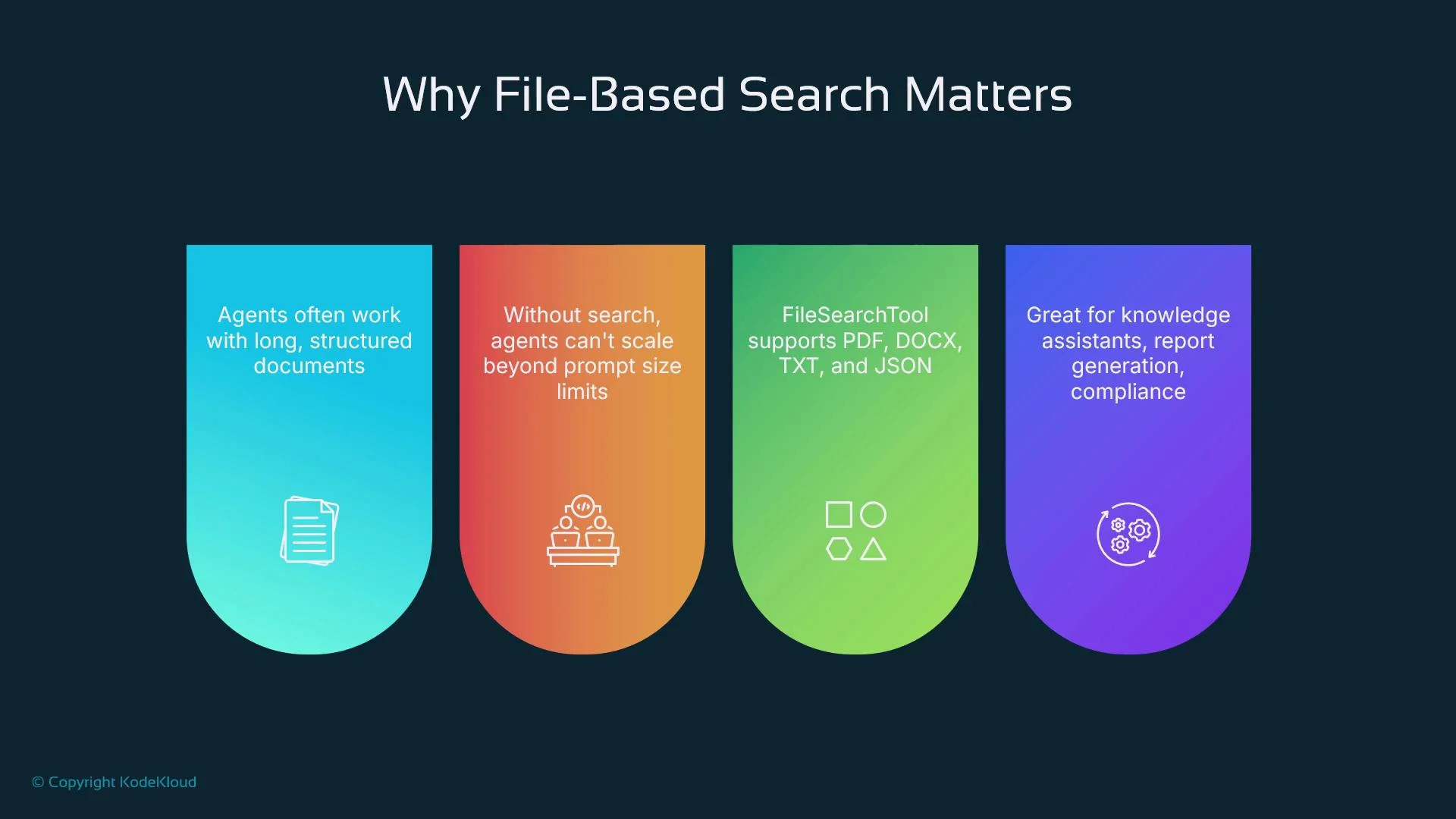
Architecture and search flow
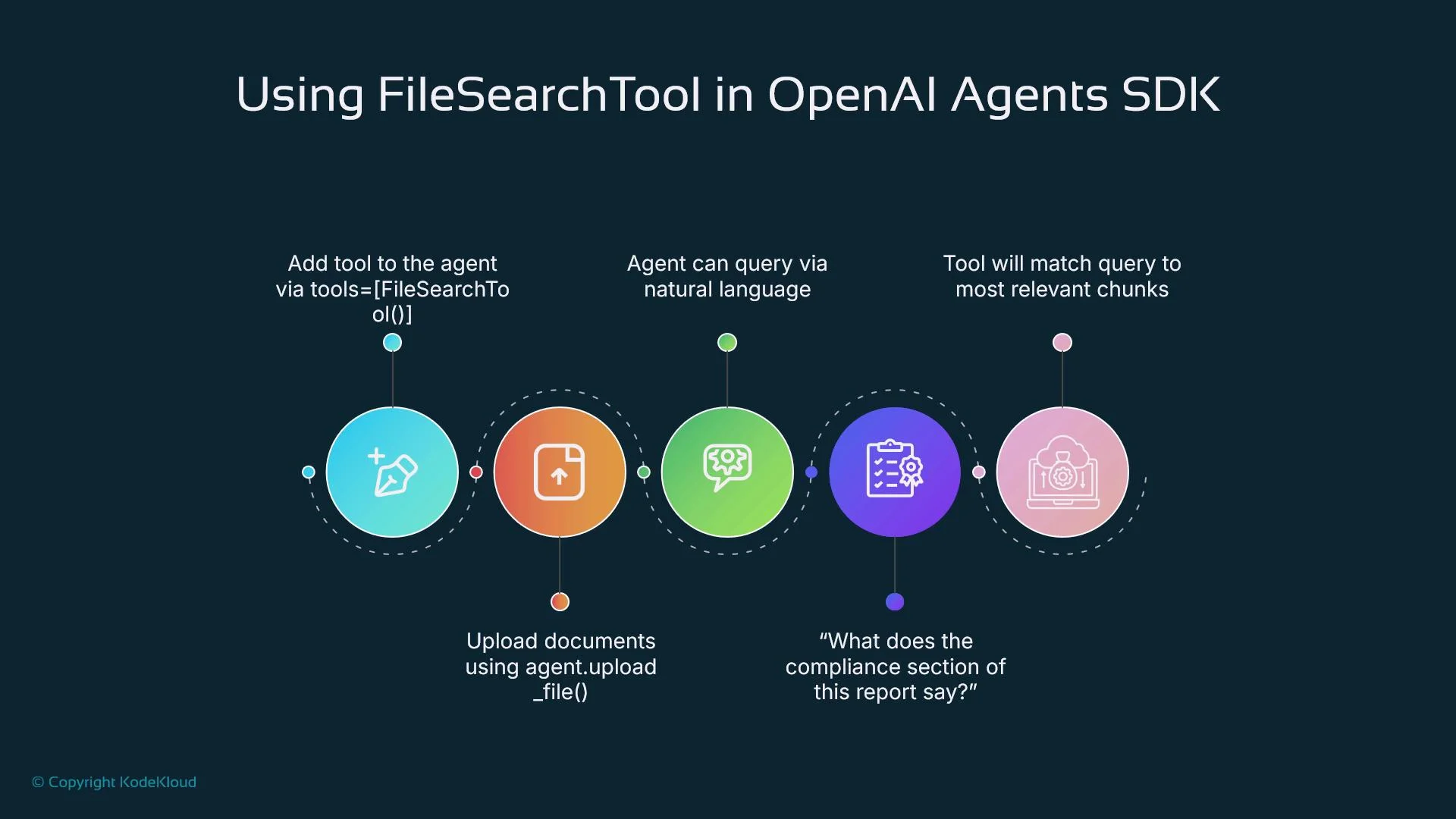
The FileSearchTool follows a clear pipeline optimized for speed and relevance:- File upload: Upload files to the agent workspace (user or service).
- Chunking: Split files into manageable, semantically coherent chunks.
- Embedding: Convert each chunk to an embedding via an OpenAI embedding model.
- Indexing: Store embeddings plus metadata (file name, chunk offsets, titles) in a session-scoped vector index.
- Querying: Embed incoming natural-language queries and run a vector-similarity search to return top chunks.
- Context injection: Insert retrieved chunks into the agent prompt to produce a grounded response.
Usage pattern
Integrating FileSearchTool into an OpenAI agent is straightforward: register the tool, upload files, and let the agent query the indexed content using natural language. The tool abstracts chunking, embedding, and retrieval so developers can focus on agent prompts, behavior, and business logic. Example pseudocode (illustrative):max_num_results (limit retrieved chunks), and metadata filters to scope searches.
Typical use cases
- Contract review agents: identify clauses, deadlines, or penalty terms.
- Compliance bots: cross-reference internal policies with regulations.
- Report assistants: extract key insights from long business or scientific documents.
- Data validation: verify CSV records, flag anomalies, or reconcile entries.
- Q&A and knowledge assistants: deliver sourced answers from internal files.
Security, storage, and performance considerations
FileSearchTool processes files inside the agent runtime. By default, the vector index is session-scoped and not persisted across sessions unless you explicitly export or save embeddings to external storage. Because indexing often occurs in-memory, handling many or very large files can increase memory and CPU usage and affect agent responsiveness.Always treat sensitive files with strict controls: use role-based access, encryption at rest, session timeouts, memory limits, and logging. Monitor how long files persist in the agent workspace and ensure compliance with your organization’s data handling policies.
Comparing FileSearchTool to external vector databases
References:
- Pinecone: https://www.pinecone.io
- FAISS: https://github.com/facebookresearch/faiss
- Weaviate: https://weaviate.io
Best practices
- Preprocess and clean documents before upload — consistent structure and clear section headers improve chunking quality.
- Choose chunk sizes that preserve semantic coherence and respect token limits; small overlaps help avoid content loss at boundaries.
- Limit retrieved chunks (set
max_num_results) to prevent context bloat and token overrun. - Attach and index metadata (file titles, authors, timestamps) and use metadata filters to narrow results.
- Tag files for source, team, or domain filtering if you need scoped searches.
- Monitor memory and CPU usage during indexing and retrieval; batch or stream large files when possible.
Tip: Prefer semantic search over raw keyword matches to improve retrieval quality. Combine semantic ranking with metadata filters to return a smaller, highly relevant context set for the LLM.
Limitations and future directions
Current constraints include session-scoped persistence and memory pressure for very large document collections. Potential future enhancements include:- Hybrid keyword + semantic search for faster recall and pre-filtering.
- Streaming or incremental indexing for very large files.
- Dynamic re-indexing when files change and real-time triggers.
- Optional connectors to persistent vector backends for long-lived knowledge stores.
- Improved tooling for chunking configuration, overlap control, and metadata management.
Conclusion
File-based retrieval is a core capability for agent workflows that must reason over large or structured documents. The FileSearchTool provides an easy-to-use, session-scoped semantic search experience optimized for agent contexts — ideal for rapid prototyping and single-session tasks. For production-grade, persistent, multi-user systems or massive scale, augment FileSearchTool with a persistent vector database and a strong data governance model. This lesson covered FileSearchTool’s design, pipeline, best practices, and tradeoffs to help you decide when to use it and how to integrate it effectively.Links and references
- OpenAI Agents SDK docs: https://platform.openai.com/docs/agents
- Pinecone: https://www.pinecone.io
- FAISS: https://github.com/facebookresearch/faiss
- Weaviate: https://weaviate.io