AI agents are transforming how we build software, automate work, and enhance human productivity. These intelligent systems can reason, act, and collaborate to complete complex tasks — from customer support assistants to autonomous research agents. Leading companies such as Microsoft, OpenAI, Google, and Meta are shipping agent-driven products (Copilot, ChatGPT, Gemini, Meta AI) that showcase how agents improve workflows and create new application categories.
The image displays logos of major tech companies alongside their AI products: Copilot by Microsoft, ChatGPT by OpenAI, Gemini by Google, and Meta AI by Meta.
Welcome to the AI Agents course from KodeKloud. I’m Gav Ridgeway, and I’ll guide you through designing, building, and deploying autonomous AI agents. This course is practical and hands-on, aimed at developers, data scientists, and anyone curious about agent-based systems. What you’ll gain:
  • A clear definition of AI agents and their main categories.
  • Practical knowledge of core technologies (embeddings, vector DBs, evaluation).
  • Experience designing agent architectures and multi-agent interactions.
  • Hands-on labs using frameworks like LangChain, CrewAI, AutoGen, and MetaGPT.
  • Techniques for connecting agents to external APIs and tools (OpenAI, community APIs).
  • Best practices for scaling, monitoring, and evaluating agent systems.
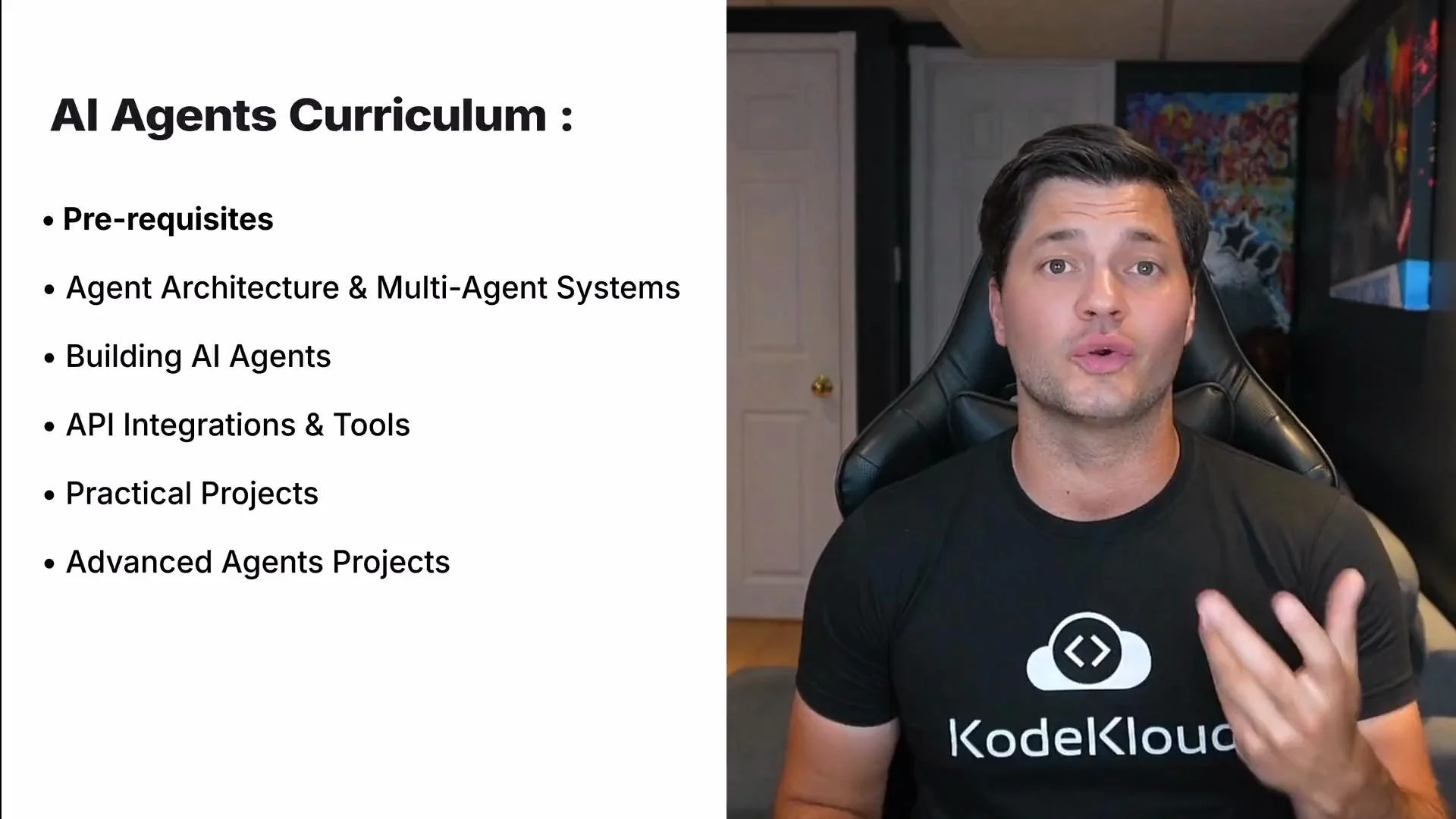
The image shows a slide on an AI Agents Curriculum, listing topics such as prerequisites, agent architecture, and practical projects, alongside a person sitting in a chair with a KodeKloud shirt.

Course outline (high-level)

ModuleTopics coveredOutcome
FoundationsWhat is an agent, agent types, ethicsUnderstand trade-offs and governance needs
Core techEmbeddings, vector DBs, retrieval, evalBuild retrieval-augmented agents
ArchitecturesSingle-agent vs multi-agent, orchestrationDesign system architecture diagrams
FrameworksLangChain, CrewAI, AutoGen, MetaGPTImplement agent flows and chains
Tooling & APIsIntegrating search, APIs, and toolsExtend agent capabilities via plugins/tools
Projects & LabsTask-driven and multi-role agentsDeploy a working agent pipeline
Useful references:

Prerequisites and setup

Before running agent examples, ensure your environment variables (API keys, base URLs) are configured and never committed to source control.
Store secrets (API keys, tokens) in a .env file and load them with python-dotenv during development. Use environment variables for CI/CD and secret managers in production.
Never commit secrets to public repositories. Improper handling of API keys can lead to unauthorized usage and unexpected costs.
Example: load environment variables with dotenv
from dotenv import load_dotenv
import os

# Loads variables from .env into the environment during local development
load_dotenv()

# Verify that an API key is present (prints True/False)
print(bool(os.environ.get("OPENAI_API_KEY")))

Simple async agent (illustrative)

This example shows a minimal async agent pattern. Framework APIs differ — adapt to LangChain, CrewAI, AutoGen, or your chosen SDK.
import asyncio
from agents import Agent, Runner, WebSearchTool

fav_stock = ["Google", "Apple", "Nvidia"]

async def main():
    agent = Agent(
        name="Stock News Expert",
        instructions=(
            "You are a stock news expert. Review recent news for the given companies "
            "and summarize key events."
        ),
        tools=[WebSearchTool()]  # Provide any necessary tools as a list
    )

    runner = Runner(agent=agent)
    # Run the agent on the list of stock names (frameworks may vary)
    await runner.run(tasks=fav_stock)

if __name__ == "__main__":
    asyncio.run(main())

Utility example — language and emotion detection (OpenAI Chat API)

This synchronous example demonstrates how to call a chat model to parse language and emotional tone. Adapt to your SDK version (e.g., the OpenAI Python SDK or HTTP API). See OpenAI Chat API docs: https://platform.openai.com/docs/api-reference/chat
import os
import re
import openai

openai.api_key = os.environ.get("OPENAI_API_KEY")

def analyze_language_and_emotion(text: str) -> dict:
    system_msg = (
        "You are an AI that analyzes messages. Detect the language (e.g., English, French) "
        "and describe the emotional tone in one word (e.g., joyful, sad, angry, professional, excited, persuasive). "
        "Respond in the format:\nLanguage: <language>\nEmotion: <emotion>"
    )

    response = openai.ChatCompletion.create(
        model="gpt-4",
        messages=[
            {"role": "system", "content": system_msg},
            {"role": "user", "content": f"Here is the message:\n{text}"}
        ],
        temperature=0.3
    )

    content = response["choices"][0]["message"]["content"].strip()

    language_match = re.search(r"Language:\s*(\w+)", content, re.IGNORECASE)
    emotion_match = re.search(r"Emotion:\s*(\w+)", content, re.IGNORECASE)

    return {
        "language": language_match.group(1) if language_match else "Unknown",
        "emotion": emotion_match.group(1) if emotion_match else "Unknown"
    }

Labs, demos, and practical projects

Hands-on labs guide you from local prototypes to deployable agents. You’ll practice building task-driven agents, multi-role simulations, and integrating external tools and APIs. Labs emphasize reproducibility and safe testing practices.
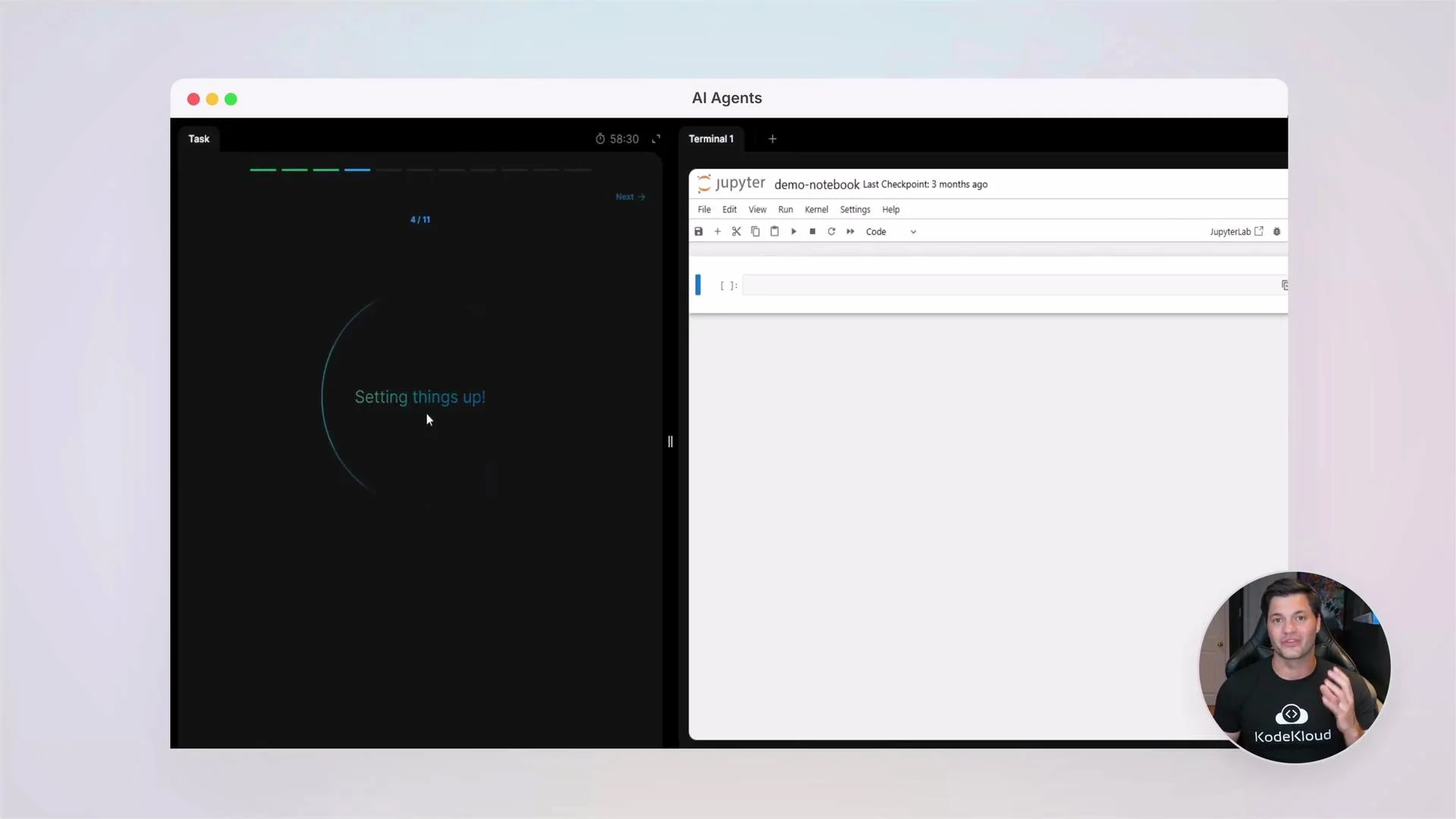
The image shows a split-screen with a setup interface on the left and a Jupyter Notebook on the right, with a person speaking in a small overlay in the bottom right corner.

Quick client initialization (OpenAI Python SDK)

A compact example to initialize an SDK client. If you use an async client or a different vendor, adapt accordingly.
import os
from openai import OpenAI

client = OpenAI(
    api_key=os.environ.get("OPENAI_API_KEY"),
    base_url=os.environ.get("OPENAI_API_BASE")  # optional custom base URL
)

Best practices and next steps

  • Use small iterative experiments to validate agent behaviors before scaling.
  • Log agent actions and decisions for auditing and debugging.
  • Evaluate agents with both automated metrics and human review to ensure reliability and safety.
  • Integrate secret management, rate-limiting, and cost controls early in your deployment pipeline.
At KodeKloud, we foster an active community where you can ask questions, share code, and collaborate on projects. Join peers and instructors to accelerate your learning. Let’s begin this journey — build with curiosity and guardrails, and unlock what AI agents can do for you.

Watch Video