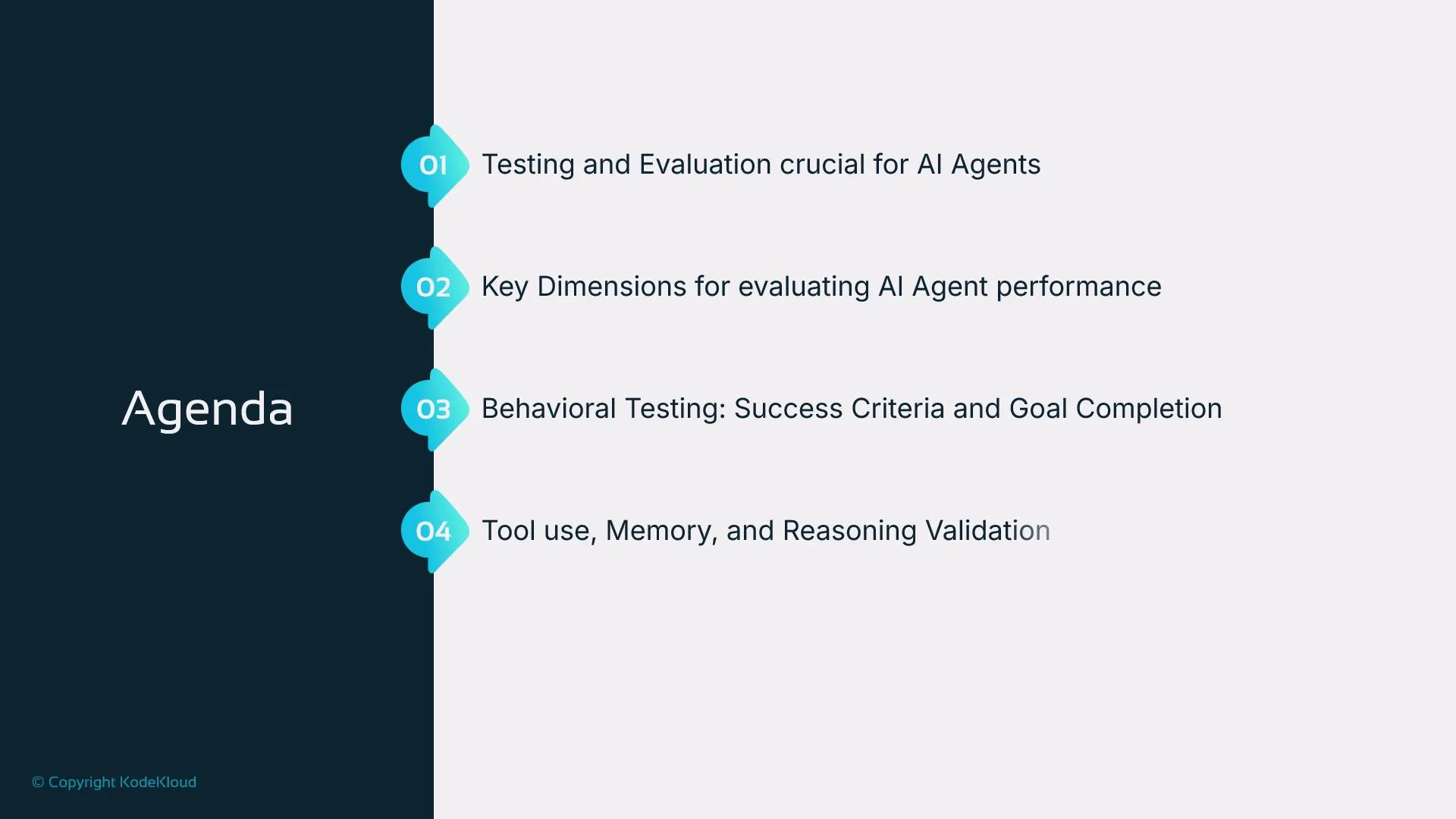
Welcome back. In this lesson we begin a practical exploration of testing and evaluating AI agents. We’ll explain why testing matters, the core dimensions to measure, practical testing strategies, and how to operationalize evaluation in production. High-level agenda:
  • Why testing and evaluation matter for agents
  • Key performance dimensions and metrics
  • Behavioral testing, success criteria, and goal completion
  • Tool use, memory, and reasoning validation
  • Human feedback and UX testing
  • Cost evaluation and optimization techniques
  • Scaling agents across users, workloads, and environments
  • Metrics, logs, and continuous monitoring strategies
  • An evaluation pipeline and vendor/industry recommendations
  • AI agents applied to software testing
The image shows an agenda with four points on evaluating AI agents, focusing on testing, performance dimensions, behavioral testing, and tool use validation.
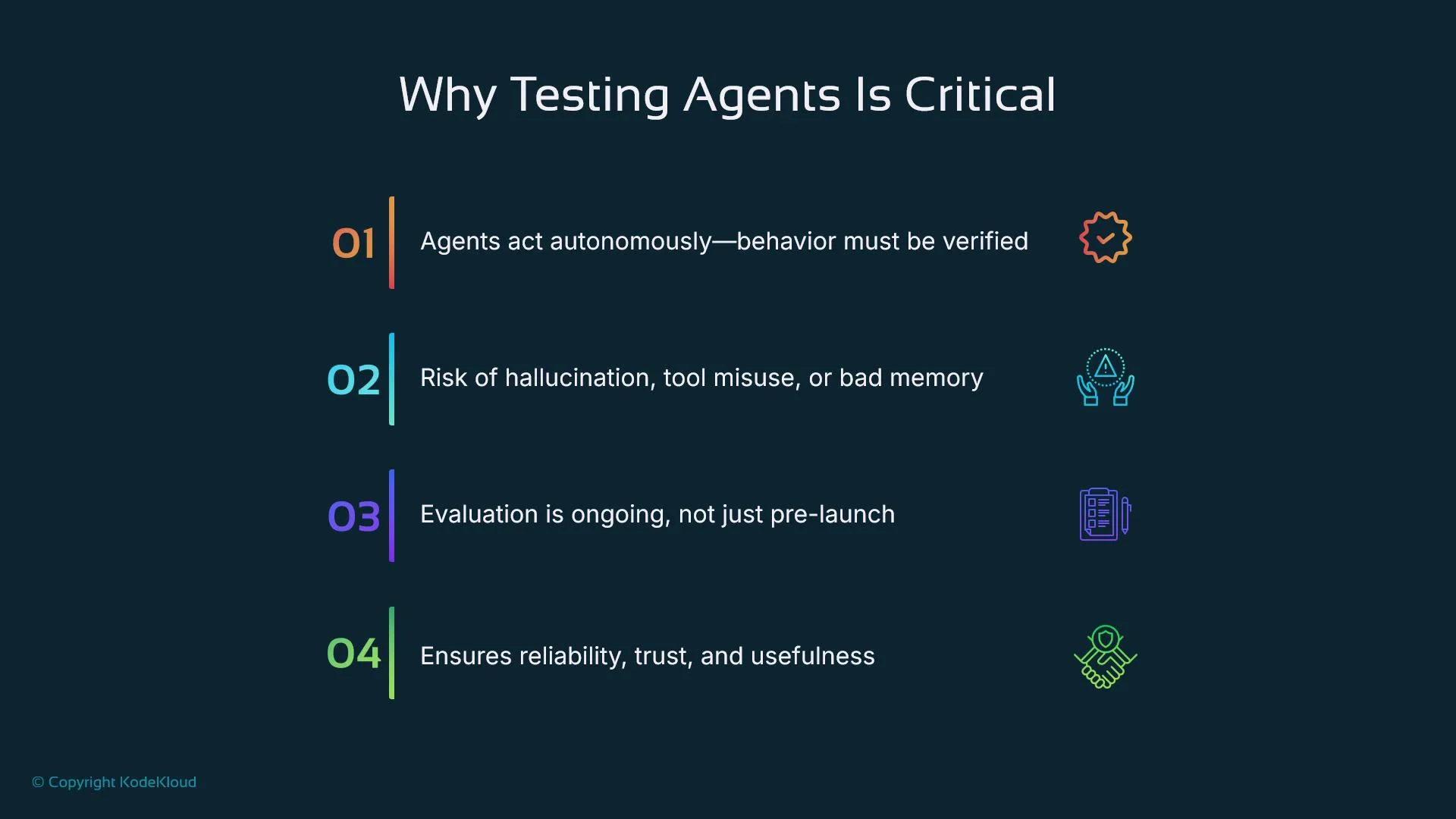
Why test agents? Testing and evaluation ensure agents behave as intended when they act autonomously. Without systematic validation, agents can hallucinate, misuse tools, leak sensitive data, or produce low-value or unsafe outputs. A robust testing pipeline increases reliability, accuracy, cost-efficiency, and trust — and helps maintain safe behavior across edge cases and production settings. Agents differ from traditional software because they reason, plan multi-step actions, and orchestrate external tools and APIs. Therefore, agent evaluation must go beyond single-shot accuracy: you must assess behavior across sequences, intermediate steps, and tool interactions. Testing should be continuous: aligned with business goals, UX expectations, and safety constraints.
The image is a presentation slide titled "Why Testing Agents Is Critical," highlighting points about verifying autonomous behavior, risks of hallucination or misuse, ongoing evaluation, and ensuring reliability.
Testing agents is not a one-time QA step. Design evaluation as an ongoing feedback loop that includes automated checks, human review, and monitoring in production.
Key evaluation dimensions Measure agents across multiple dimensions to capture behaviour, efficiency, and user impact. Below is a compact reference table for common metrics and what they reveal.
DimensionWhat to measureWhy it matters
Task successSuccess rate for defined goals (e.g., “schedule meeting”, “summarize docs”)Measures whether the agent reaches the intended outcome
Correctness & reliabilityAccuracy, reproducibility, error typesDetects hallucinations and inconsistent behavior
Tool usageWhich tools were called, arguments used, number of callsValidates correct orchestration and surface area for failures
LatencyTime-to-first-response, time-to-completionAffects UX and real-time interactivity
Cost & resourcesTokens per run, API call counts, compute costsEnables cost–accuracy trade-offs and optimization
User satisfactionRatings, NPS, qualitative feedbackCaptures subjective usefulness, tone, and trust
Each metric reveals a different behavioral facet. Measure these both offline (benchmarks, unit tests) and in live deployment (A/B tests, canary releases). Behavioral testing and edge cases Behavioral testing assigns explicit goals and evaluates whether the agent achieves them across diverse conditions. Example: for the goal “summarize the top three articles about climate policy,” a robust agent must (1) find relevant articles, (2) synthesize content accurately, and (3) format the summary according to spec. Edge-case and robustness tests are essential:
  • Simulate missing or malformed inputs.
  • Inject API errors and timeouts.
  • Test ambiguous or conflicting instructions.
  • Check permission and access-control failures.
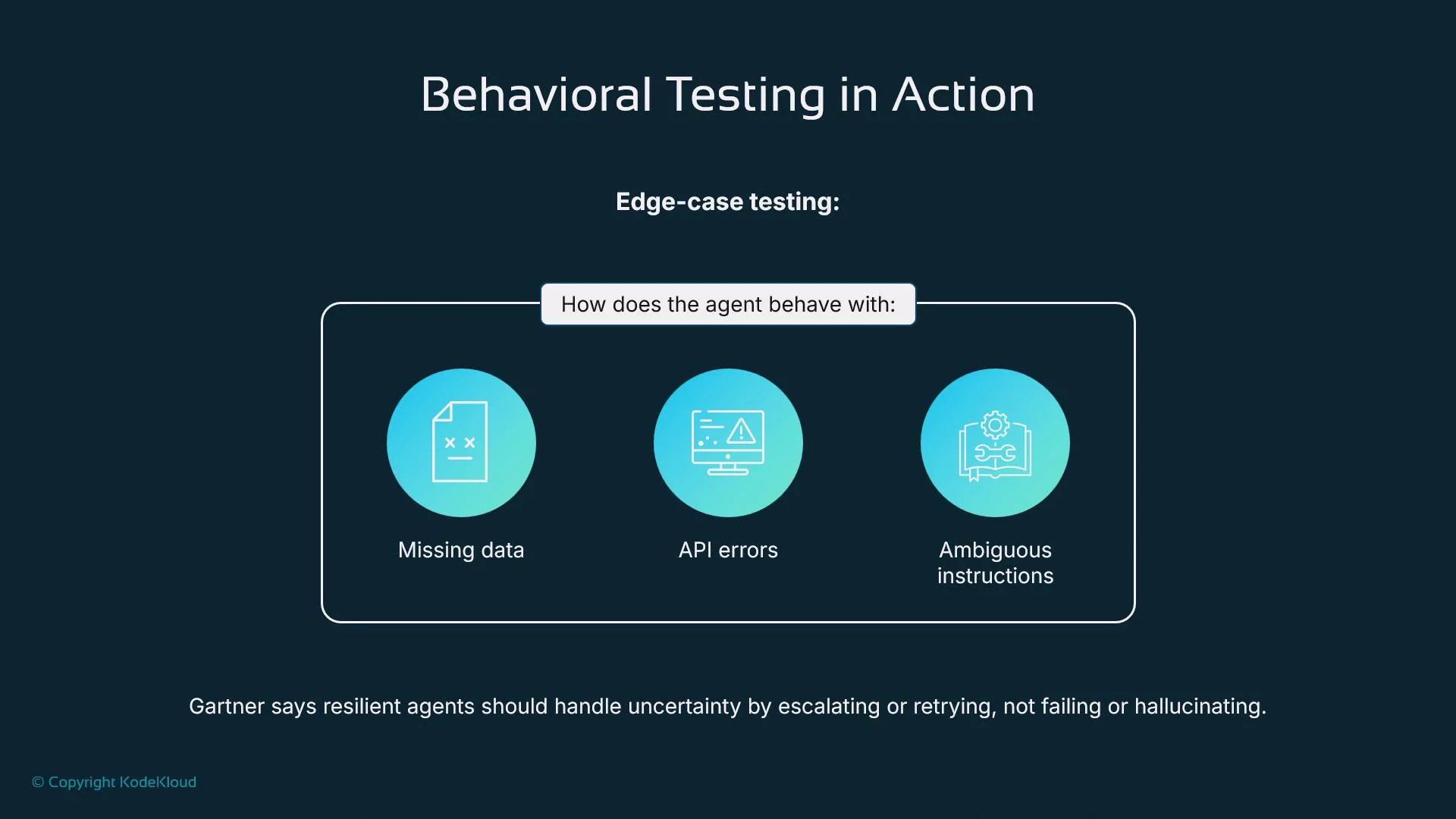
Resilient agents should retry, escalate, or fail safely instead of hallucinating or returning misleading outputs. Build test harnesses that model network failures, malformed payloads, permission errors, and ambiguous prompts.
The image illustrates behavioral testing for edge-case scenarios, focusing on how an agent manages missing data, API errors, and ambiguous instructions. It highlights the importance of resilient agents handling uncertainty by escalating or retrying instead of failing.
Tools, memory, and reasoning validation Modern agents rely on external tools (search, calculators, schedulers), stateful memory stores, and multi-step reasoning. These introduce new failure modes:
  • Wrong tool selection for subtasks
  • Incorrect memory reads/writes that violate context boundaries
  • Incoherent or non-deterministic reasoning chains
Validation checklist:
  • Tool orchestration: Was the correct tool called with the right arguments?
  • Memory correctness: Were relevant memories retrieved and updated consistently?
  • Plan coherence: Do intermediate reasoning steps align with the final output?
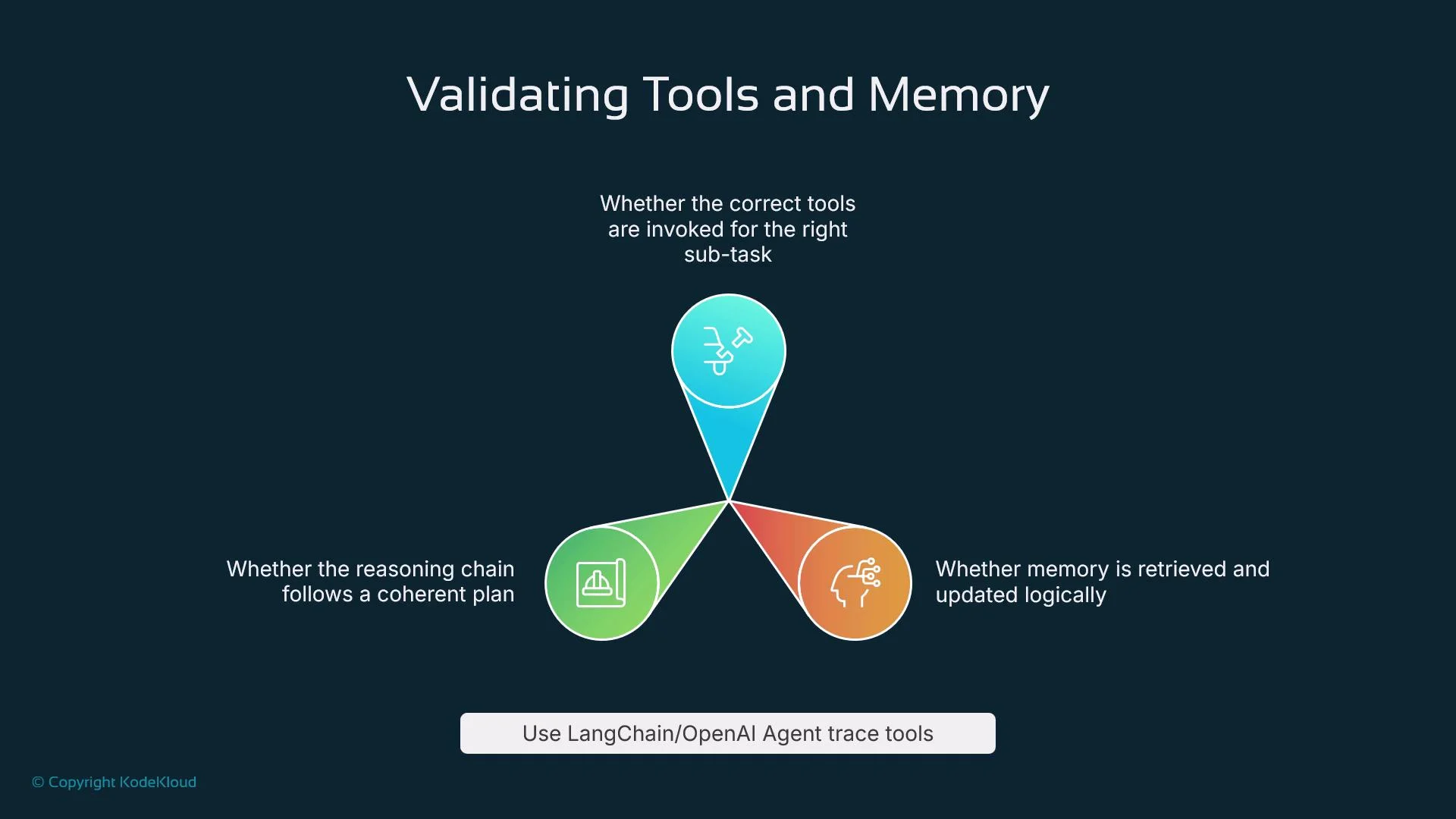
Instrument agents with tracing and structured logs to capture planning steps, tool calls, and intermediate outputs. Use framework tracing (for example, LangChain tracing utilities: https://python.langchain.com/) or your SDK’s agent tool-call logs to visualize and audit behavior.
The image illustrates the process of validating tools and memory using a triangular flowchart. It highlights ensuring correct tool usage, coherent reasoning, and logical memory retrieval, suggesting the use of LangChain/OpenAI Agent trace tools.
Be cautious with memory and tool integrations: improperly isolated memory or unchecked tool outputs can leak sensitive information across sessions. Include privacy and access-control tests in your pipeline.
Human feedback and UX testing Human evaluators capture subjective qualities like clarity, tone, and trustworthiness. Typical human-in-the-loop practices:
  • Guided rating workflows where human raters score outputs on clarity, relevance, and reliability.
  • UX sessions that record confidence, perceived helpfulness, and qualitative comments.
  • A/B testing of prompts, personalities, and response formats to measure user preference.
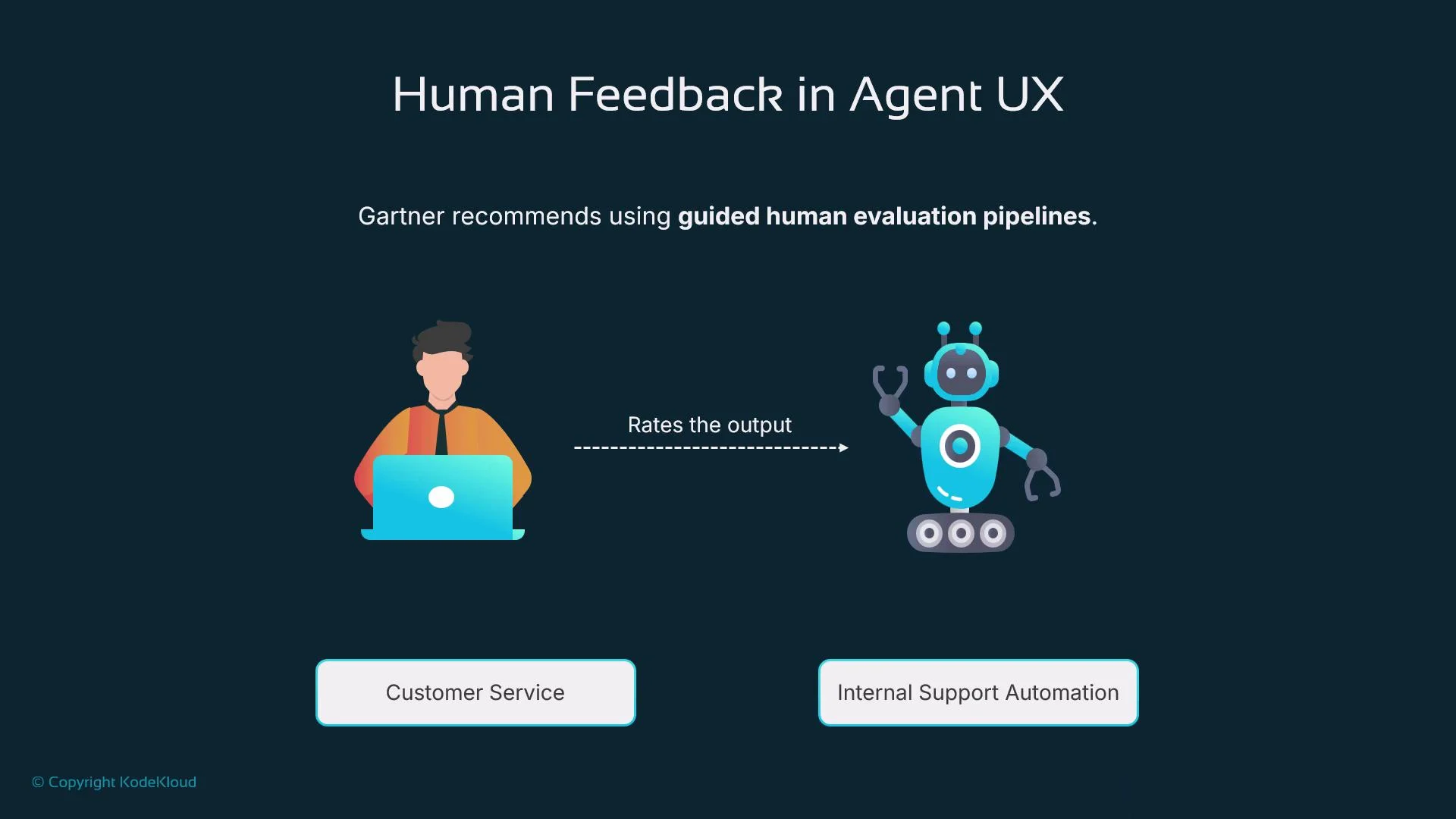
Blend automated scoring with periodic human review—especially in early deployments or high-impact applications (customer support, internal automation). Human feedback surfaces blind spots such as ambiguous phrasing, offensive tone, or unexpected behavior.
The image illustrates the concept of human feedback in agent UX, highlighting a person's role in evaluating the output of an automated system for tasks like customer service and internal support automation.
Cost evaluation and optimization At scale, cost and latency directly influence feasibility. Track these metrics per task:
  • Tokens consumed
  • API/tool call count per request
  • External service and compute costs per completion
  • Wall-clock time per completion
Optimization strategies:
  • Route deterministic or trivial logic to rules-based code, not a model.
  • Use tiered models: GPT-3.5 (or similar) for simpler steps, larger models for complex reasoning.
  • Cache frequent query results and tool outputs.
  • Batch tool calls and memory accesses where safe.
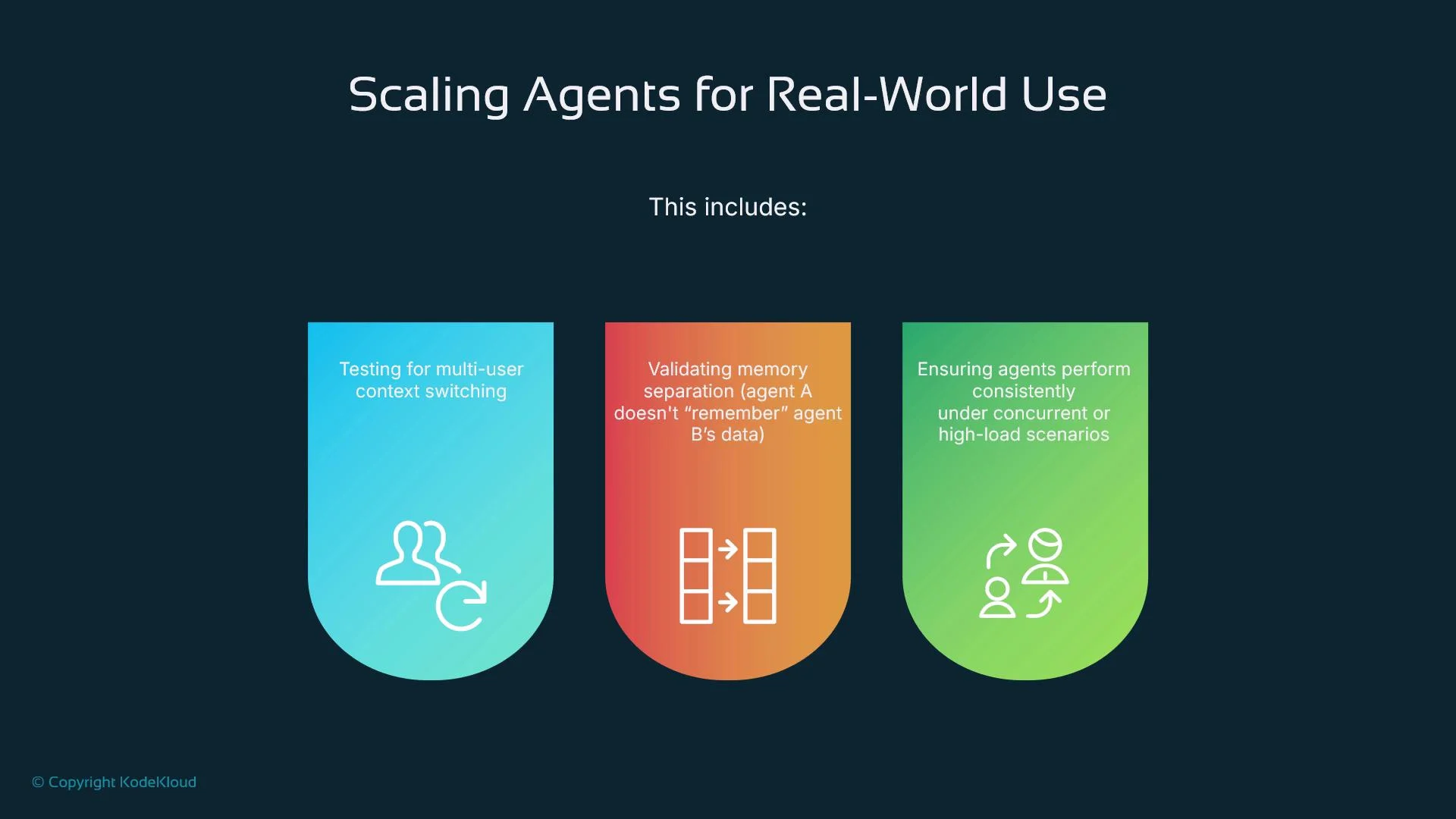
Integrate cost metrics into evaluation so that optimizations explicitly trade off accuracy, latency, and cost. Scaling agents across users and workloads Scaling agents introduces concurrency, context separation, and multi-tenant safety concerns:
  • Memory separation: ensure Agent A cannot access Agent B’s private data.
  • Context switching: save and restore user contexts correctly under load.
  • Throughput testing: validate performance with many parallel requests.
Cloud-native patterns help: vector databases for memory, horizontally scaled stateless services, async execution queues, and autoscaled model inference.
Scaling concernPattern or tool
Context isolationVector DBs with tenant keys, strict ACLs
ConcurrencyAsync queues, worker pools, rate limiting
ThroughputAutoscaling inference, sharded caches
The image outlines key considerations for scaling agents for real-world use, including testing for multi-user context switching, validating memory separation, and ensuring consistent performance under high-load scenarios.
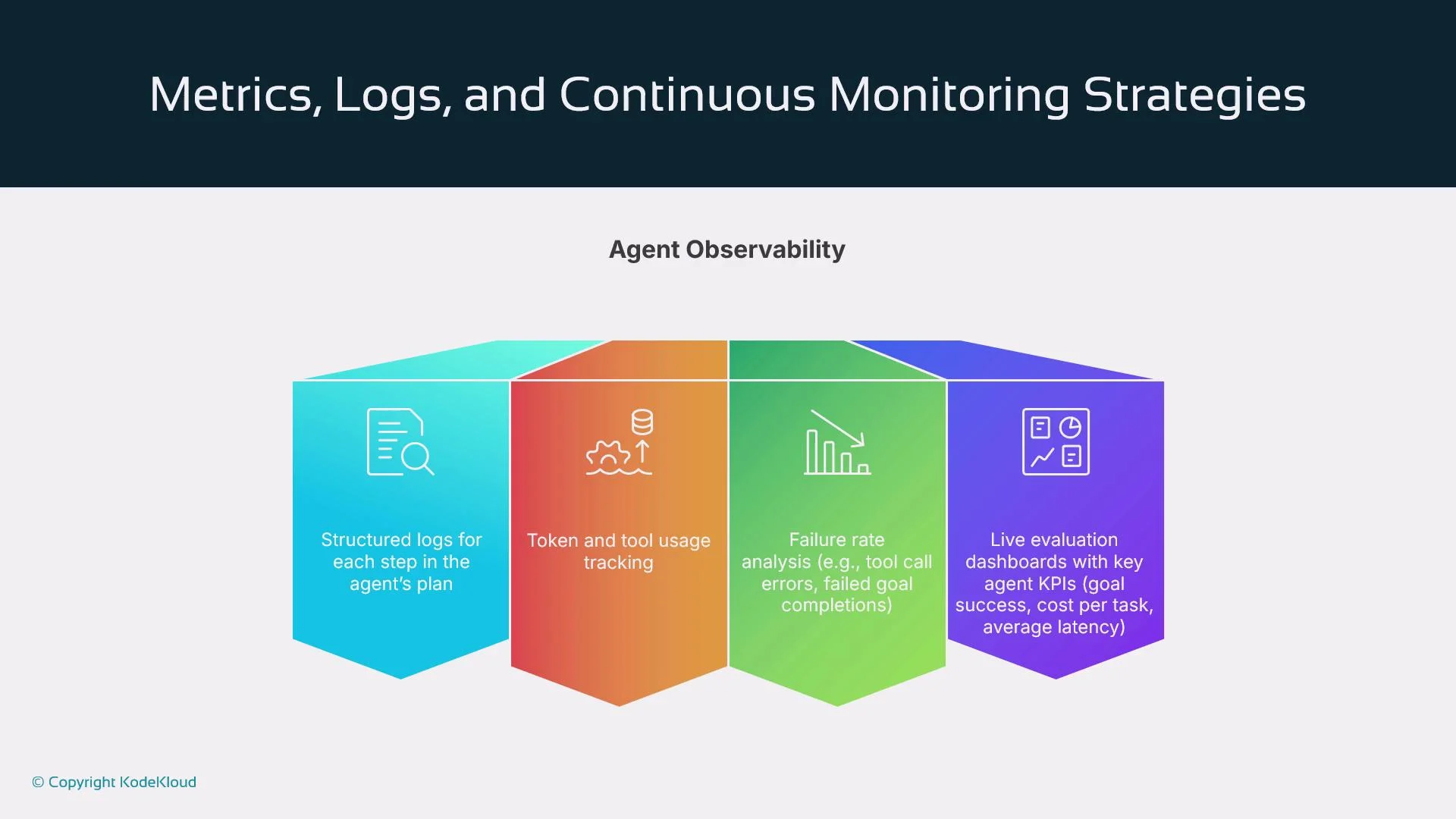
Observability, metrics, and continuous monitoring Post-deployment testing shifts to continuous monitoring. Key observability features:
  • Structured logs per planning and execution step
  • Token, tool, and latency tracking per run
  • Failure-rate and error-pattern analytics
  • Dashboards with KPIs: goal success, cost per task, average latency
Instrument agents to emit traces that include tool calls, intermediate reasoning, and memory operations. Configure alerts for KPI drifts and anomalous behavior so teams can remediate issues before they impact users.
The image outlines strategies for metrics, logs, and continuous monitoring, focusing on agent observability, including structured logs, token usage tracking, failure analysis, and evaluation dashboards.
Evaluation pipeline (test → run → score → optimize) A recommended structured pipeline:
  1. Define test prompts or goals (e.g., “schedule a meeting and send a confirmation email”).
  2. Run the agent runtime, triggering planning, memory access, and tool usage.
  3. Log every step: planning decisions, tool calls and responses, memory reads/writes, and intermediate outputs.
  4. Score the run with automated checks (expected tool called, format matched) and/or human ratings (clarity, usefulness, accuracy).
  5. Feed results into an optimization loop: refine prompts, fix orchestration bugs, reconfigure tools, or retrain/fine-tune models.
Traces are the foundation for debugging, metrics, and continuous improvement.
The image outlines a typical agent evaluation pipeline, showing how we test and refine AI agent behavior in a structured way.
Industry guidance (summary) Practical recommendations distilled from industry guidance:
  1. Evaluate agents multidimensionally — measure correctness, tool usage, reasoning quality, and user trust, not just raw accuracy.
  2. Use human-in-the-loop testing during early staging to reveal unclear responses and subtle biases.
  3. Tie evaluation to cost and UX outcomes — prioritize solutions that balance effectiveness and efficiency.
  4. Treat agents as dynamic ecosystems — implement continuous testing, observability, traceability, and drift detection.
These practices help keep agents trustworthy and sustainable at scale. AI agents in software testing AI agents are transforming software testing by interpreting requirements, generating tests, detecting bugs, and prioritizing test effort. Compared with static test scripts, agent-driven testing adapts more readily and explores edge cases more efficiently. This diagram highlights an AI-driven software testing pipeline across four stages:
  • Automate testing: agents run and manage test cases with less manual work.
  • Analyze data: aggregate test outcomes to find patterns.
  • Predict defects: prioritize high-risk components for testing.
  • Generate test cases: create new tests from code changes or usage telemetry.
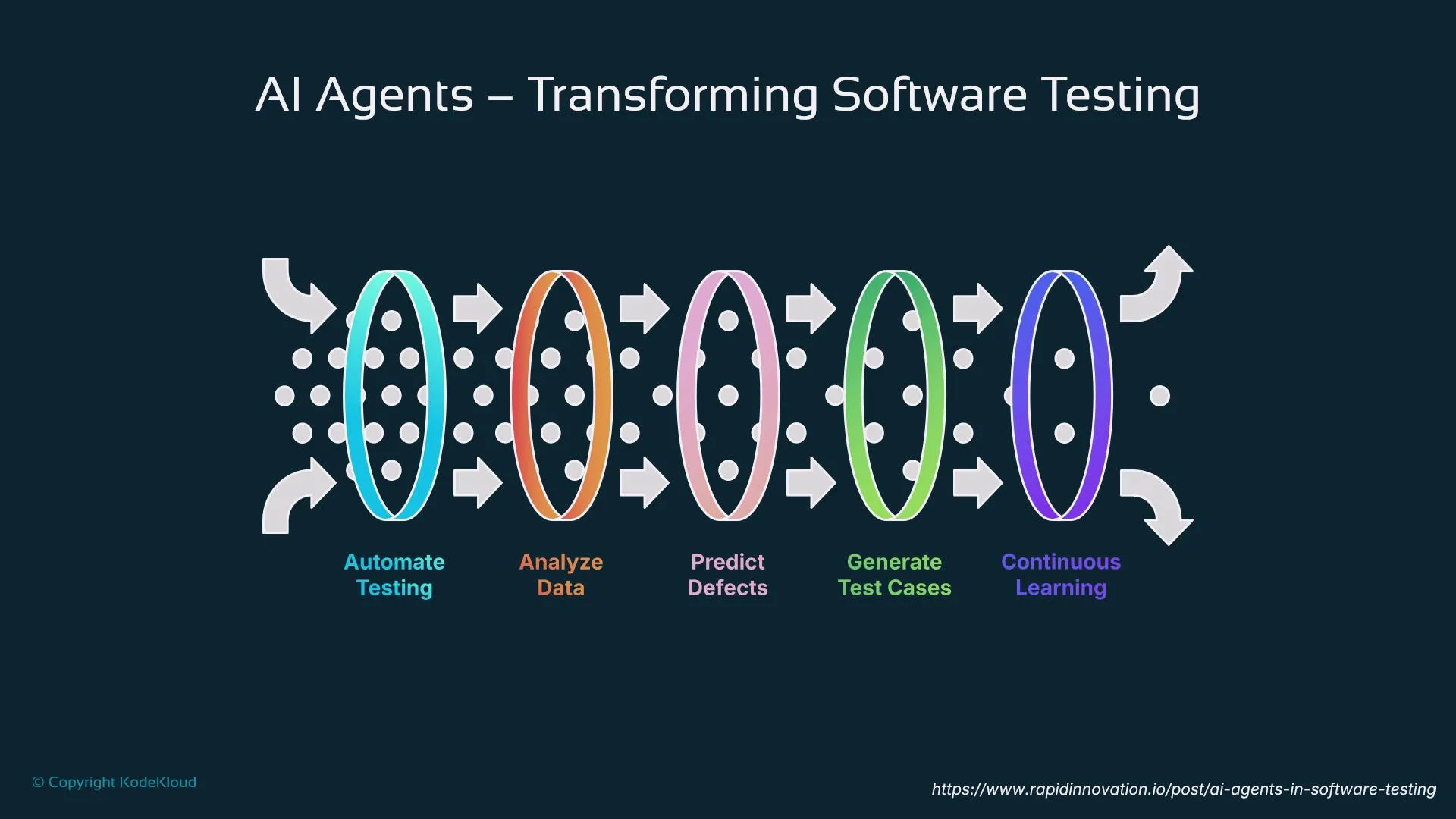
Feedback loops emphasize continuous learning — test outcomes inform future test generation and prioritization.
The image illustrates the role of AI agents in transforming software testing, highlighting processes such as automating testing, analyzing data, predicting defects, generating test cases, and continuous learning. It uses a series of connected loops and arrows to represent flow and interaction between these stages.
Capabilities of AI testing agents AI testing agents can:
  • Generate test cases from natural-language specifications.
  • Detect bugs by analyzing logs, traces, and execution outputs.
  • Integrate with test toolchains such as Playwright and Selenium, and with CI/CD.
  • Produce structured bug reports with remediation suggestions.
  • Learn from prior test runs to improve coverage and reduce false positives.
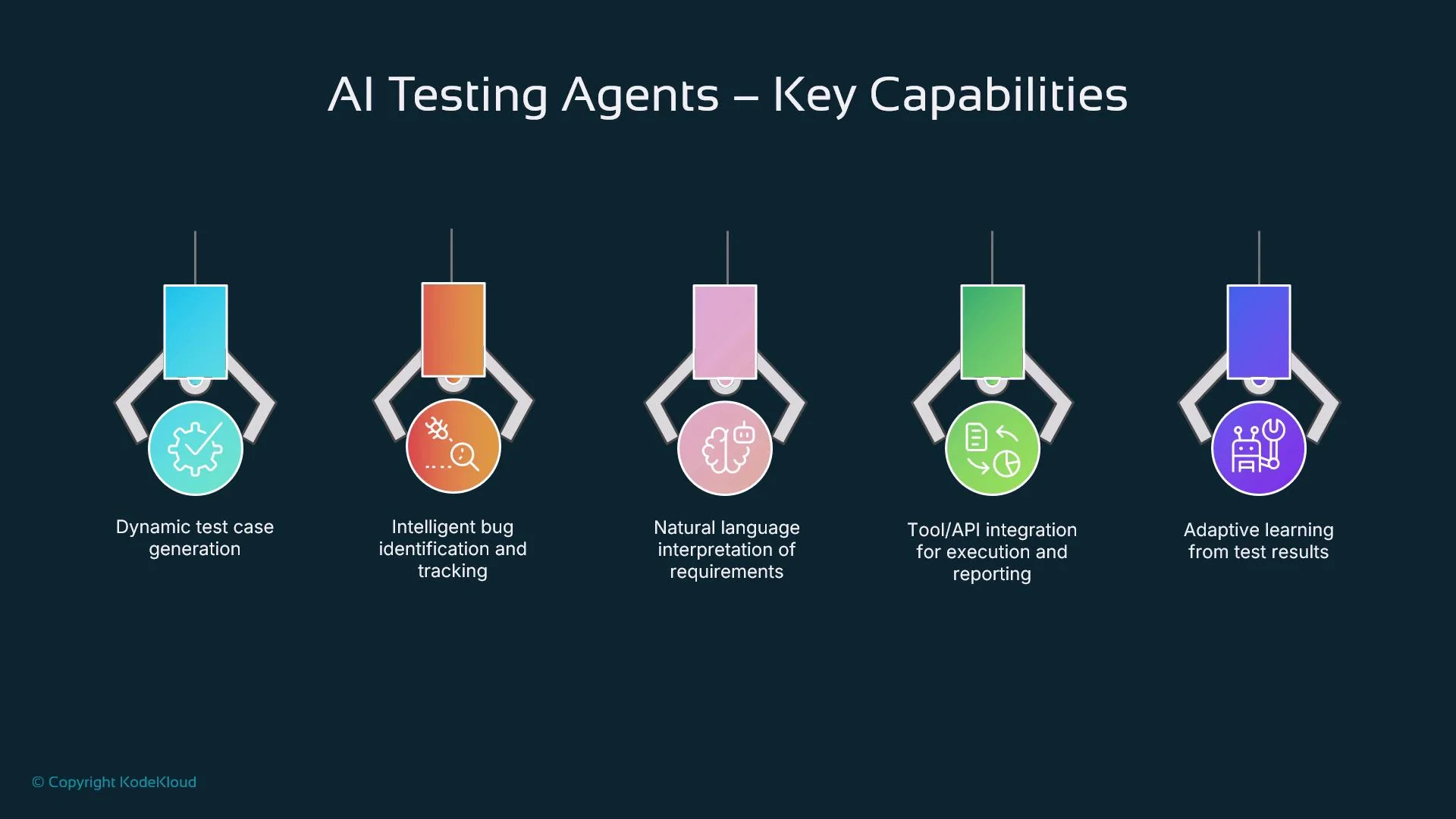
The image illustrates the key capabilities of AI testing agents, including dynamic test case generation, intelligent bug identification, natural language interpretation, tool/API integration, and adaptive learning.
Testing workflow and CI/CD integration A typical testing workflow:
  1. Feed agents product requirements or user stories (structured or natural language).
  2. Agents generate test cases and execute them through the test toolchain.
  3. Outcomes are logged and analyzed; agents recommend fixes or test adjustments.
  4. Integrate into CI/CD (for example, GitHub Actions: https://docs.github.com/actions or Jenkins: https://www.jenkins.io/) so tests run on code changes.
  5. Agents adapt test cases over time using telemetry and observed outcomes.
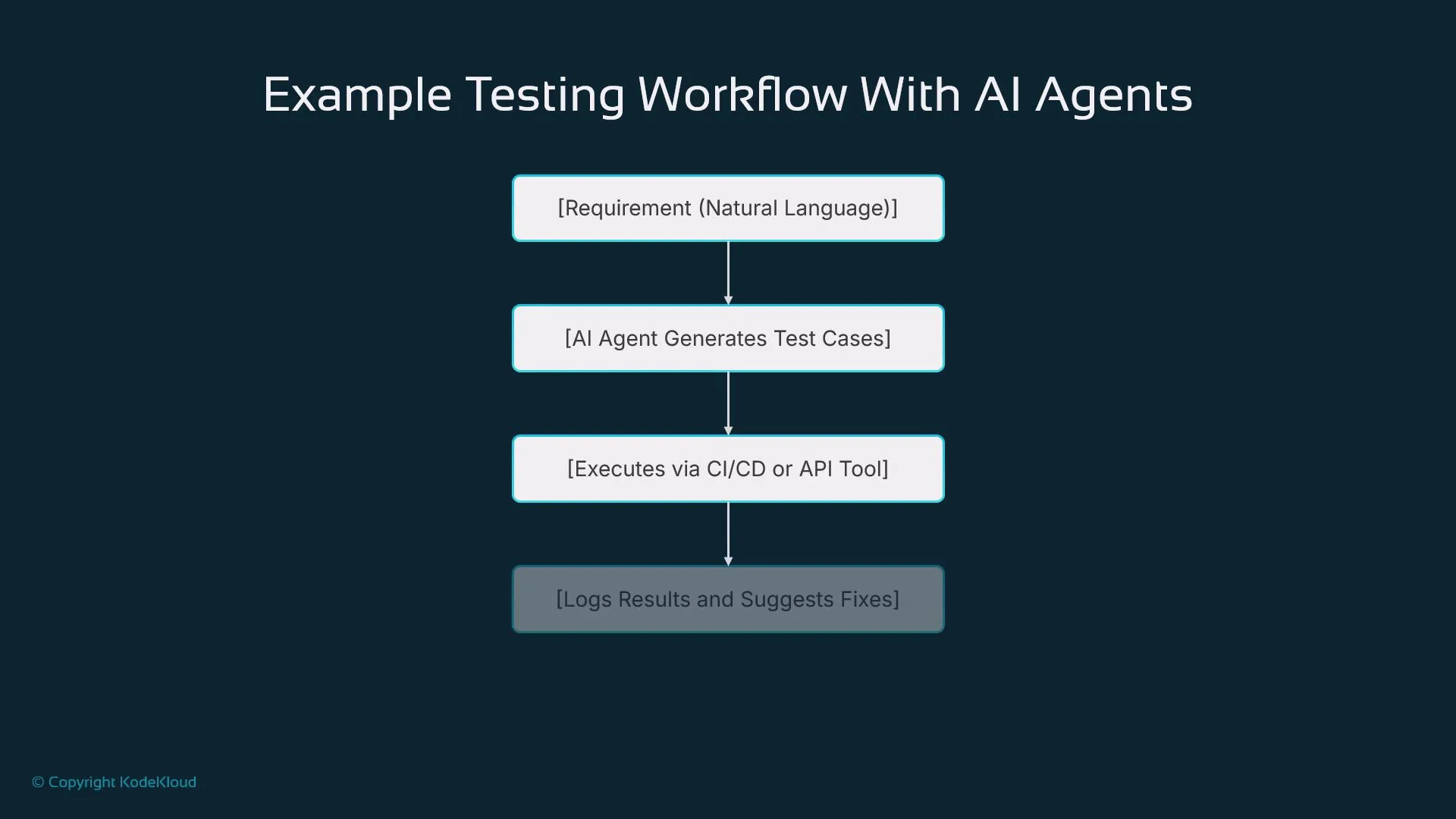
Automating this loop increases test cadence and reduces manual upkeep.
The image illustrates a testing workflow with AI agents, detailing steps from natural language requirements to test case generation, execution via CI/CD or API tools, and logging results with suggested fixes.
Practical use cases and limitations Common use cases:
  • Regression testing at scale
  • Exploratory testing to uncover edge-case bugs
  • Visual/UI testing for layout and rendering regressions
  • Generating human-readable reports and automated developer notifications
Limitations and challenges:
  • Quality of output depends on input quality and precise requirement definitions.
  • Complex business logic and nuanced edge cases often still require human oversight.
  • Integrating agents with legacy monoliths can be difficult.
  • Agents must be tuned to minimize false positives and negatives.
As models and frameworks mature, expect smoother CI/CD integration, greater self-adaptation, and agents acting as continuous QA copilots across the software lifecycle. The future of AI-driven testing Emerging capabilities that will shape future testing:
  • Self-healing tests that adapt to code changes automatically.
  • Automation of repetitive setup and verification tasks to speed cycles.
  • Predictive analytics that forecast defect-prone areas.
  • Natural-language-first testing to make test creation accessible to non-engineers.
  • Continuous, real-time validation for faster feedback loops.
  • Increased test coverage through adaptive exploration and prioritization.
  • AI-driven optimization to refine test effectiveness continuously.
Together, these trends point to faster, more adaptive testing closely aligned with real-world usage and deployment patterns.

Watch Video