

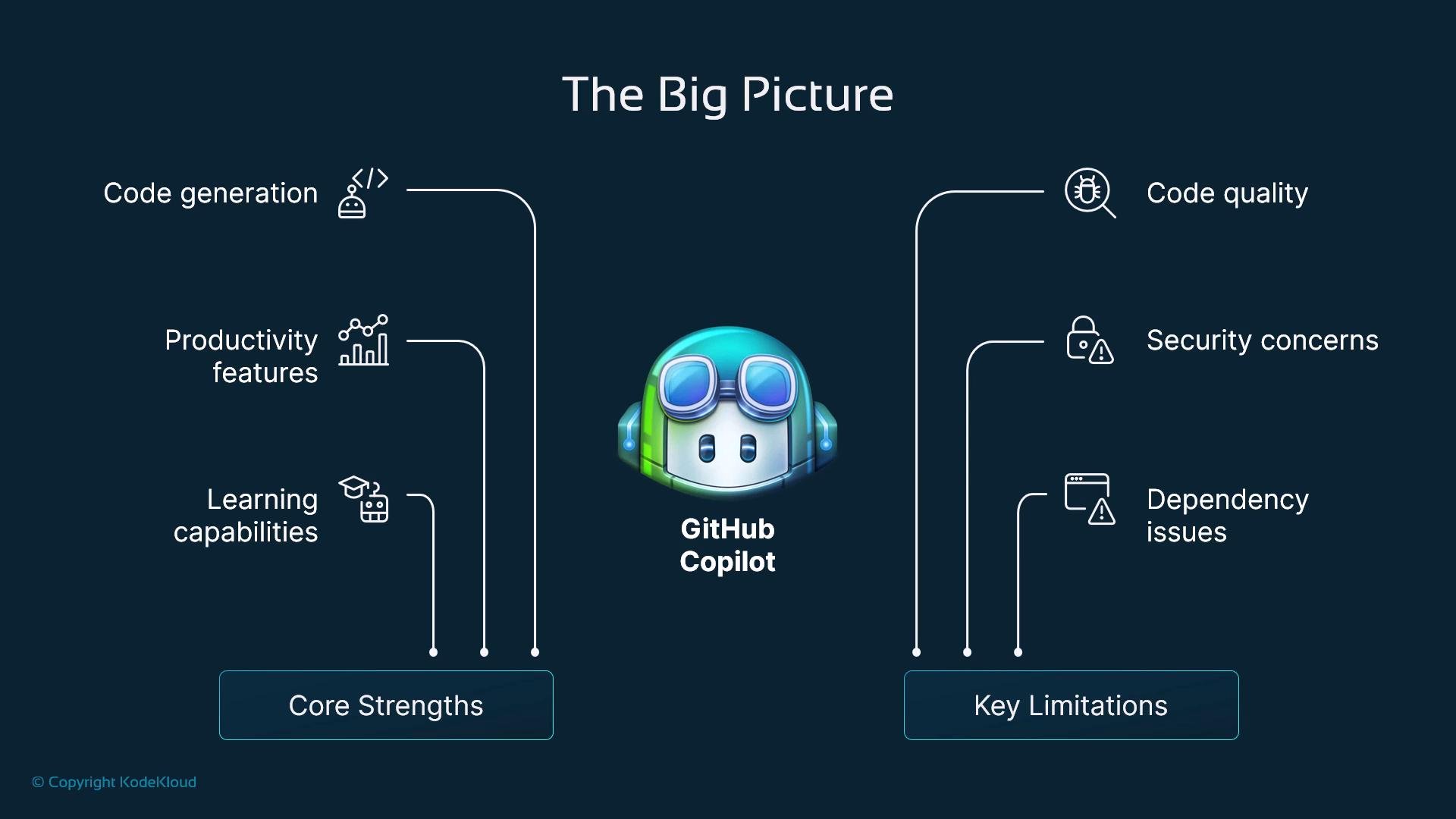
Core Strengths
- Real-time suggestions and boilerplate generation: Copilot speeds routine tasks by generating repetitive patterns (CRUD handlers, serializers, client boilerplate), letting you focus on architecture and edge cases.
- Context awareness: The assistant analyzes surrounding code and comments to propose completions that often match local APIs and naming conventions.
- Multi-language and framework support: Works across hundreds of languages and ecosystems, useful in polyglot repositories.
- Documentation and test scaffolds: Can generate docstrings, usage examples, and basic unit-test templates.
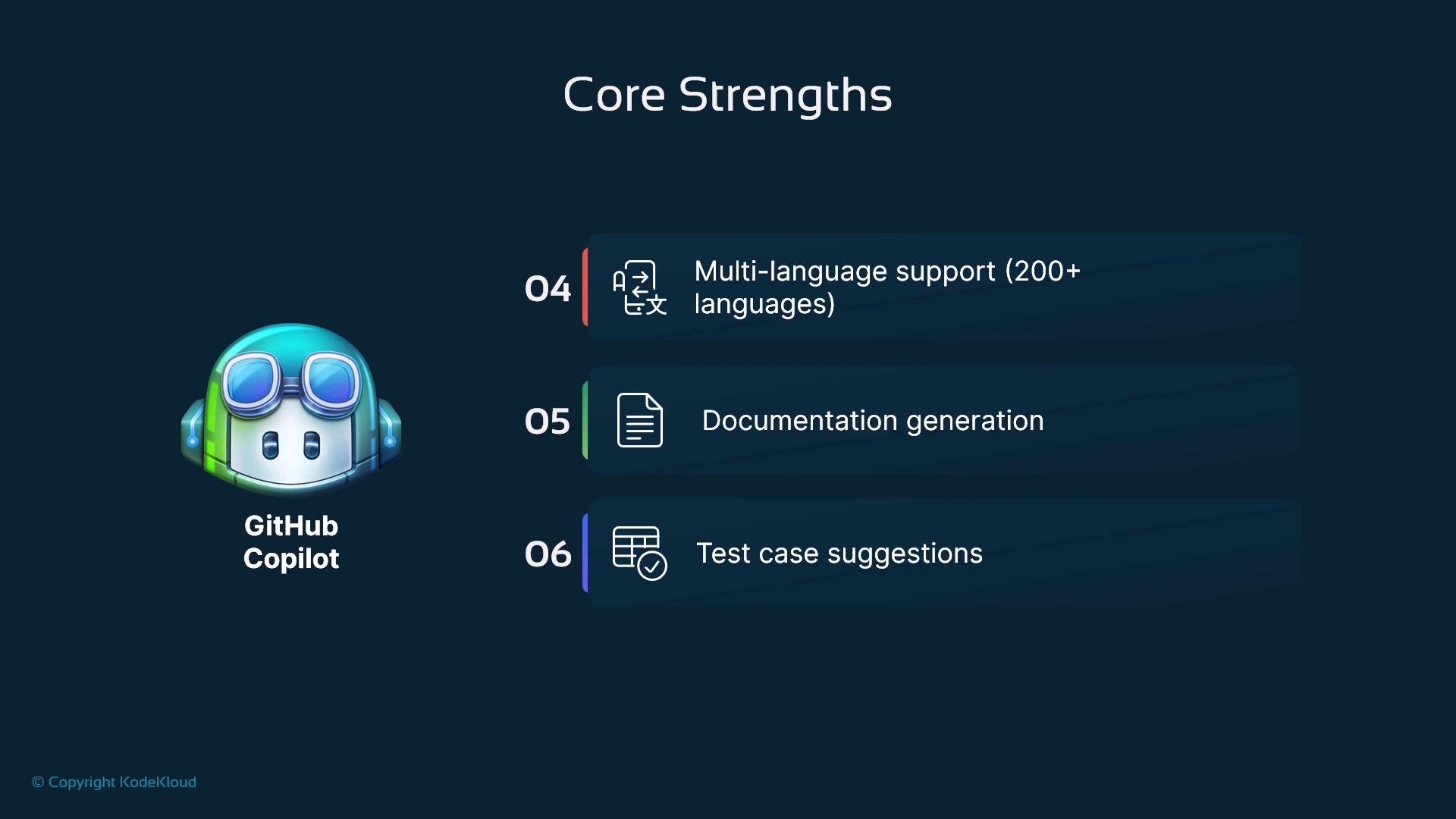
Quick comparison: strengths vs typical use cases
Useful links:
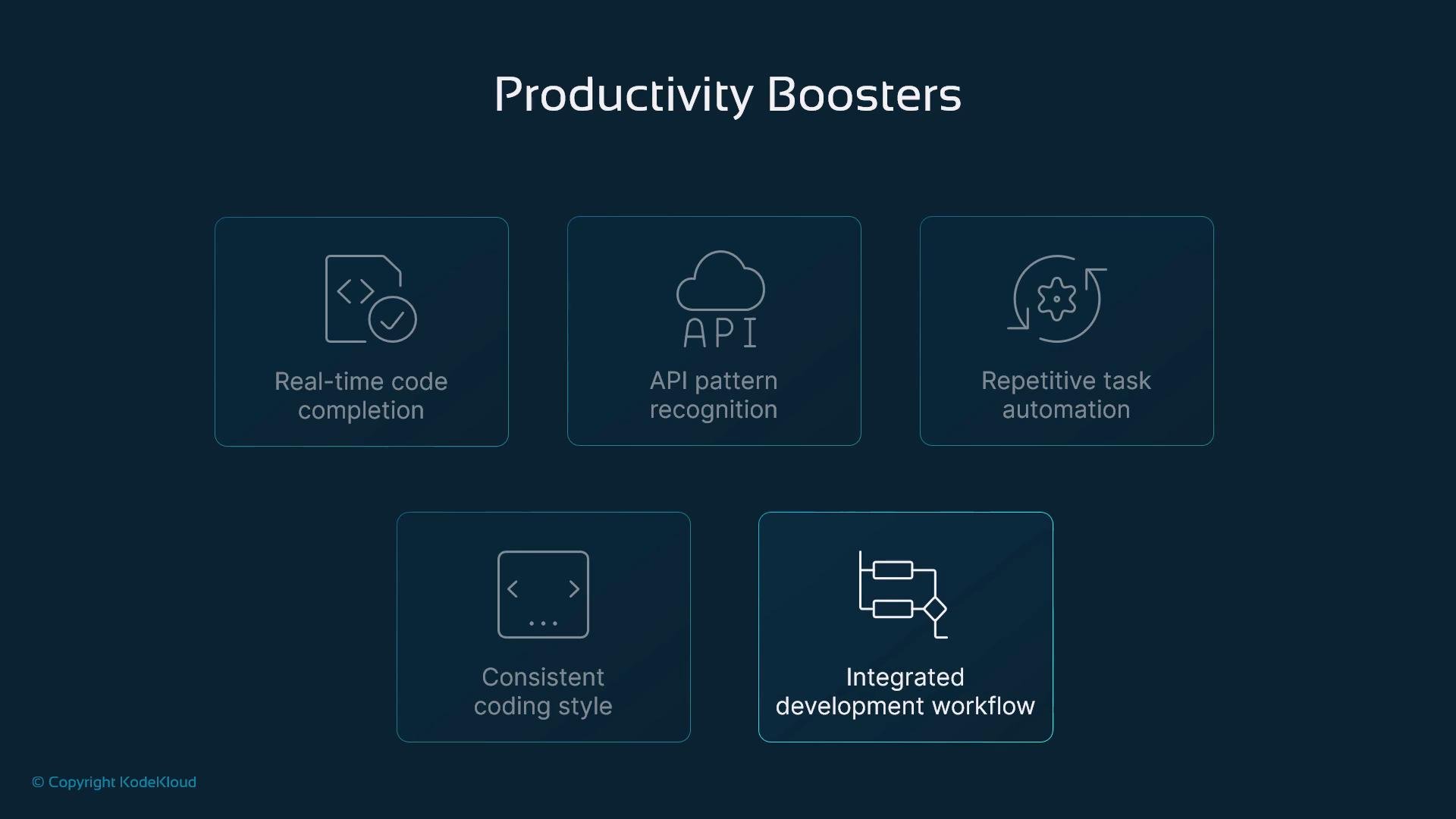
Productivity Boosters
Copilot raises day-to-day developer velocity by:- Providing inline, context-aware completion as you type.
- Recognizing common API use patterns and idiomatic library usage found in your codebase.
- Automating repetitive tasks so developers can prototype faster.
- Helping maintain consistent style when combined with team conventions and linters.
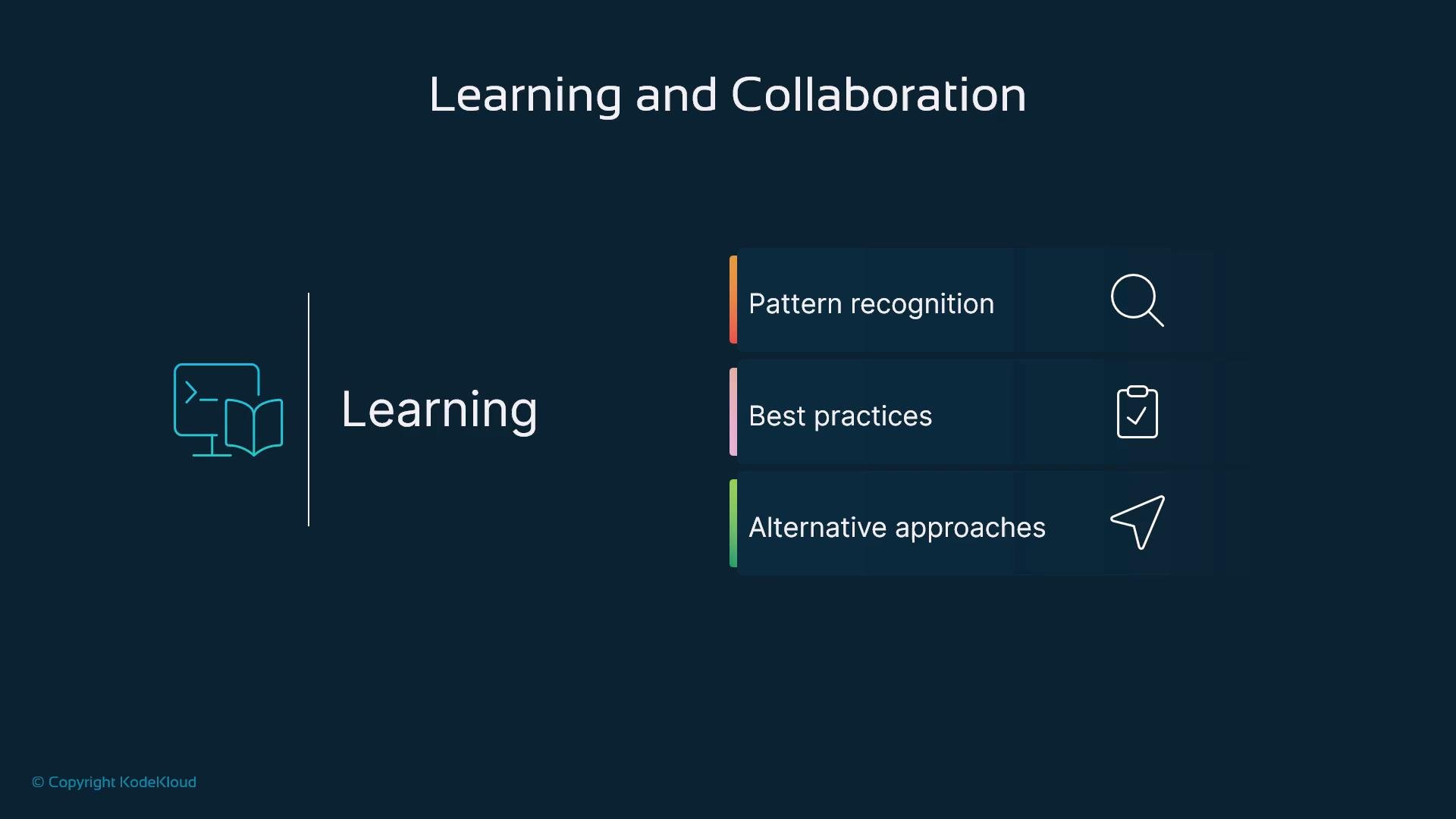
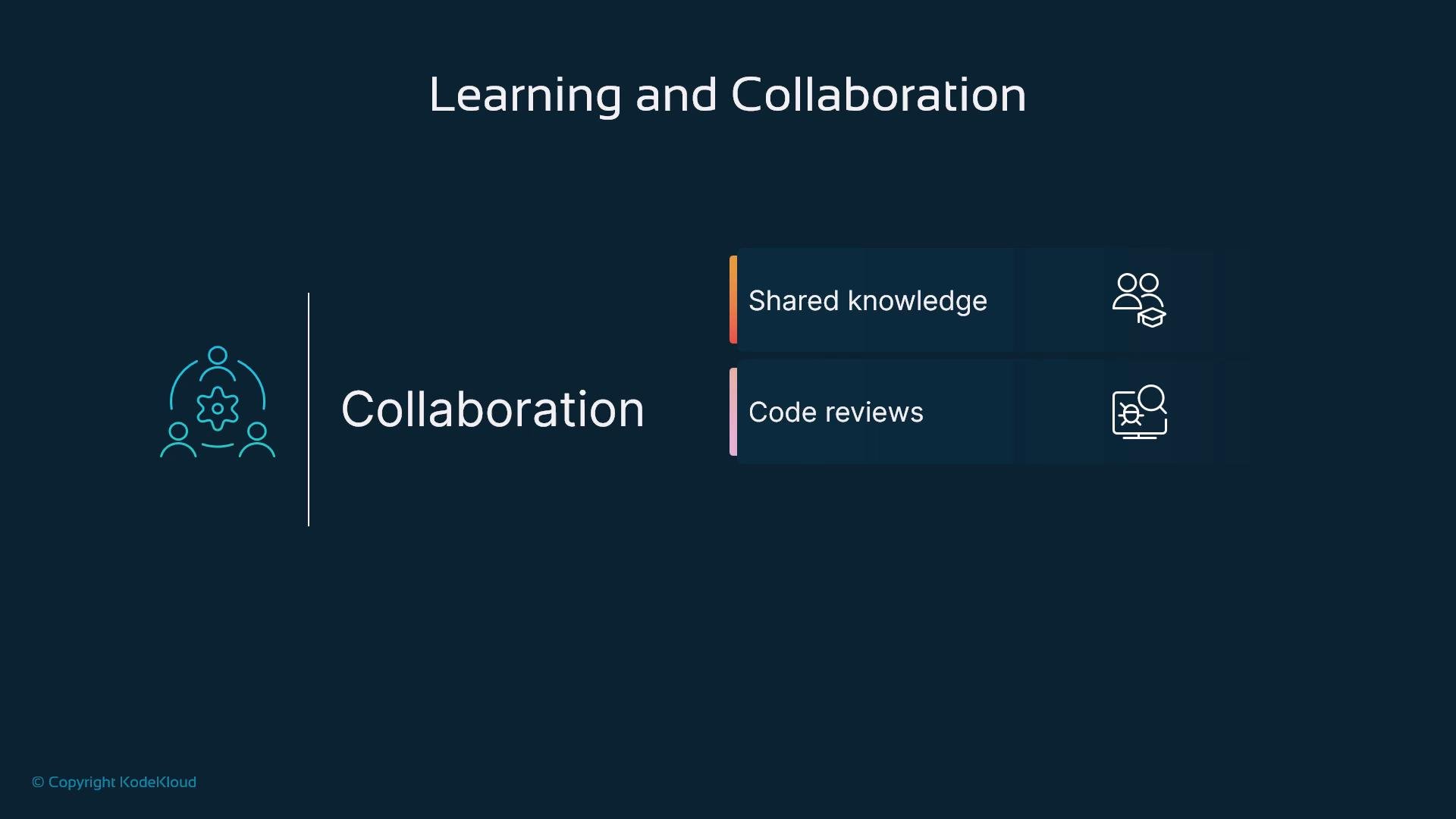
Learning and Collaboration
Copilot can accelerate onboarding and shared knowledge:- Surface idiomatic patterns and common best practices for libraries and frameworks.
- Propose alternative implementations to spark architecture discussions.
- Help standardize common solutions across a team and assist reviewers by highlighting typical fixes or examples.
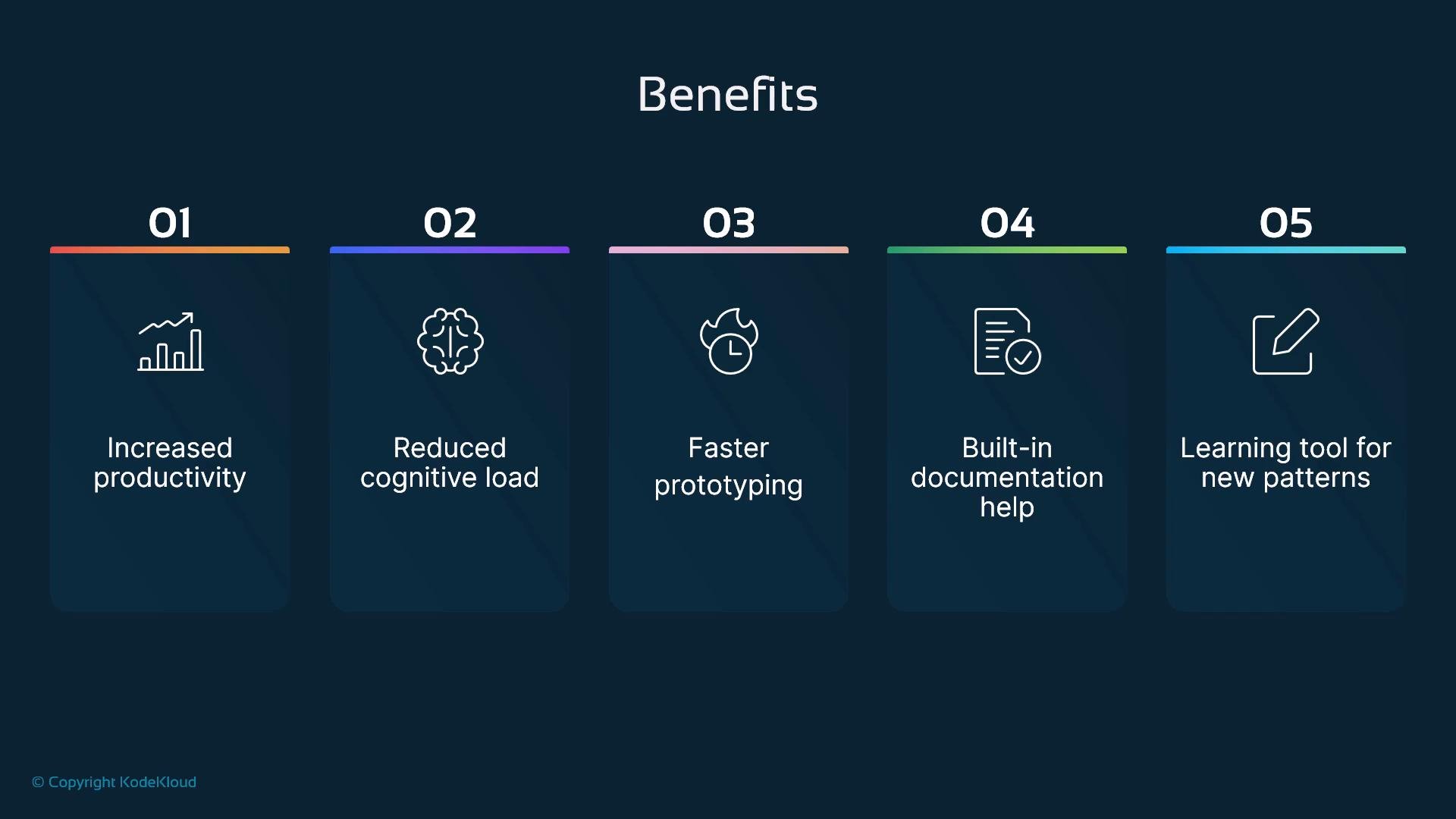
Practical Benefits
- Reduced cognitive load: Copilot handles boilerplate so developers concentrate on core business logic.
- Faster prototyping: Rapidly generate scaffolding to validate ideas and iterate.
- Documentation assistance: Auto-generated docstrings and comments improve long-term readability.
- Learning new APIs: Instant examples make unfamiliar libraries easier to adopt.
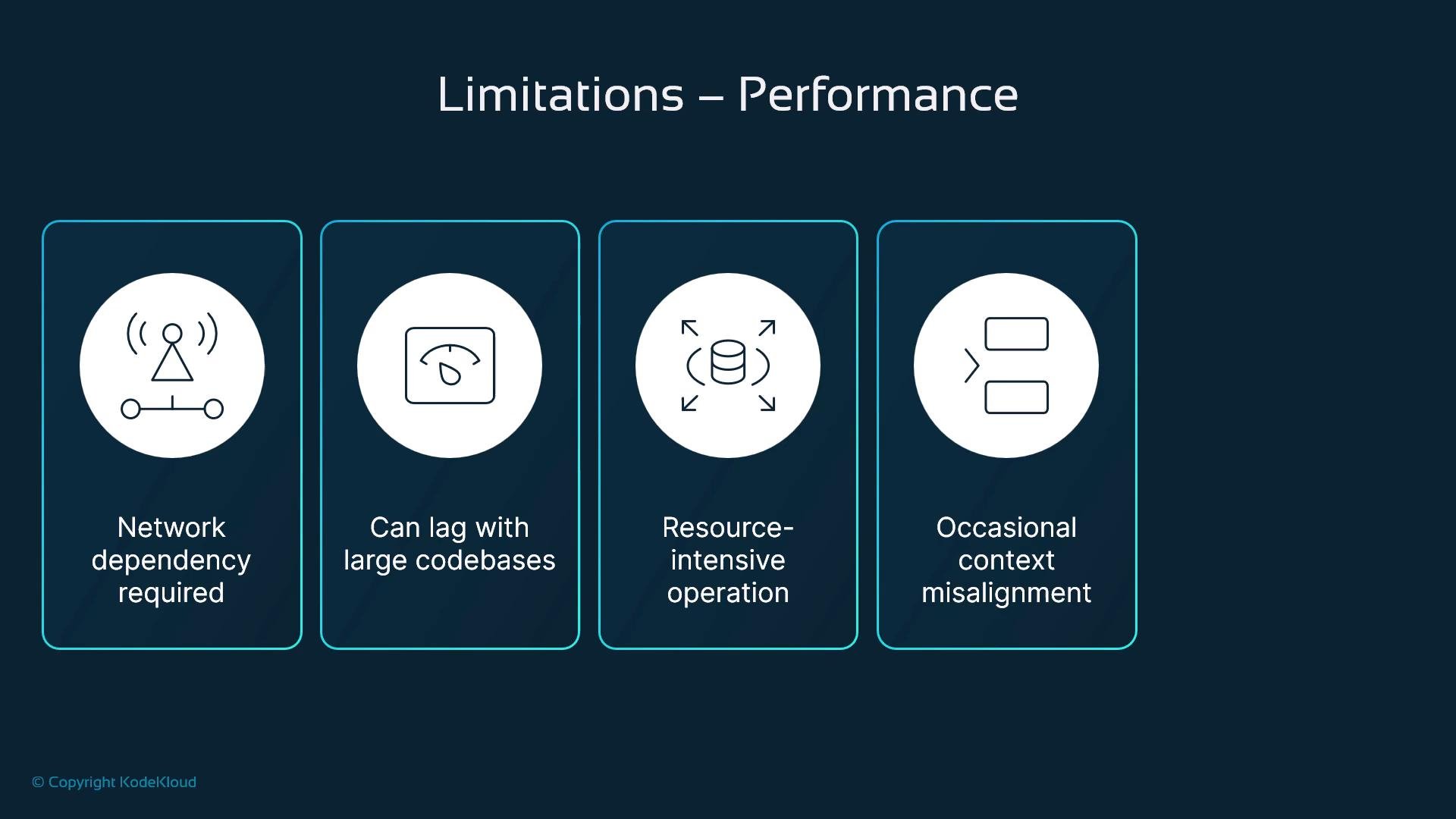
Limitations — Performance and Reliability
Operational constraints to plan for:- Network dependency: Copilot sends context to a remote service; an internet connection is required.
- Latency in large monorepos: Very large repositories or files can slow suggestion generation.
- Resource usage: IDE plugins and frequent requests can use notable CPU, memory, or network bandwidth.
- Context misalignment: The model can misinterpret intent and return irrelevant or incomplete suggestions.
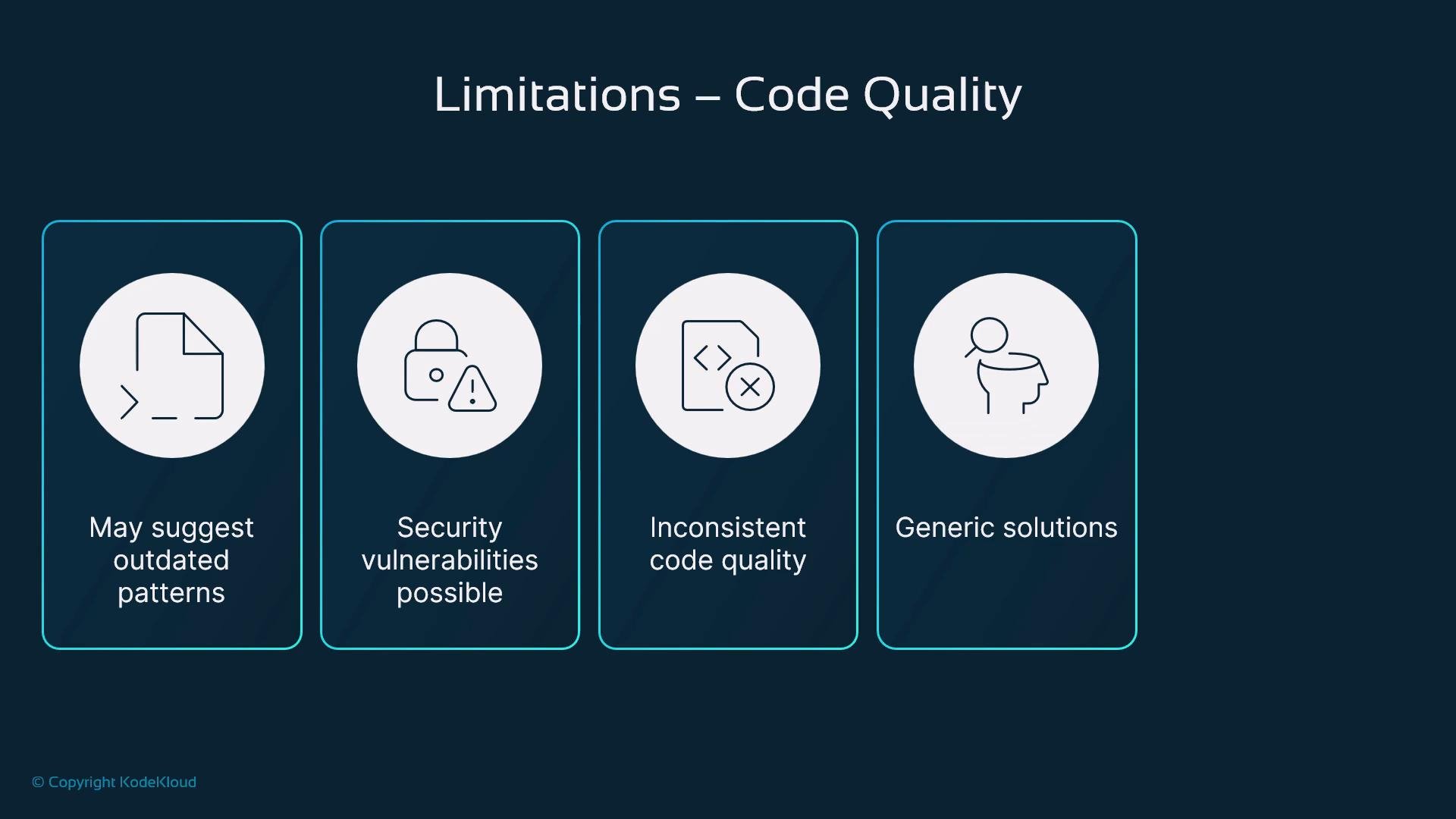
Limitations — Code Quality
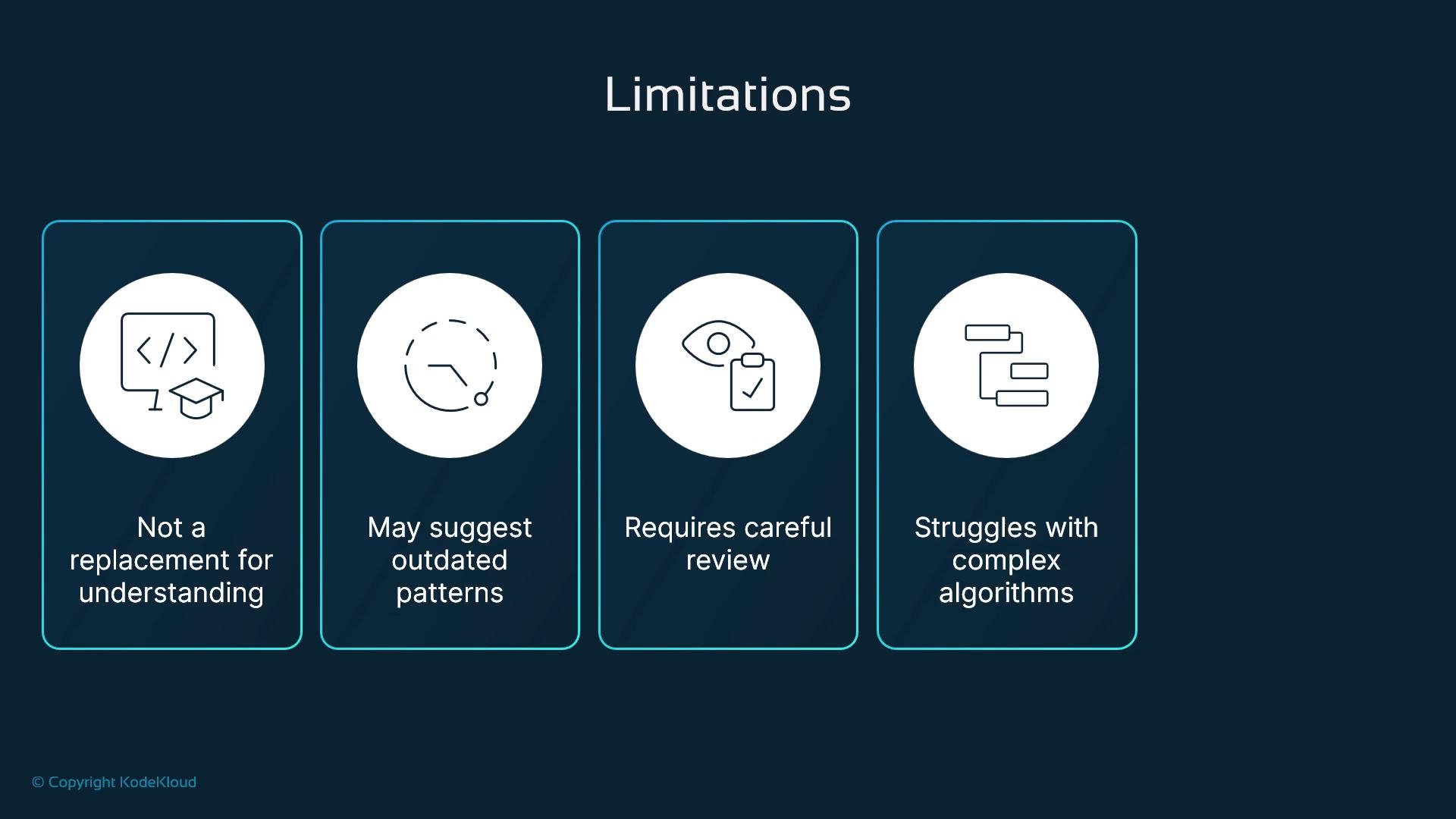
Generated code can vary in correctness and style:- Outdated or suboptimal patterns may be suggested based on training data.
- Suggestions can introduce security vulnerabilities (unsafe deserialization, weak crypto, insufficient input validation).
- Code may be generic and not respect application-specific constraints or non-functional requirements.
- The model lacks project-level intent and domain-specific business logic.
Limitations — Security and Compliance
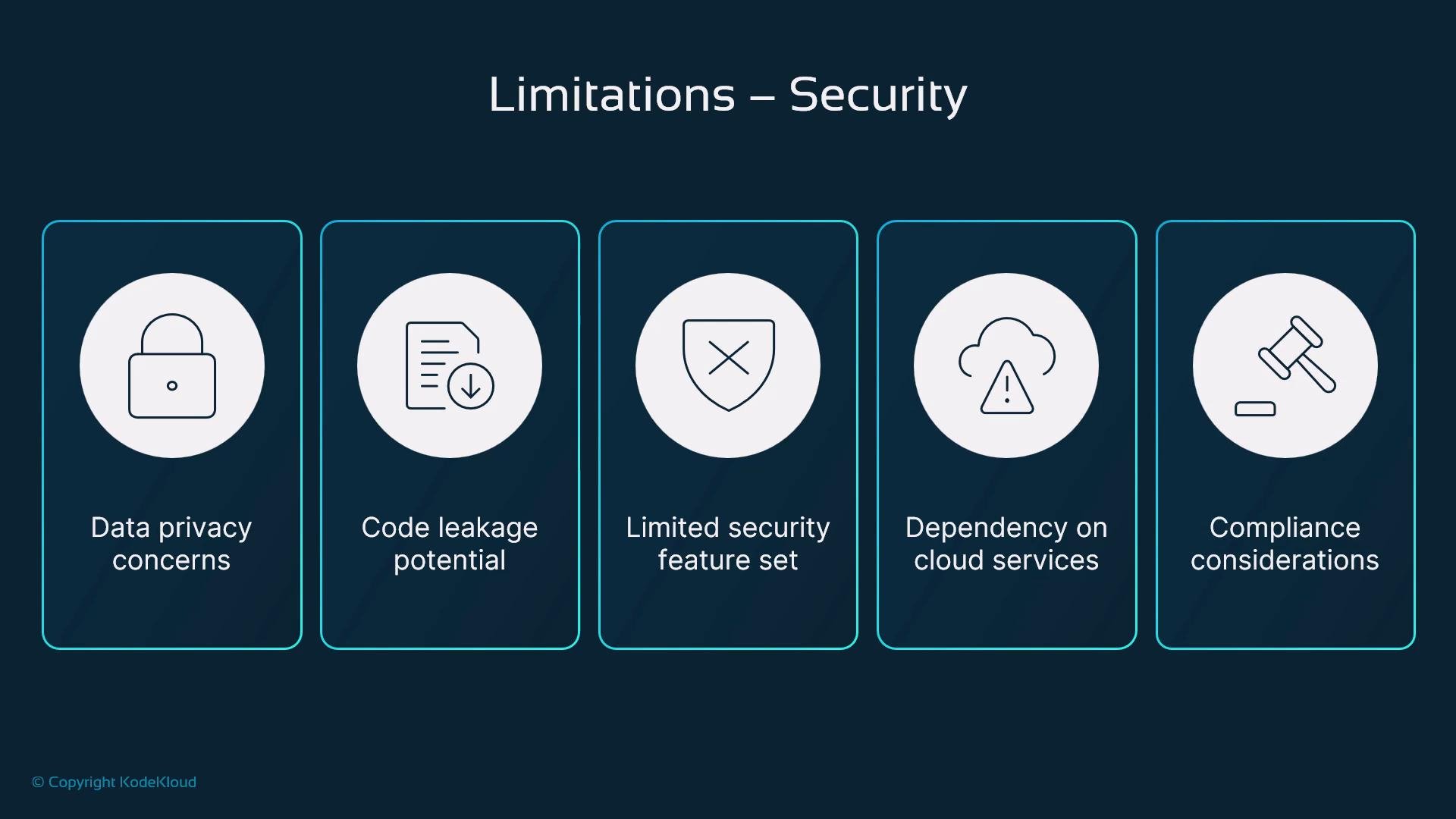
Security and privacy are primary concerns when sending code context to cloud services:- Data privacy: Code snippets may contain secrets or proprietary logic; avoid sending sensitive context.
- Code leakage: Generated suggestions can sometimes resemble existing licensed or proprietary code.
- Limited security checks: Copilot is not a substitute for SAST, dependency scanning, or manual security review.
- Compliance and contractual risk: Organizations with strict regulatory requirements should evaluate Copilot’s fit and contractual protections.
Review company policies and use secure workflows (e.g., avoid sending secrets or sensitive snippets) before enabling Copilot on protected repositories.
Human Oversight Required
Copilot complements—but does not replace—developer judgment:- It cannot fully infer project-specific requirements or architectural constraints.
- Complex algorithms and domain logic still need human design, verification, and testing.
- Treat generated code as a draft: review, adapt, and integrate according to team standards.
Best Practices for Effective Adoption
Adopt Copilot responsibly across individuals and teams:- Create clear usage policies: define allowed repositories, prohibited content, and handling of sensitive code.
- Monitor metrics: measure impacts on cycle time, review rejections, and bug/regression frequencies.
- Gather feedback: iterate on policies based on developer and reviewer experience.
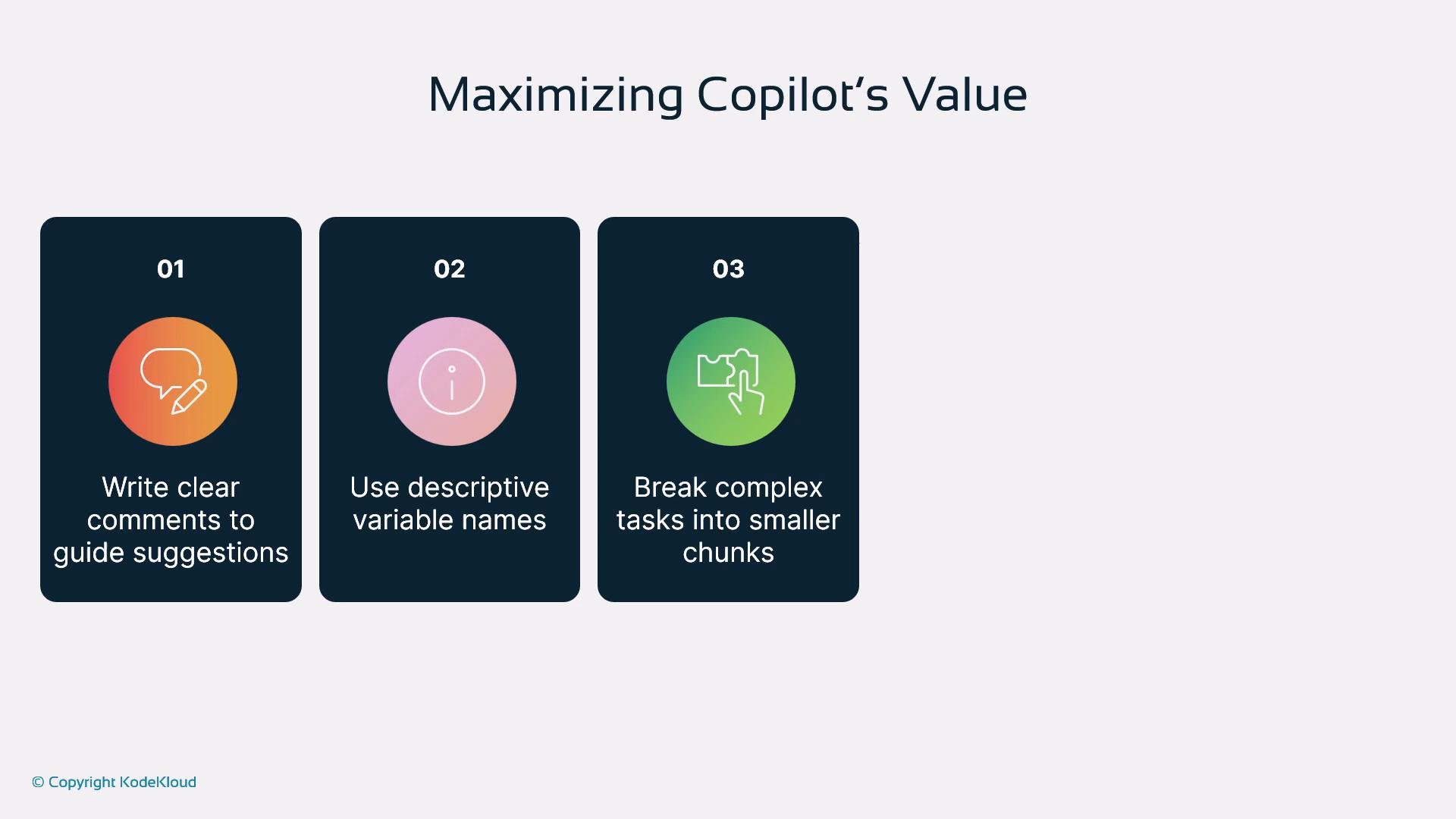
- Write descriptive comments and meaningful variable names to guide more accurate suggestions.
- Split complex problems into smaller functions so suggestions are targeted and easier to validate.
- Integrate Copilot with testing, linters, and CI-based security scans to catch issues automatically.
Use Copilot to accelerate routine work and learn idioms, but require human review for production changes and security‑sensitive code paths.
Common Mistakes to Avoid
- Over-relying on generated code without understanding its runtime behavior.
- Accepting suggestions without running tests, linters, or peer reviews.
- Using Copilot to implement critical algorithms without human-led design.
- Ignoring security implications like secret leakage or unsafe patterns.
Conclusion — Key Takeaways
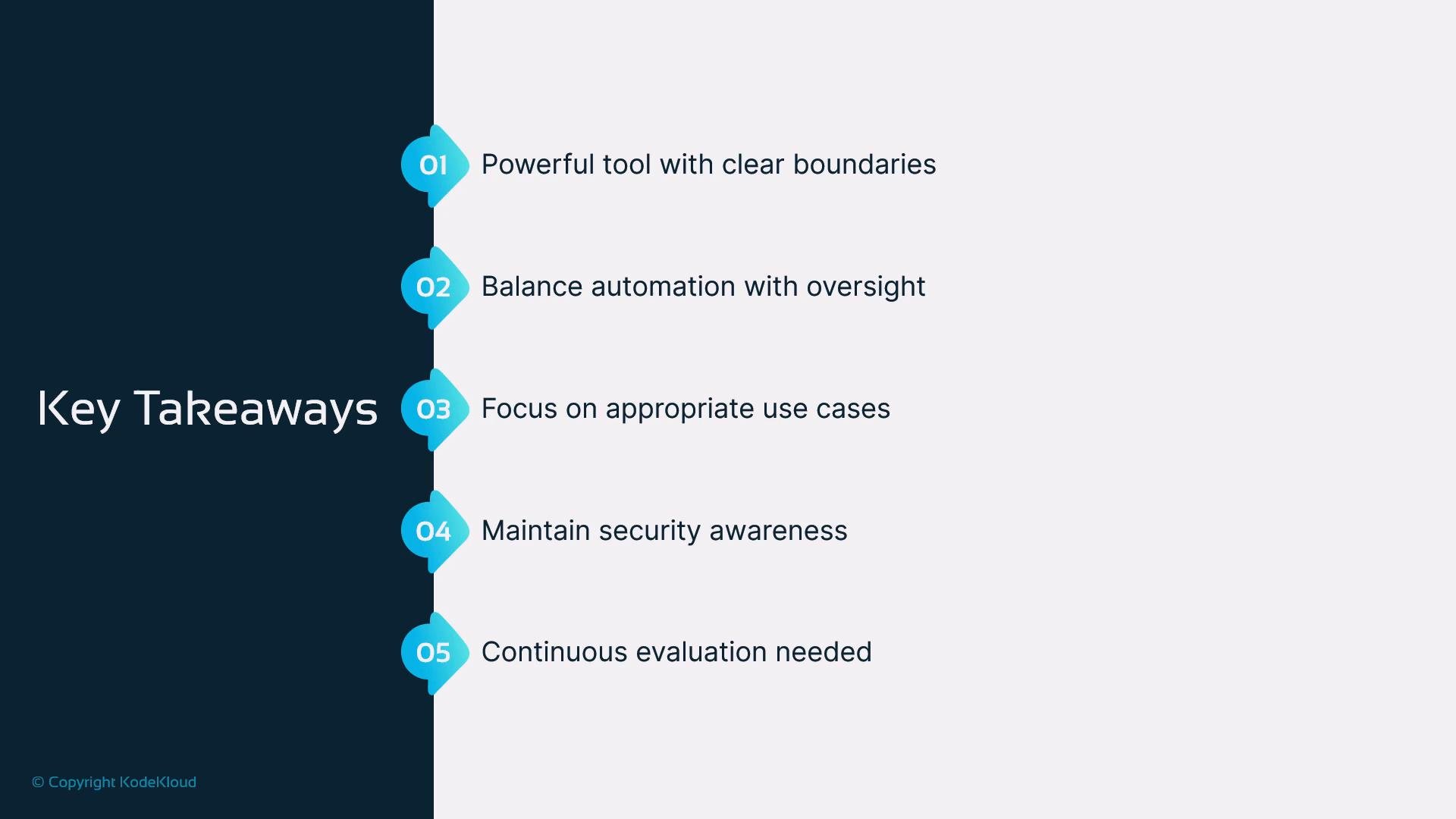
- GitHub Copilot is a powerful AI coding assistant for productivity, learning, and scaffolding, but it has clear limits.
- Balance automation with human oversight: review, test, and adapt all suggestions to your codebase and standards.
- Use Copilot for appropriate tasks (boilerplate, prototypes, examples) and rely on human expertise for security‑critical and domain‑specific work.
- Continuously evaluate Copilot’s impact on workflows and update team policies accordingly.
References and Further Reading
- GitHub Copilot docs — Overview
- Secure coding guidance (OWASP)
- Static application security testing (SAST) tools comparison
- GitHub Security Best Practices and organizational policy guidance