

- Inbound flow — how prompts are captured, secured, and prepared.
- Filtering and security — server-side protections and content safeguards.
- LLM generation — how the model uses intent and context to craft suggestions.
- Outbound flow & feedback — validation, delivery, and continuous learning.
Dual-flow overview
GitHub Copilot operates as a two-way pipeline. The inbound flow collects and prepares prompt inputs and workspace context; the outbound flow validates and presents suggestions back to your editor. Together they enforce quality, safety, and relevance.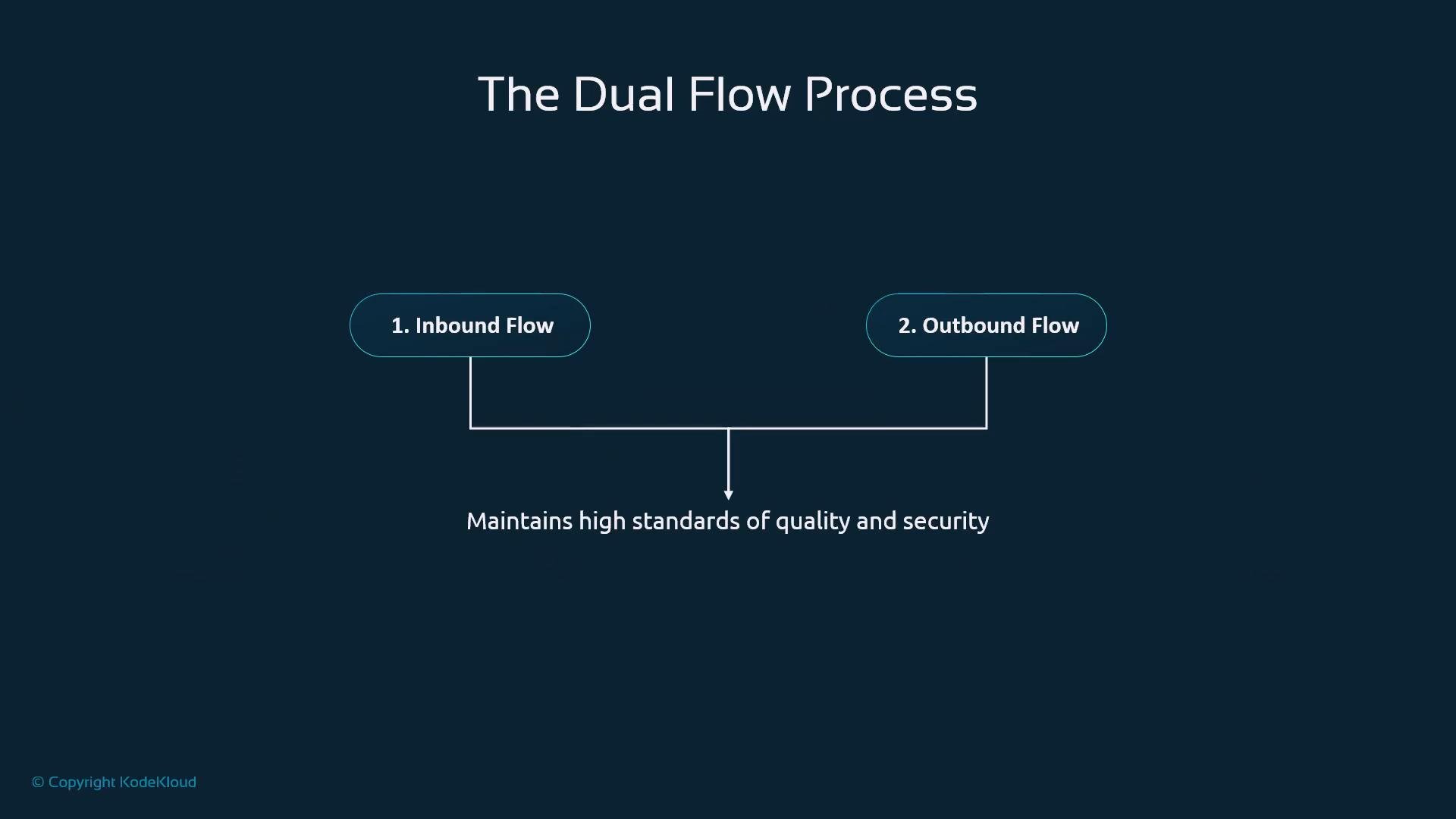
- Better prompts align with the pipeline’s expectations and yield better suggestions.
- Awareness of what data is handled at each stage improves security and compliance.
- Understanding delivery mechanics helps you use Copilot productively without interrupting your workflow.
Quick reference: pipeline stages
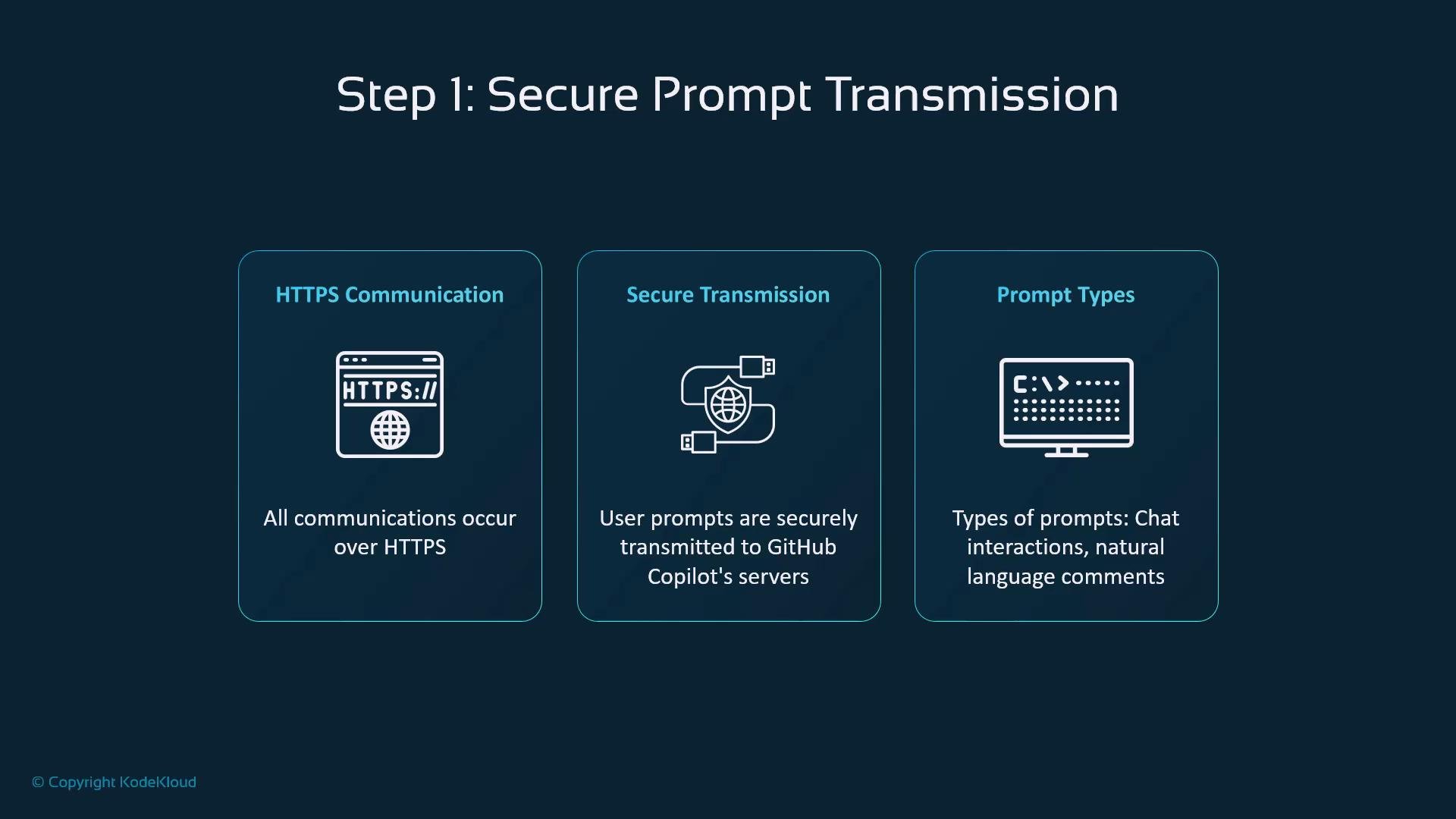
Step 1 — Secure prompt transmission
All communication between your editor and Copilot is encrypted (HTTPS/TLS). Copilot accepts several prompt forms:- Explicit chat queries or conversations.
- Natural-language comments inside code.
- Cursor-based inline completions.
Step 2 — Context gathering
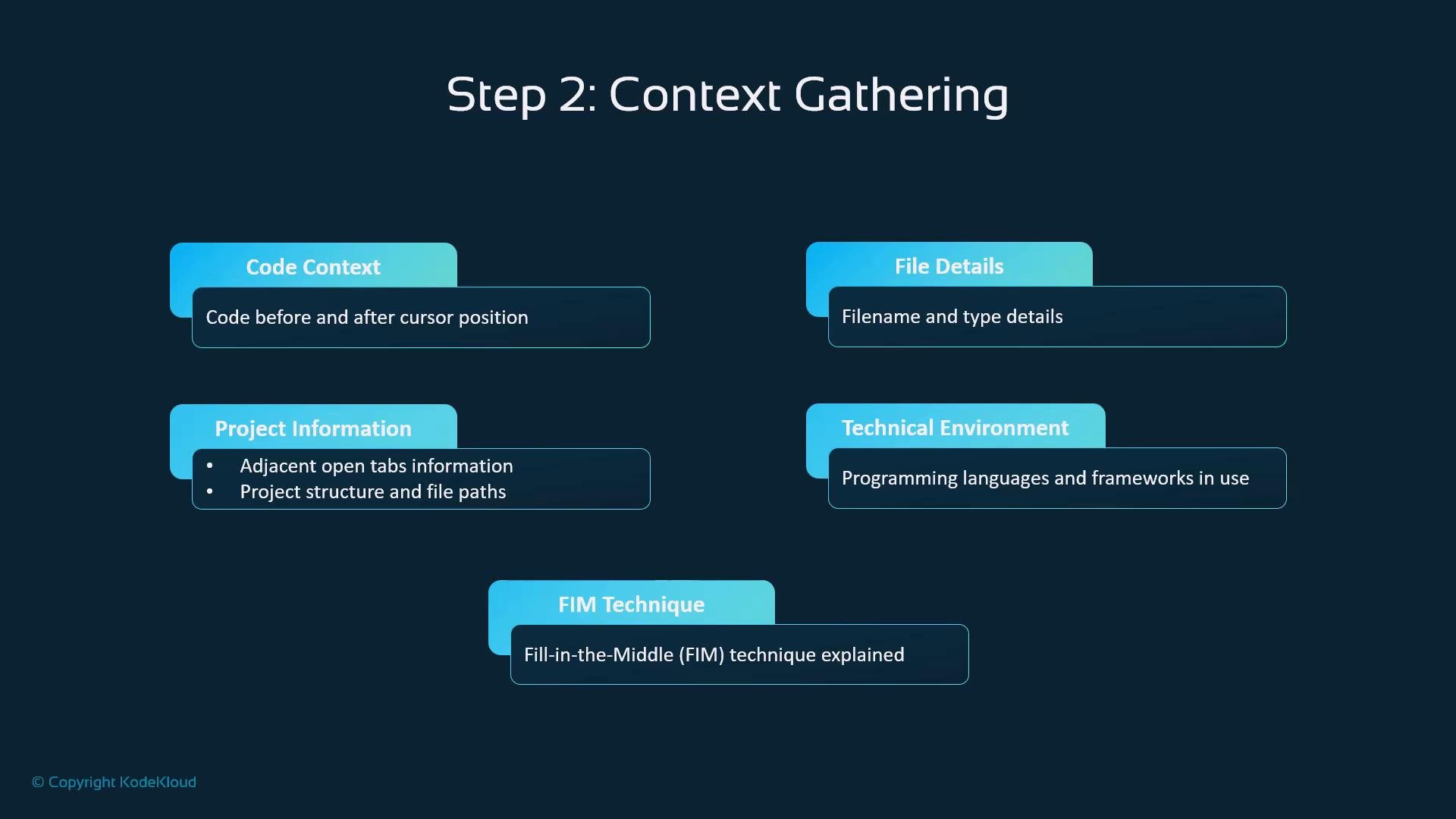
Before generation, Copilot collects context so suggestions match your codebase and style. Typical inputs include:- Code surrounding the cursor (both preceding and following text).
- File metadata (name, type, path).
- Project-level signals: open files/tabs, repository layout.
- Environment details: programming language, frameworks, dependencies.
- Fill-in-the-middle (FIM) context to integrate new code into existing blocks.
Step 3 — Proxy/filtering layer
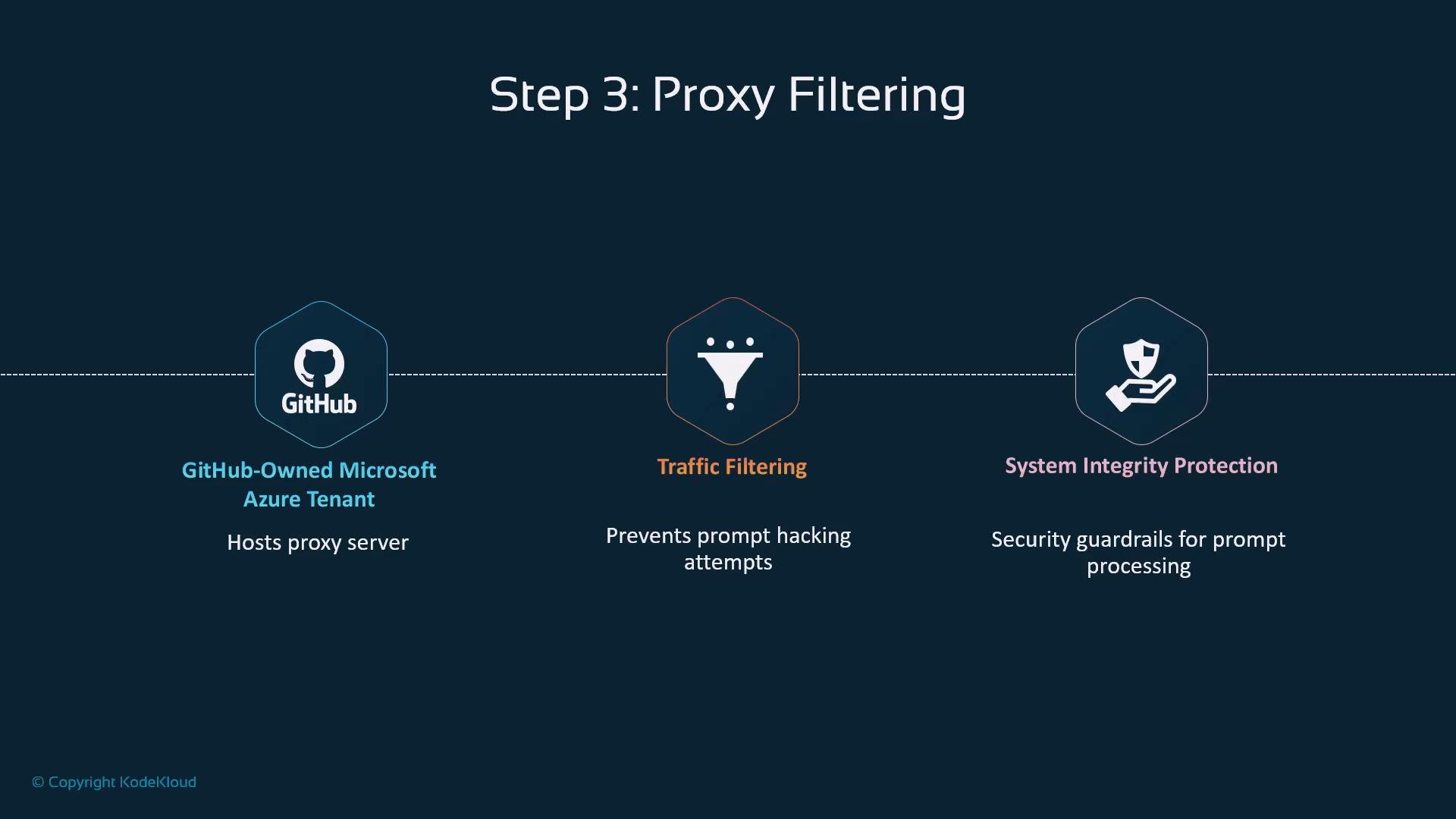
Prompts pass through a GitHub-hosted proxy/filter (on Microsoft Azure) that enforces integrity checks:- Mitigates prompt manipulation and “prompt hacking.”
- Filters potentially malicious or malformed requests.
- Provides server-side guardrails that are transparent to end users.
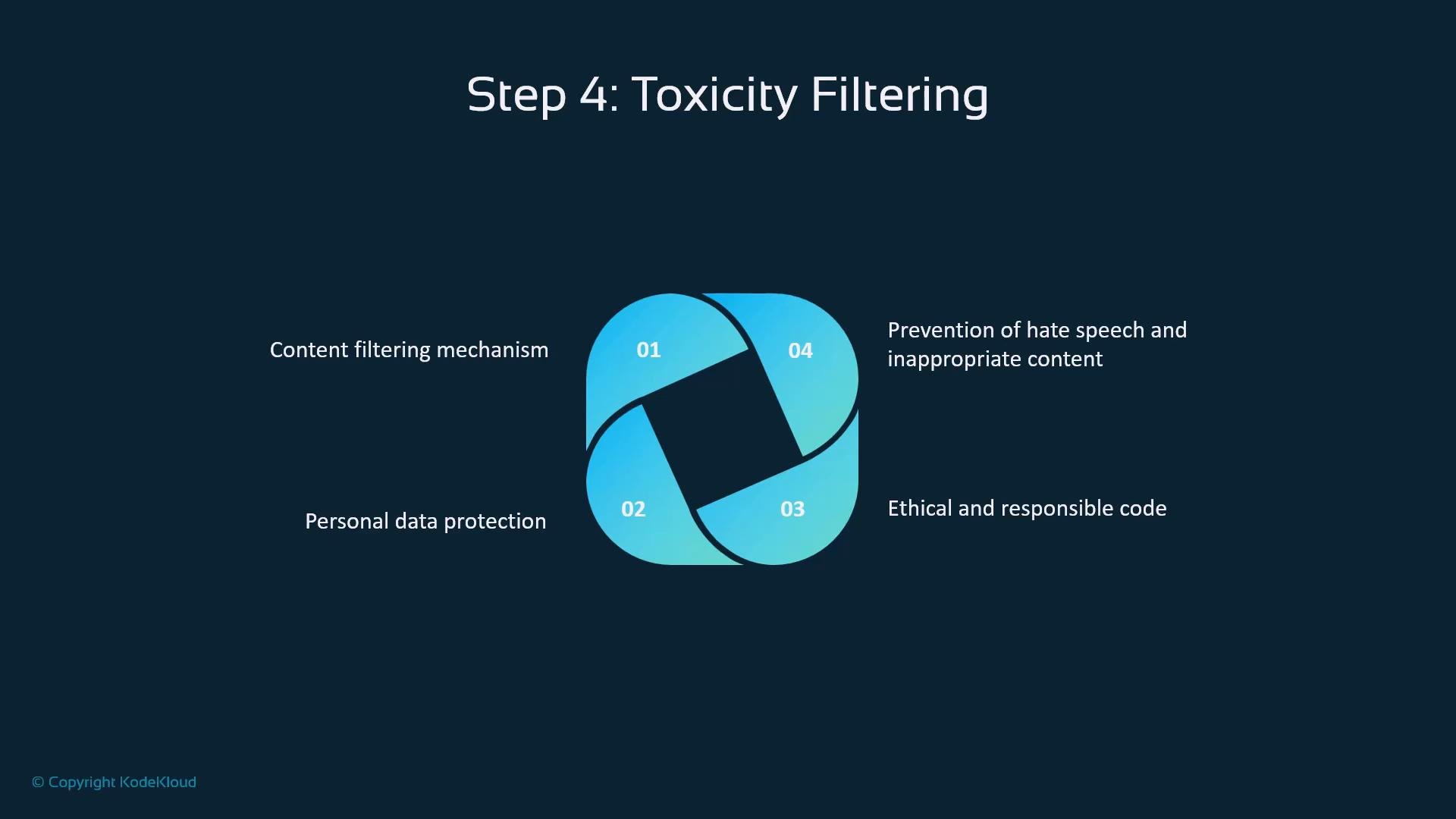
Step 4 — Toxicity & sensitive-data filtering
Before the model receives the prompt, Copilot applies multiple checks to prevent harmful content and data leaks:- Block hate speech and abusive content.
- Detect and protect personal or sensitive data.
- Enforce ethical constraints to reduce harmful outputs.
- Maintain consistent application of these checks for enterprise readiness.
LLM generation — intent, context, and suggestion candidates
At the core, the large language model performs:- Intent analysis of the filtered prompt.
- Integration of workspace context with the prompt.
- Generation of candidate code snippets that try to match project style and constraints.
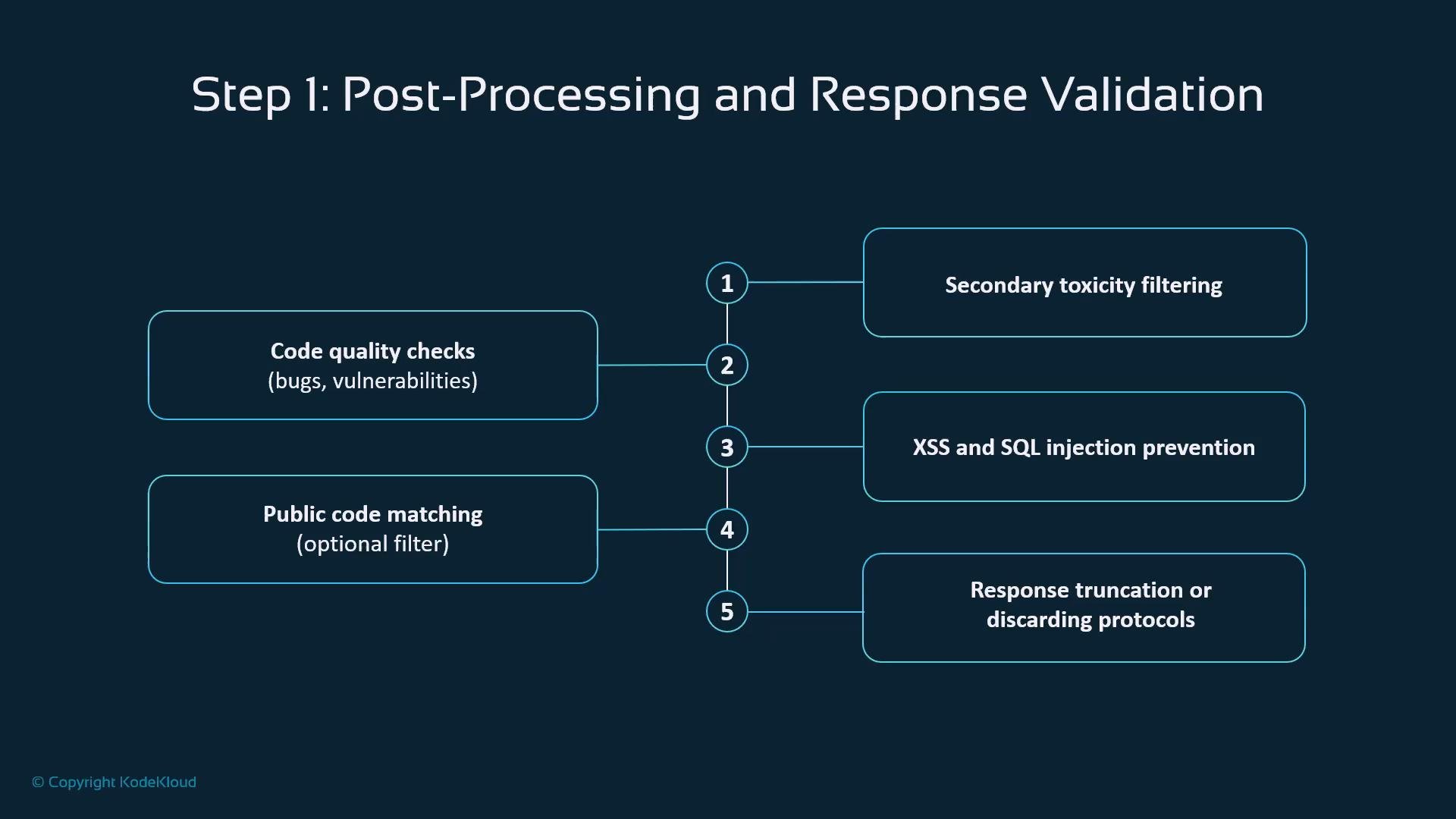
Post-processing and response validation
After generation, a validation pipeline evaluates candidates:- Secondary toxicity scanning to catch unsafe content missed earlier.
- Code-quality heuristics and static-analysis checks.
- Security-focused checks to flag risky constructs (e.g., unsafe shell usage, SQL injection patterns).
- Optional public code-matching (enterprise feature) to detect suggestions that closely resemble public repository code.
- Truncation or discard policies to drop outputs failing quality or safety thresholds.
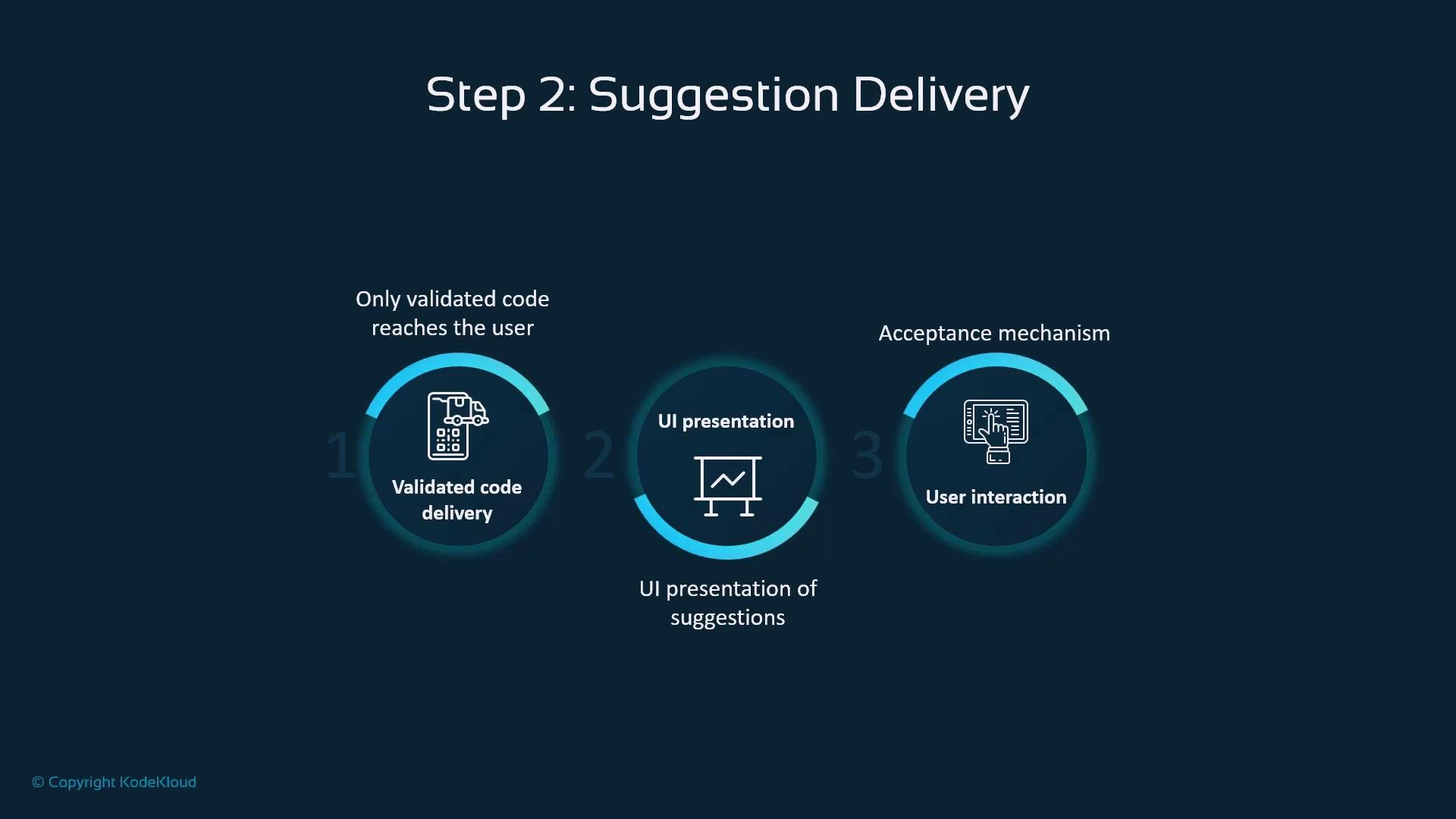
Suggestion delivery
Validated suggestions are delivered to the editor in three practical ways:- Only validated outputs are forwarded; filtered candidates are suppressed.
- UI presentation in-editor (inline completions, snippets, or chat responses) enables quick comprehension.
- User interaction tools allow accepting, editing, or rejecting suggestions with keyboard or mouse actions.
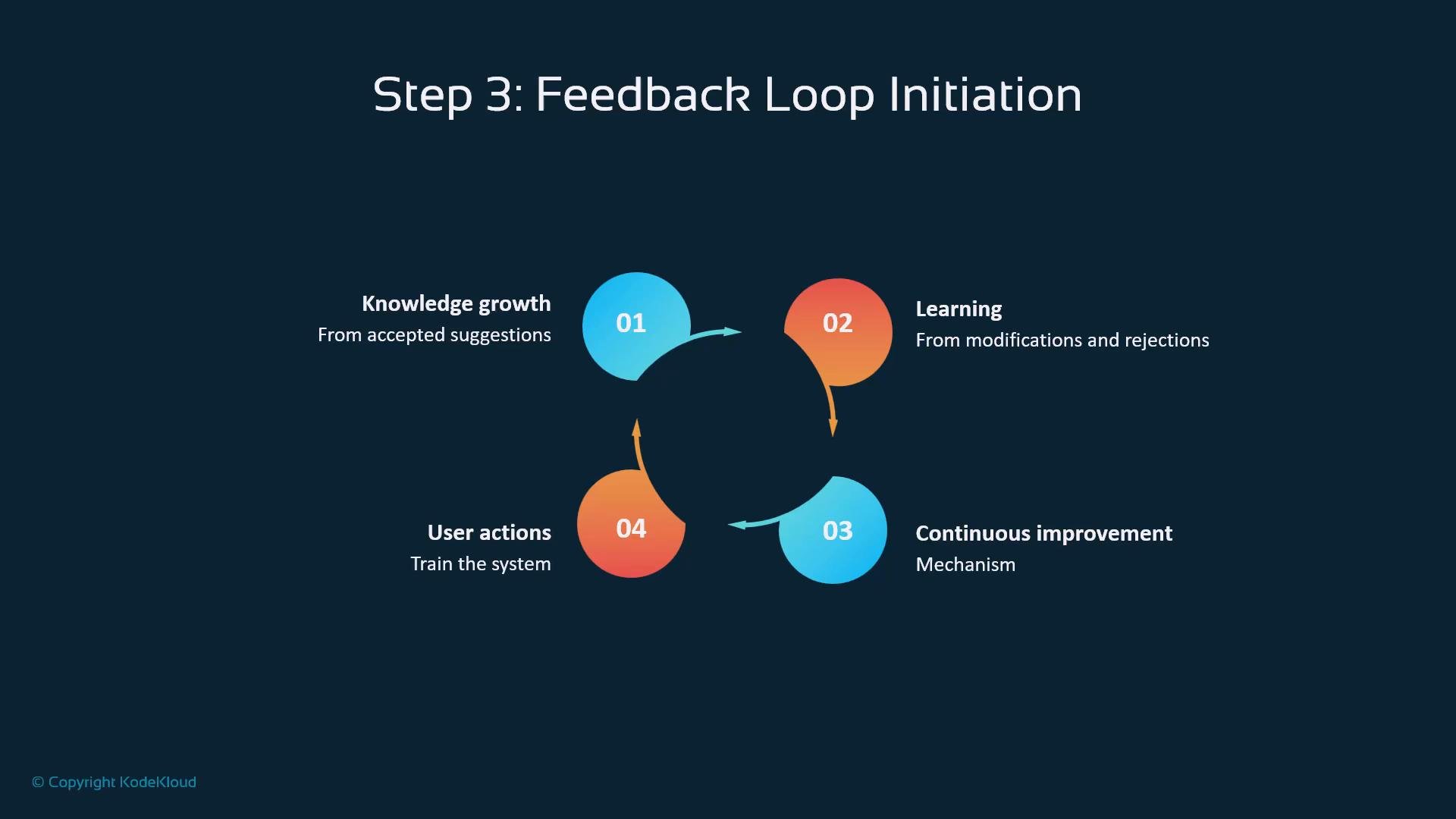
Feedback loop and continuous improvement
User actions create signals that improve Copilot over time:- Acceptances indicate useful outputs and reinforce patterns.
- Edits and rejections highlight mismatch areas and guide improvements.
- Aggregated signals drive global model updates while preserving privacy and enterprise controls.
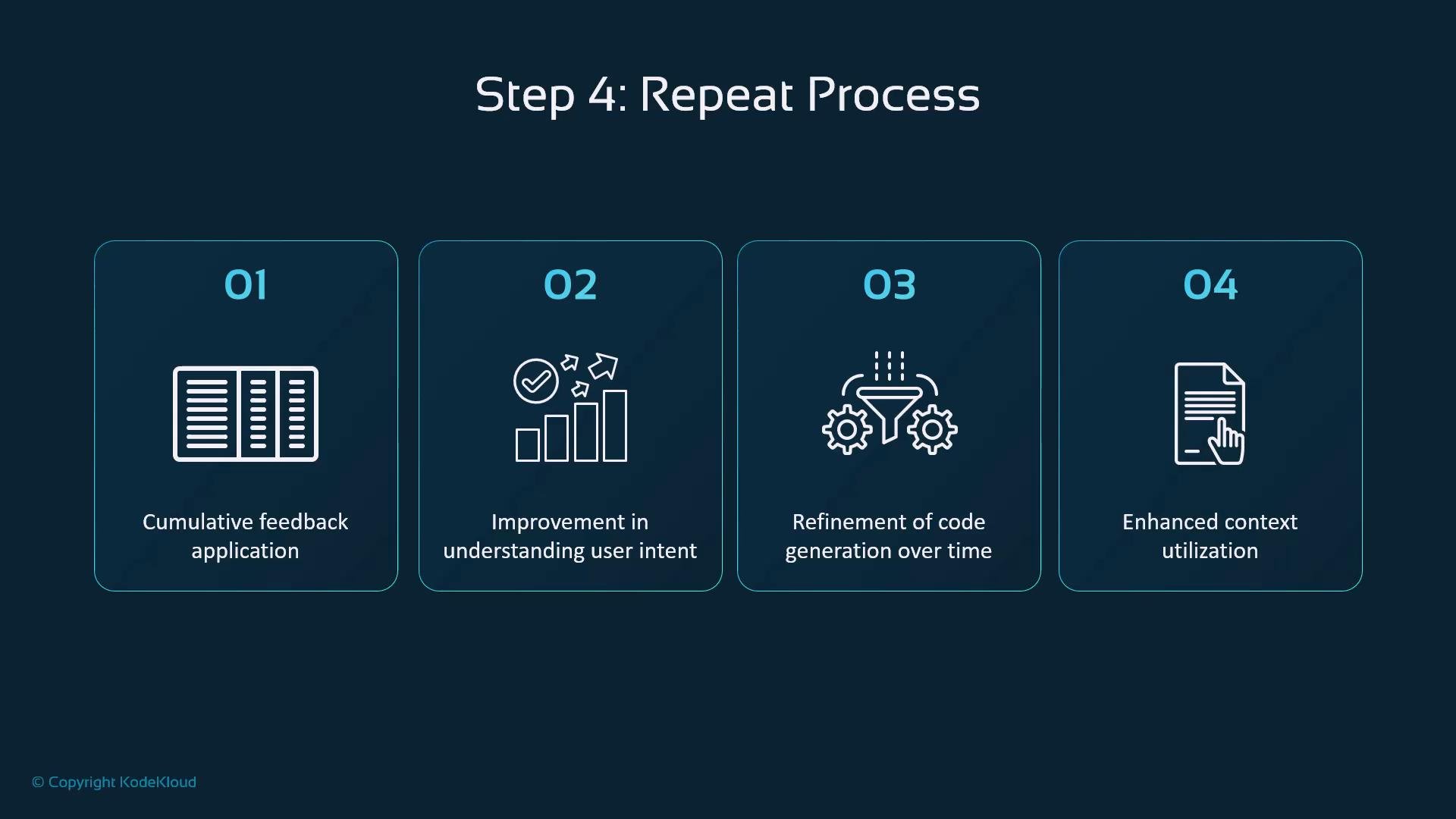
Iterative gains from repeated interactions
Over time, cumulative feedback can lead to:- Better understanding of your intent and coding patterns.
- Refined generation that aligns with repository conventions.
- Improved context usage for more relevant and nuanced suggestions.
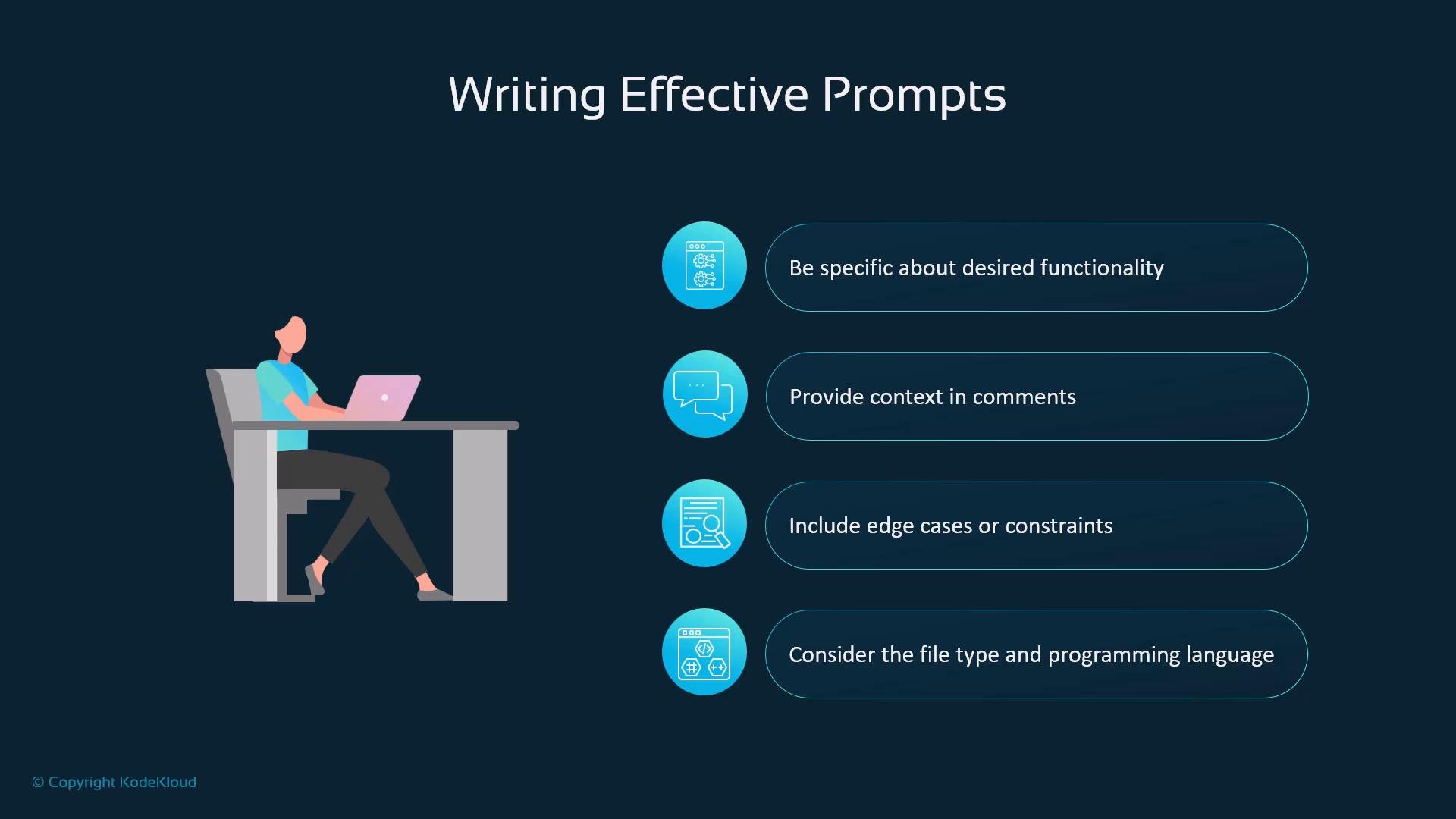
Writing effective prompts — four practical principles
Structure prompts to match the pipeline and improve outcomes:- Be specific about desired functionality and expected inputs/outputs.
- Provide relevant context: example inputs, API contracts, or surrounding code.
- Include edge cases and constraints so the model considers unusual conditions.
- Mention the file type and programming language to guide syntax and idioms.
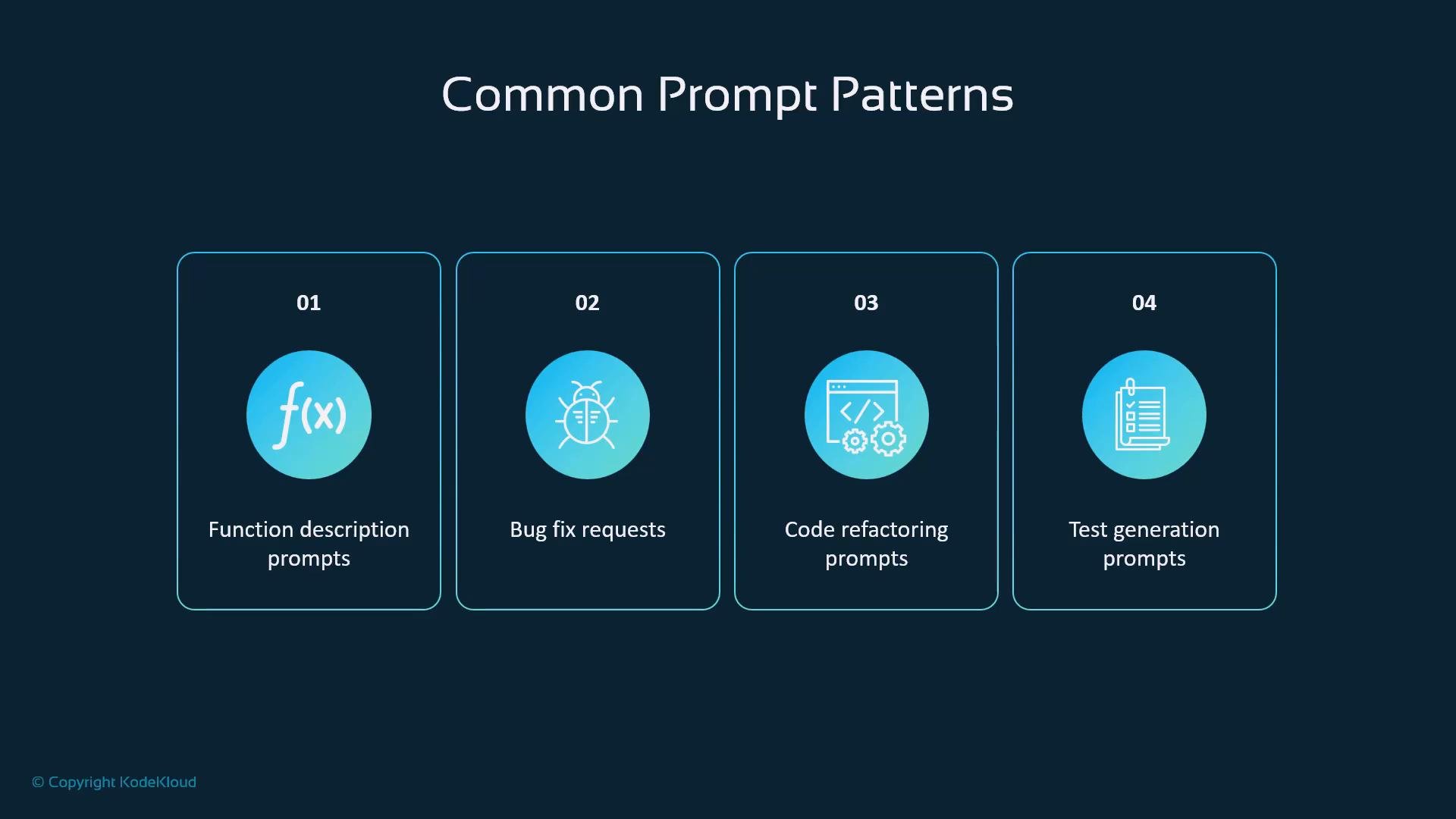
Common prompt patterns
These patterns map common developer tasks to prompt structures that Copilot handles well:
Using these patterns helps the model choose appropriate generation strategies.
Security and privacy best practices
Four practical guidelines for secure Copilot use:- Avoid pasting secrets (API keys, passwords, private certificates) into prompts or repository files that may be sent off-host.
Treat Copilot like any remote service: never paste secrets into prompts or unsanitized code you don’t control. Use environment variables or secret managers instead.
- When handling sensitive data, use local-only tooling or secure secret-storage workflows (environment variables, vaults).
- Follow your organization’s AI and data policies; Enterprises can enable additional administrative controls.
- Always scan accepted/generated code with your standard security analysis tools and code-review processes.
Never rely exclusively on Copilot to detect or remove secrets. Use automated secret scanning and enforce organizational policies to prevent accidental leakage.
How Copilot learns
Copilot adapts at multiple levels:- Global improvements from aggregated, anonymized usage across customers.
- Project-specific adaptation that reflects repository conventions.
- Language/framework specialization for common libraries and idioms.
- Pattern recognition from repeated structures in your code over time.
Enterprise controls
Administrators can tune Copilot deployment to organizational needs:- Optional public code-matching filters to reduce reproductions of public repo code.
- Policy management for allowed usage and guardrails.
- Security configuration options and compliance features for regulatory alignment.
Key takeaways
Copilot processes prompts through a secure, multi-stage pipeline: encrypted transmission, context enrichment, server-side filtering, LLM generation, and post-generation validation. Multiple safeguards preserve quality, security, and ethical behavior, and user feedback creates a loop that continually improves suggestions.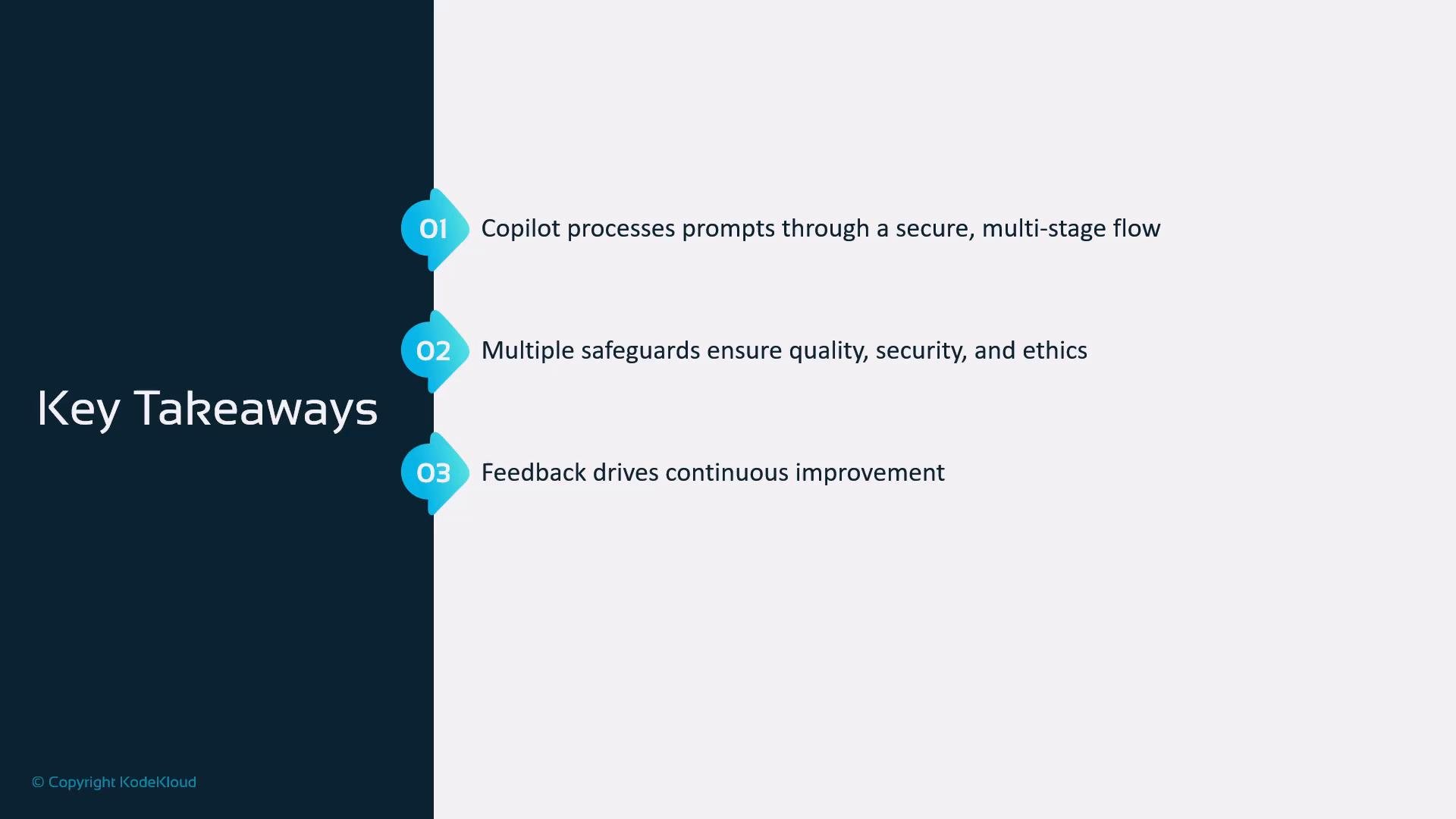
Links and references
- GitHub Copilot documentation
- TLS/HTTPS overview: https://en.wikipedia.org/wiki/Transport_Layer_Security
- Microsoft Azure security: https://azure.microsoft.com/security
- Best practices for secret management: https://owasp.org/www-project-cheat-sheets/cheatsheets/Secrets_Management_Cheat_Sheet.html