

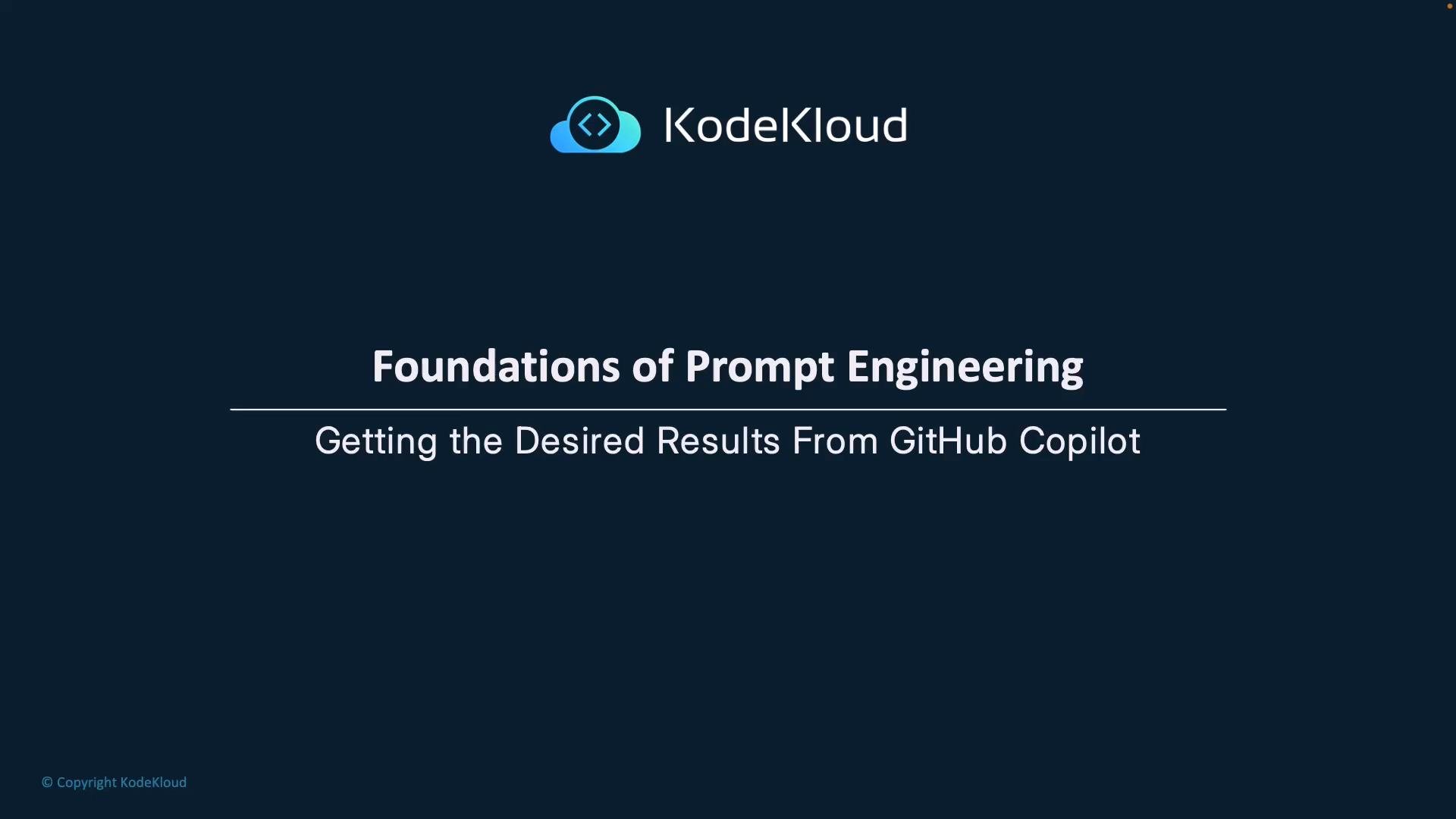
- Your objective is to get code (or other outputs) that are correct, maintainable, and aligned with project needs.
- Unlike traditional programming—where you write the implementation—prompt engineering focuses on guiding the assistant to produce the implementation.
- Small differences in phrasing can change whether the assistant returns a generic suggestion or a solution tailored to your codebase and conventions.
The Four S’s provide a short, high-utility checklist for crafting prompts that produce clearer, more reliable AI outputs.
- Aim for one clearly defined task per prompt, like a function with a single responsibility.
- Combining unrelated requests increases the chance of incomplete or conflicting suggestions.
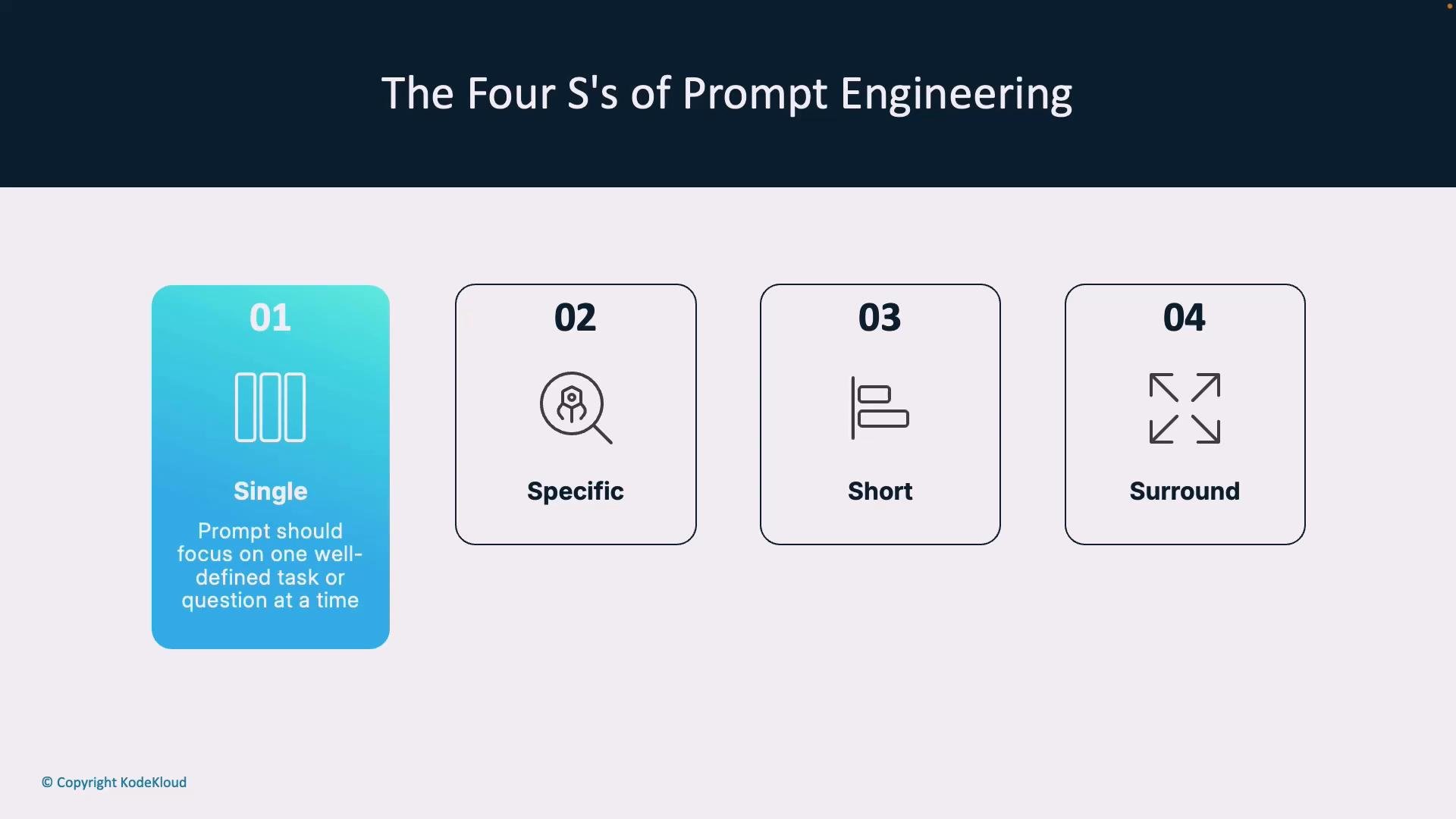
- The more explicit you are about functional requirements, edge cases, performance constraints, and acceptance criteria, the more likely the model will deliver actionable code.
- Include framework names, expected inputs/outputs, error handling, and style guidelines when relevant.
- Concise prompts are easier for the model to process without truncation.
- Remove irrelevant detail but keep essential constraints and examples.
- Make surrounding code and project context available: file names, nearby components, and related tests.
- When the assistant can “see” related files, it is more likely to generate suggestions that fit your codebase and naming conventions.
- Use descriptive file names to help the model infer intent and scope.
- Build prompts on the Single and Specific principles by giving explicit instructions that minimize ambiguity.
- Use comments in code to provide business rules, expected data shapes, and how a change should integrate with the larger system—these act as guideposts for the assistant.
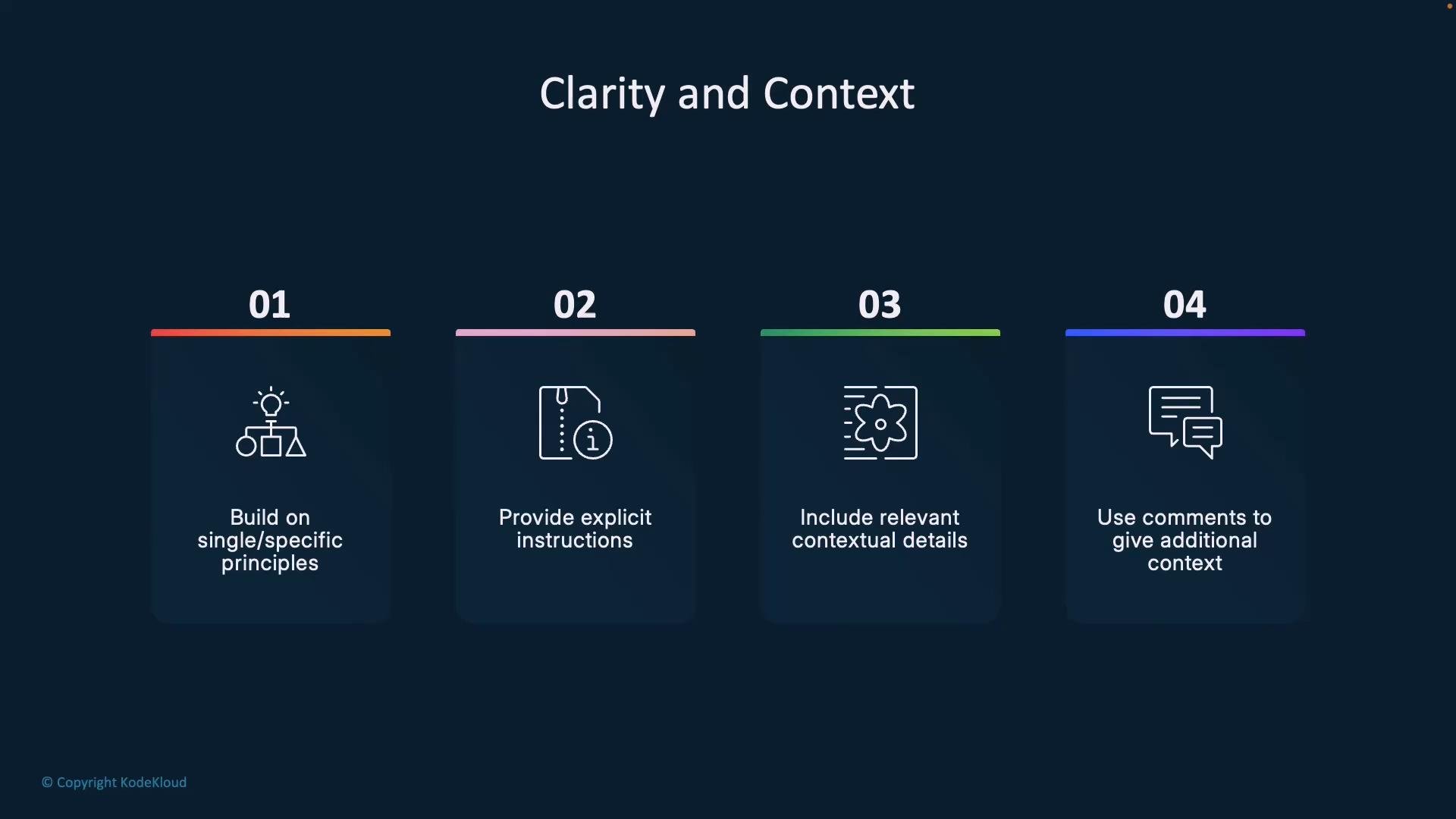
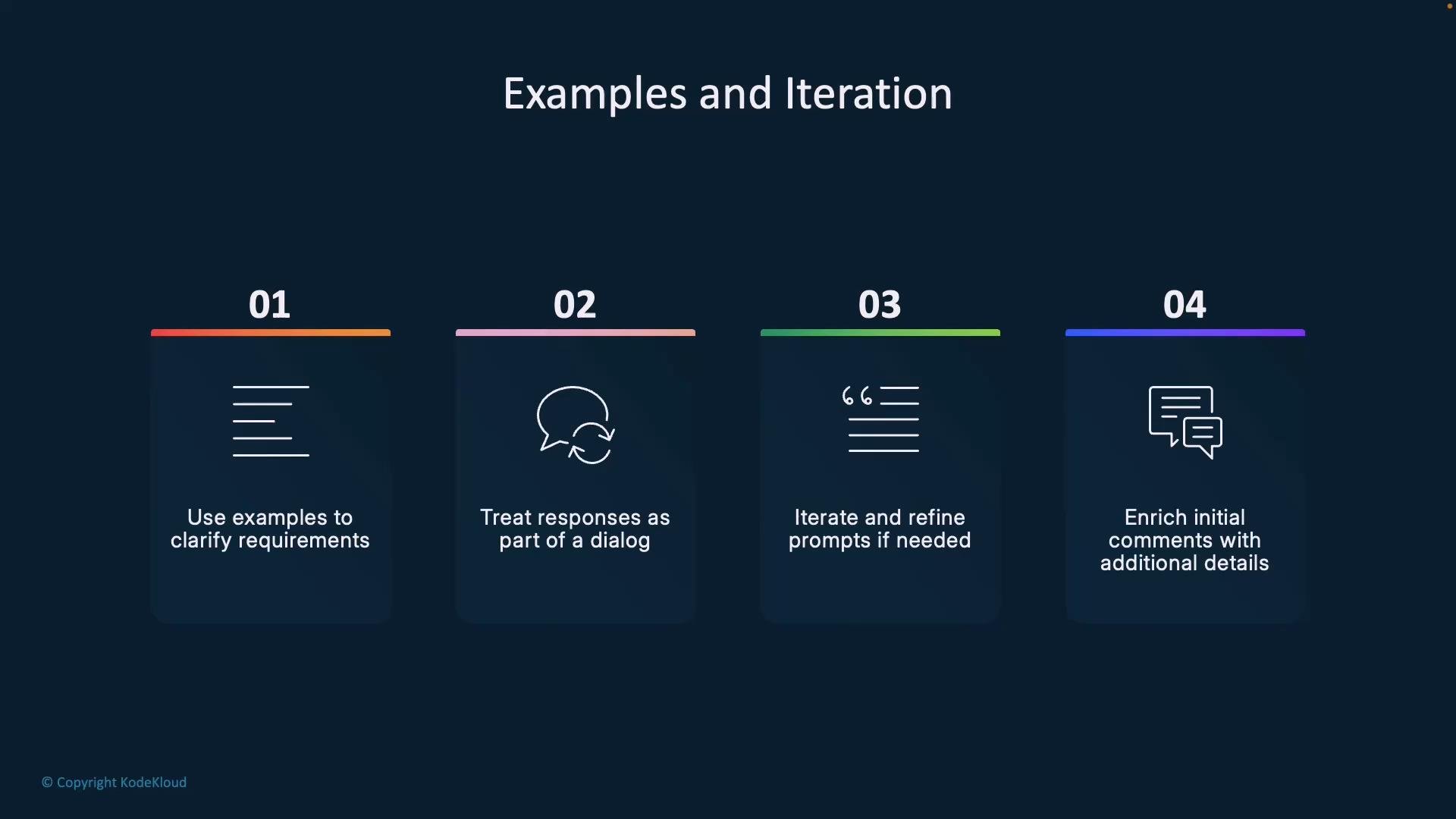
- Provide concrete examples (code snippets, input/output pairs, or pseudocode) so the model can pattern-match expected structure and behavior.
- Treat the interaction as a dialogue: inspect the assistant’s response, give targeted feedback, and iterate until results match expectations.
- Continuously enrich prompts and inline comments with lessons learned during development—this creates stronger, persistent context for future suggestions.
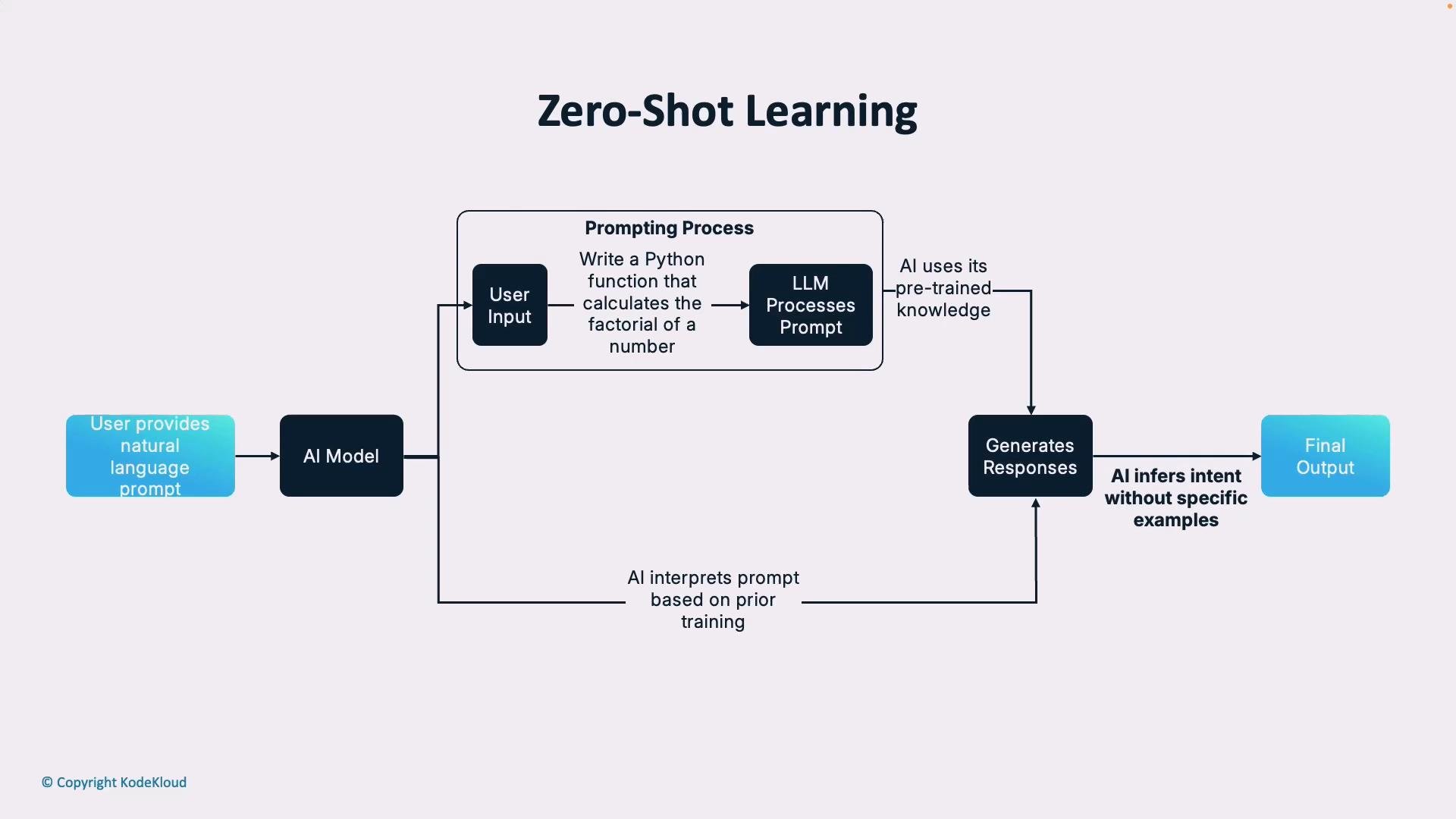
Zero-shot
- You give only a description of the task and rely on the model’s pretraining to infer the solution.
- Works well for standard, widely-known algorithms or formatting tasks.
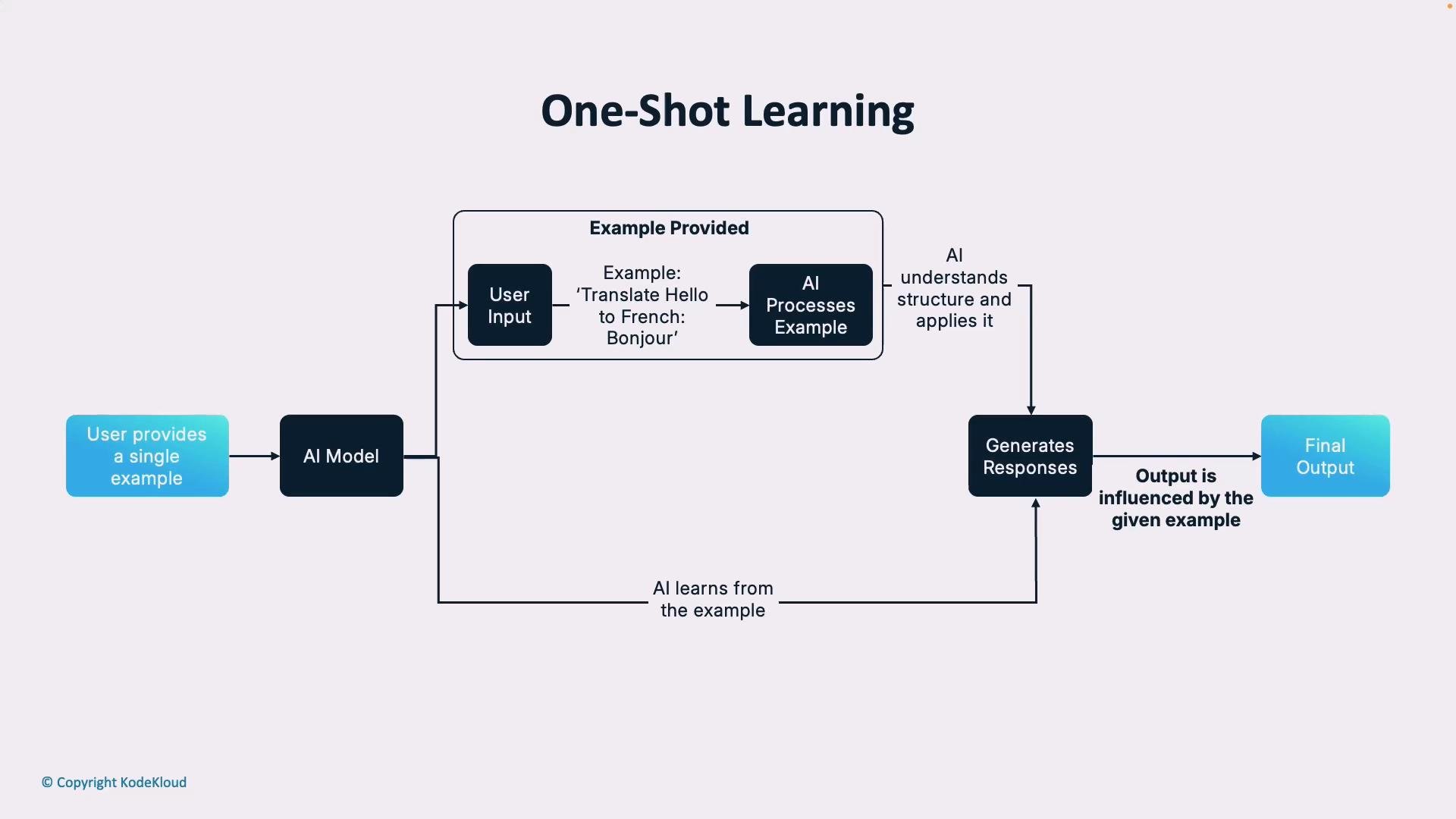
- Supply a single example that demonstrates the desired mapping or format along with the task description.
- Useful when one representative example clarifies ambiguous requirements.
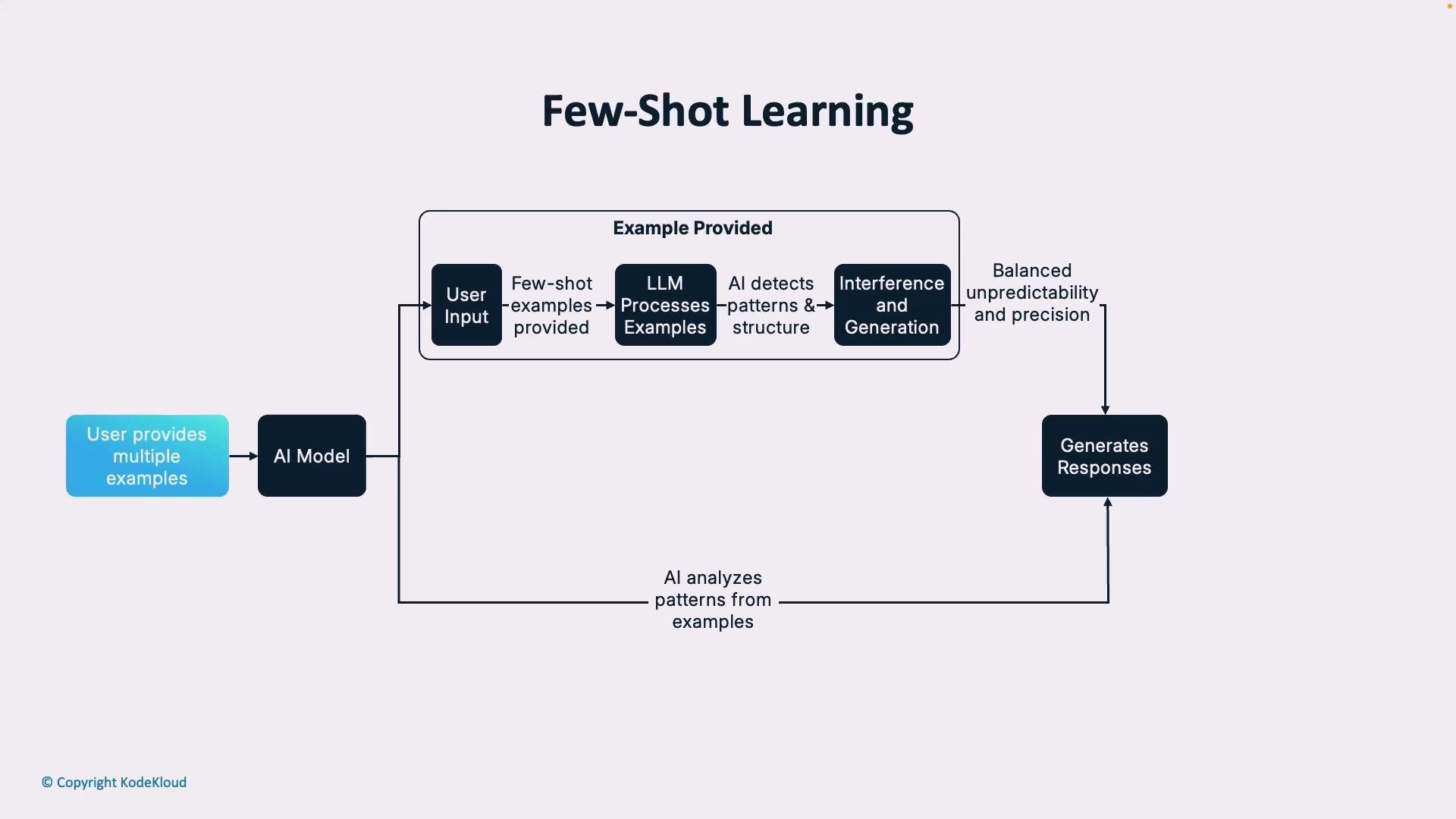
- Provide multiple examples to establish a consistent pattern, style, or error-handling strategy.
- Best when you need predictable, repeatable outputs that adhere to specific conventions.
- Keep prompts single-focused and specific.
- State framework, coding standards, performance goals, and accessibility requirements when relevant.
- Use in-code comments to document business logic, expected inputs/outputs, and integration points.
- Provide examples whenever possible (one or more) to communicate the desired pattern or style.
- Treat model outputs as a draft: iterate with focused feedback to converge on the final solution.
- Enrich prompts and comments over time so future interactions benefit from accumulated context.
- Experiment with zero/one/few-shot approaches to learn which works best for each task type.
- Track which prompt patterns consistently produce high-quality suggestions and codify them as templates for your team.
- GitHub Copilot documentation
- Microsoft guidance on prompt engineering principles and assistant UX (search for “Four S’s prompt engineering”)