

Table of Contents
- Module Overview
- Project Scenario
- Prerequisites
- Setup and Installation
- API Implementation
- In-Code Documentation
- Unit Testing with Pytest
- Generate API Documentation
- AI Pair Programming
- References
Module Overview
In this module, we will:- Initialize a new Python project
- Implement the Fake Data Generator API using FastAPI
- Add comprehensive docstrings and inline comments
- Write unit tests with Pytest
- Auto-generate interactive API documentation
- Demonstrate AI pair programming with GitHub Copilot
Project Scenario
A new company policy prohibits using real customer data in test environments. To comply and maintain developer productivity, we’ll build an API service that generates synthetic customer records on demand. Example JSON output:
Prerequisites
- Python 3.8+
- FastAPI
- Uvicorn or another ASGI server
- Pytest
- GitHub Copilot extension enabled in your IDE
Ensure your environment has Python 3.8 or later. Use a virtual environment to isolate dependencies.
Setup and Installation
- Create a project directory and initialize Git:
- Set up a virtual environment and install dependencies:
- Define the project structure:
API Implementation
In app/main.py, set up the FastAPI app and fake data endpoint:In-Code Documentation
Each function and class includes a clear docstring andField descriptions. This ensures that generated API docs are populated with useful information.
Unit Testing with Pytest
In tests/test_main.py, add tests for the/api/v1/getfakedata endpoint:
Always mock external dependencies when unit testing to isolate behaviour and improve test reliability.
Generate API Documentation
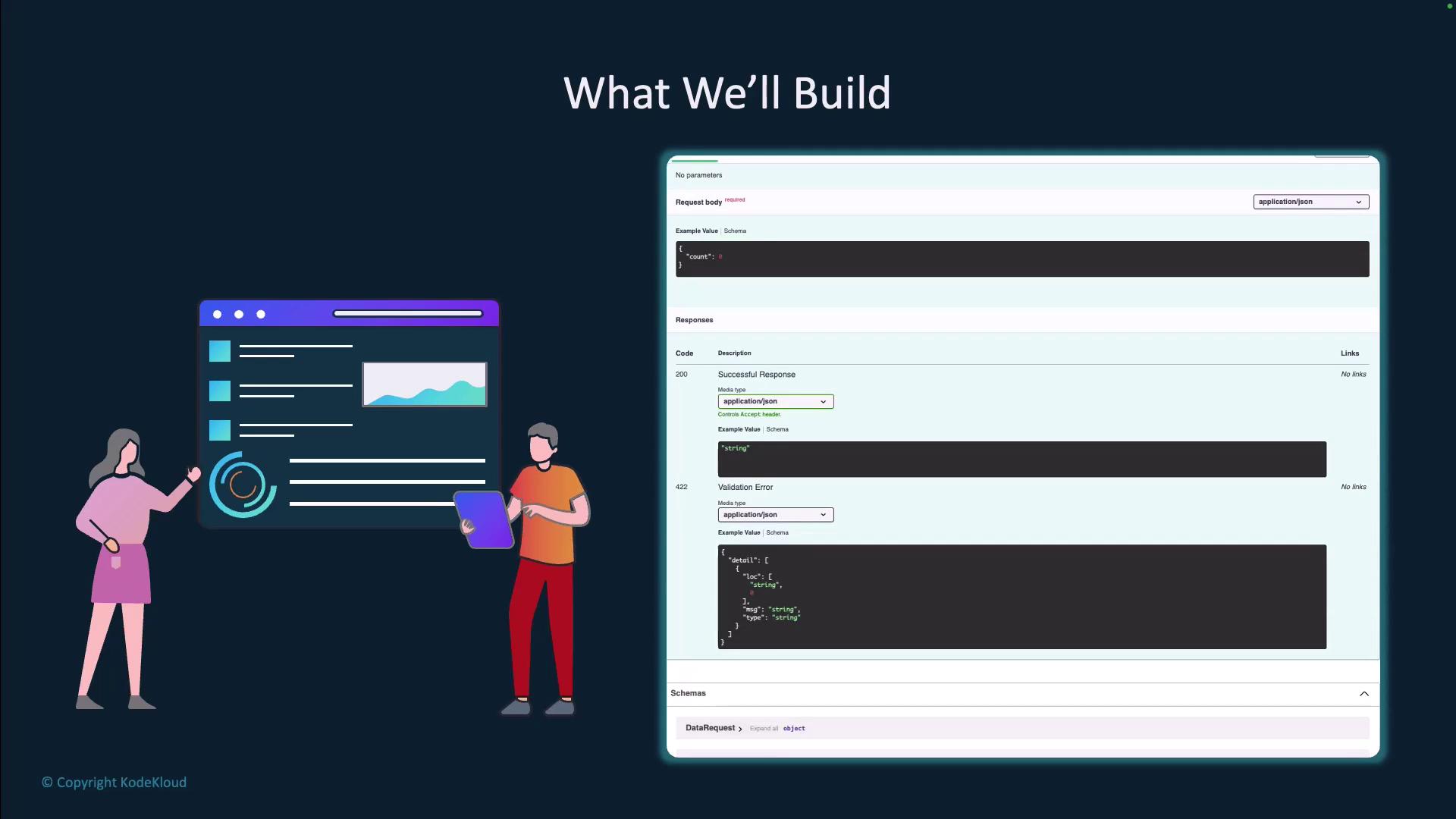
FastAPI automatically provides interactive docs:- Swagger UI:
http://localhost:8000/docs - Redoc:
http://localhost:8000/redoc
AI Pair Programming
Use GitHub Copilot to accelerate:- Generate boilerplate code for models and endpoints
- Write repetitive test cases
- Suggest docstrings and type hints
References
Feel free to explore and extend this Fake Data Generator API to suit your organization’s testing needs!