At the time this lesson was recorded, GitHub offered four Copilot plans to meet different developer and organizational needs. This guide provides a concise overview of each plan, key differences, common benefits, and where to find the most up-to-date information.
  • Free — entry-level access with usage limits for individuals who want to try Copilot.
  • Pro — individual subscription with unlimited usage and access to the latest models.
  • Business — team-focused plan with admin controls, policy management, and IP protections.
  • Enterprise — advanced customization, private models, and codebase indexing for large organizations.
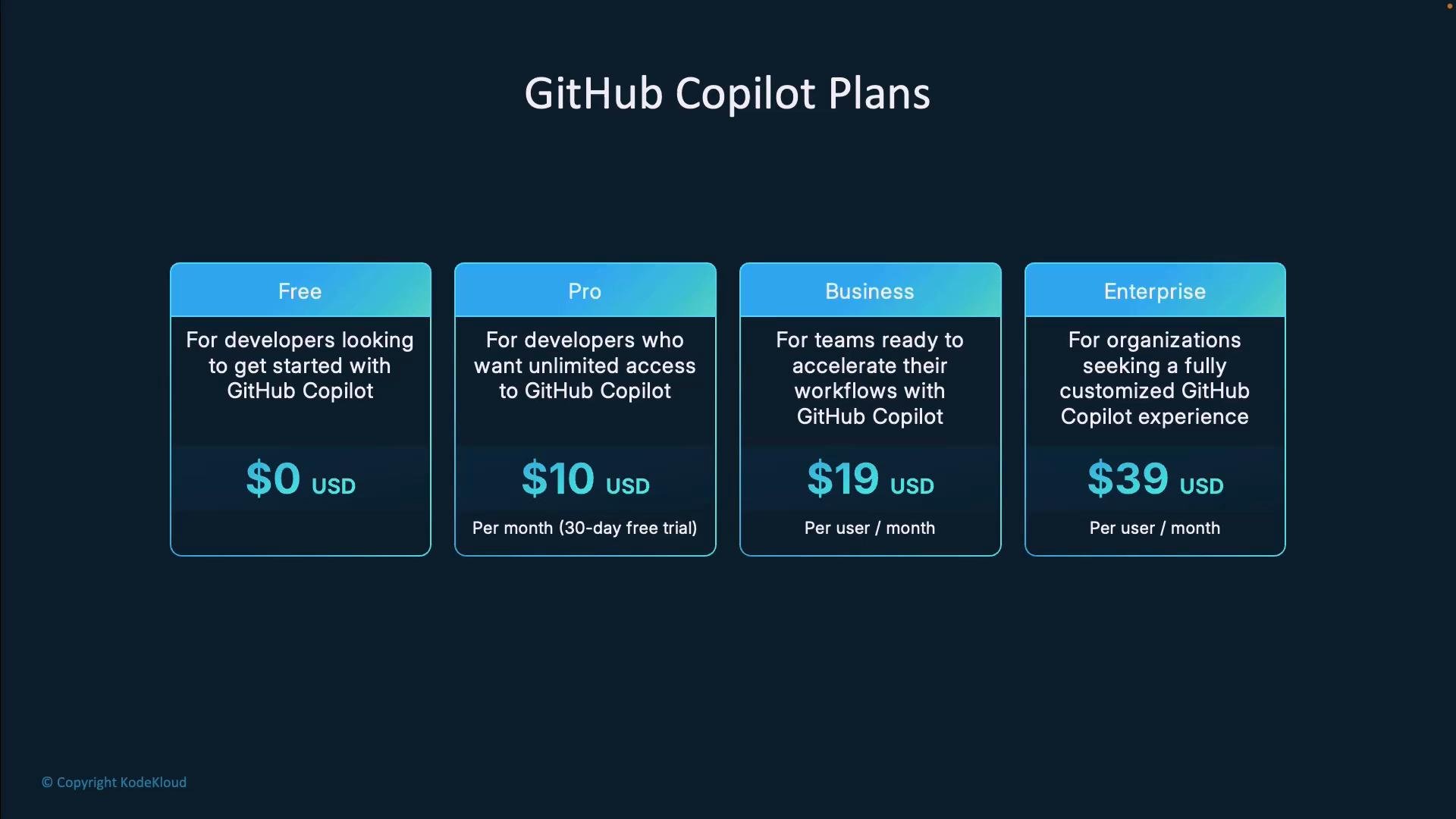
The image is a GitHub Copilot Plans pricing chart showing four tiers: Free (0), Pro (10/month), Business (19 per user/month), and Enterprise (39 per user/month). Each card includes a short description of who the plan is for.
Quick comparison For the latest plan details and changes, see the official GitHub Copilot plans page: GitHub Copilot plans. Free Plan The Free plan is an entry-level option aimed at individuals who want to test Copilot before committing to a paid plan. It provides core Copilot capabilities but includes monthly usage limits (at the time of recording): 2,000 code completions and 50 chat requests per month. This plan is ideal for:
  • Students, hobbyists, and learners exploring AI-assisted coding.
  • Occasional contributors who don’t need continuous or heavy usage.
  • Developers evaluating Copilot before upgrading.
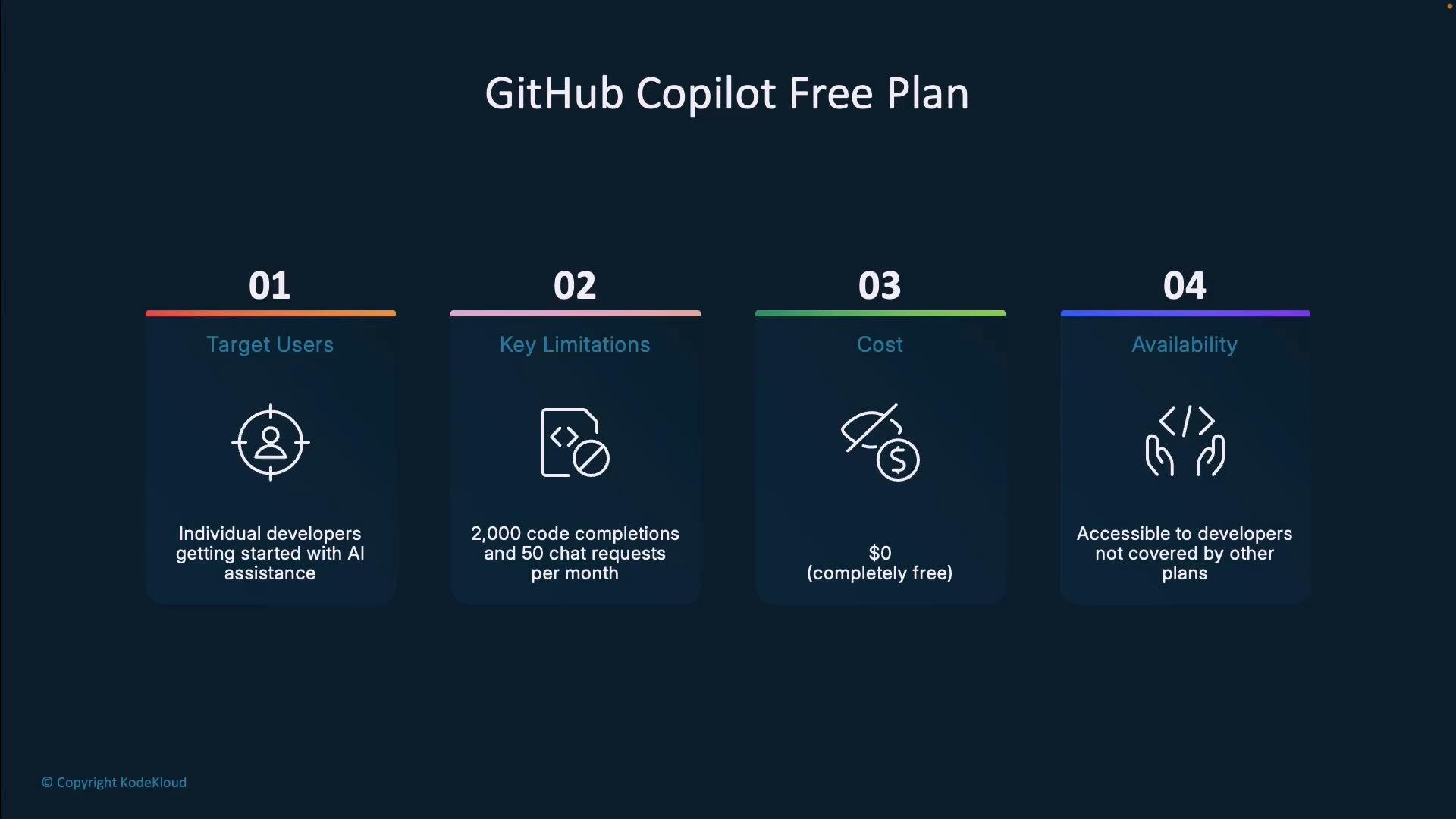
Despite limits, the Free plan gives a useful preview of Copilot’s suggestion and chat features.
A presentation slide titled "GitHub Copilot Free Plan" that outlines four points: Target Users (individual developers), Key Limitations (2,000 code completions and 50 chat requests per month), Cost ($0), and Availability (for developers not covered by other plans).
Pro Plan Copilot Pro targets individual developers who want unlimited access. For $10/month it lifts Free-plan caps and provides unlimited code completions and chat messages, plus access to the newest AI models and updates. Pro includes a 30-day free trial (availability may change). GitHub also offers Pro for free to verified students, teachers, and maintainers of widely used open-source projects. Typical Pro benefits:
  • Unlimited suggestions and chats for uninterrupted workflows.
  • Early access to model improvements and feature updates.
  • A trial period to evaluate the plan before purchase.
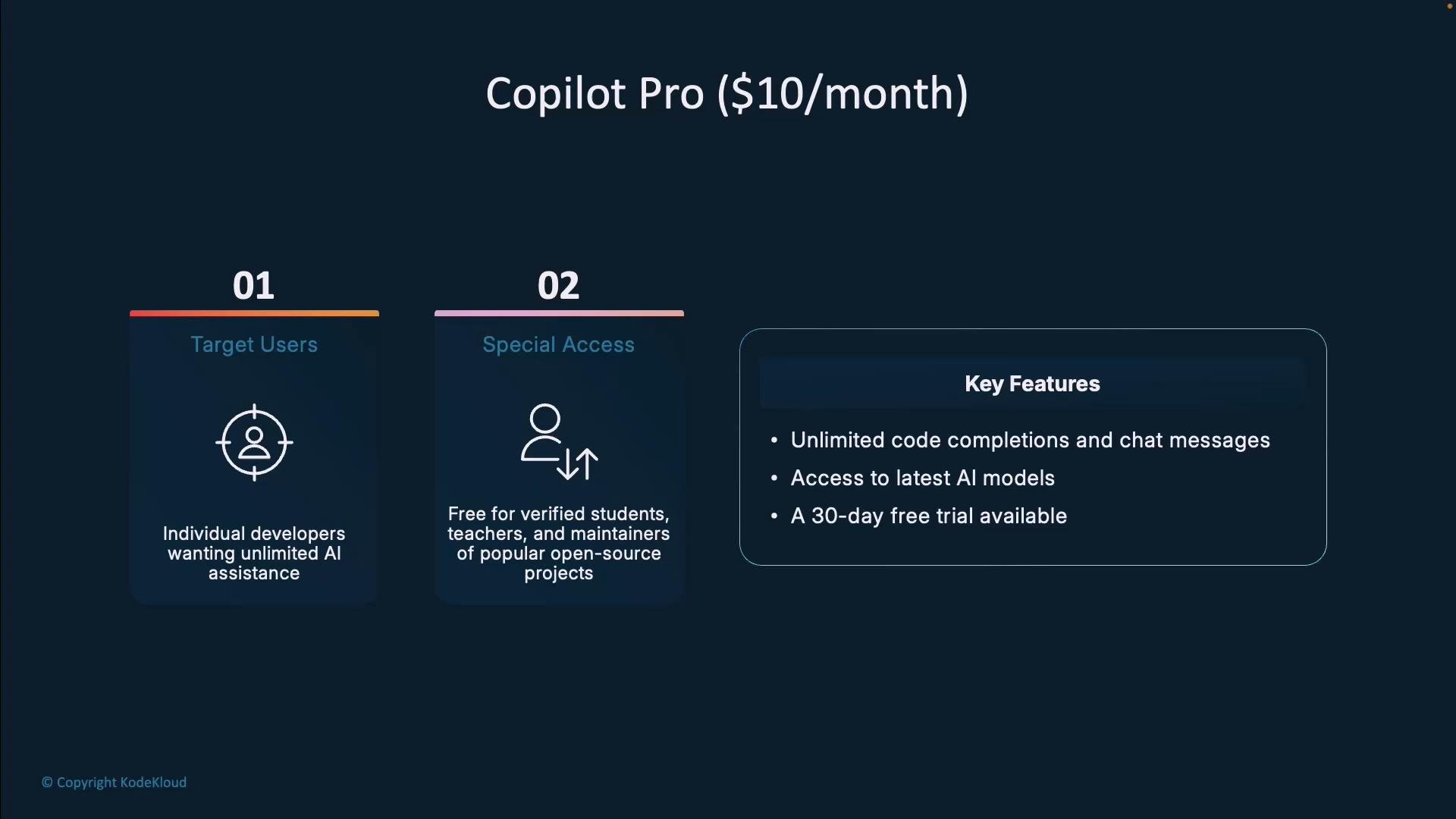
An advertising slide for "Copilot Pro ($10/month)" showing target users (individual developers, verified students/teachers, and maintainers of popular open-source projects) and special access details. It also lists key features like unlimited code completions and chat messages, access to the latest AI models, and a 30-day free trial.
Business Plan Copilot Business is built for teams and organizations that require centralized governance. At $19 per user per month (at the time of recording), Business includes everything in Pro plus organization-level administrative controls:
  • Policy and license management across the organization.
  • Org-wide code suggestion settings and governance.
  • IP indemnity protection — useful for legal and compliance teams.
  • Centralized billing and administrative oversight.
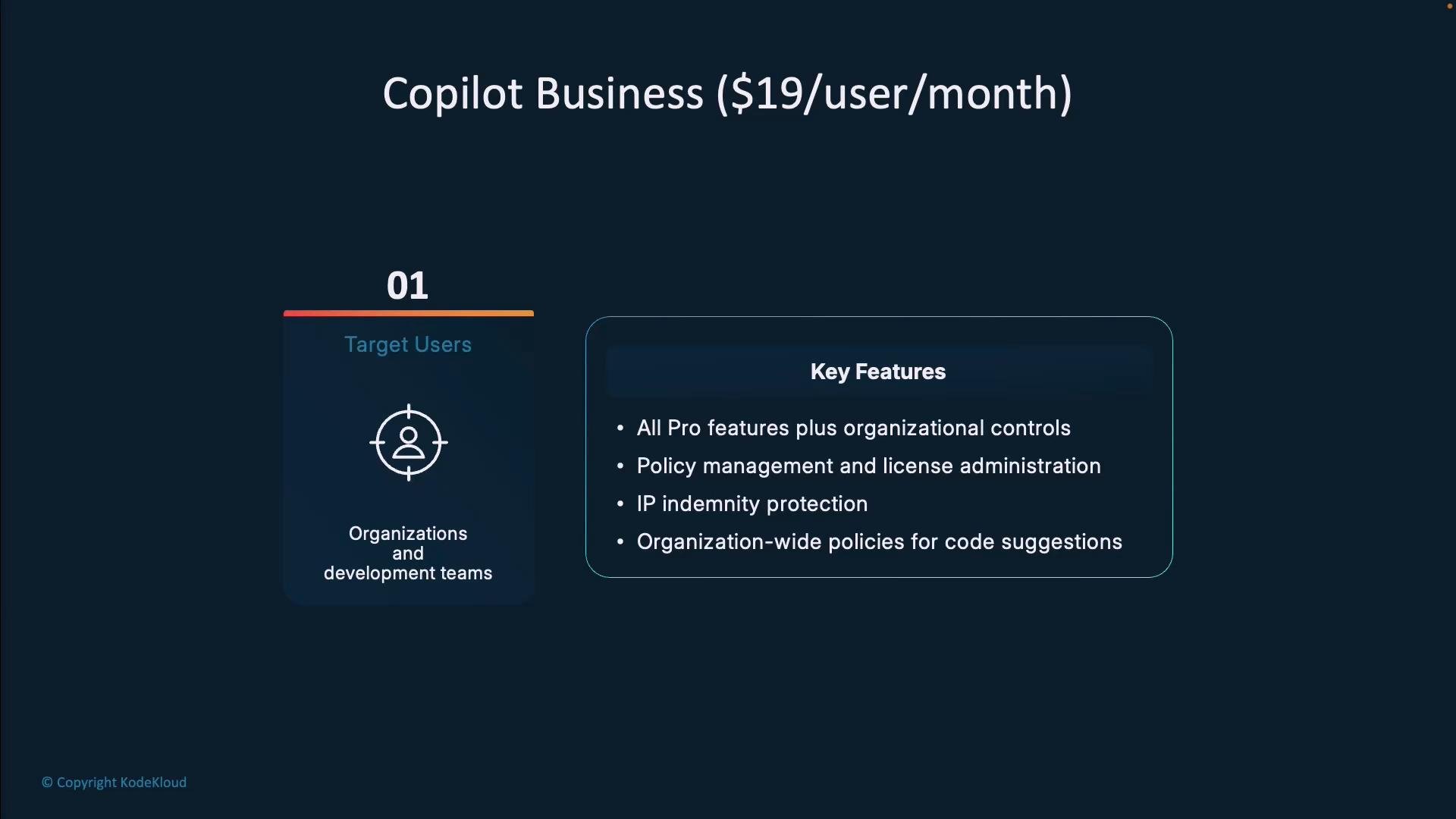
Business is a strong fit when you need consistent Copilot configuration, security controls, and policy enforcement across developers.
A presentation slide for "Copilot Business ($19/user/month)" showing target users (organizations and development teams) and a boxed list of key features like organizational controls, policy and license management, IP indemnity protection, and org-wide code policy settings.
Enterprise Plan Copilot Enterprise is the most feature-rich tier and targets large companies requiring deep customization, privacy, and integration. In addition to Business features, Enterprise provides:
  • Organization codebase indexing — suggestions tailored to your company’s code and patterns.
  • GitHub.com chat integration — a more unified developer experience across GitHub and IDEs.
  • Fine-tuned private models — privately trained or customized models aligned to your coding standards and data protection needs.
These capabilities make Enterprise suitable for organizations with strict compliance, custom workflows, or specialized codebases. Benefits and impact Organizations that adopt Copilot frequently report measurable productivity and developer experience gains. Reported results include:
  • Faster task completion — controlled experiments reported developers completed tasks ~55% faster.
  • Productivity gains — case studies show ~20% increases in new feature delivery rates.
  • Improved code outcomes — Accenture reported a 15% increase in pull request merge rates and an 84% increase in successful builds in some scenarios.
  • Better developer experience — surveys indicate higher job satisfaction, increased enjoyment of coding, and reduced mental effort for repetitive tasks.
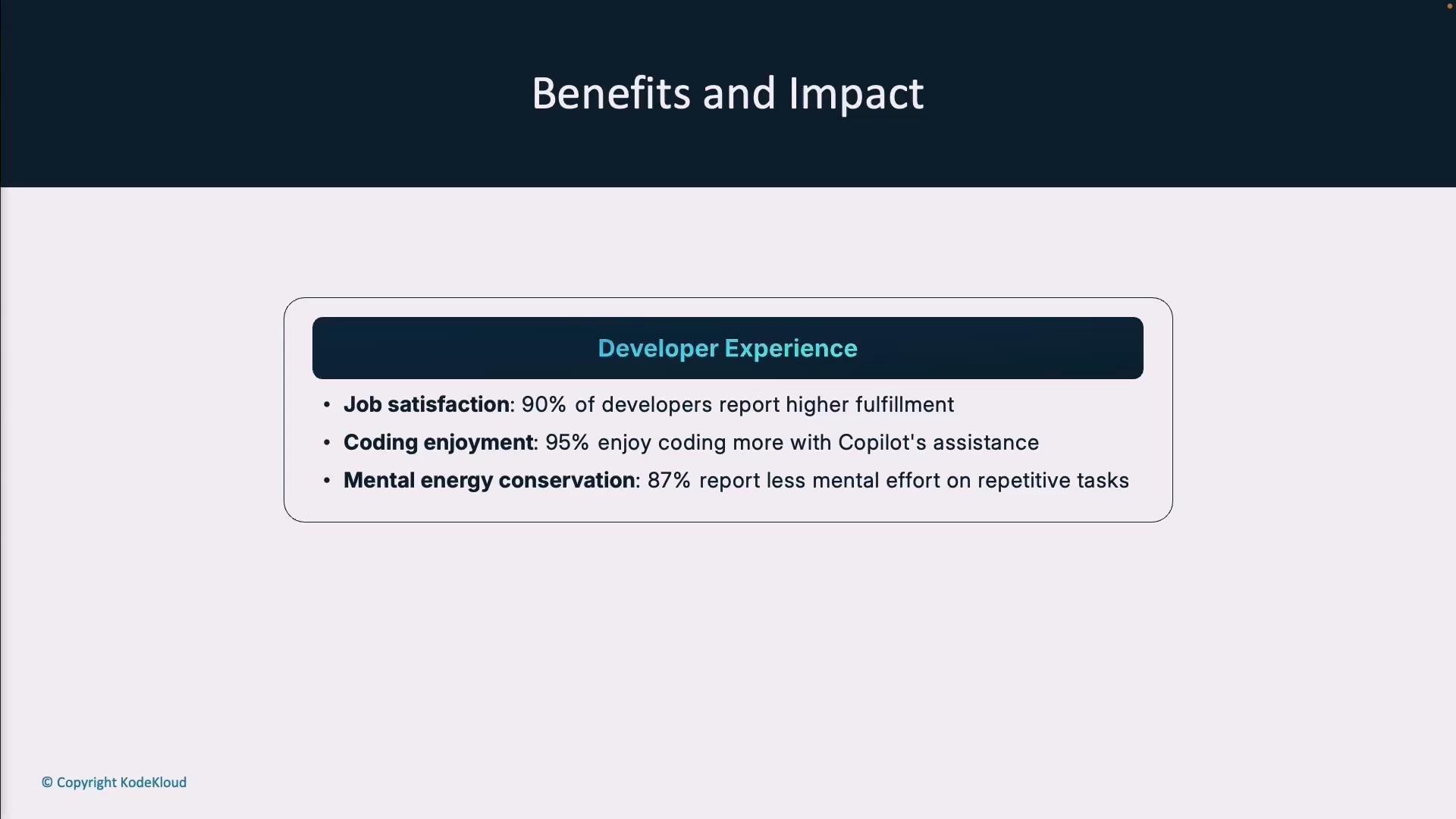
These metrics vary by team and use case, but they highlight common benefits companies have observed when integrating Copilot into their workflows.
A presentation slide titled "Benefits and Impact" with a highlighted "Developer Experience" box. It lists three bullets: 90% job satisfaction, 95% enjoy coding more with Copilot, and 87% report less mental effort on repetitive tasks.
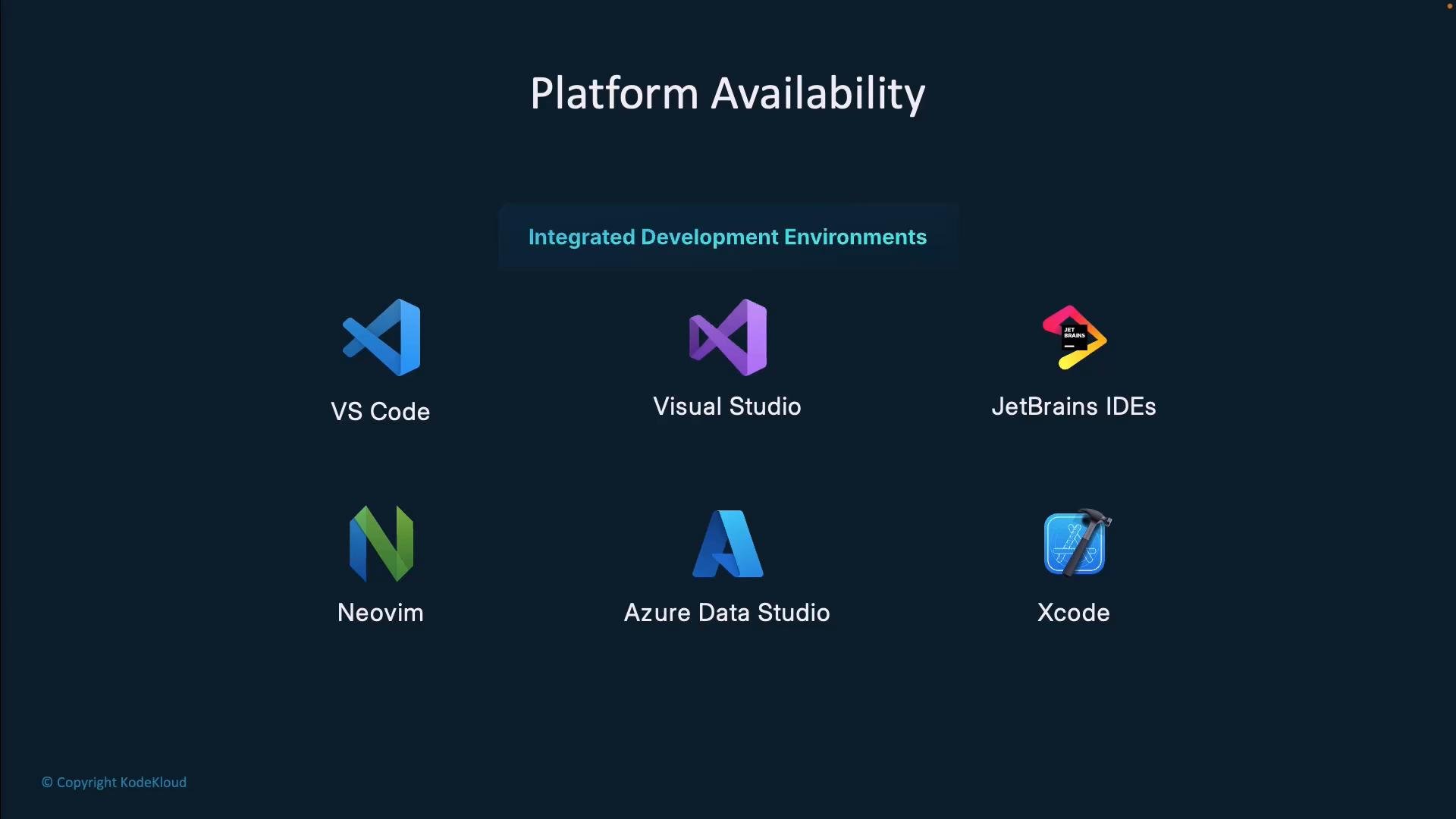
Platform availability and integrations Copilot supports a wide range of development environments so you can use it where you already work:
  • Visual Studio Code
  • Visual Studio
  • JetBrains IDEs (IntelliJ, PyCharm, WebStorm, etc.)
  • Neovim
  • Azure Data Studio
  • Xcode
Beyond IDEs, Copilot is available on GitHub.com, via mobile apps for quick assistance, and through CLI tools for terminal-based workflows. This cross-platform availability helps teams adopt Copilot without changing core development tools.
The image is a dark-themed slide titled "Platform Availability" showing "Integrated Development Environments" and icons with labels for various IDEs (VS Code, Visual Studio, JetBrains IDEs, Neovim, Azure Data Studio, and Xcode). It appears to list supported development platforms.
Where to get the latest details GitHub frequently updates Copilot plans, pricing, and feature availability. For current plan comparisons, trial sign-ups, and sales contact information for organization deployments, visit the official page: https://github.com/features/copilot
Check the official GitHub Copilot plans page for up-to-date pricing, detailed feature comparisons, trial options, and contact information for organizational deployments: https://github.com/features/copilot
Next steps — choosing the right plan Use this quick checklist to determine the best plan for your needs:
  • Evaluate usage patterns: occasional vs. daily heavy usage.
  • Assess governance needs: organizational policy and license management required?
  • Consider compliance and IP requirements: do you need indemnity or private models?
  • Integration needs: are IDE integrations and GitHub.com chat essential?
  • Budget and scale: per-user pricing vs. organization-wide deployment costs.
If you’re still deciding, start with a Free or Pro trial to assess productivity improvements and developer experience, then scale to Business or Enterprise when you need centralized controls, compliance, or advanced customization.

Watch Video