

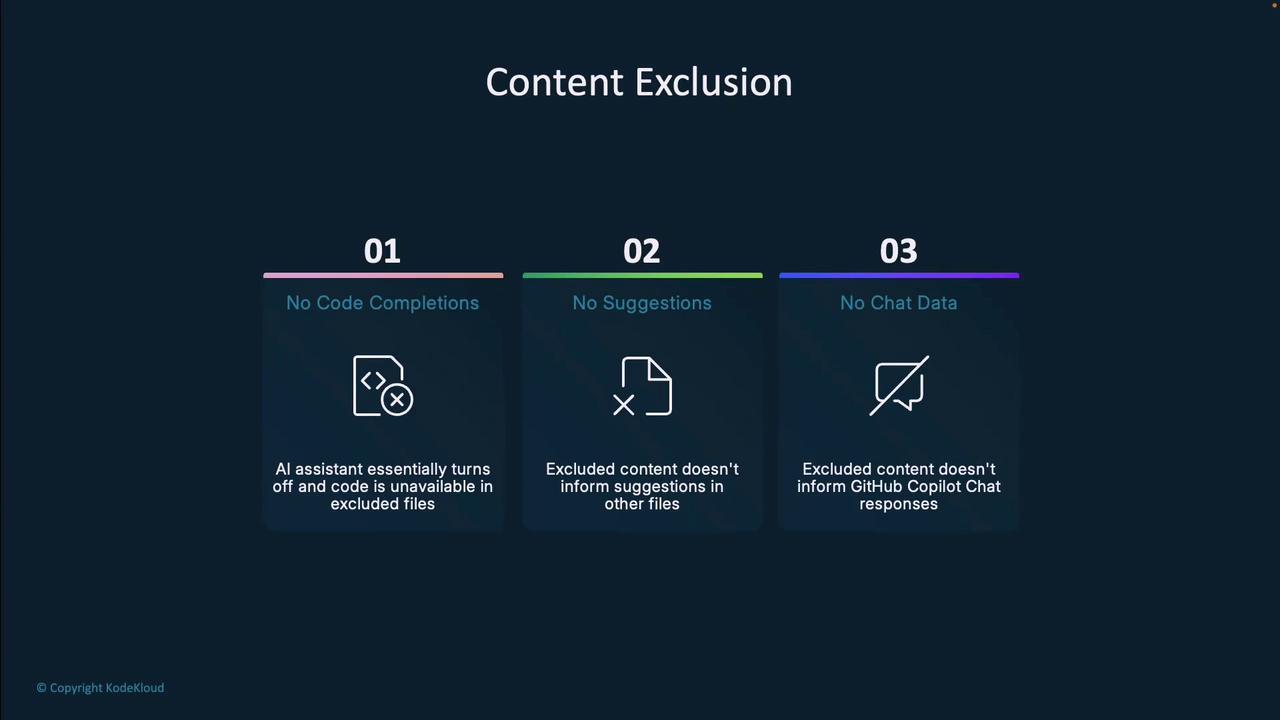
- No code completions in excluded files
- Excluded content has zero influence on suggestions in other files
- Copilot Chat will not reference excluded content
Who Can Configure Exclusions?
Different roles can manage content exclusion at various scopes: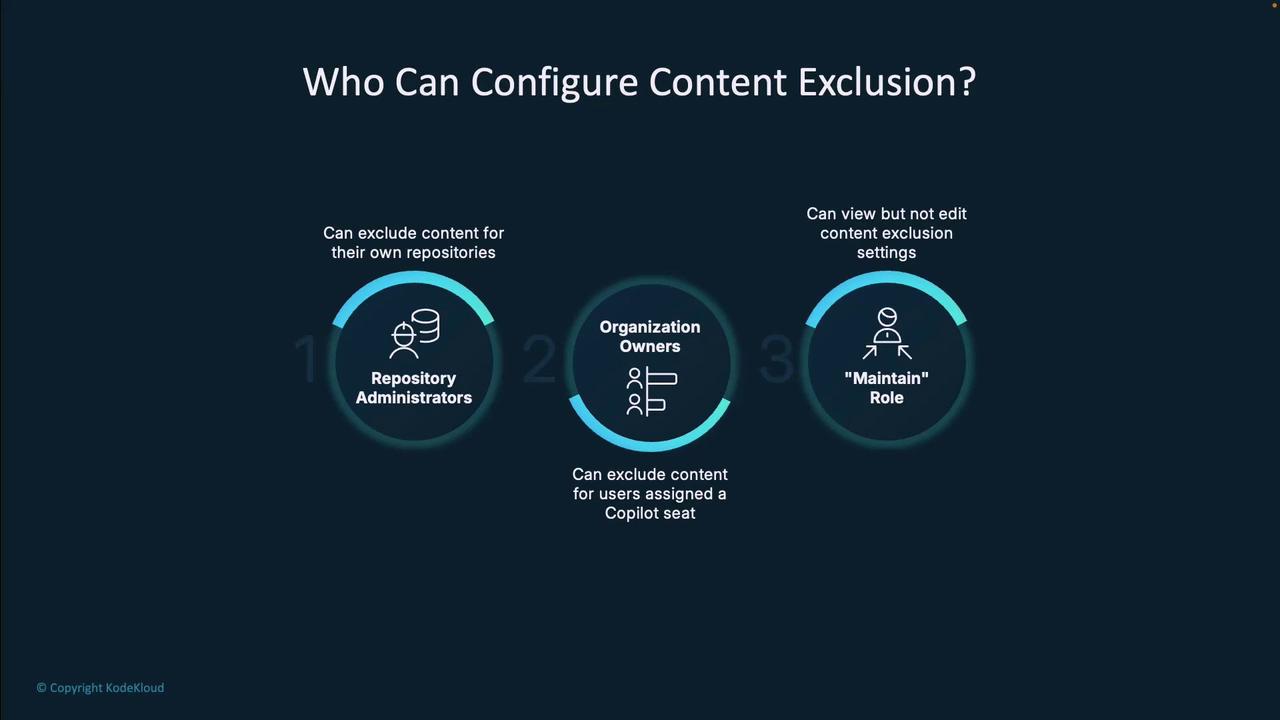
Content exclusion is available only to GitHub Copilot Business and Enterprise subscribers. It is not included in individual plans.
Repository-Level Exclusion
Exclude sensitive directories or files within a single repository:- Navigate to Settings → Copilot → Content Exclusion.
- Add fnmatch patterns (wildcards supported).
- Click Save to apply immediately.
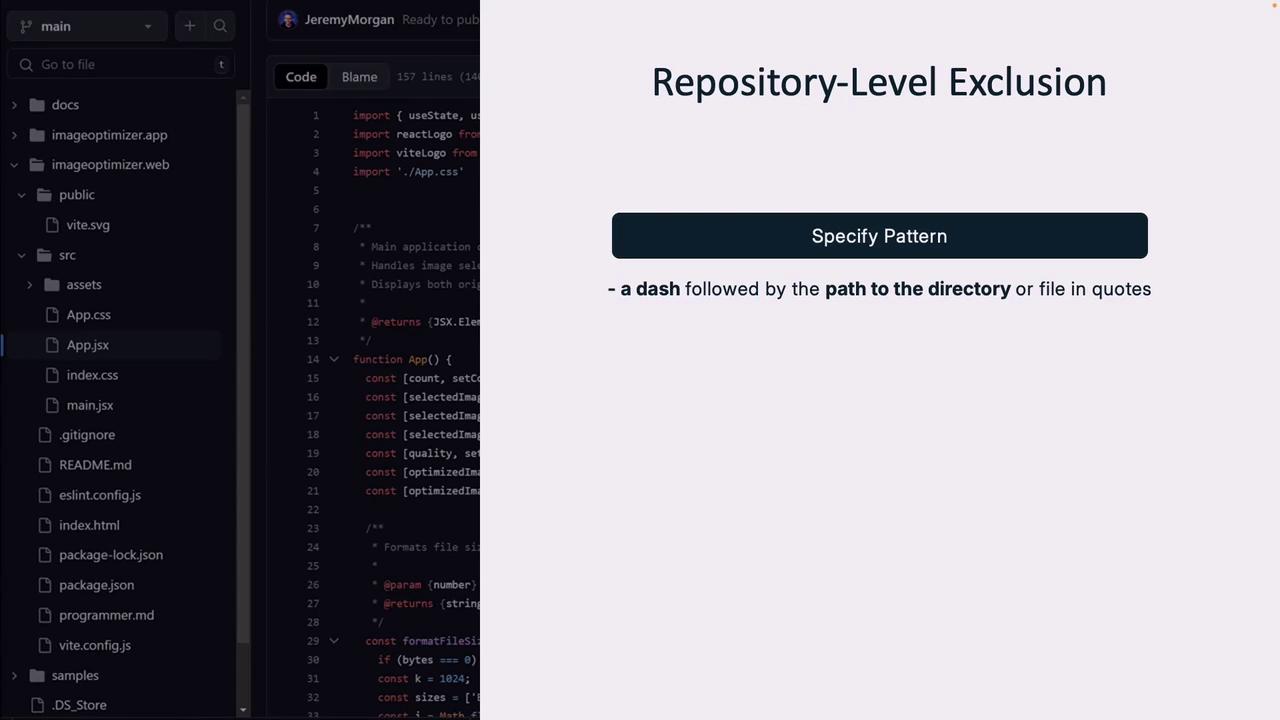
config/ directory and its contents.
Use fnmatch patterns to fine-tune exclusions. For details, see the fnmatch documentation.
Organization-Level Exclusion
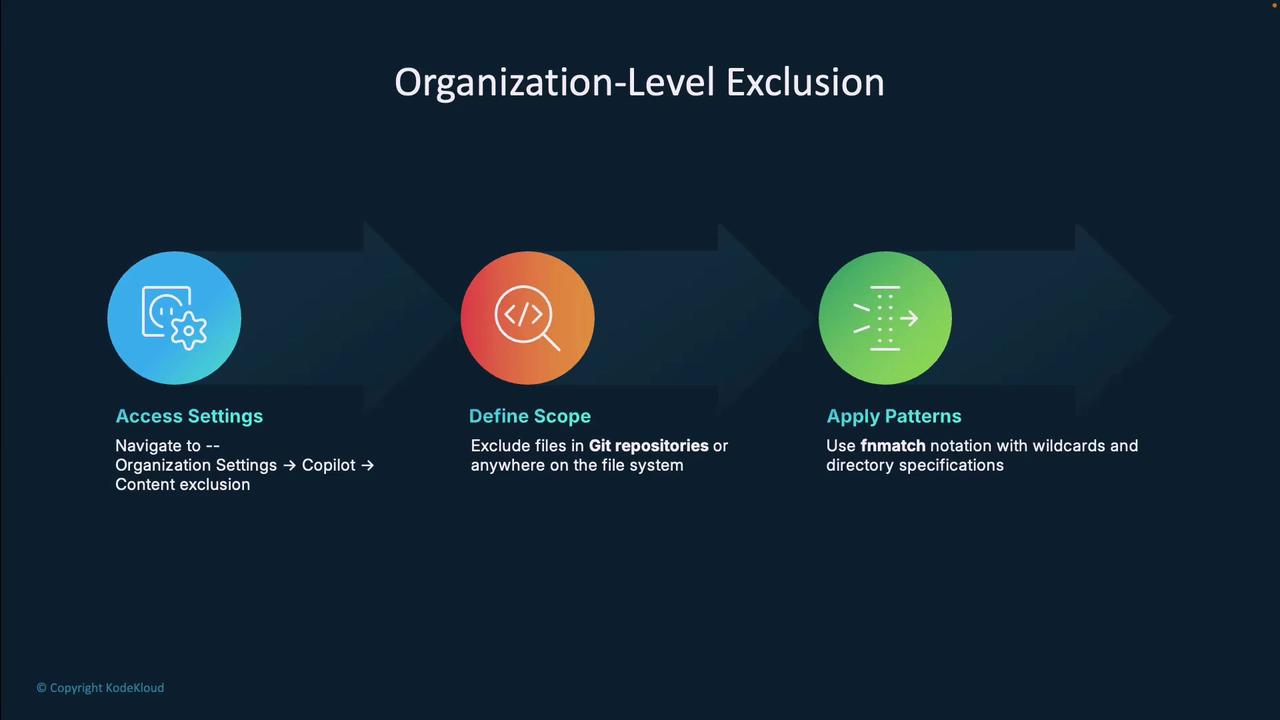
Enforce rules across all repos and file paths in your organization:- Go to Organization Settings → Copilot → Content Exclusion.
- Choose scope: Git repositories or file system.
- Define fnmatch patterns and save.
Pattern-Matching Techniques
Use these common fnmatch-style patterns to exclude content:
Combine patterns for granular control—exclude
.env globally but allow /.env.local.
Real-World Applications
- Proprietary algorithms and secret business logic
- Customer PII and personal data
- API keys, tokens, and system credentials
Limitations and Benefits
Exam Relevance
Mastering content exclusion is essential for GitHub Copilot certification. It demonstrates best practices for balancing productivity with security in modern development workflows.
Links and References
- GitHub Copilot Documentation
- fnmatch — Unix filename pattern matching
- GitHub Security Best Practices