

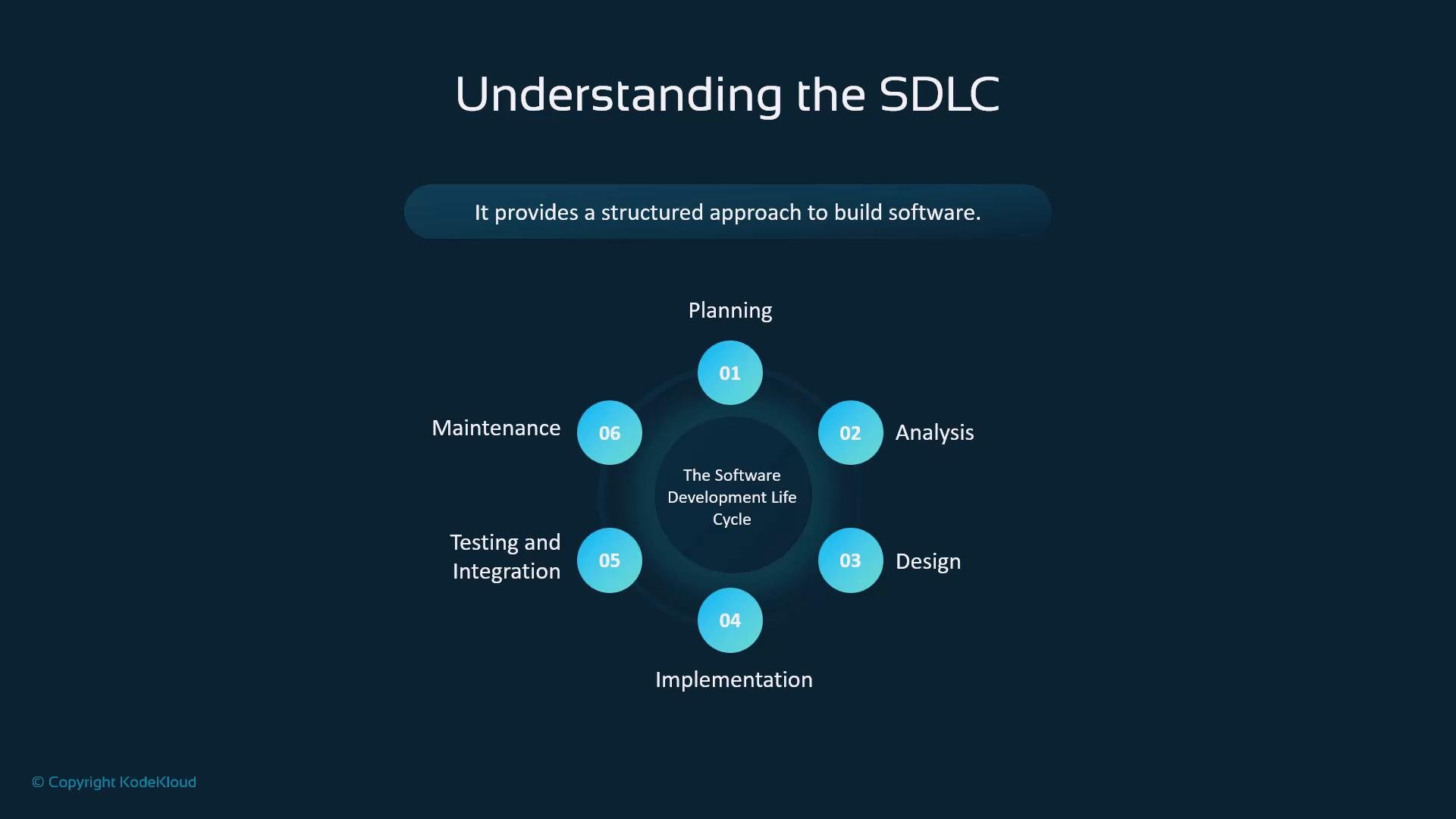
- Planning — define project goals and scope.
- Analysis — gather and refine requirements.
- Design — create technical and architectural specifications.
- Implementation — write and integrate code.
- Testing and integration — verify functionality and integrate components.
- Maintenance — ongoing support, fixes, and improvements.
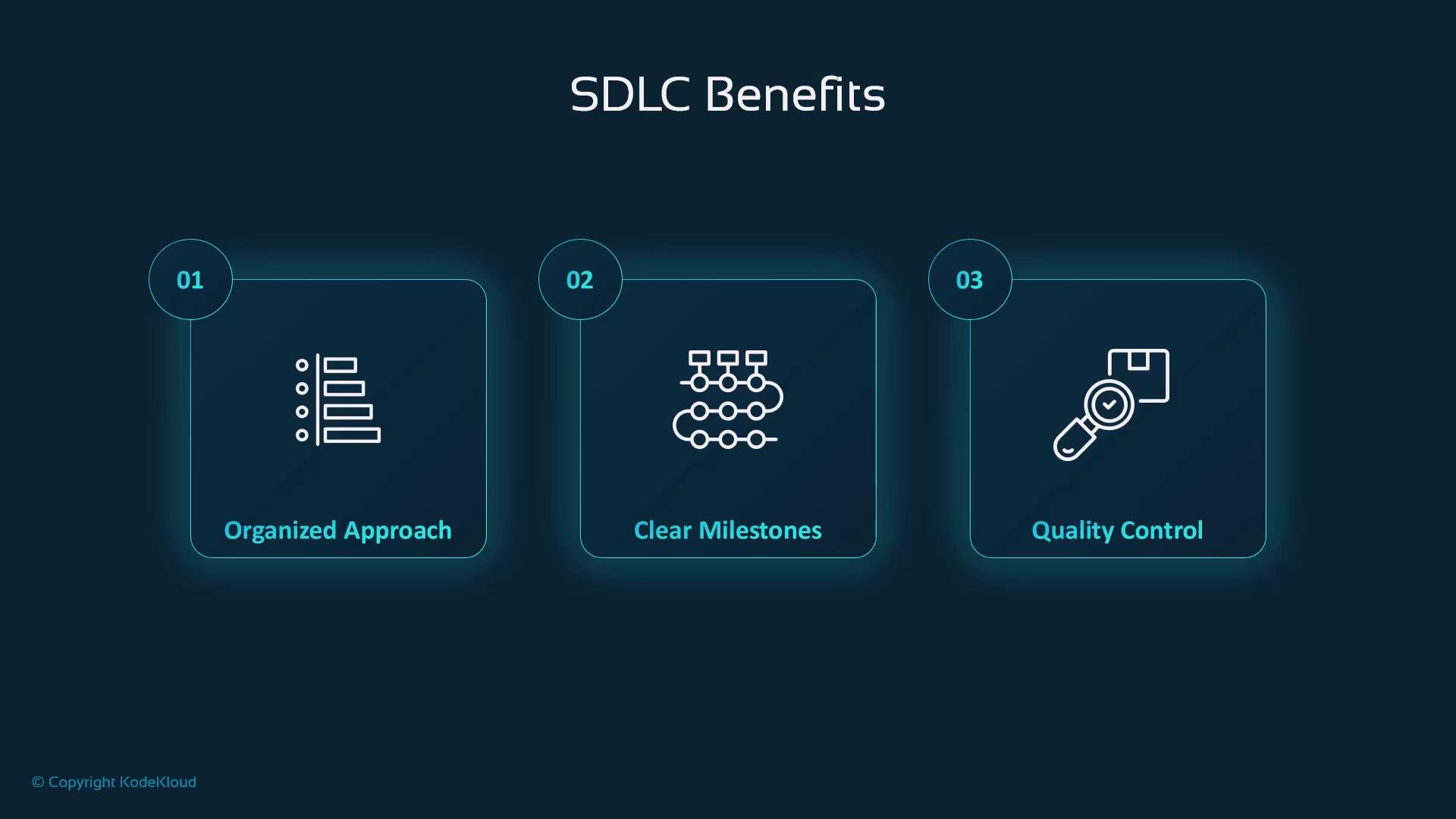
- Organized process — keeps projects on track and reduces the chance of skipping critical steps.
- Clear milestones — enables progress measurement and stakeholder communication.
- Built-in quality control — ensures testing and validation are part of the workflow.
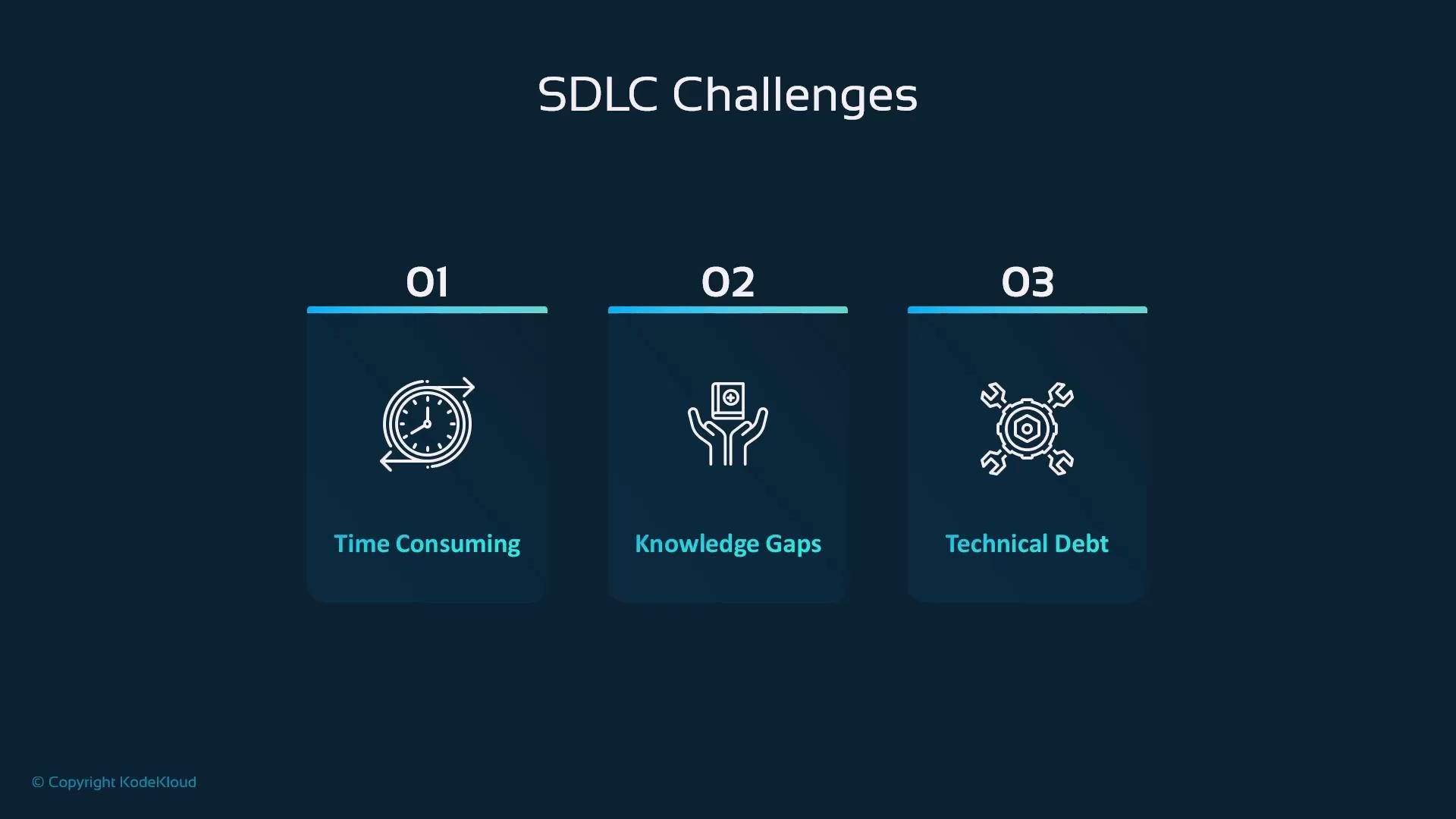
- Time consuming — documentation, design, and reviews add overhead for complex projects.
- Knowledge gaps — team members have varying expertise across technologies and domains.
- Technical debt — short-term shortcuts to meet deadlines accumulate long-term maintenance burden.
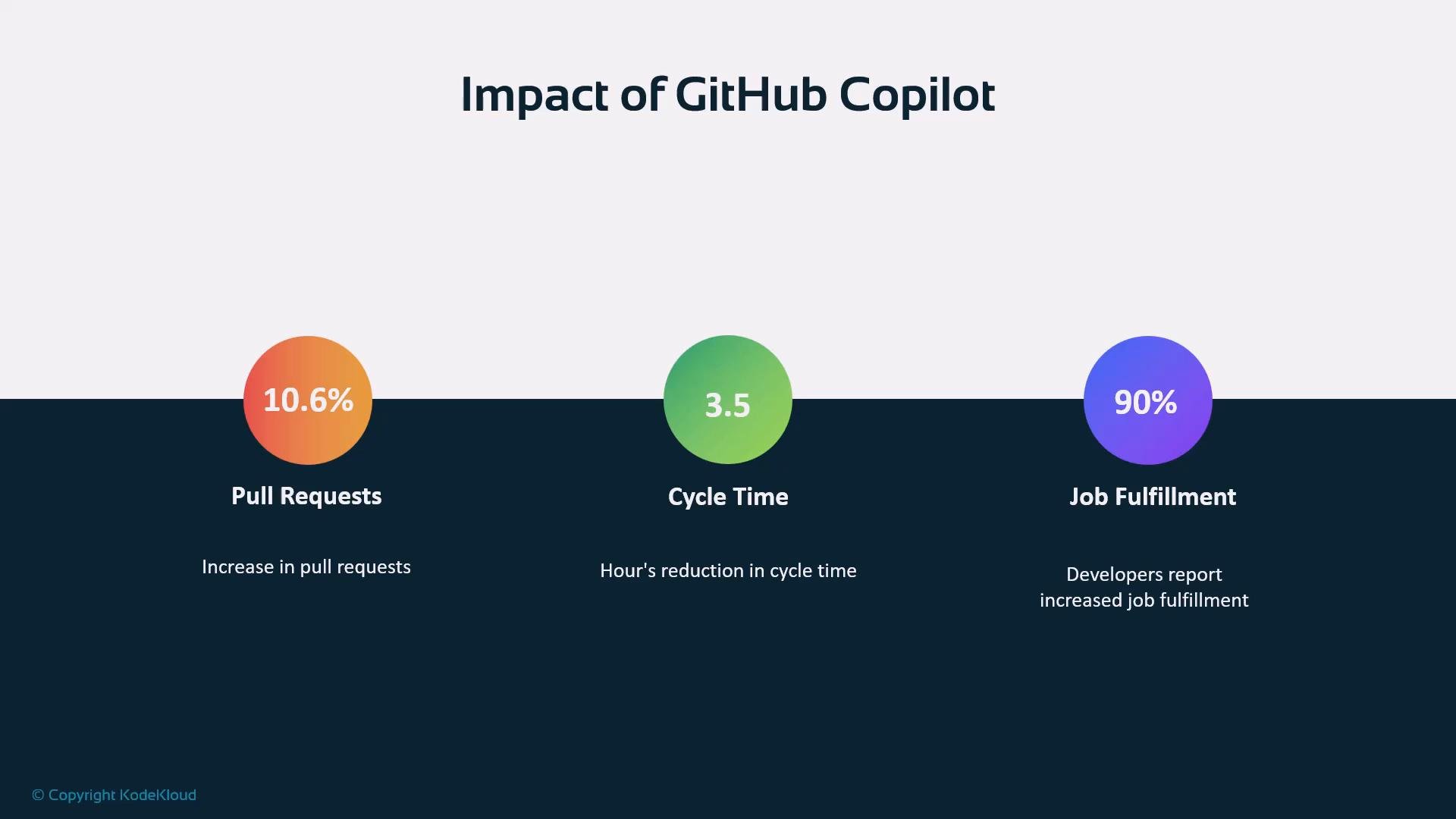
- ~10.6% increase in pull requests — teams deliver changes to production more frequently.
- ~3.5 hours reduction in cycle time — measured as work start to deployment in some studies.
- Up to 90% of developers reporting improved job satisfaction in surveys.
Requirements & Planning
- Translate natural-language requirements or user stories into technical tasks or acceptance criteria.
- Generate initial documentation drafts that stakeholders can iterate on, speeding discovery.
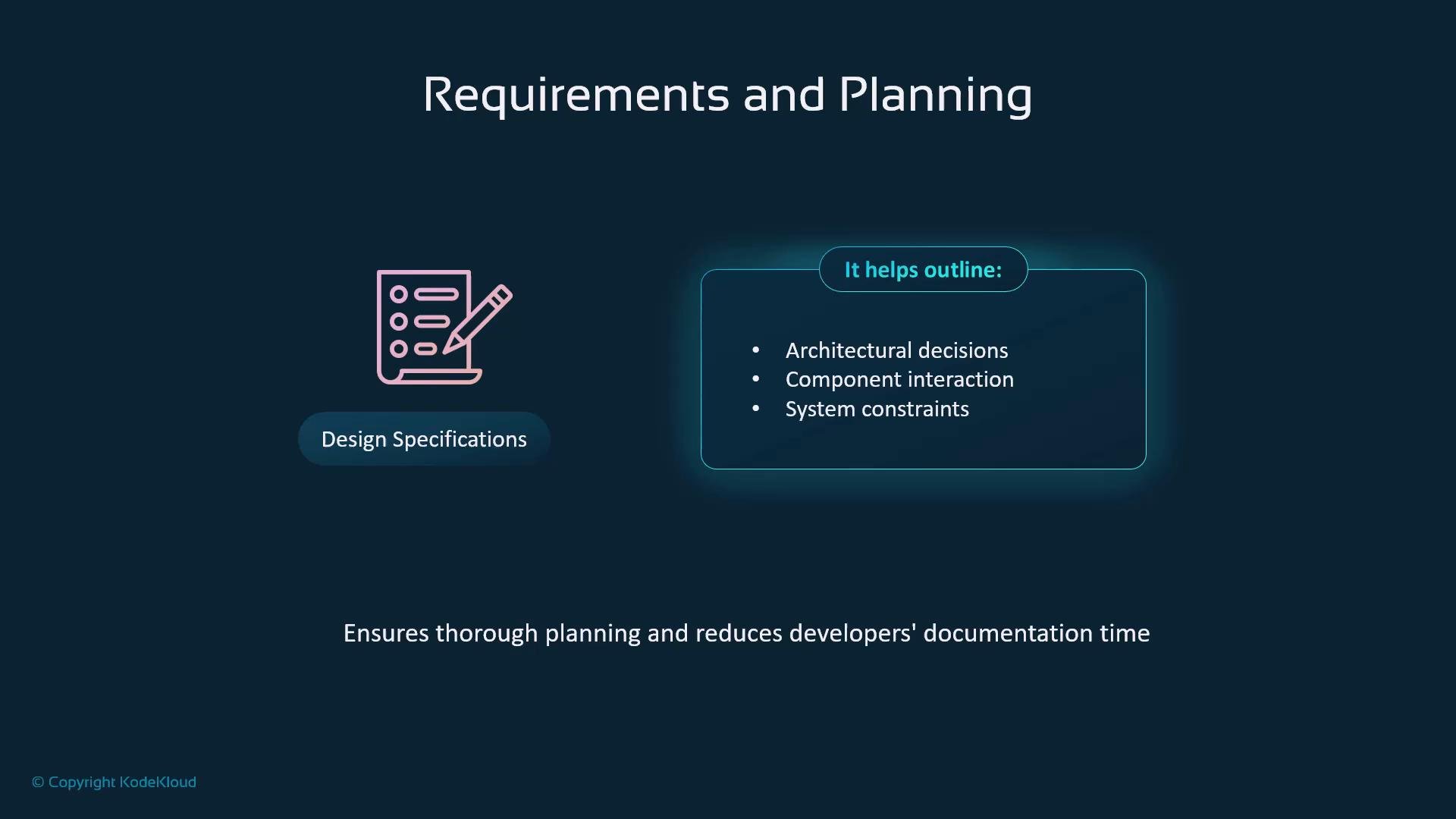
- Suggest architecture considerations and surface potential constraints for team discussion.
- Propose UML-like structures or component diagrams from plain-language prompts.
- Outline interface contracts, data models, and interaction patterns that guide implementation.
- Help document design decisions, trade-offs, and rationale so the team retains context.
- Provide context-aware code suggestions and completions that speed routine coding tasks.
- Generate idiomatic examples for unfamiliar APIs or libraries.
- Scaffold modules, boilerplate, and repetitive code so developers can focus on core logic.
- Produce unit and integration test templates, including edge cases and common assertion patterns.
- Suggest CI/CD configuration snippets and integration steps for common providers (e.g., GitHub Actions).
- Identify potential integration pitfalls by analyzing component interfaces.
- Assist with refactoring suggestions, inline documentation, and comment generation.
- Suggest fixes for common bugs and flag suspicious or out-of-date dependency usage.
- Help prepare changelogs, upgrade instructions, or migration steps.
GitHub Copilot accelerates many SDLC tasks, but it is an assistant — human review, security checks, and design validation remain essential.
- Always review and test suggestions. Copilot can generate plausible but incorrect or insecure code.
- Use Copilot to augment the team’s expertise, not to replace architectural or security reviews.
- Combine Copilot output with static analysis, linters, and disciplined code-review workflows to maintain quality.
Do not rely on Copilot for security-sensitive decisions. Validate cryptographic, authentication, and access-control code with security experts and automated checks.
- GitHub Copilot documentation
- Software Development Life Cycle (SDLC) overview
- Continuous Integration (CI) best practices