

- What traditional pair programming involves
- How AI pair programming differs
- Key advantages of both approaches
- Workflow changes when you adopt Copilot
- Best practices for maximizing AI suggestions
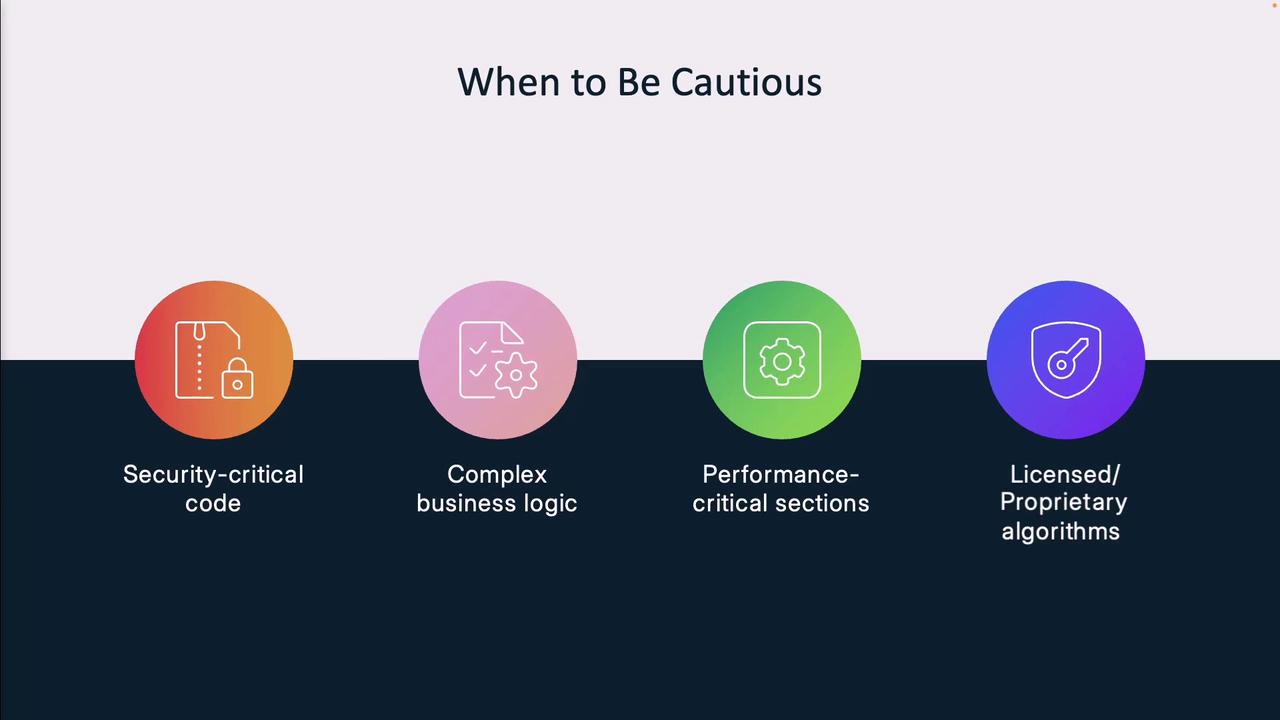
- Scenarios where caution is required
What Is Traditional Pair Programming?
Pair programming is a collaborative software technique in which two developers share one workstation:
Teams rotate roles frequently to keep engagement high, accelerate knowledge transfer, and catch errors early.
Introducing AI Pair Programming
With AI pair programming, the navigator role is filled by GitHub Copilot—an intelligent assistant trained on billions of code examples. You remain the driver, choosing which suggestions to accept and refining them to fit your project.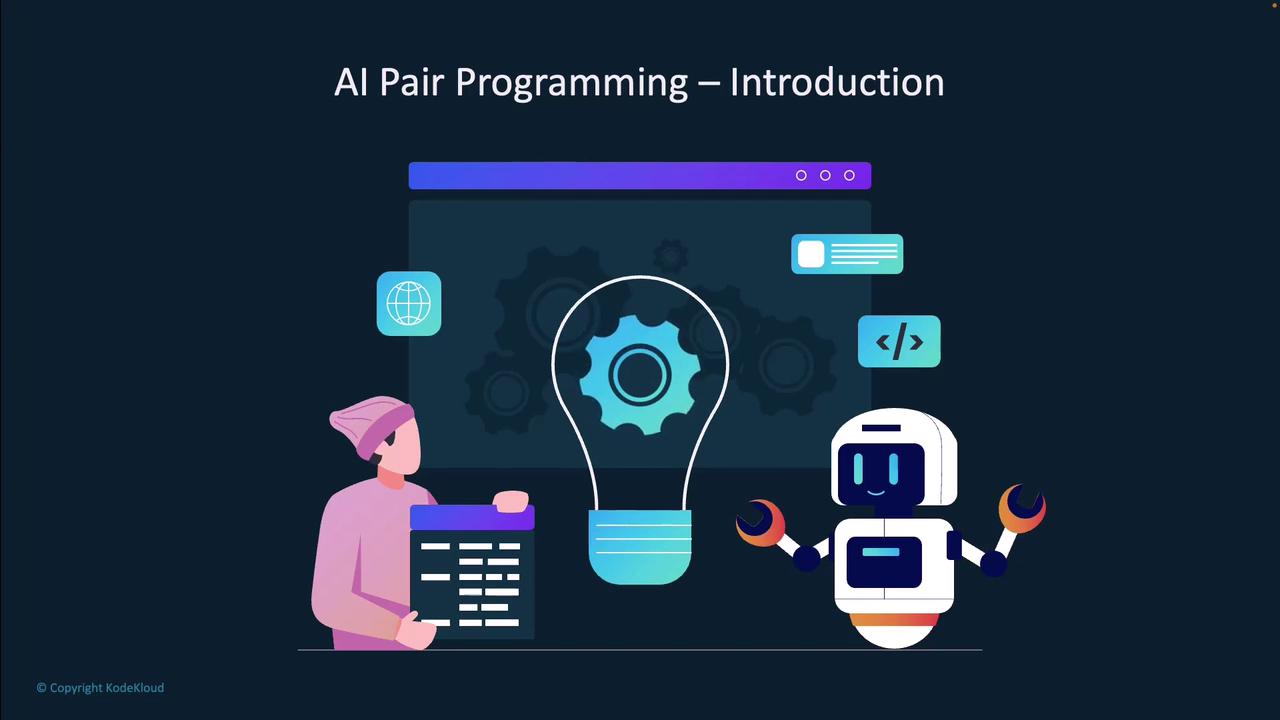
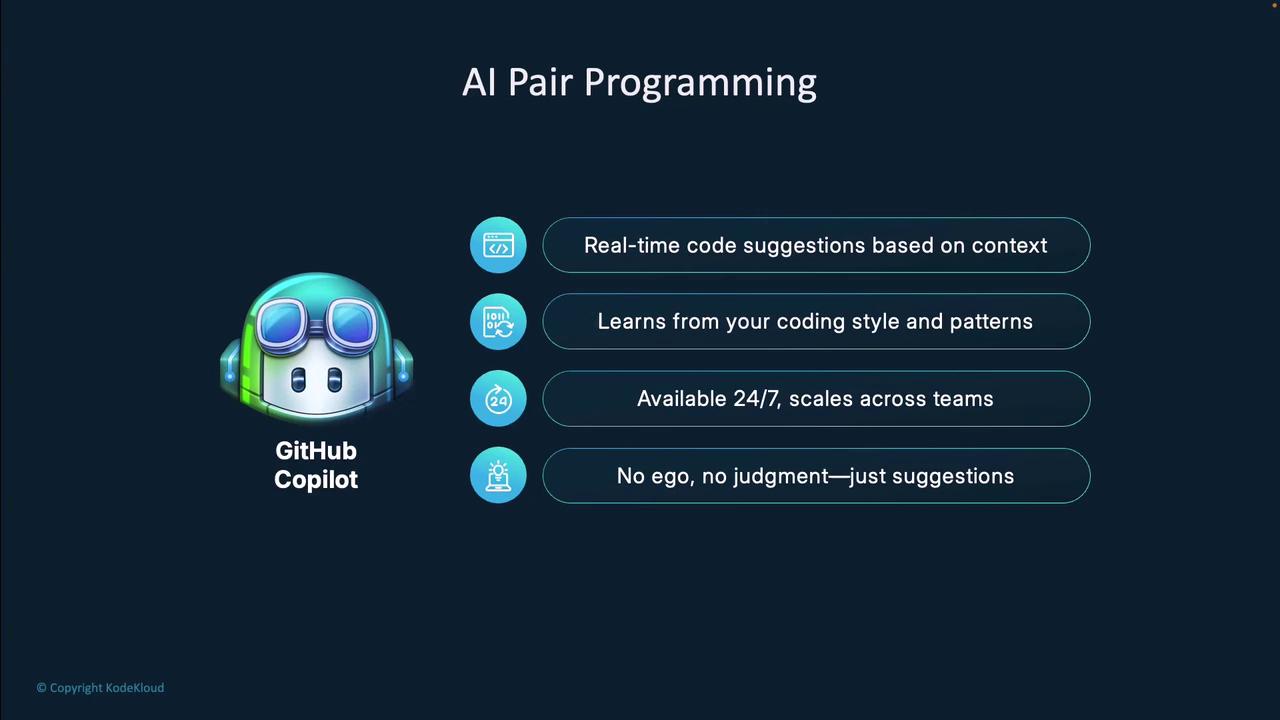
Why GitHub Copilot Stands Out
- Real-time suggestions: Instant completions and snippets as you type
- Adaptive style: Learns and matches your coding conventions over time
- 24/7 availability: Always-on assistance without breaks or downtime
- Non-judgmental feedback: Discard, refine, or accept suggestions at will
Traditional vs. AI Pair Programming
Compare how human and AI collaborators contribute to your code:
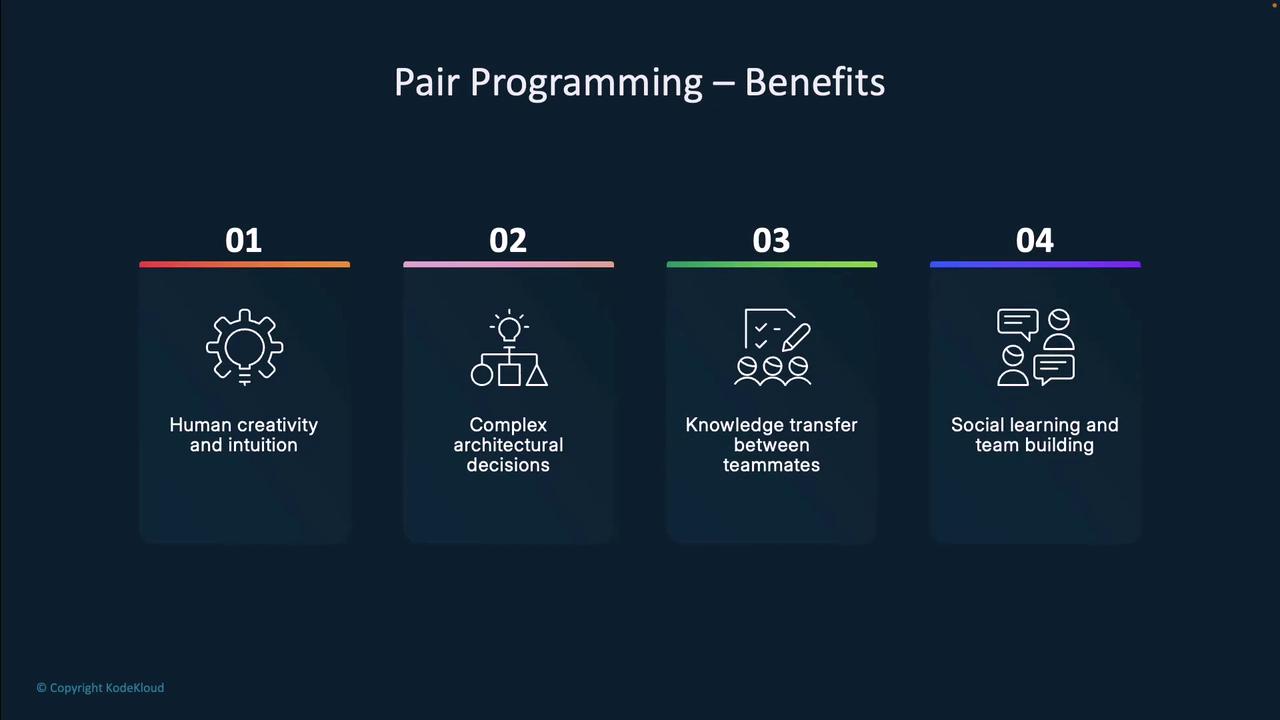
Benefits of Human Pair Programming
- Knowledge sharing: Exchange patterns and tricks in real time
- Instant feedback: Spot logic errors and improve design instantly
- Creative problem solving: Leverage human intuition for novel approaches
- Team building: Strengthen collaboration and mentor junior developers
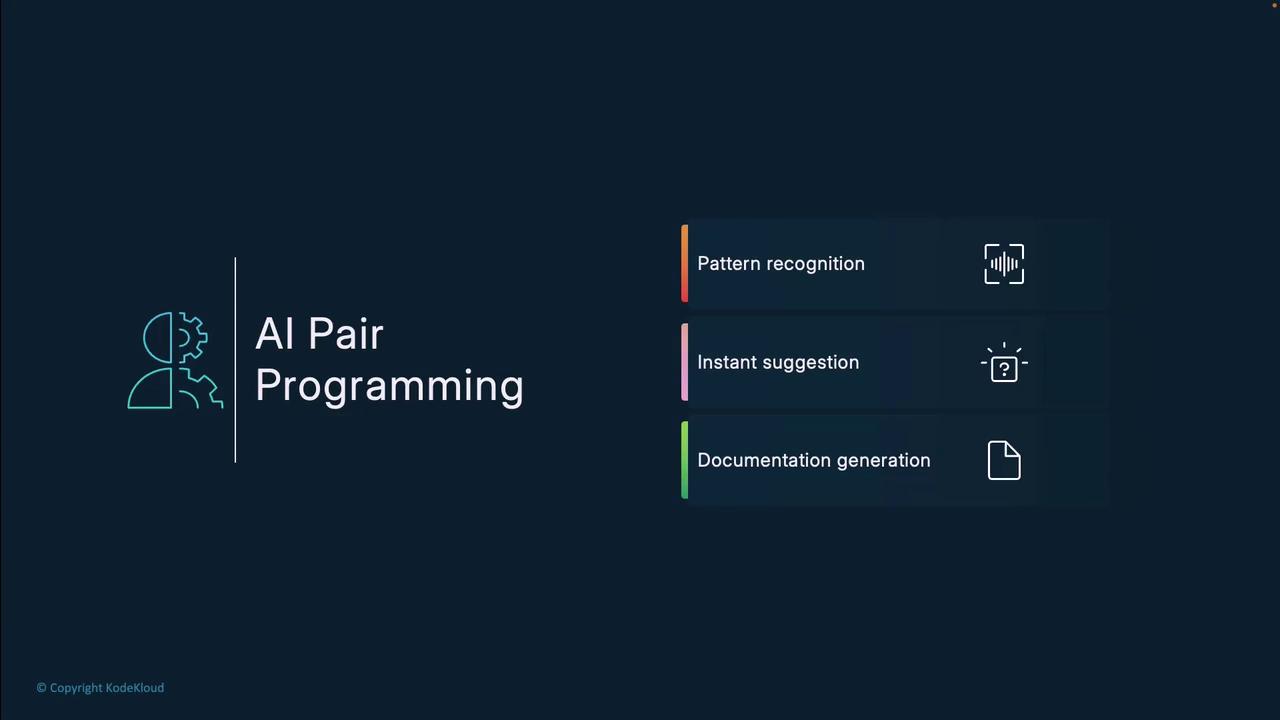
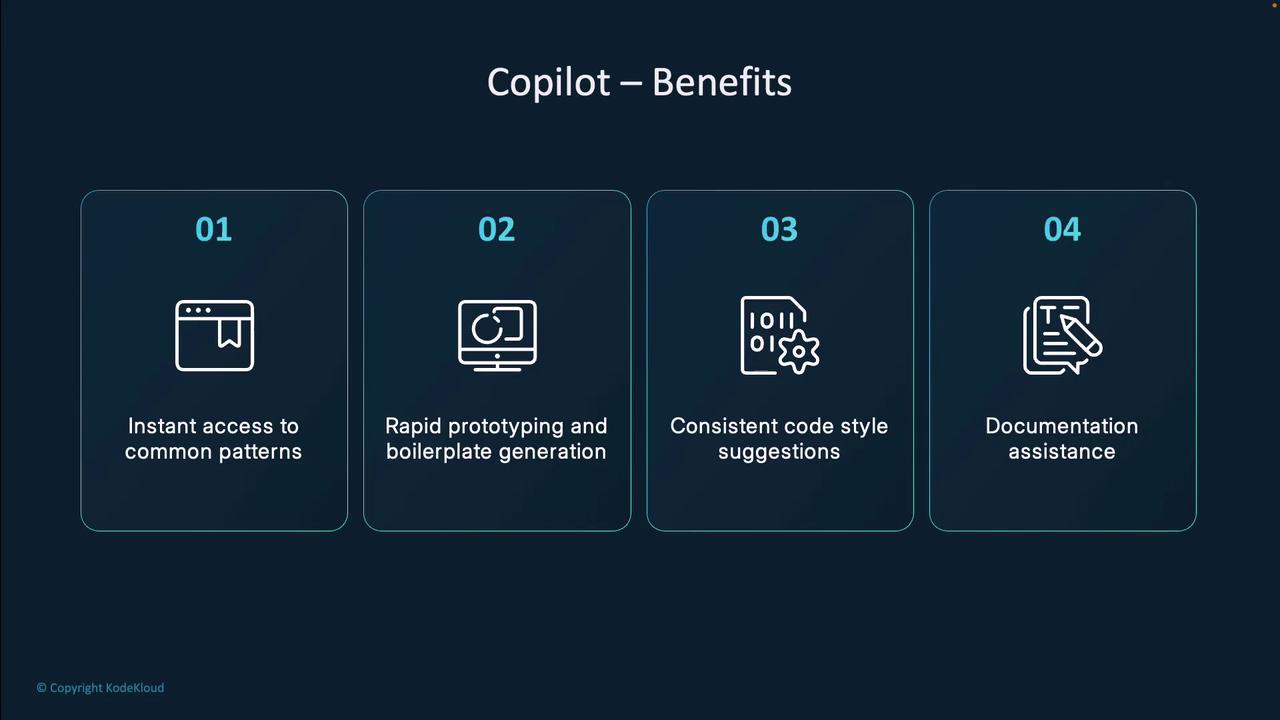
Benefits of AI Pair Programming with Copilot
- Pattern recognition: Detects common idioms and recurring boilerplate
- Instant suggestions: Minimizes pauses for documentation lookup
- Documentation support: Auto-generates comments and docstrings
- Consistency: Promotes uniform style across your codebase
Workflow Before and After Copilot
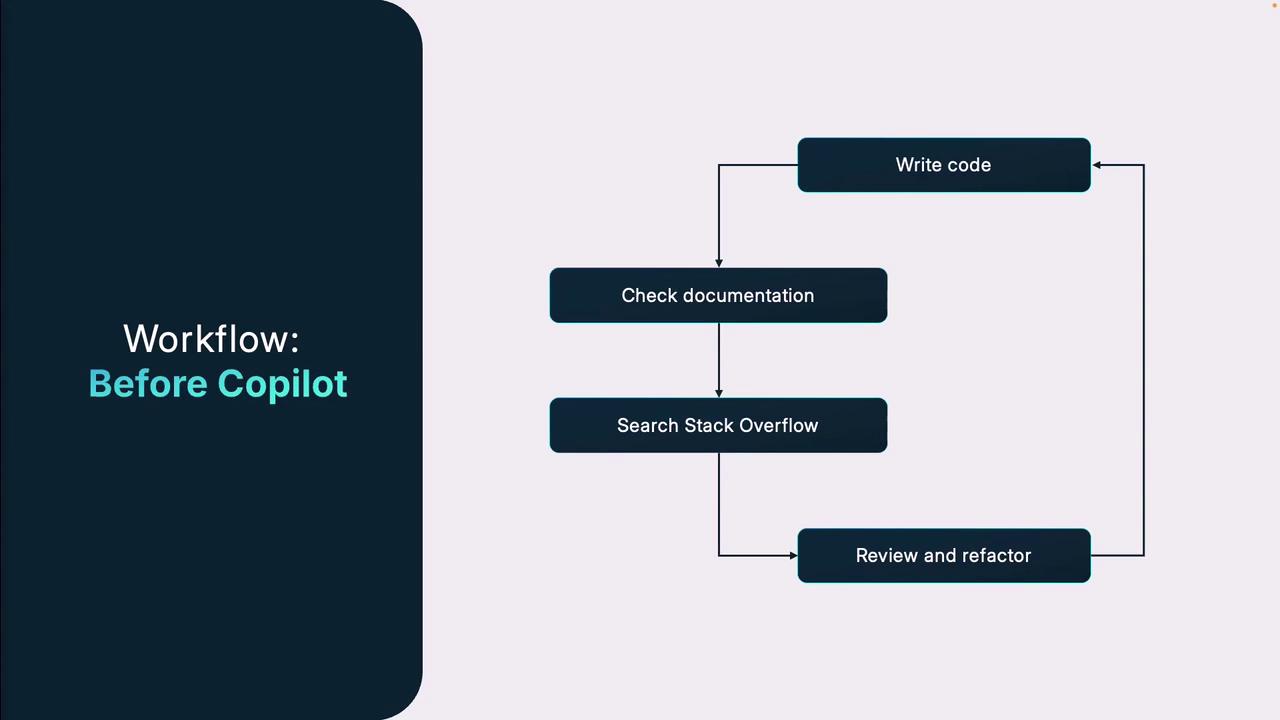
Before Copilot
- Write code from scratch
- Switch to external docs (e.g., Stack Overflow)
- Copy/paste or adapt web examples
- Refactor and debug in separate sessions
With Copilot
As you type, Copilot suggests relevant snippets, API calls, and comments. Accept, adjust, or ignore—without leaving your editor. This keeps you “in flow” and reduces context switching.Copilot’s inline suggestions mean you spend less time searching online and more time refining your code.
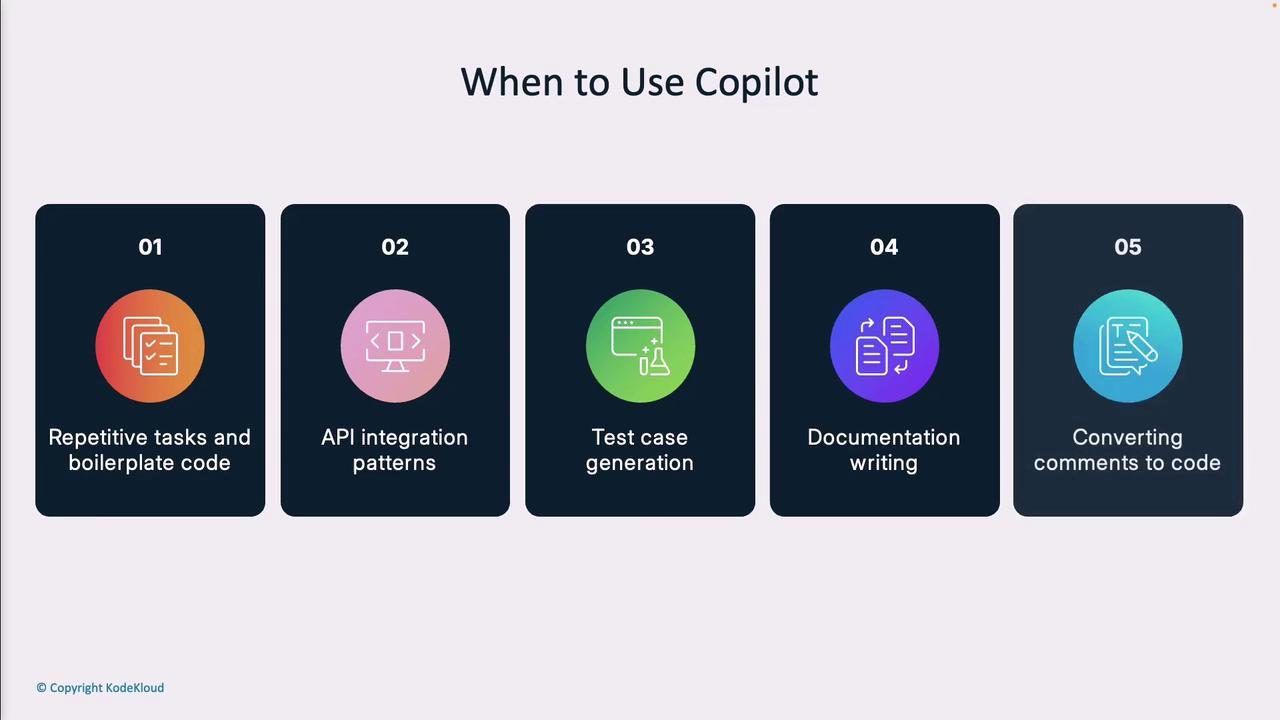
Best Scenarios for Using Copilot
When to Be Cautious
- Security-critical code: Verify vulnerability-free patterns
- Complex business logic: Ensure domain rules are enforced
- Performance-critical sections: Benchmark and optimize manually
- Licensed/proprietary algorithms: Avoid potential IP conflicts
Conclusion
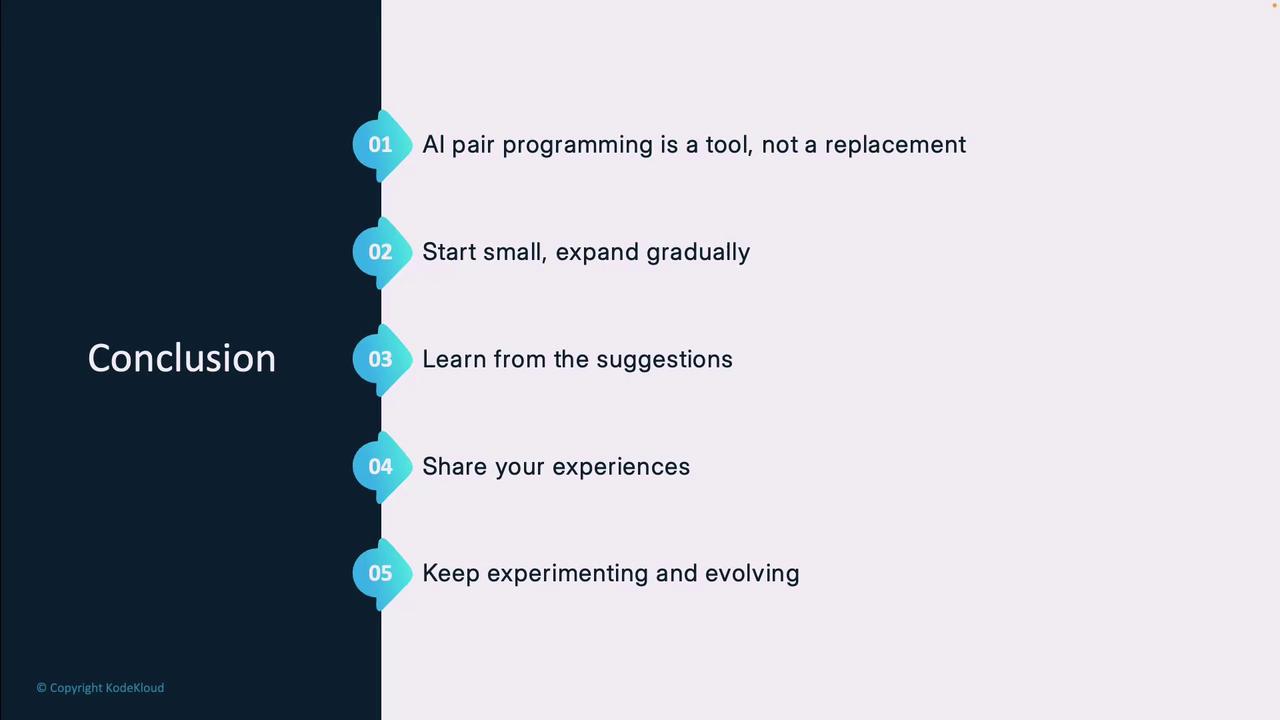
- AI pair programming is an assistant, not a replacement
- Start with small, non-critical tasks to build trust
- Learn from Copilot suggestions to enhance your skills
- Share effective patterns and feedback with your team
- Continuously adapt as AI models evolve
References & Further Reading
- GitHub Copilot – Official AI coding assistant
- Stack Overflow – Developer Q&A community
- Kubernetes Documentation
- Terraform Registry