

.gitignore, GitHub Copilot instructions, and main.py. Below are concise, practical steps to go from repository to a working fake-data generator that queries a local Ollama server.
1. Clone the repository (optional)
If you received a GitHub URL, clone it and change into the project folder:2. Create a virtual environment
Use a virtual environment to isolate dependencies per project. You can let VS Code create the environment via Python: Create Environment, or do it manually. Table: Create & activate a venv (cross-platform)
When the venv is active your shell prompt typically shows the venv name, for example:
Virtual environments isolate a project’s Python packages. Always install dependencies with
pip while the venv is active so they are stored inside .venv rather than globally.3. Project scaffold: minimal main & module
Start with a minimal scaffold and keepmain.py focused on orchestration. This improves testability and keeps the entrypoint simple.
Example main.py:
fake_data_generator.py:
main.py, extract it to fake_data_generator.py and import it from main.py to maintain good separation of concerns.
4. File structure (example)
Here’s a simple example file layout you can use:5. Generate fake data via a local Ollama model
The helper scriptcreate_fake_data.py demonstrates calling a local Ollama HTTP API (default http://localhost:11434) using a model like phi4:latest and writing the returned CSV to disk.
Install the runtime dependency:
create_fake_data.py:
"response" containing raw CSV. If you use an Ollama client library, prefer it for richer, higher-level functionality.
Sample CSV output (example fake_data.csv content):
6. Dependencies: requirements.txt
After installing packages during development, capture them for reproducibility:pip freeze output:
7. .gitignore and keeping the venv out of Git
Never commit your virtual environment to source control. Add.venv/ to .gitignore and exclude common build artifacts and IDE folders.
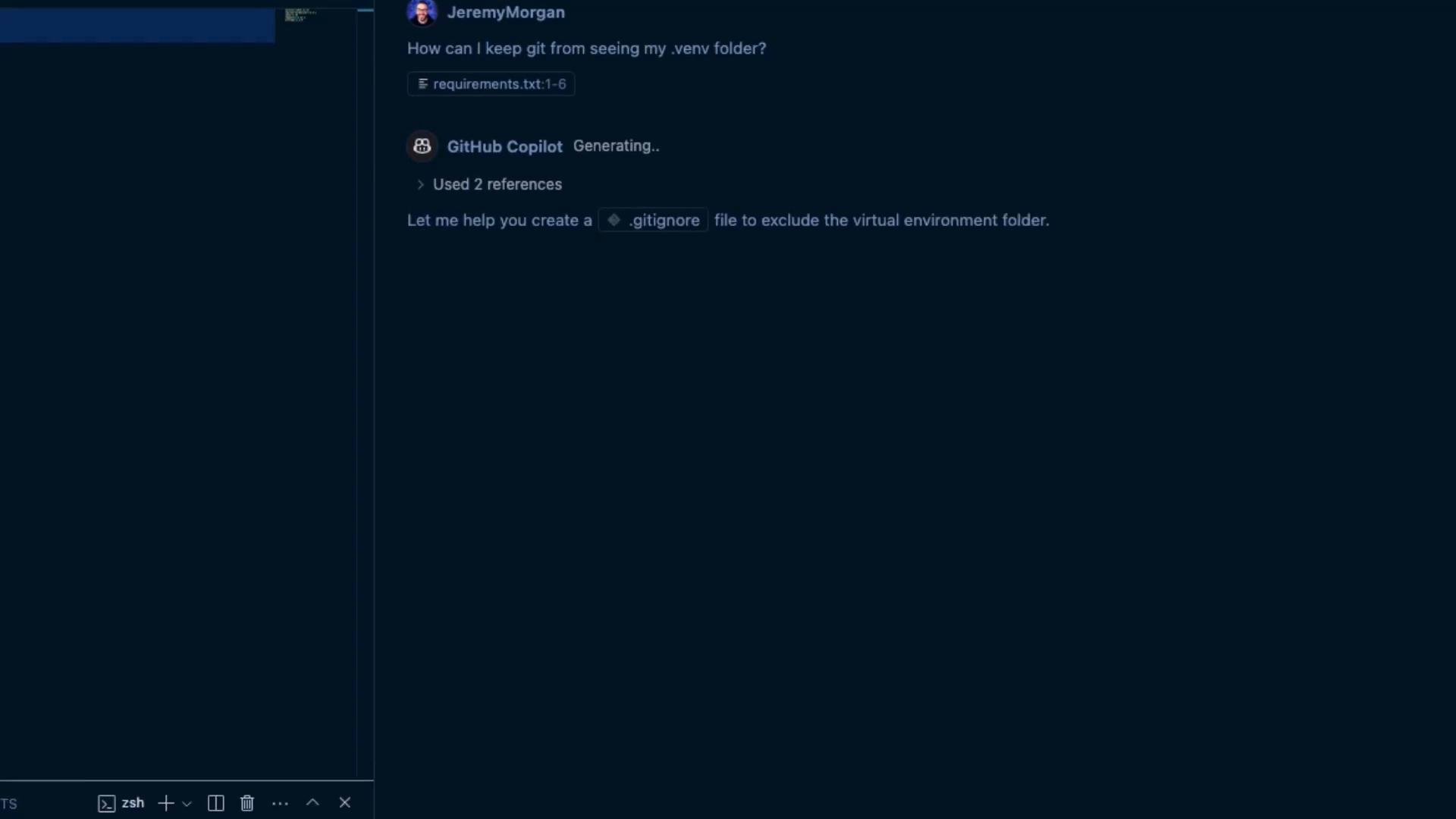
.gitignore contents (abbreviated):
.venv, remove it from Git tracking and commit the change:
Do not commit your virtual environment or large generated files (like CSV data dumps) to the repository. This increases repo size and leaks machine-specific configuration.
8. Quick reference: useful commands
Summary
- Create and activate a virtual environment (
python3 -m venv .venv/source .venv/bin/activate). - Keep
main.pyminimal and split logic into modules likefake_data_generator.py. - Use
create_fake_data.pyto call a local Ollama model and write raw CSV output to a file. - Record dependencies with
pip freeze > requirements.txt. - Use
.gitignoreto exclude virtualenvs and other local artifacts from Git. - GitHub Copilot can speed up scaffolding, but the patterns shown here are standard Python best practices and will work without Copilot.
- Load the generated CSV into a database and expose a small API to query the fake data.
- Enhance the generator to accept command-line arguments (rows, model, output file).
- Integrate a proper Ollama client library for streaming or richer model control.