

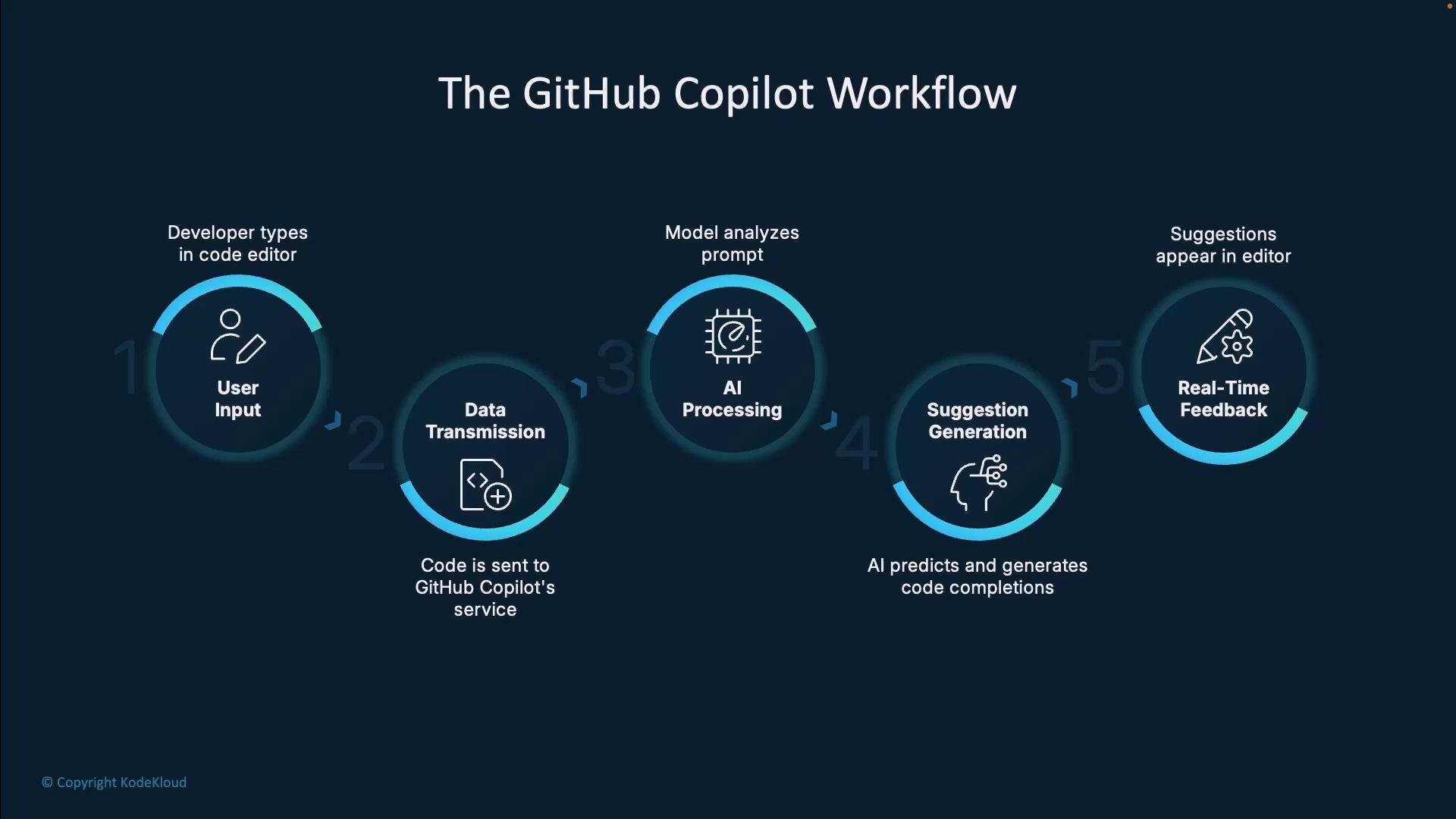
This guide explains how GitHub Copilot transforms your editor activity into context‑aware code completions. Read the step-by-step flow, learn practical prompting patterns, and review security best practices to get the most from Copilot.
- User input (what you type)
- Selective data transmission (context around the cursor)
- Server-side AI processing (model analysis & ranking)
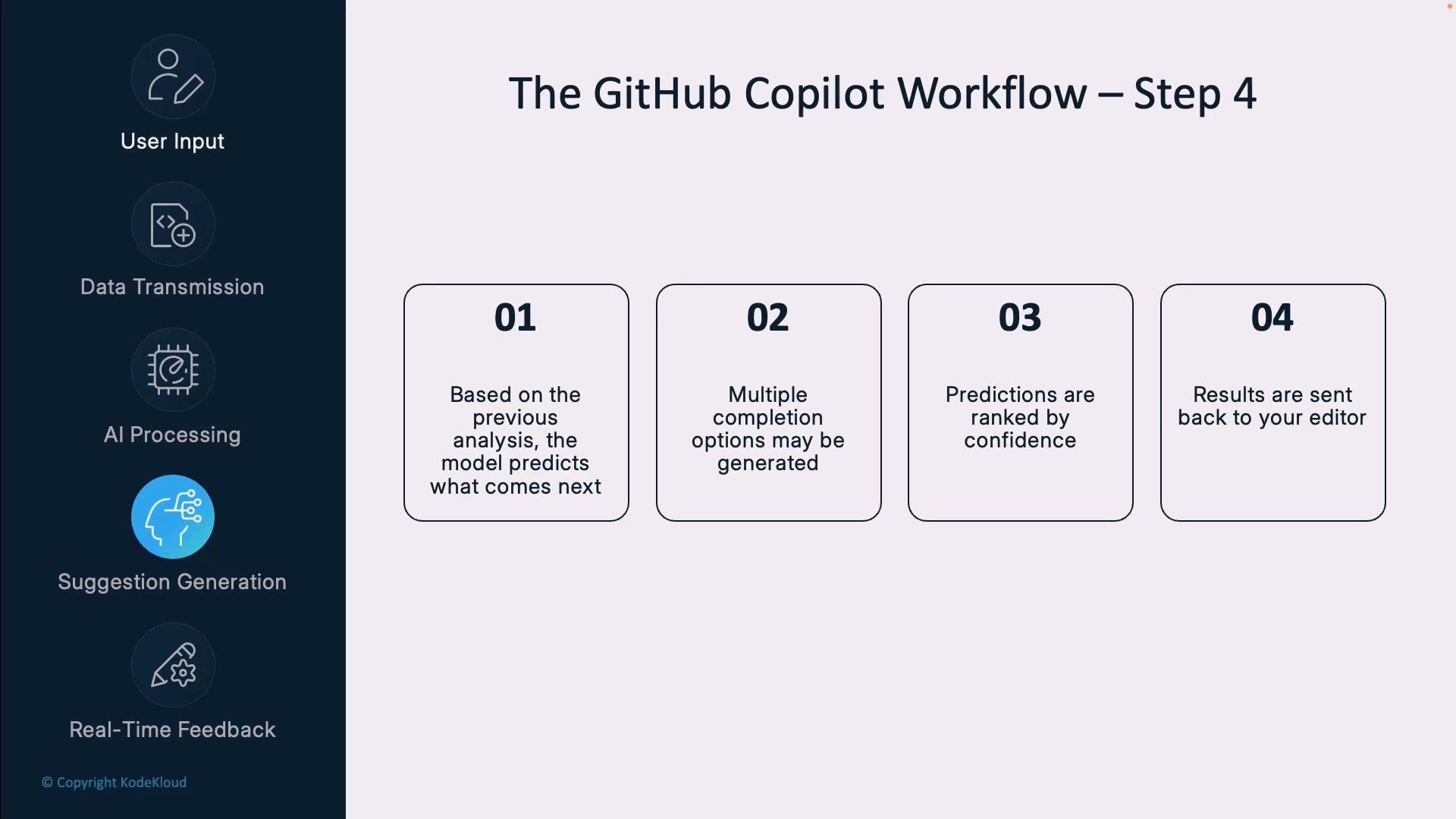
- Suggestion generation (multiple completions)
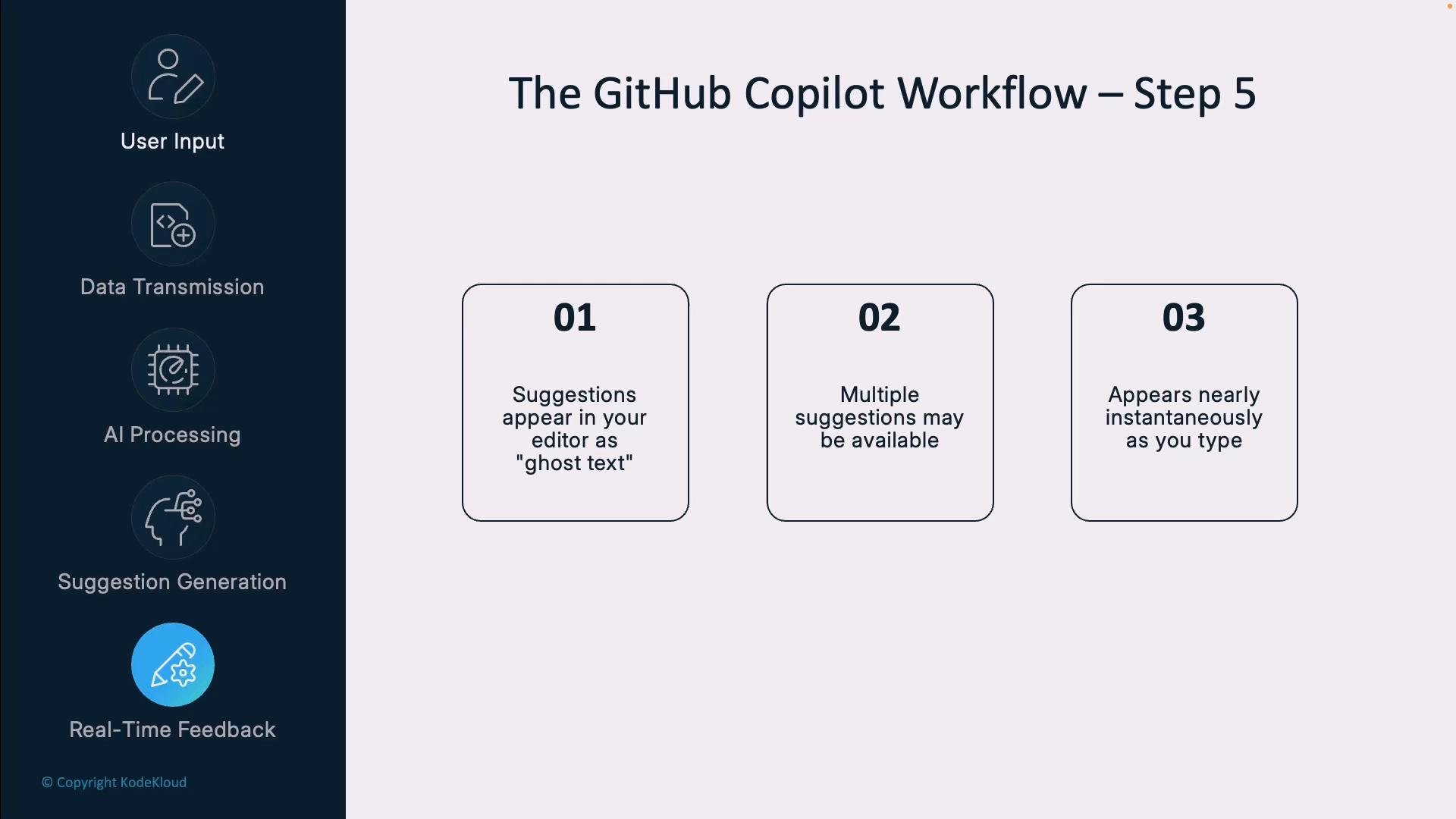
- Real-time feedback (ghost text / inline suggestions)
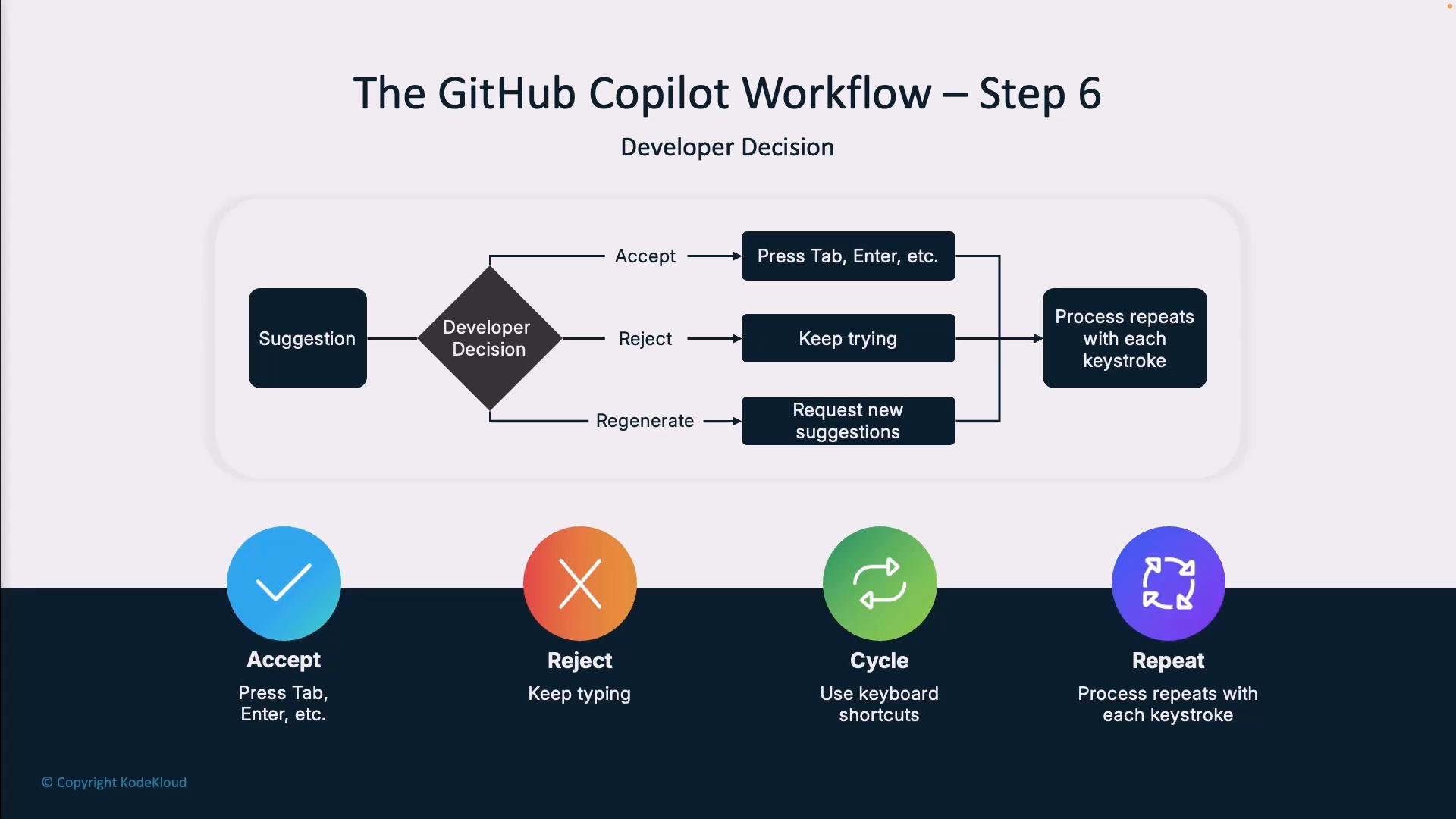
- Developer decision (accept, reject, or iterate)
Step 1 — Developer experience (User Input)
Everything starts in your editor (VS Code, JetBrains, etc.). The Copilot extension observes what you type and collects surrounding context in real time:
- Current file contents and file type.
- Nearby functions, classes, and comments.
- Repository layout and other open files.
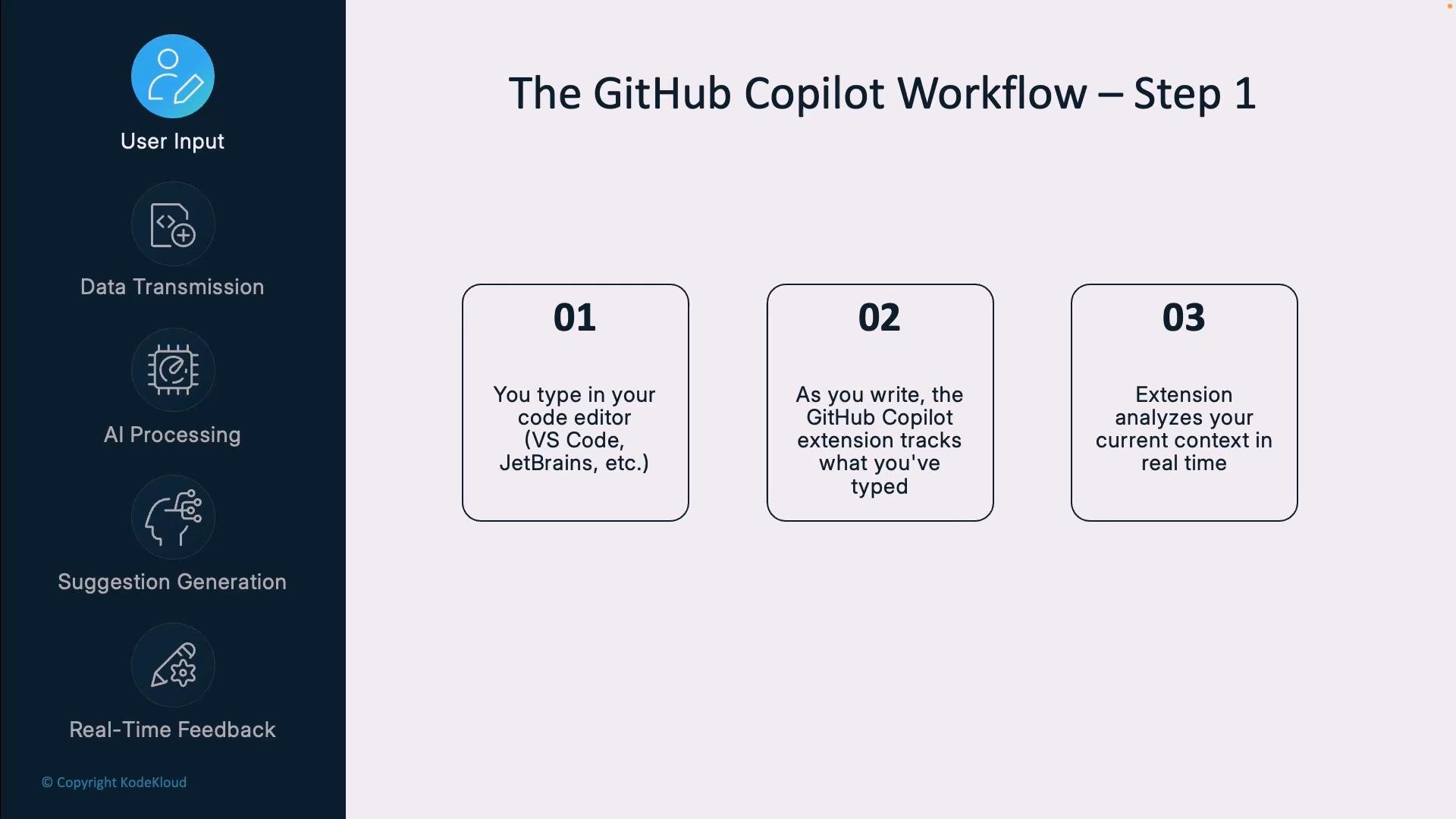
- Reduces network and processing overhead.
- Focuses the model on the most relevant context.
- Limits exposure of unrelated code.
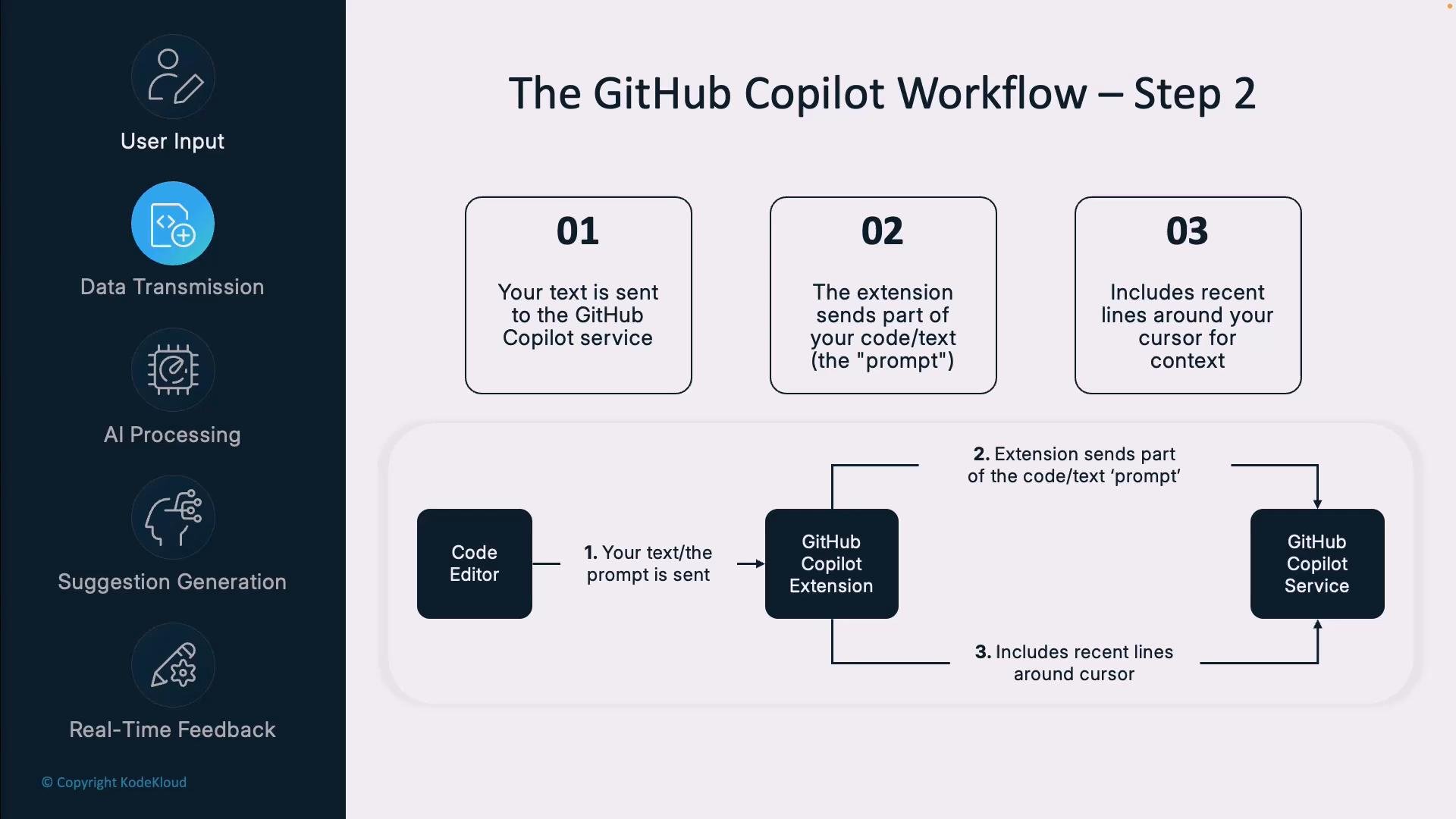
- Detects language, libraries, and common idioms.
- Interprets semantics (data structures, control flow).
- Matches patterns from large-scale training on public code.
- Accept completion (Tab/Enter).
- Cycle alternatives (keyboard shortcuts).
- Insert or ignore suggestions — Copilot updates as the context changes.
- Accept: press Tab/Enter and the suggestion is inserted.
- Reject: keep typing to trigger new suggestions.
- Cycle alternatives: browse ranked completions.
- Edit manually or refine the prompt for a different result.
- Be specific about functionality. Example: // create a function that validates email addresses using regex and returns a Boolean
- Provide context in comments: mention libraries, constraints, and edge cases.
- State edge cases explicitly: // return null for empty input
- Use the correct file extension and language syntax so Copilot infers the proper language model.
Code examples
Function description example:
--in-place: modify the file directly.--aggressive: apply more aggressive fixes (repeatable for additional changes).
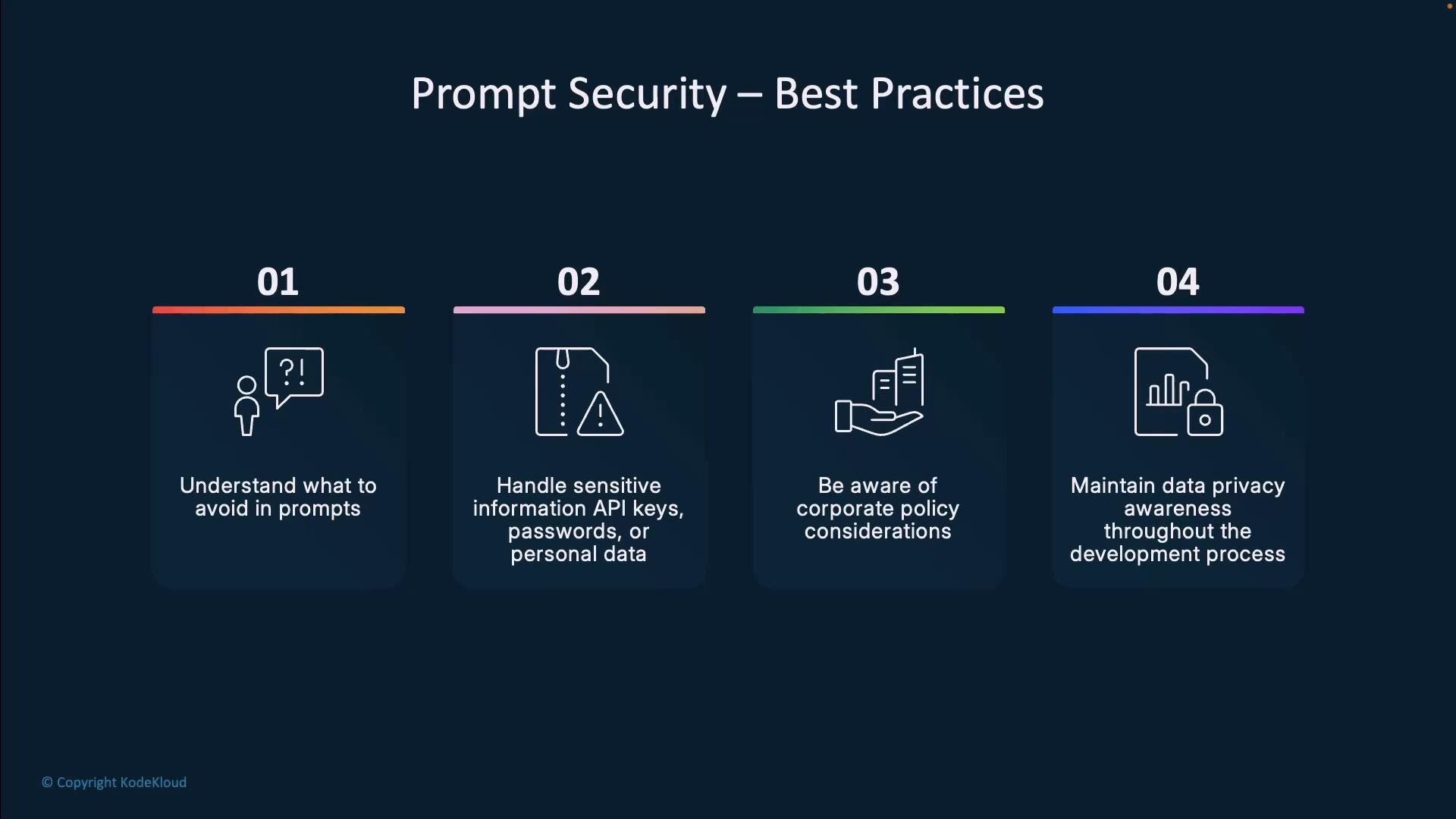
Do not include secrets (API keys, passwords), private personal data, or proprietary IP in comments or prompts. Use environment variables or secret management tools instead of hard-coding credentials.
- Avoid including sensitive information in prompts or comments that might be transmitted externally.
- Follow your organization’s policies on sharing code with external services.
- Use placeholders for secrets (e.g.,
process.env.MY_API_KEY) instead of actual credentials. - Be mindful about architectural diagrams or proprietary algorithms you include in comments.
- Global model updates: periodic improvements from GitHub/OpenAI.
- Project-specific adaptation: suggestions that better match local naming and patterns.
- Language/framework focus: more accurate suggestions the more you use a language or stack.
- Interaction signals: accepts/rejects influence short-term personalization (within GitHub’s privacy constraints).
- Copilot converts your editor activity into context-aware code suggestions via a multi-stage, low-latency pipeline.
- The extension selectively transmits context; the server-side model analyzes and returns ranked completions.
- You remain in control: accept, reject, cycle, or refine suggestions.
- Specific, contextual prompts (libraries, constraints, edge cases) improve results.
- Never include secrets or sensitive data in prompts; use environment variables or secret managers.
- Interaction helps Copilot adapt both globally and within your project.