

- Formatting a partition with XFS
- Inspecting and tuning XFS filesystems
- Formatting a partition with ext4
- Inspecting and tuning ext4 filesystems
Formatting with XFS
XFS is the default filesystem on CentOS and is known for high performance and scalability.Running
mkfs.xfs on a device will destroy all existing data. Double-check the device name (e.g., /dev/sdb1) before proceeding.1. Create an XFS Filesystem
To format/dev/sdb1 with the default XFS settings:
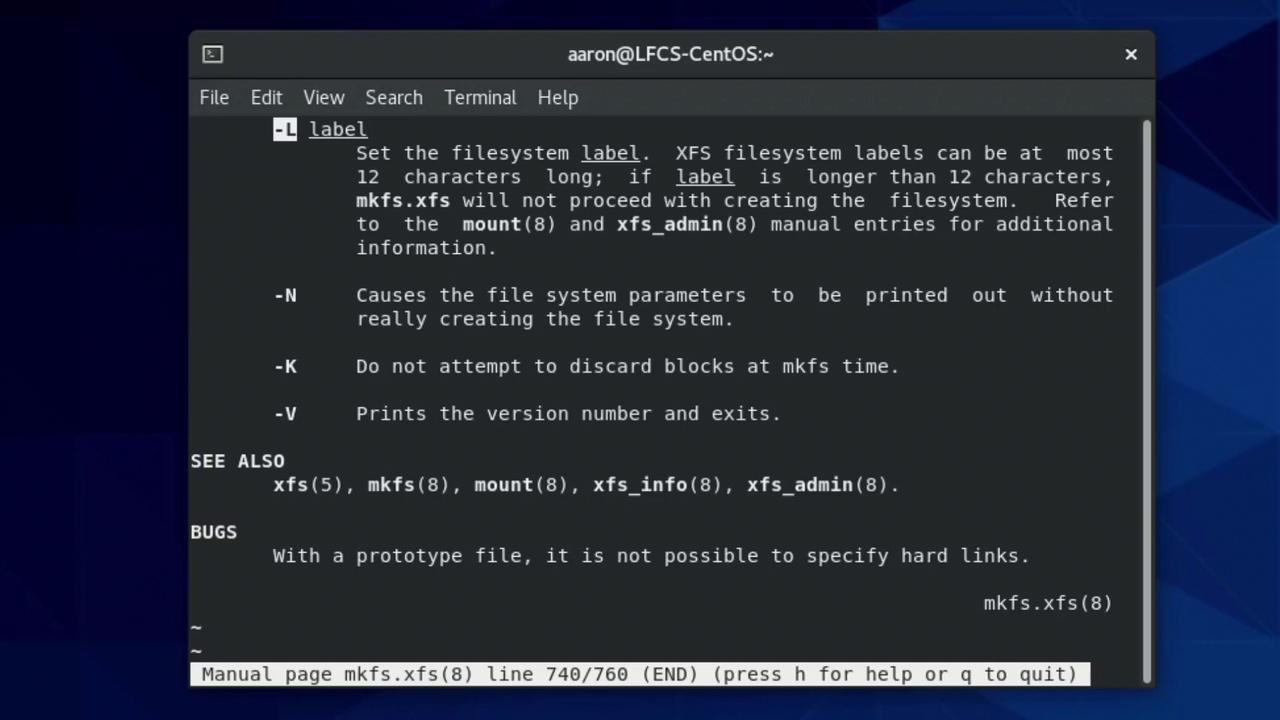
2. Read the Manual and Set a Label
Consult themkfs.xfs manual for all available options, such as adding a volume label:
3. View All Creation Options
Runningmkfs.xfs without arguments displays a summary of flags:
4. Custom Inode Size and Label
Combine options to fine-tune your filesystem. For instance, set 512-byte inodes and a label:5. Explore XFS Utilities
The XFS toolset lets you inspect and manage filesystems. Typingxfs_ lists available commands:
6. Change an Existing XFS Label
To view the current label:Formatting with ext4
ext4 is widely supported and offers robust data integrity features.mkfs.ext4 is a convenient alias for mke2fs -t ext4. You can use either command interchangeably.1. Create an ext4 Filesystem
Format/dev/sdb2 with default ext4 options:
2. Read the Manual
Inspect available flags like-L (label) and -N (inode count):