

Why Choose GNU Nano?
GNU Nano is designed for simplicity: all input goes directly into the document, and commands use the Control (Ctrl) or Meta (Alt or Command on macOS) keys.
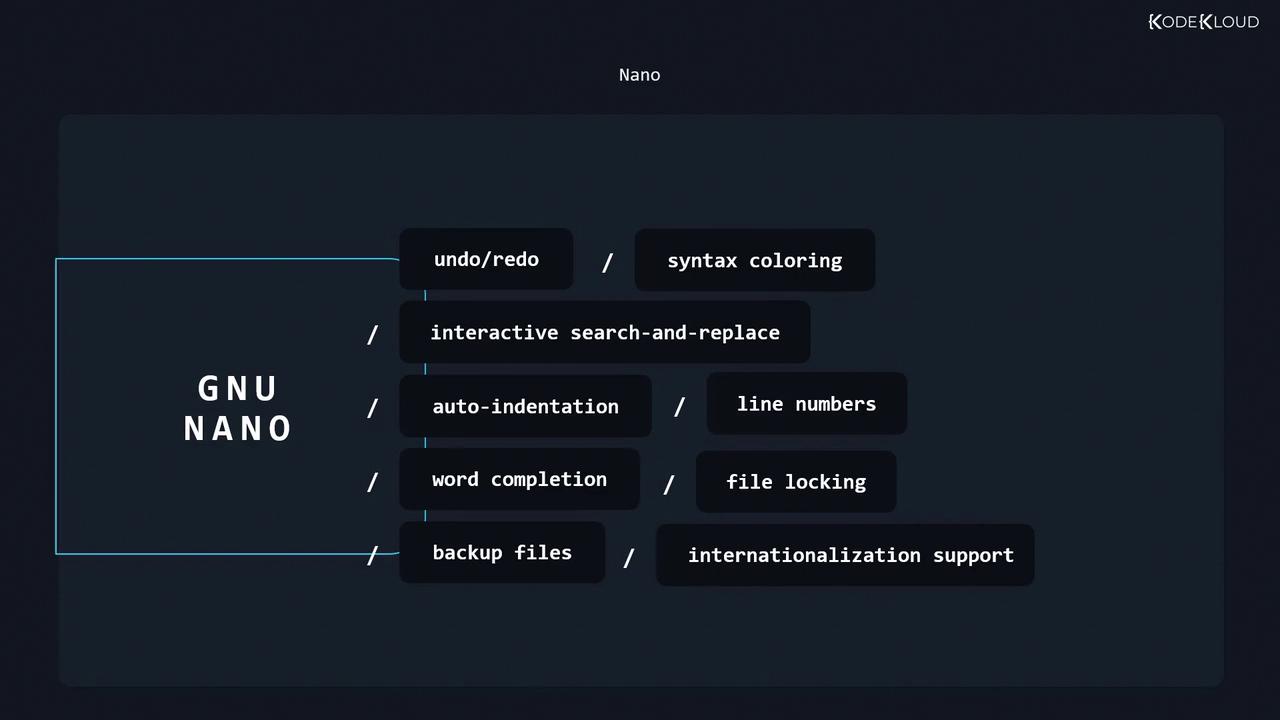
Key features of Nano include:
- Undo and redo
- Syntax coloring
- Interactive search and replace
- Auto-indentation
- Line numbers
- Word completion
- File locking and backup files
- Internationalization support
Nano Keyboard Shortcuts
Most Nano commands appear at the bottom of the interface, but here are some essentials: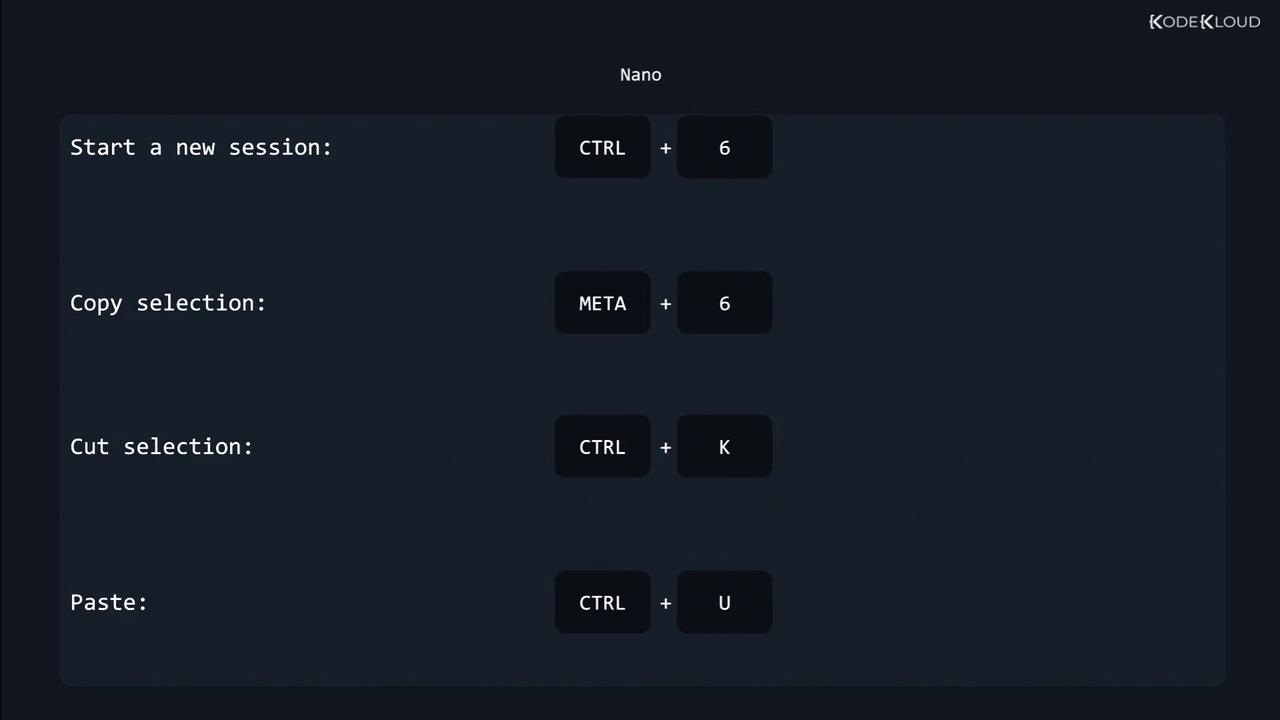
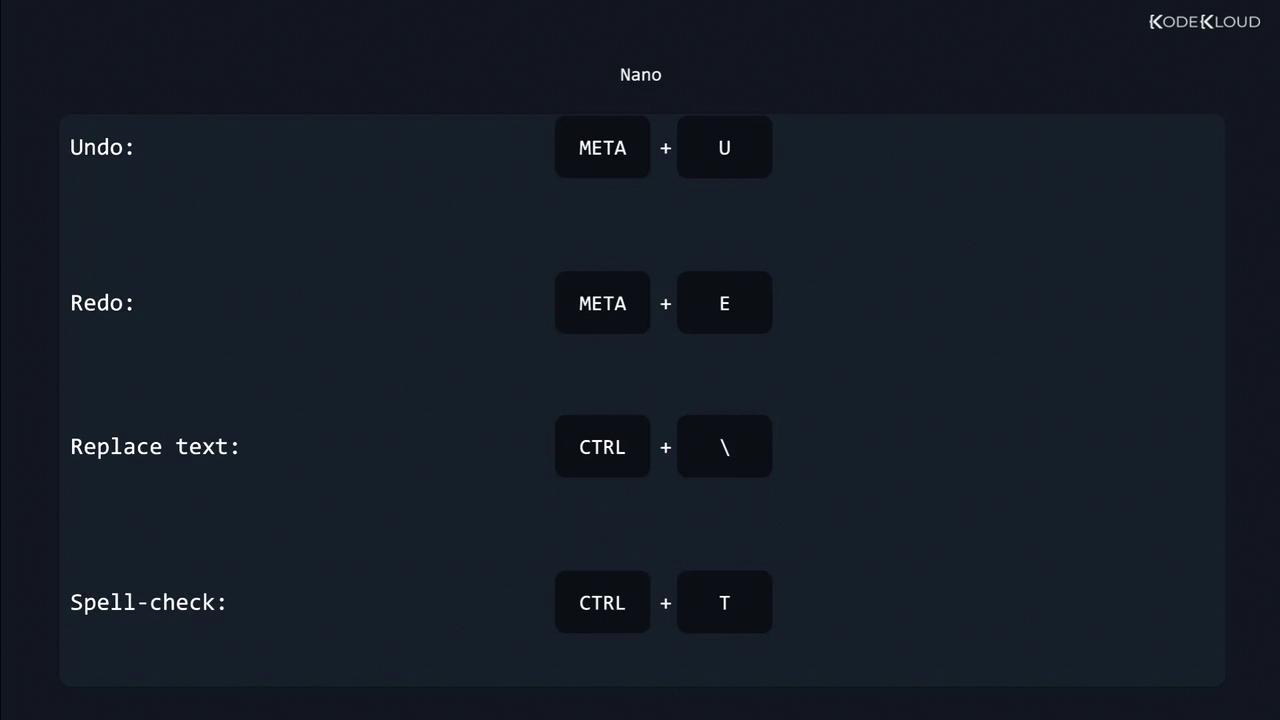
Press
Ctrl+G at any time in Nano to open the Help menu. You can also customize Nano by editing your ~/.nanorc file.Emacs: A Programmable Editor and IDE
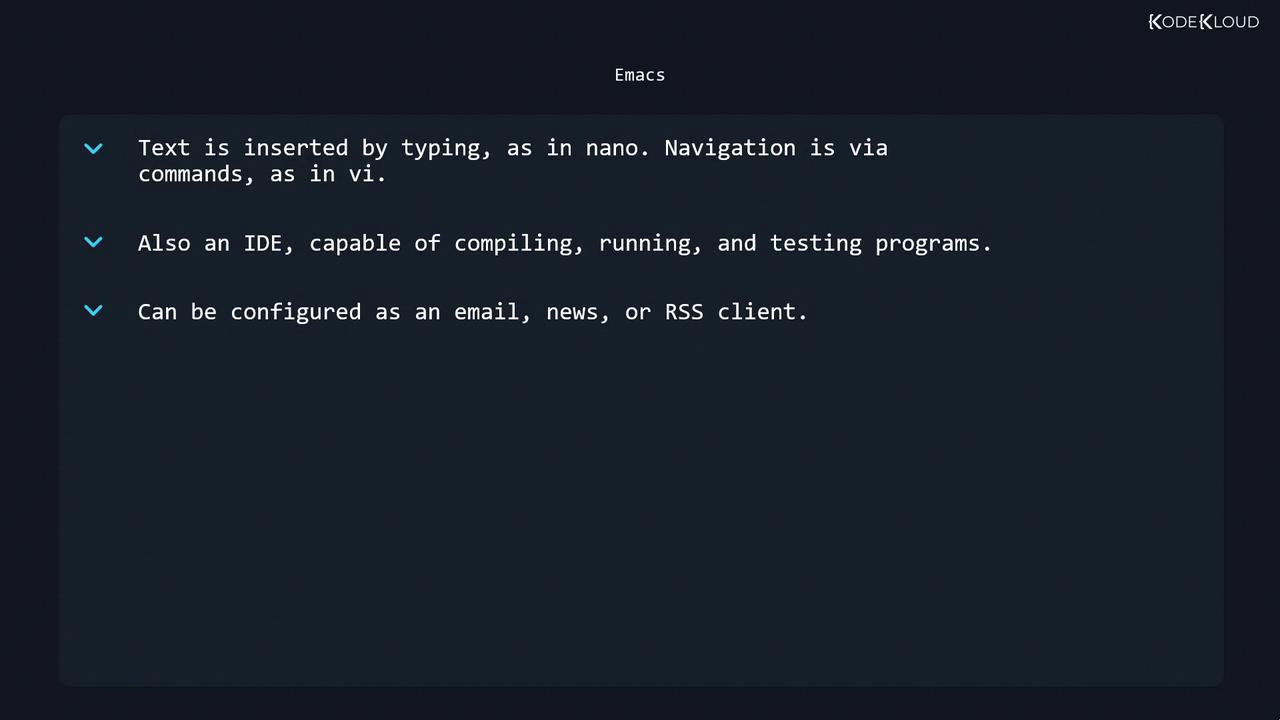
Emacs is a highly extensible editor that can function as a full IDE, email client, news reader, or RSS client. Like Nano, typing inserts text directly, but uses more keyboard-driven navigation. Core capabilities of Emacs include:- Syntax highlighting and indentation
- Integrated compiling, running, and testing
- Powerful undo/redo and version control integration
- Extensible architecture via Emacs Lisp
- Configuration as email, news, or RSS client
Emacs starts with
emacs filename and provides built-in tutorials under Ctrl+h t. Explore packages via M-x package-list-packages.