

Viewing Files with cat, tac, head, and tail
Displaying Entire and Reversed Files
Usecat for quick, on-screen dumps of small files:
tac:
Inspecting the Start or End of Large Logs
Log files can grow huge. Quickly grab the first or last N lines:-
Last 10 lines (default):
tail /var/log/dnf.log -
Last 20 lines:
tail -n 20 /var/log/dnf.log -
First 20 lines:
head -n 20 /var/log/dnf.log
Automating In-File Replacements with sed
The stream editor sed excels at find-and-replace tasks:
- Preview changes (no file modified):
- Apply in-place (
-i) substitutions:
s/pattern/replacement/greplaces all occurrences on each line.- The
-iflag edits the file directly.
Always preview your
sed commands without -i first. To keep a backup, use -i.bak (e.g., sed -i.bak 's/old/new/g' file).Extracting Fields with cut
When working with delimited data (spaces, commas, or tabs), cut slices out columns:
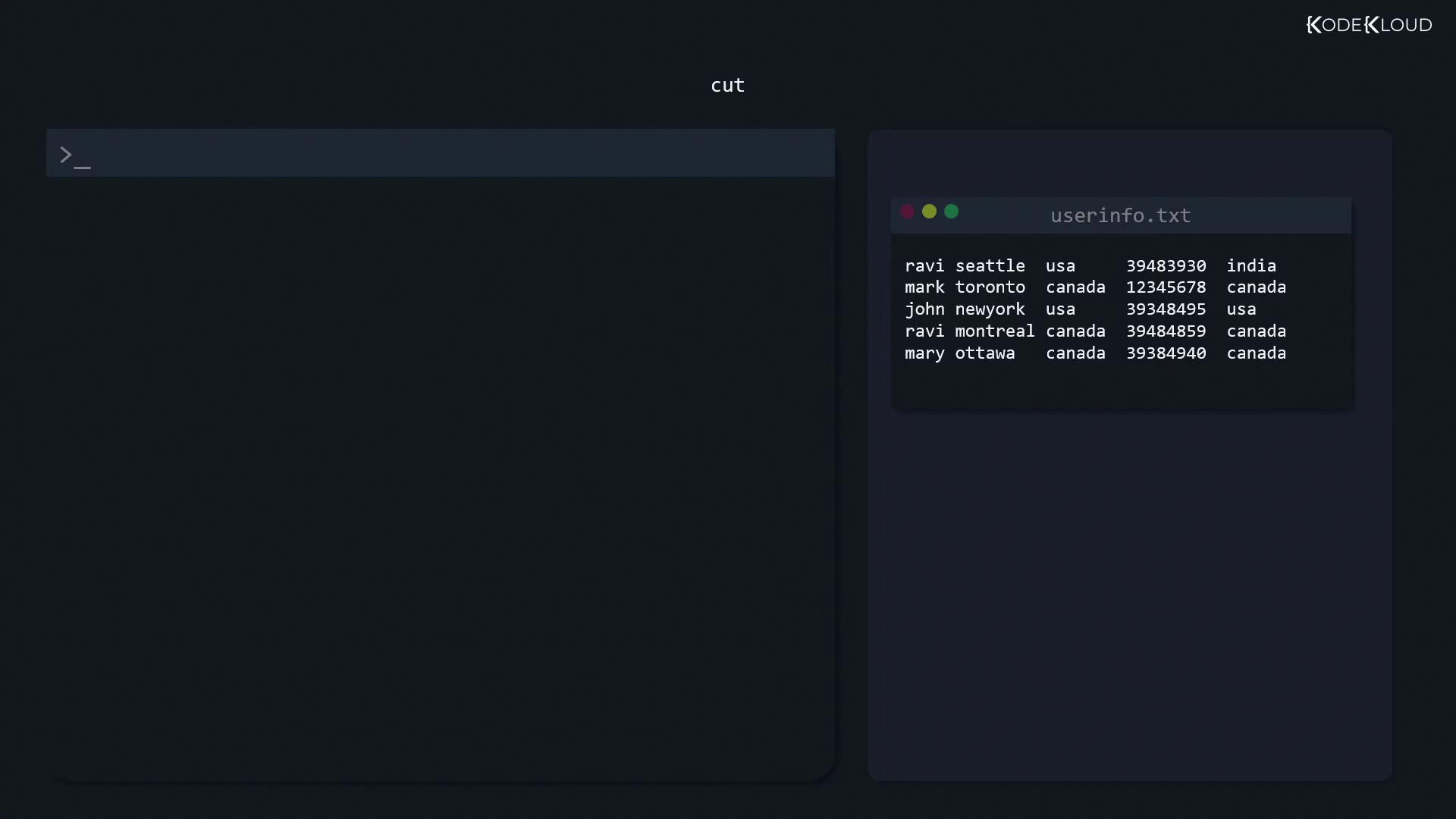
- By space delimiter: extract the first field (name)
- By comma delimiter: extract the third field (country) and save
Listing Unique Entries with sort and uniq
The uniq filter only removes adjacent duplicates—sort first to catch all duplicates:
If your file isn’t sorted,
uniq may leave non-adjacent duplicates. Always sort before uniq for a full cleanse.Comparing Files with diff
Spot differences between configuration files using:
- Basic side-by-side:
- Unified context (
-c): - Two-column view (
-y):