

/proc and /sys.
1. Firmware Configuration: BIOS vs UEFI
Computers use firmware interfaces to initialize hardware and start the boot process. Legacy systems rely on BIOS (Basic Input/Output System), while most modern machines use UEFI (Unified Extensible Firmware Interface).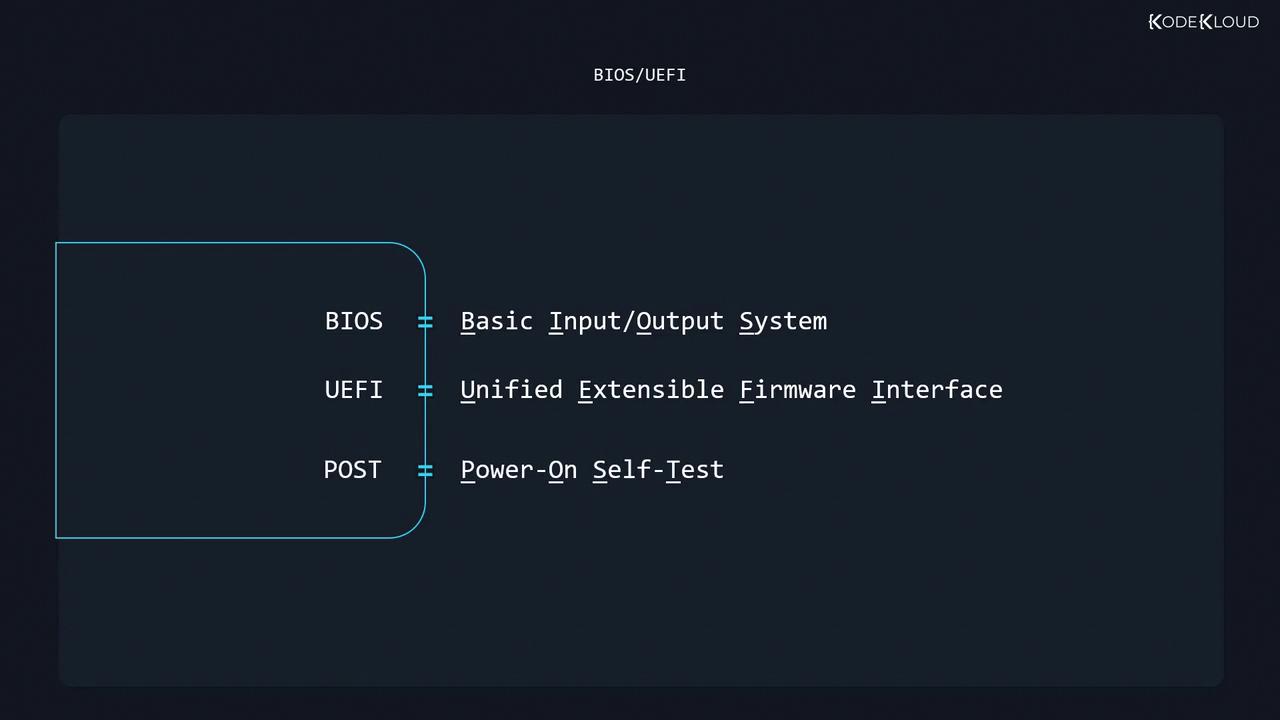
- Set the hardware clock’s date and time
- Enable/disable onboard peripherals (LAN, audio)
- Configure RAM error protection (ECC)
- Adjust IRQ and DMA channels
- Define boot device priority
- Enable performance features (XMP, virtualization)
- Disable unused hardware for security or power saving
Changing firmware settings can affect system stability. Always document original values before modifying.
2. Detecting Hardware in Linux
Once Linux boots, it discovers and initializes hardware. Missing devices usually indicate a faulty component or port; detected but non-functional devices often need the correct kernel module (driver).Here are the primary inspection tools:
2.1 Inspecting PCI Devices with lspci
Thelspci utility enumerates PCI/PCIe devices:
00:03.0):
2.2 Inspecting USB Devices with lsusb
List all USB devices:3. Managing Kernel Modules
Kernel modules enable Linux to communicate with hardware.Unloading critical modules (e.g., storage or network drivers) can render your system unbootable. Proceed with caution.
3.1 Persistent Module Configuration
To apply module parameters at boot or blacklist unwanted modules, use files in/etc/modprobe.d/:
Example: blacklisting the
snd driver:
4. Kernel Information Files (/proc and /sys)
Linux exposes hardware and process information via two virtual filesystems:/proc: Process and kernel data (e.g.,/proc/cpuinfo)/sys: Device and driver attributes (e.g.,/sys/class/net)
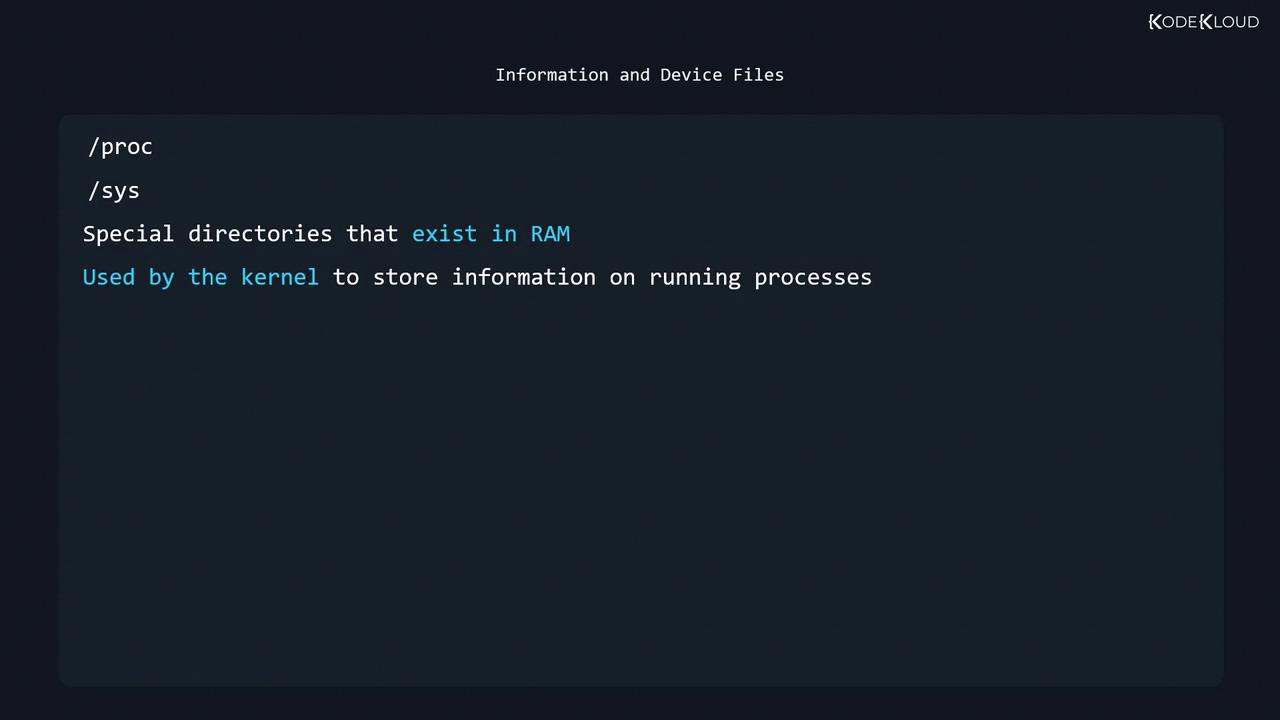
Since
/proc and /sys reside in volatile memory, their contents reset on reboot.Continue to the quiz to test your understanding of Linux hardware configuration and inspection.