

Common Linux Hypervisors
Some of the most popular hypervisors for running Linux virtual machines include:- Xen
An open-source Type-1 (bare-metal) hypervisor that boots directly on hardware without an underlying OS. - KVM (Kernel Virtual Machine)
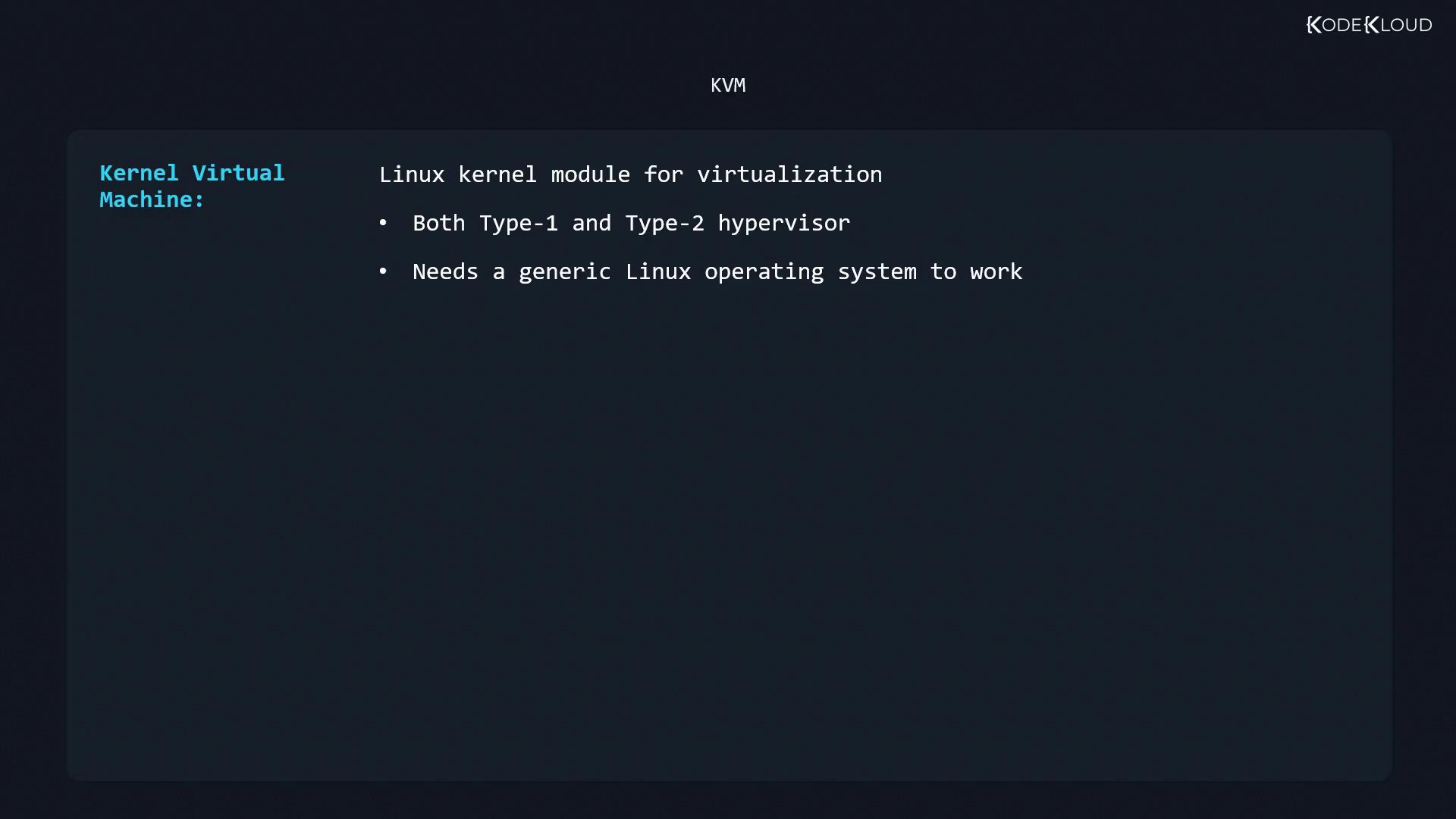
A Linux kernel module that turns your host into a hypervisor. Though it runs within a Linux OS (Type-2), its in-kernel design delivers near Type-1 performance. Managed vialibvirtand supporting tools.
- Oracle VM VirtualBox
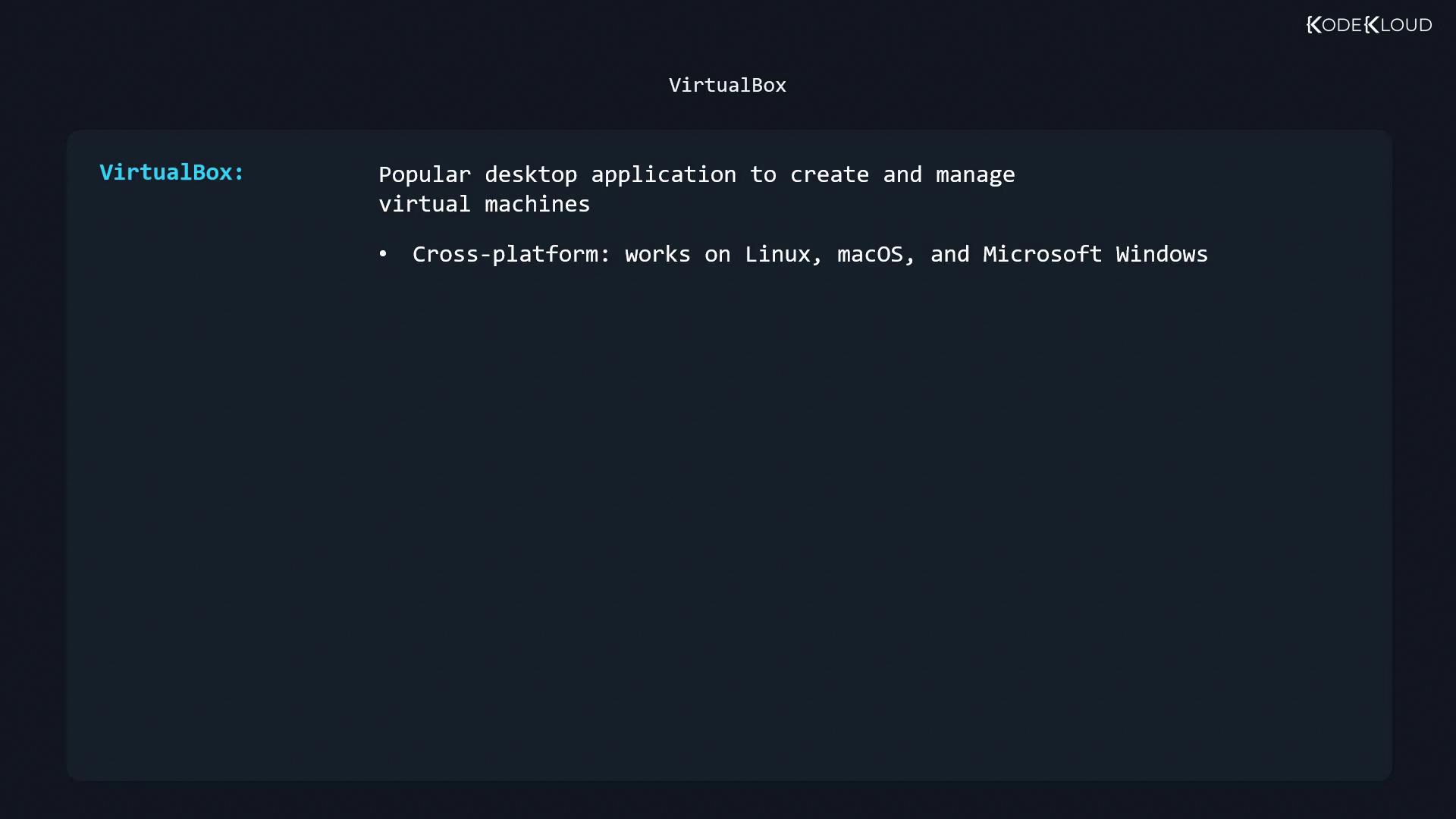
A cross-platform desktop hypervisor (Type-2) for Linux, macOS, and Windows, known for its user-friendly GUI and extensive guest additions.
VM Migration Strategies
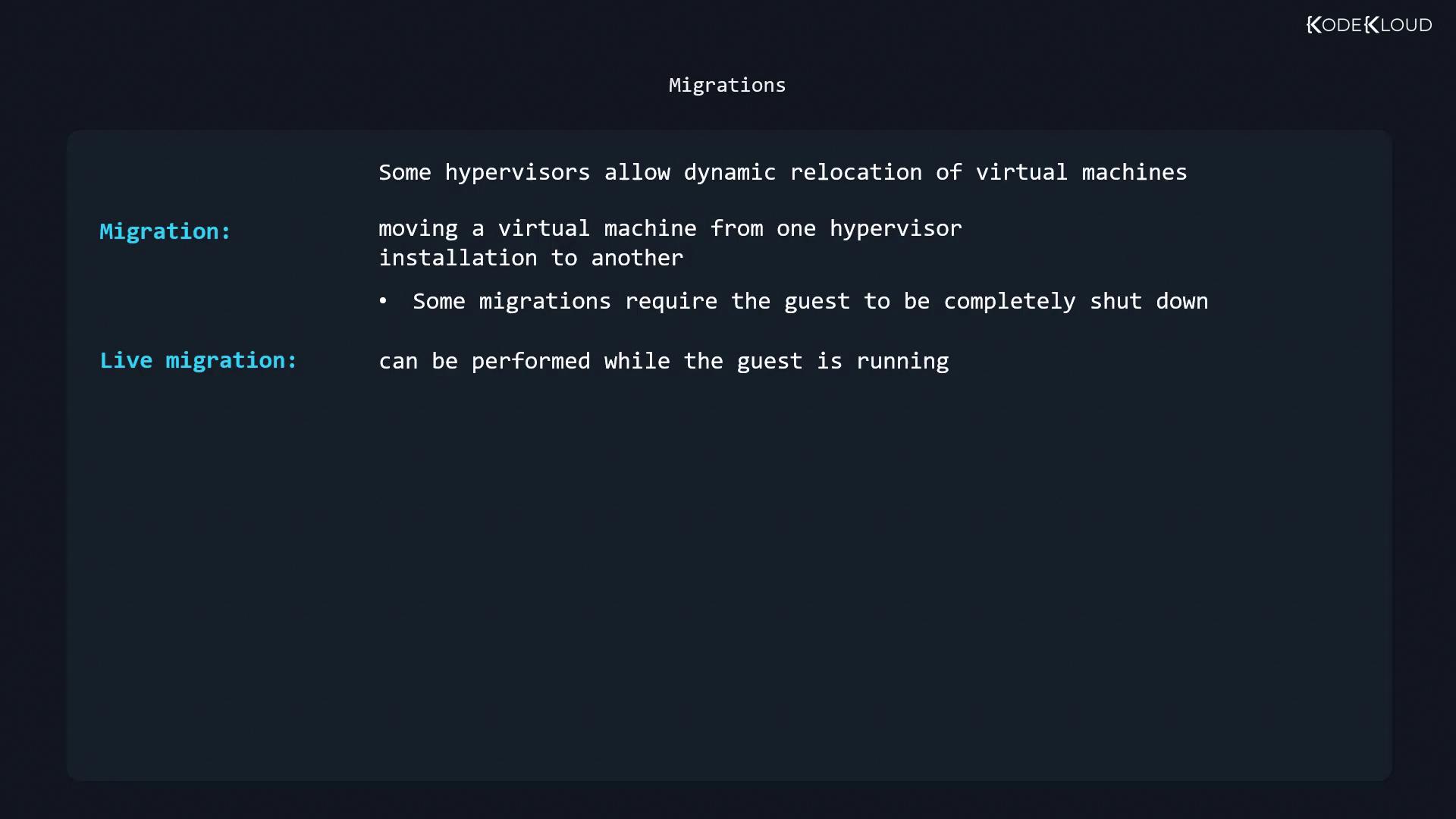
Migrating VMs between hosts is crucial for maintenance, load balancing, and disaster recovery:- Cold migration: Moves a powered-off VM.
- Live migration: Transfers a running VM with minimal downtime.
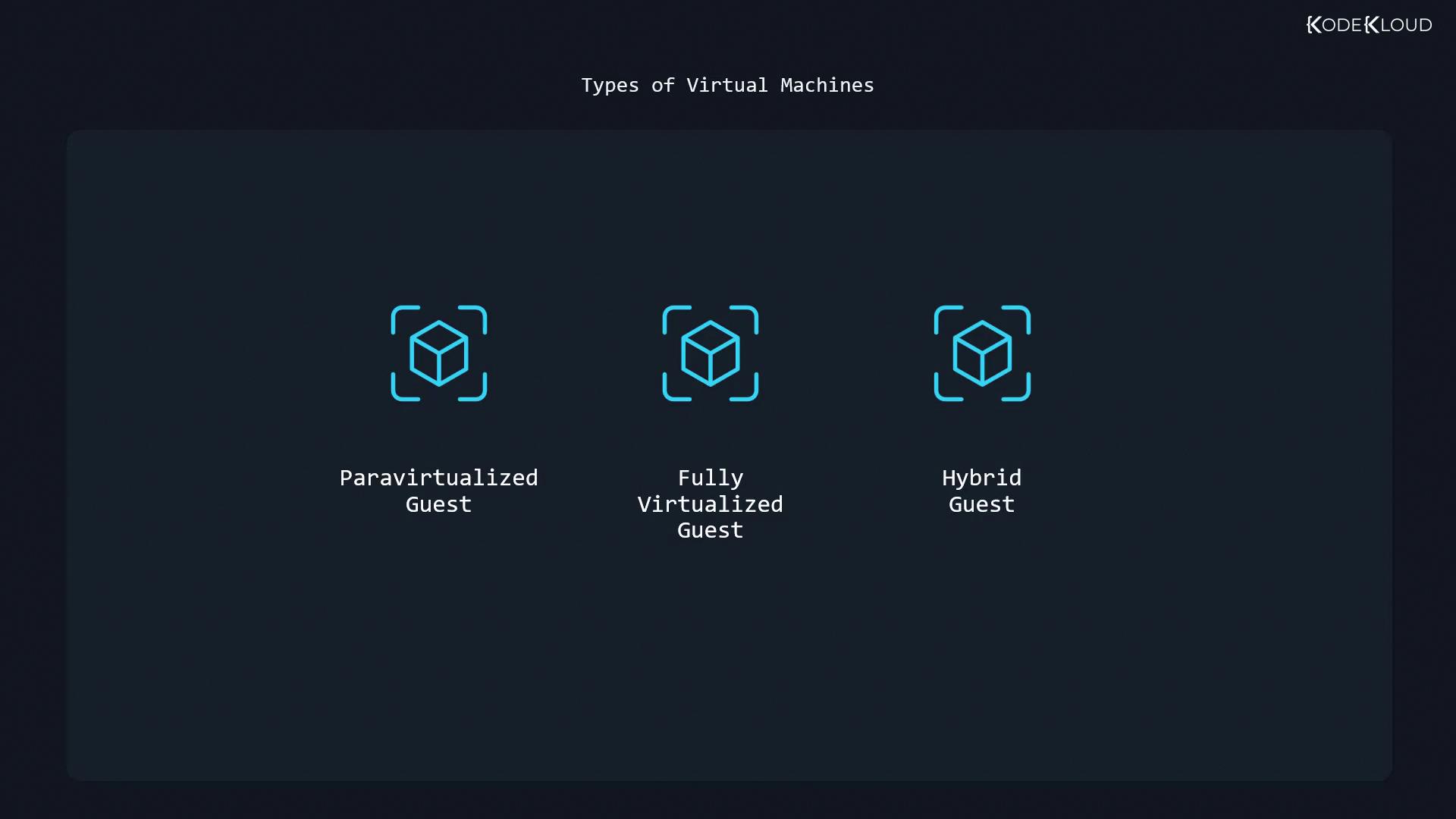
Types of Virtual Machines
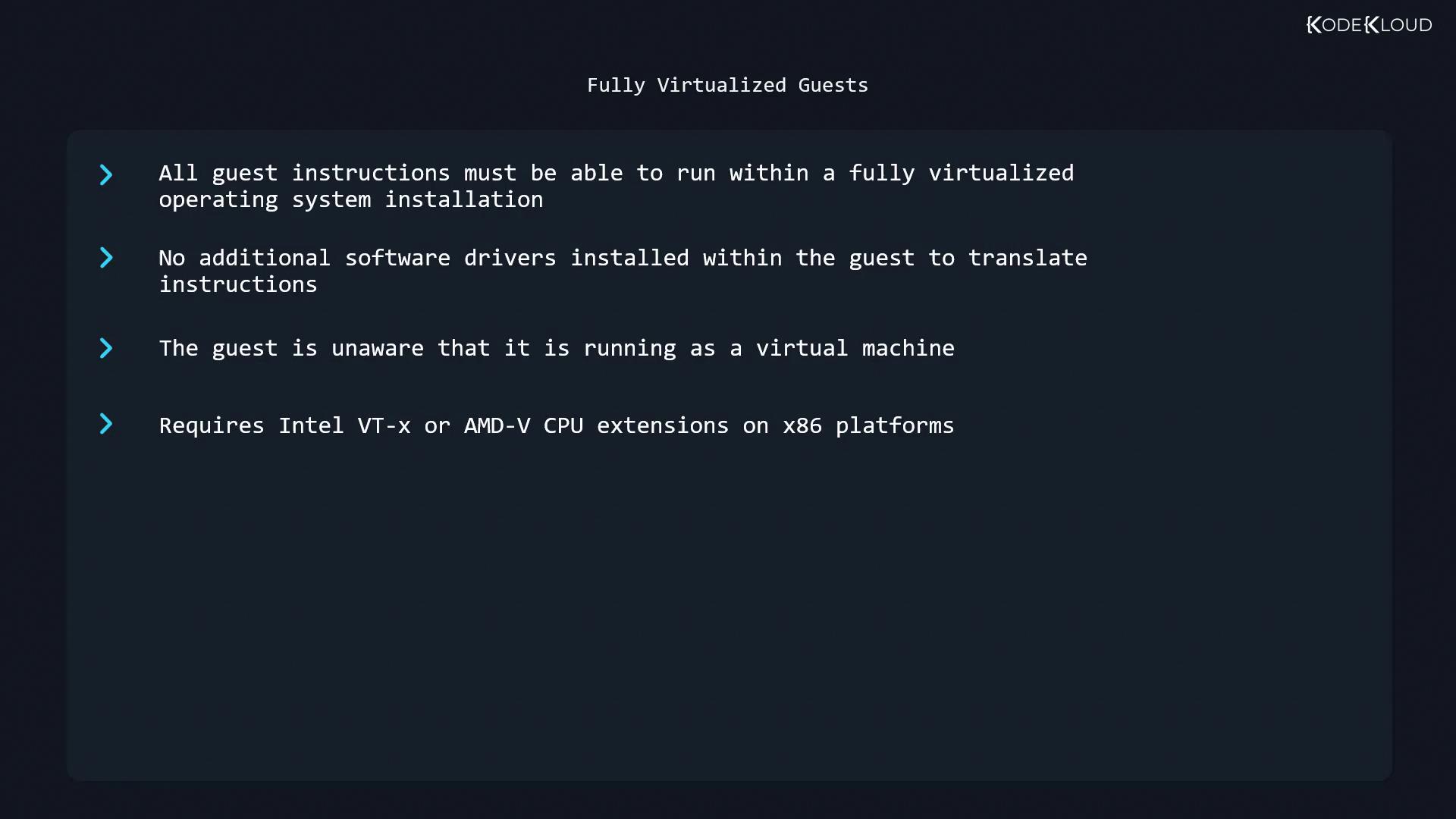
Virtual machines are classified by how the guest OS interacts with the hypervisor:- Fully Virtualized Guests
The guest OS is unmodified and unaware of virtualization. All instructions are emulated or passed through hardware virtualization extensions (Intel VT-x or AMD-V).
Ensure Intel VT-x or AMD-V is enabled in your BIOS/UEFI before deploying fully virtualized guests.
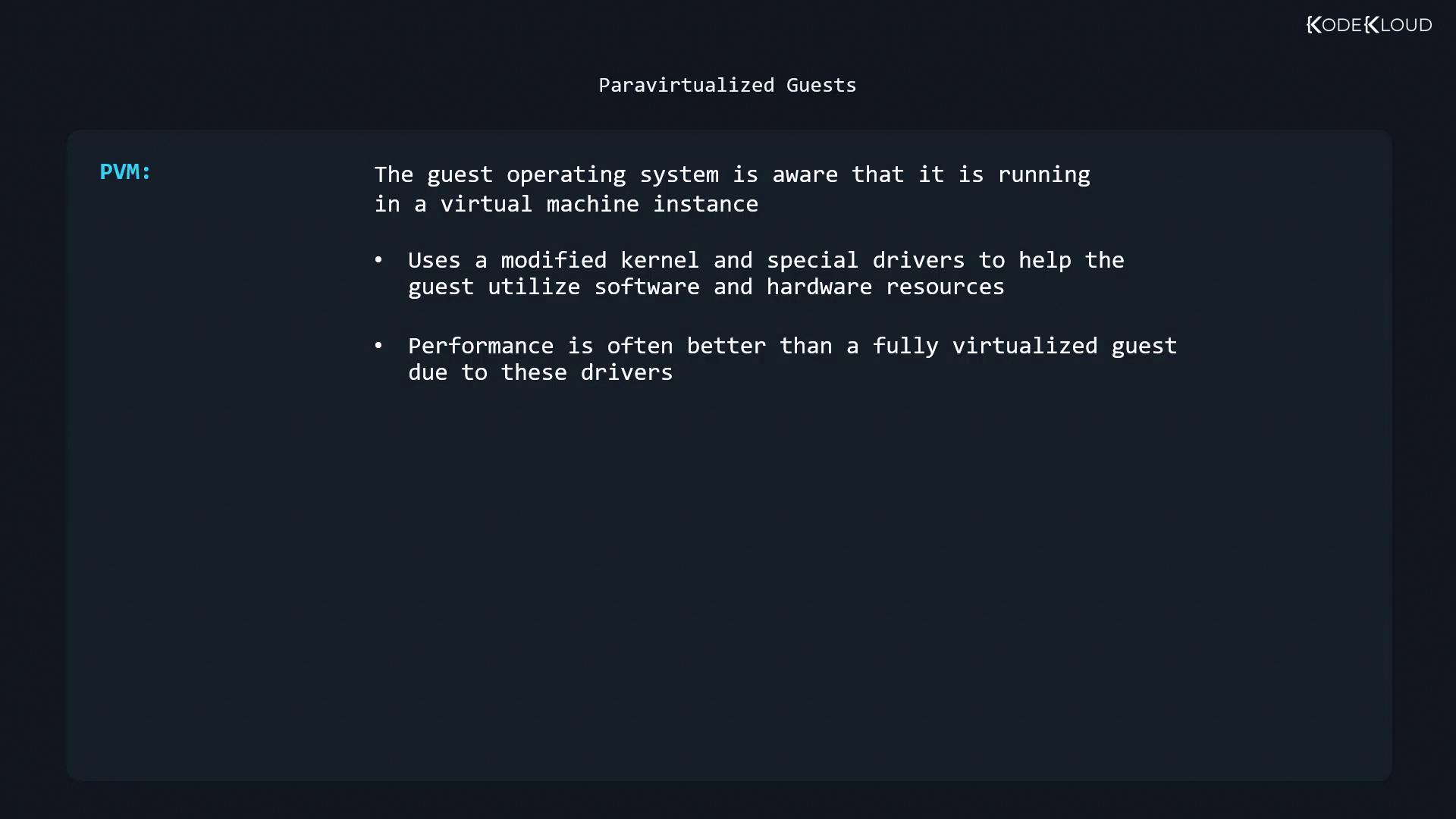
- Paravirtualized Guests (PVMs)
The guest OS runs with hypervisor-aware kernels and special drivers, reducing emulation overhead for improved performance.
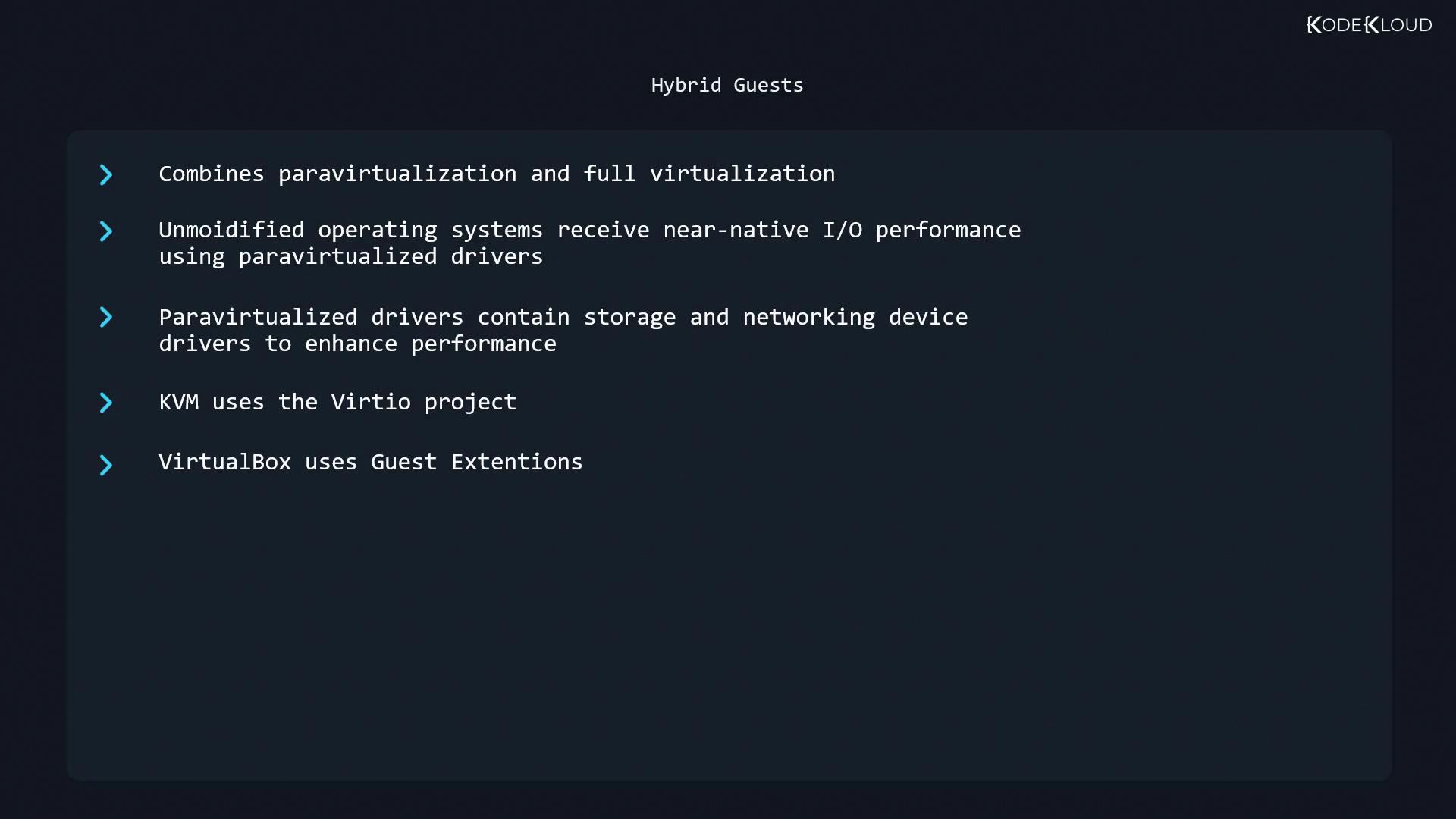
- Hybrid Guests
Combines full virtualization for CPU and memory with paravirtualized drivers (e.g.,virtioon KVM, Guest Additions on VirtualBox) for near-native I/O throughput.
Infrastructure as a Service (IaaS) Considerations
IaaS providers deliver hypervisor-based VM instances with web consoles and APIs. Administrators should evaluate:Compute Instances
Plan instance types and counts to optimize CPU and memory usage. Monitor billing dashboards to avoid surprise charges.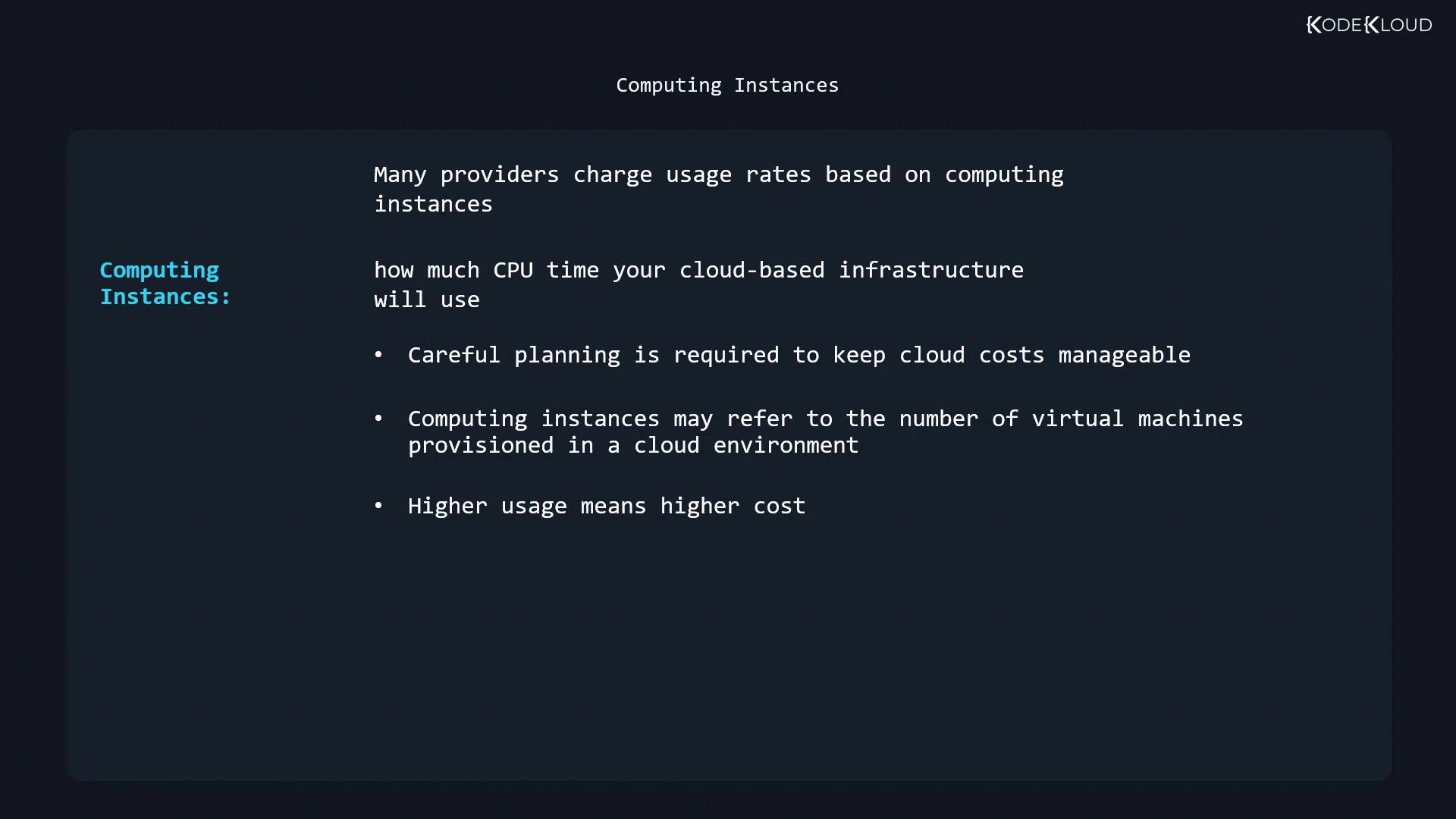
Block Storage
Attach block volumes as virtual disks. Select performance tiers (e.g., SSD vs. HDD) based on throughput requirements.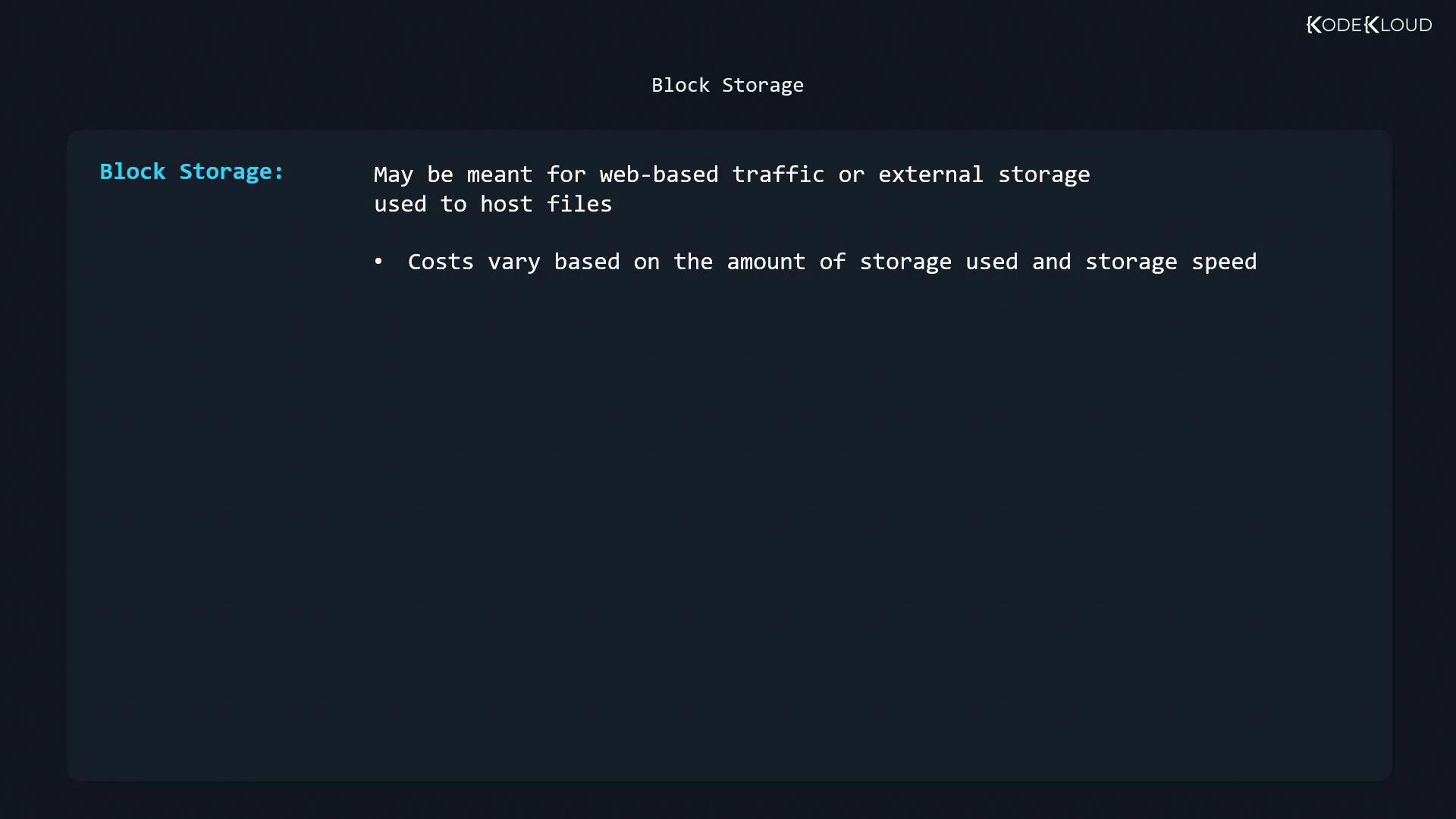
Object & Archival Storage
Use for backups, logs, and large datasets. Archive tiers offer the lowest cost for infrequent retrievals.Networking Services
Design virtual networks, subnets, and security policies through the provider’s console or API. Implement VPN or dedicated links for hybrid cloud scenarios.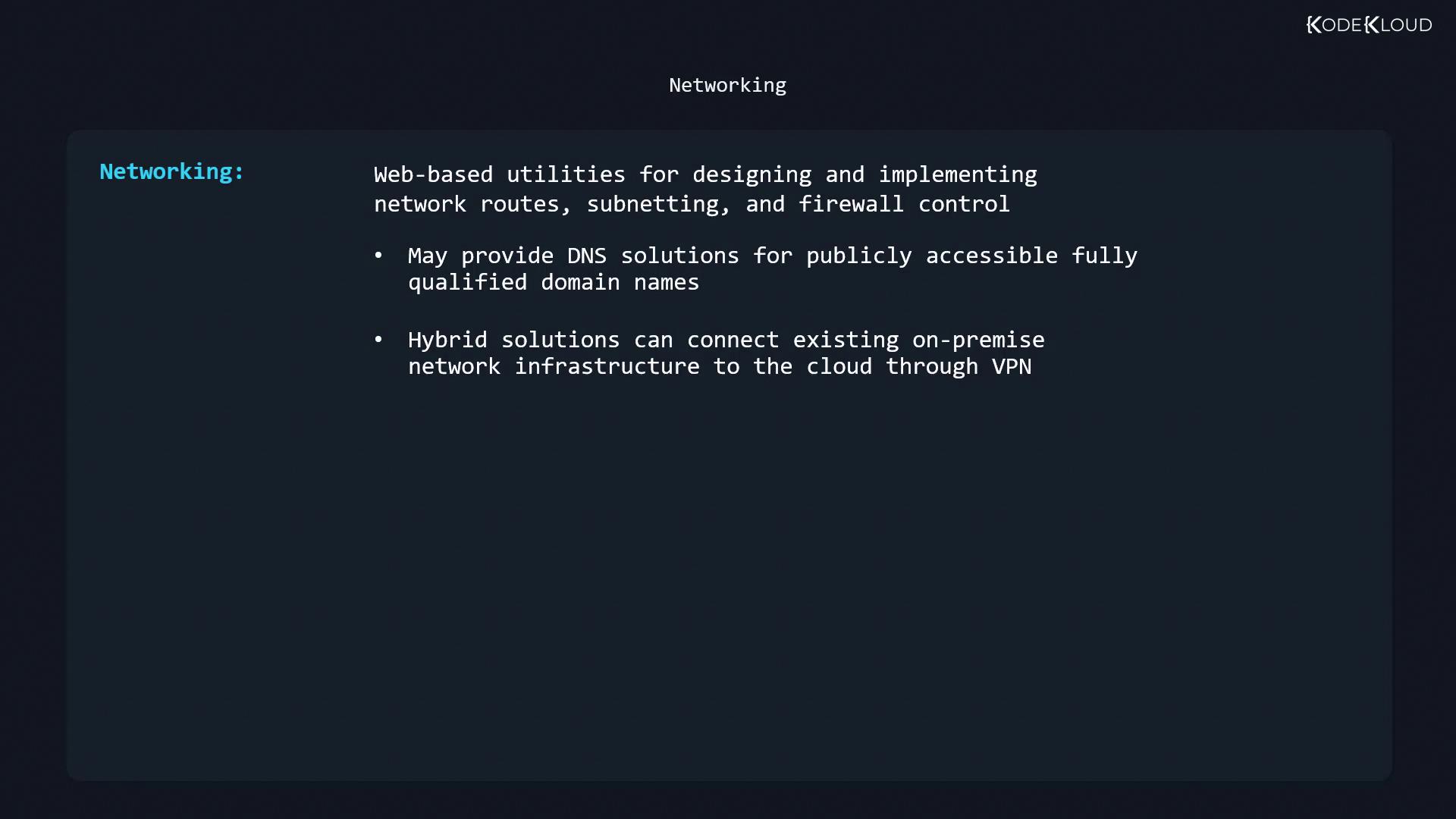
Automating VM Initialization with cloud-init
cloud-init standardizes first-boot configuration across cloud platforms using a YAML-based cloud-config file. Typical configurations include:
- Hostname and timezone setup
- System updates and package installations
- User account creation and SSH key injection
- Network interface configuration
cloud-config:
The line
#cloud-config must begin at the very start of the file with no leading whitespace.References
- Xen Project
- Linux KVM
- Oracle VM VirtualBox
- cloud-init Documentation
- Kubernetes Basics
- Terraform Registry