

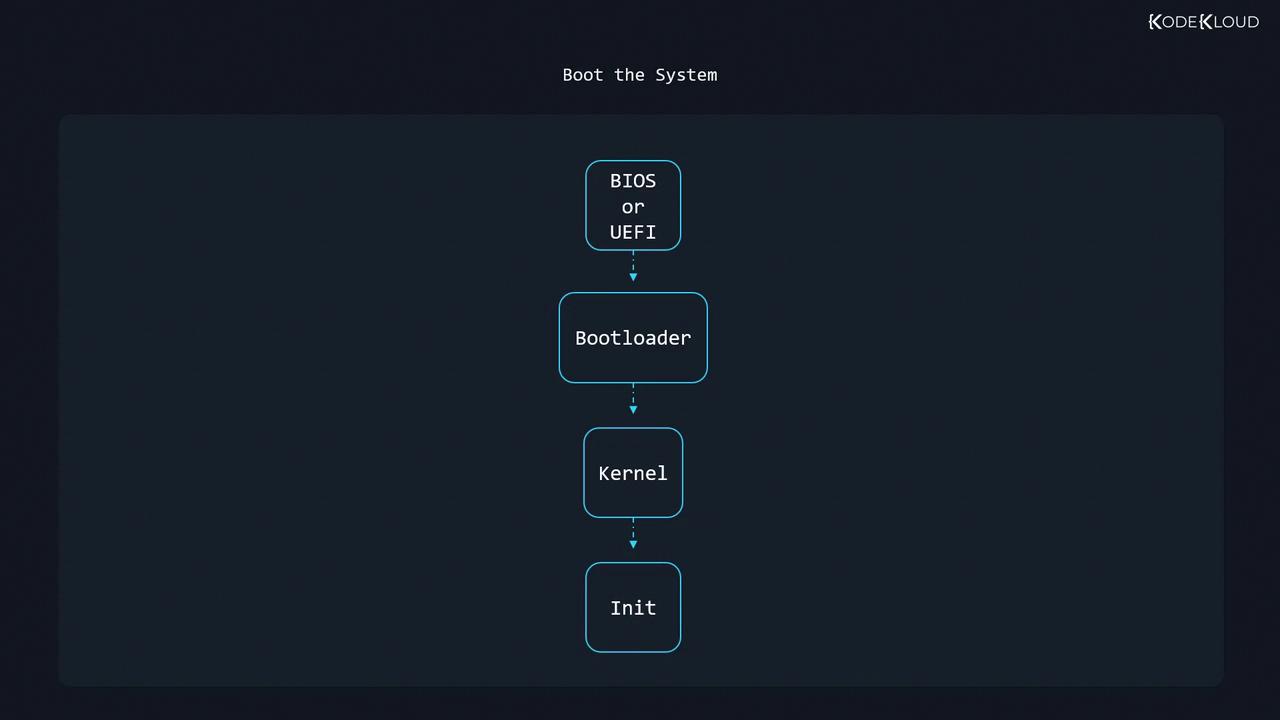
1. BIOS and the Master Boot Record (MBR)
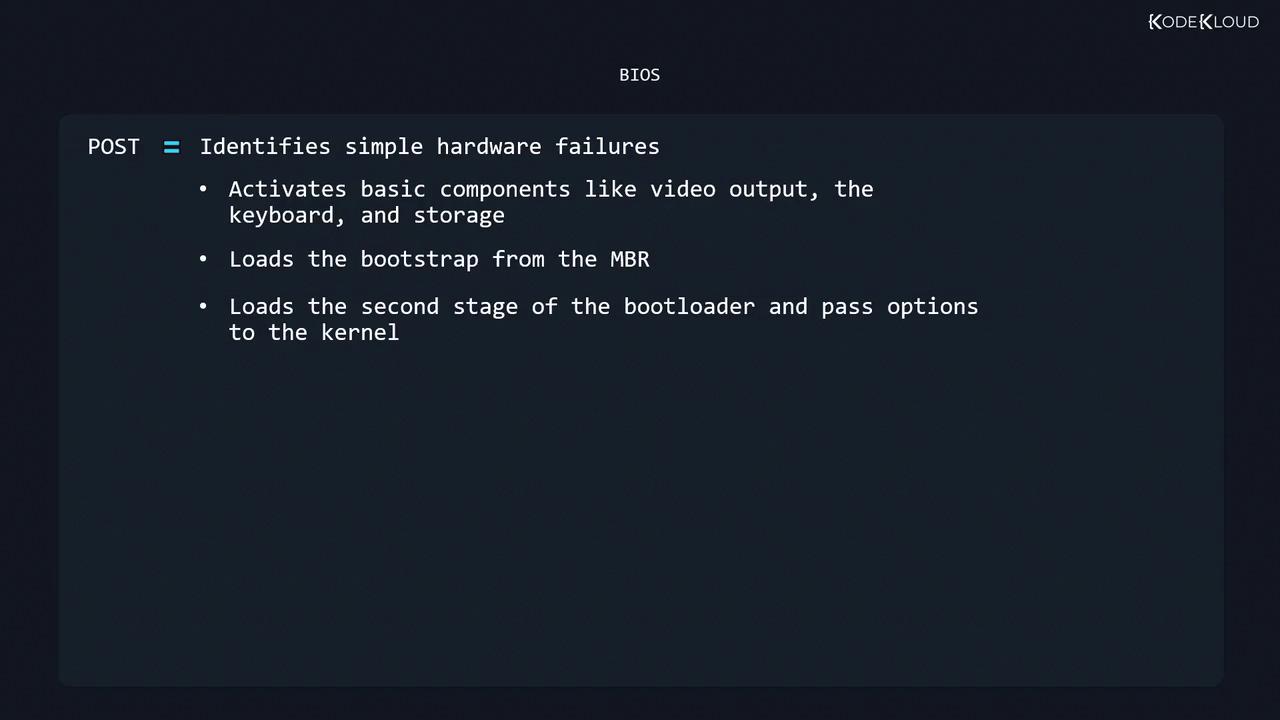
The Basic Input/Output System (BIOS) resides on a motherboard chip and executes immediately after power-on. It performs:- Power-On Self-Test (POST): Verifies basic hardware (CPU, memory, etc.).
- Device Initialization: Activates video, keyboard, and storage controllers.
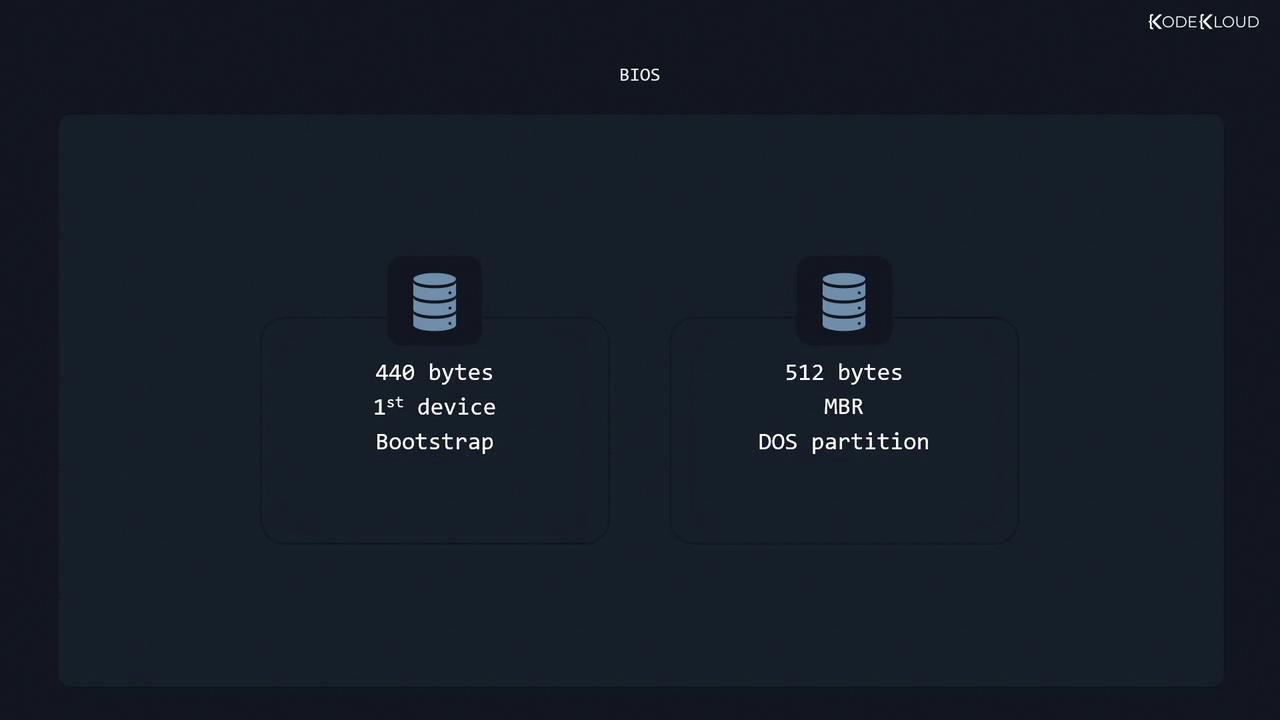
- MBR Read: Loads the first 512 bytes—the Master Boot Record—from the configured disk.
- Bootstrap Loader: Executes the first-stage bootloader (440 bytes), reads the partition table, then transfers control to the second stage to load the bootloader and kernel.
The MBR format supports disks up to 2 TiB and allows a maximum of four primary partitions. Consider GPT for larger disks.
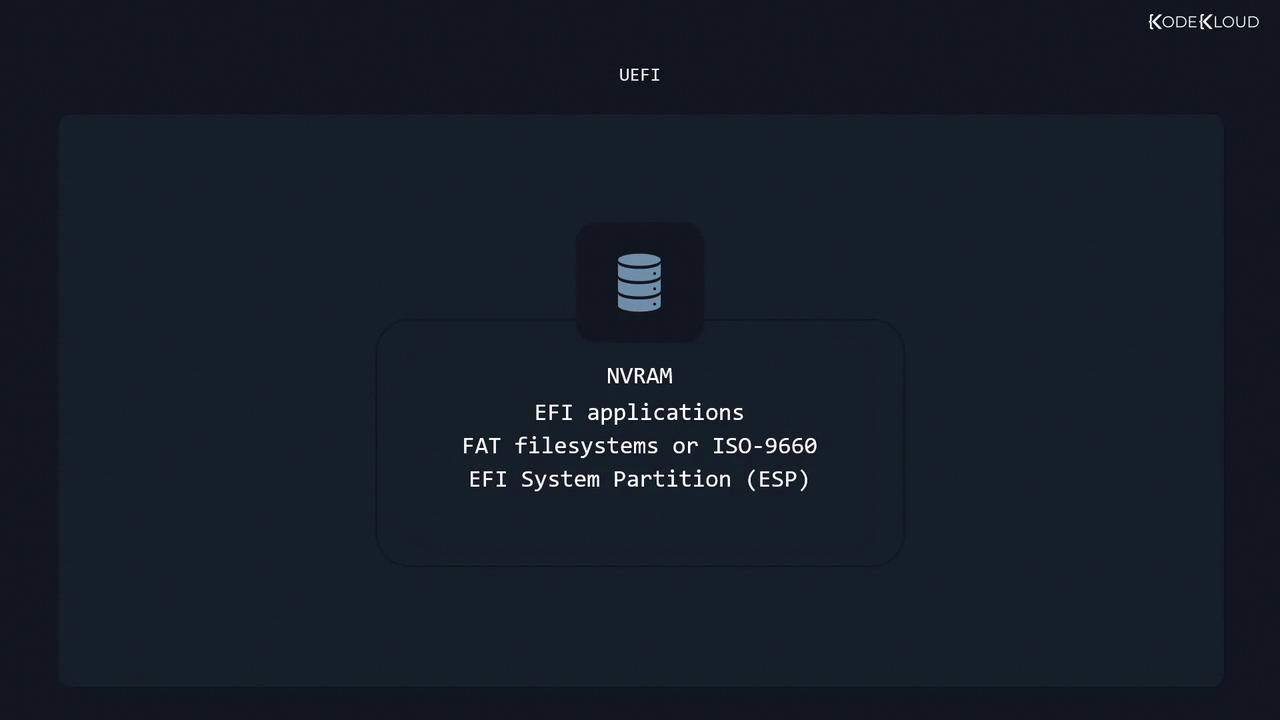
2. UEFI (Unified Extensible Firmware Interface)
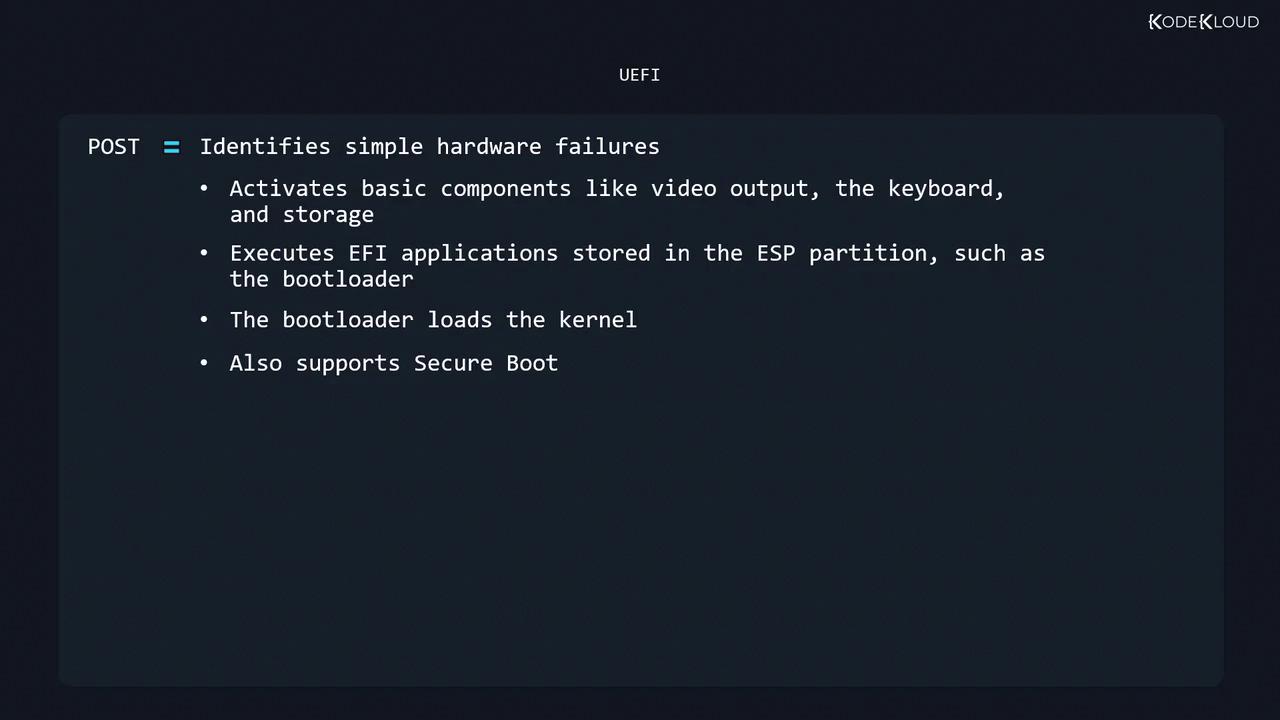
UEFI modernizes BIOS by using non-volatile memory (NVRAM) to locate EFI applications on an EFI System Partition (ESP). Key aspects:- UEFI POST: Hardware diagnostics similar to BIOS.
- Component Activation: Initializes video, input, and storage.
- EFI Application: Loads the bootloader or OS selector from
/EFIon the ESP (FAT12/16/32 or ISO 9660). - Kernel Loading: Transfers control to the bootloader, which loads the Linux kernel.
Disabling Secure Boot is often required when installing unsigned or custom kernels. Ensure you understand the security implications.
3. GRUB: The Grand Unified Bootloader
GRUB is the most common x86 bootloader for BIOS and UEFI systems. Press Shift (BIOS) or Esc (UEFI) to access the menu if it doesn’t appear.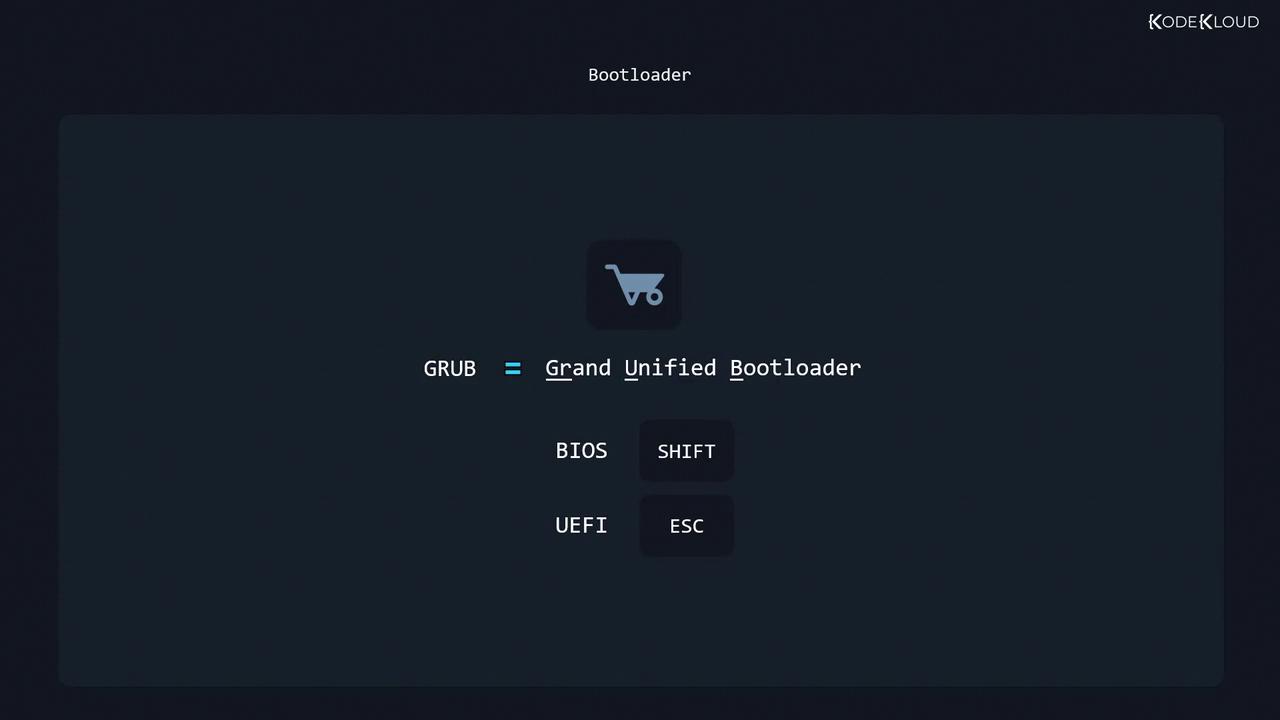
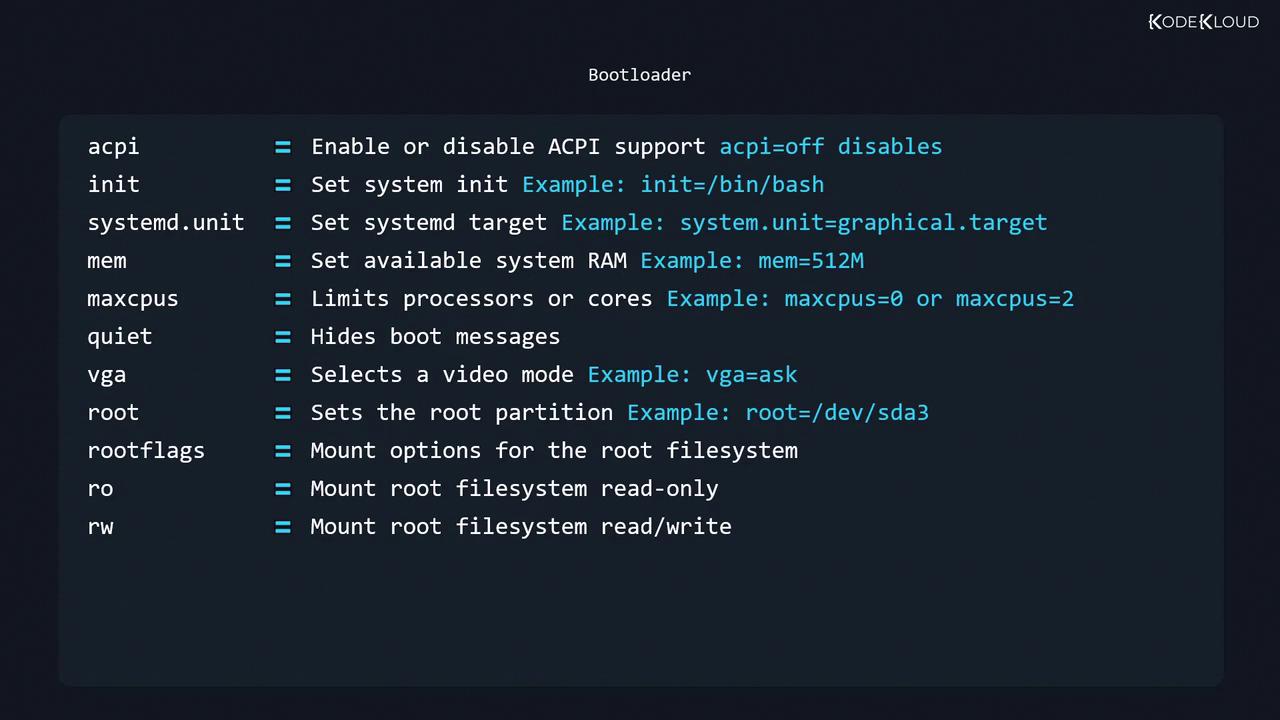
option=value format:
4. Kernel Initialization and initramfs
After GRUB loads the kernel:- Kernel Startup: Initializes CPU, memory management, and drivers.
- initramfs Mount: Unpacks the initial RAM filesystem, which includes essential modules and tools.
- Real Root Mount: Switches to the actual root partition defined in
/etc/fstab. - Exec Init: The kernel runs:

5. Init Systems: SysV, systemd, and Upstart
Linux distributions may use different init managers: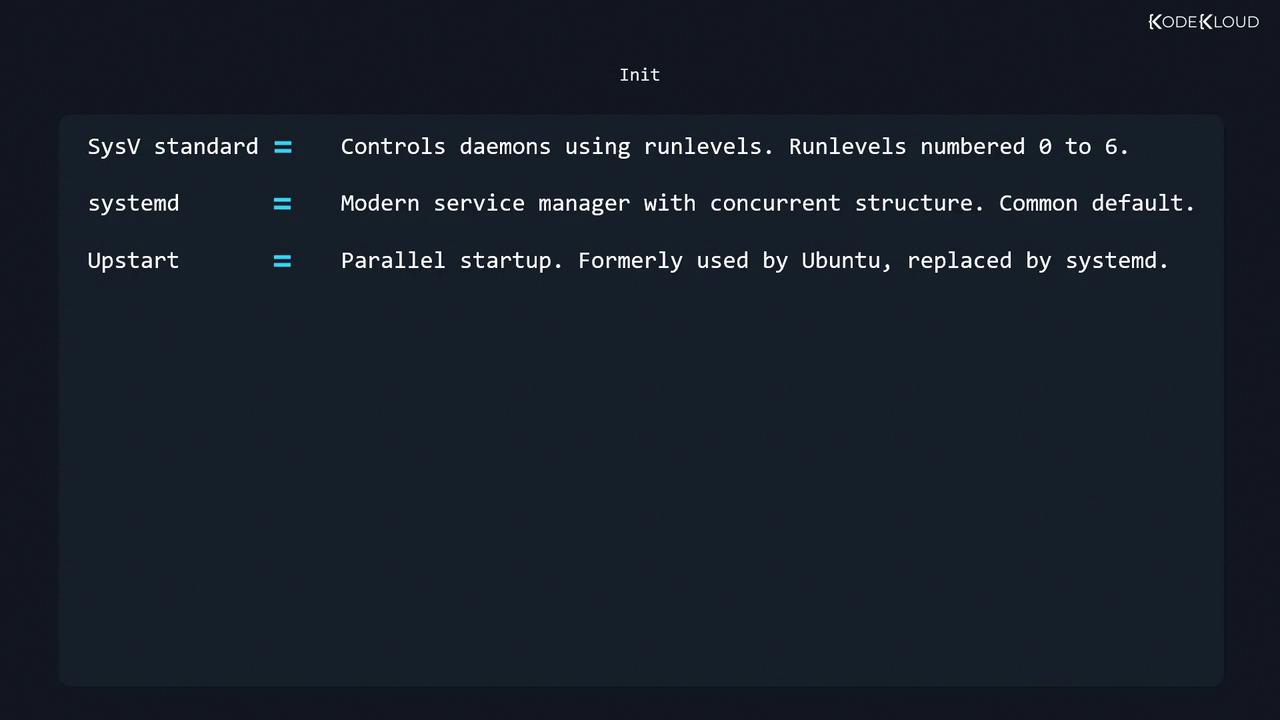
Viewing and Analyzing Boot Messages
The kernel logs boot messages in a ring buffer. To inspect them:journalctl:
-
List recorded boots:
-
View the current boot log (
boot 0):
Links and References
- Linux Kernel Newbies – Boot Process
- GNU GRUB Manual
- systemd Documentation
- BIOS Basics on Wikipedia
- Unified Extensible Firmware Interface Forum