

grep.
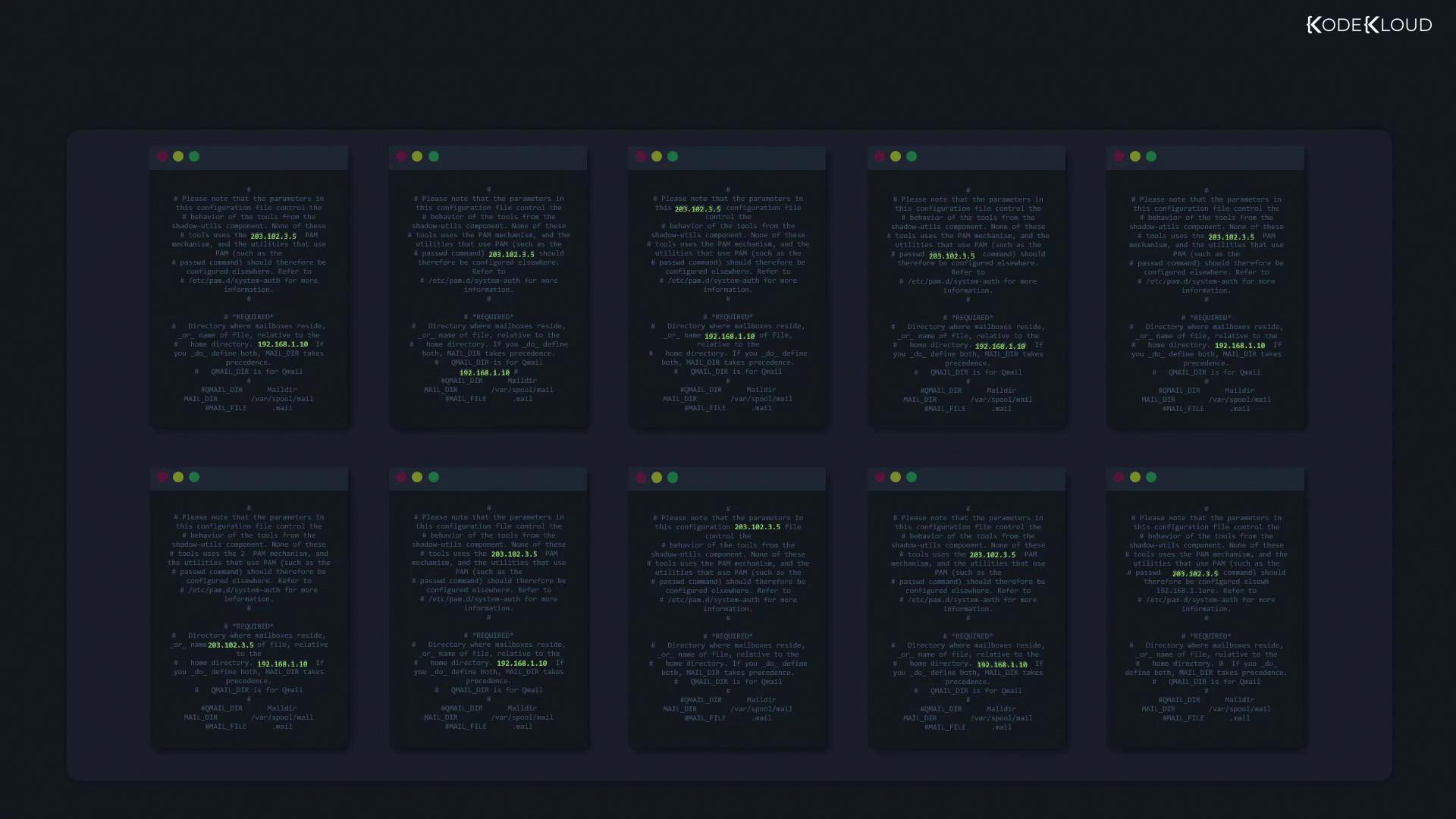
Imagine you need to extract every IPv4 address (e.g., 203.102.3.5) from hundreds of configuration files. A naive approach that searches for “digit–dot–digit” ([0-9]\.[0-9]) would also match incomplete fragments like 1.2. By combining regex operators, you can define precise constraints and avoid false positives:
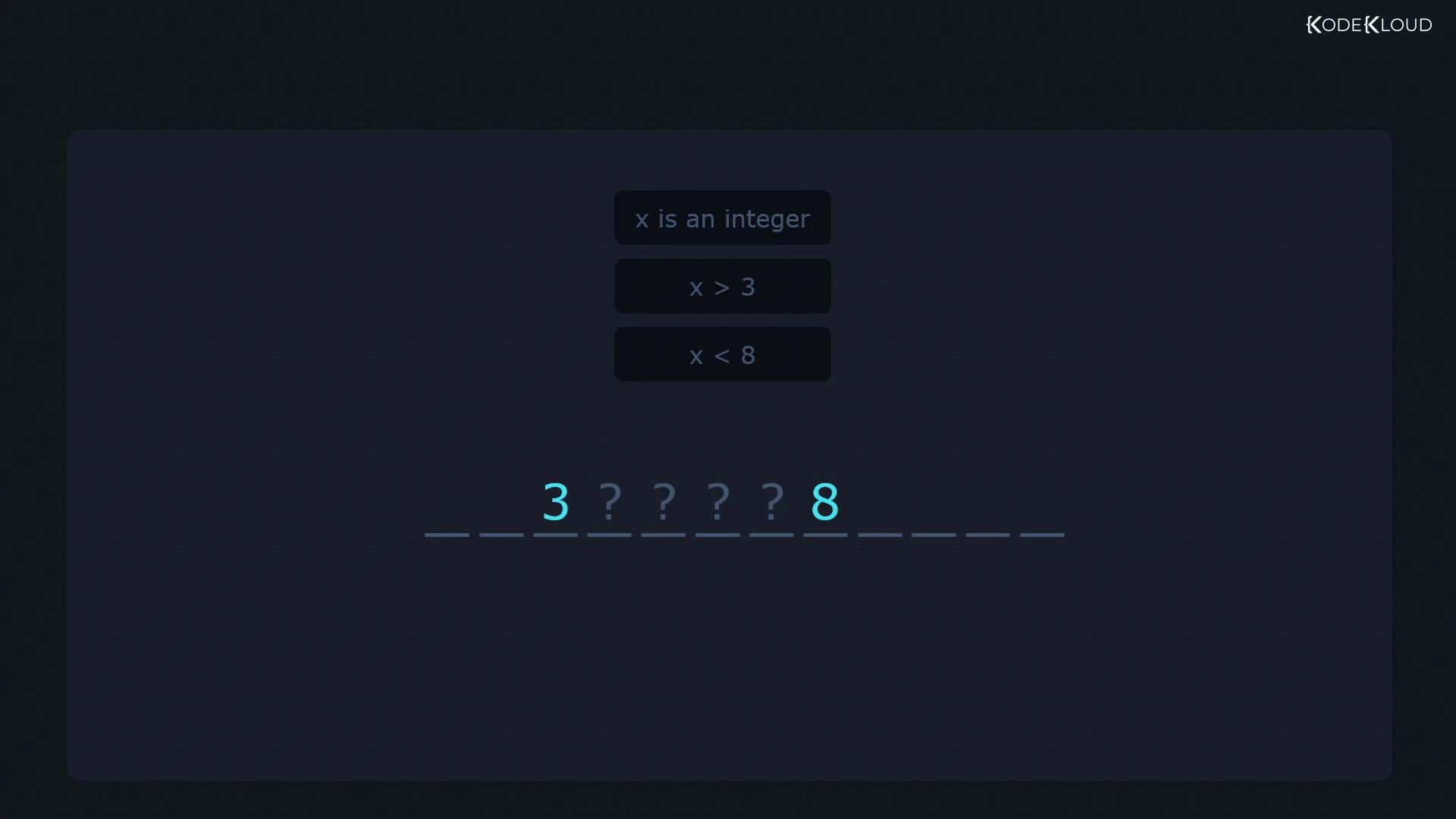
Let x be an integer, x > 3, and x < 8.
Then x ∈ .
![The image displays a set of regex operators, including symbols like ^, $, ., *, +, {}, ?, |, [], (), and [^].](https://kodekloud.com/kk-media/image/upload/v1752881408/notes-assets/images/Linux-Professional-Institute-LPIC-1-Exam-101-Search-Text-Files-Using-Regular-Expressions-Part-1-Create-simple-regular-expressions-containing-several-notational-elements/regex-operators-symbols-set.jpg)
1. Matching at the Beginning of a Line (^)
Consider a file names.txt containing:
sam returns any line with that substring:
sam, prefix your pattern with ^:
2. Matching at the End of a Line ($)
Similarly, to find entries ending in sam, append $ to the pattern:
/etc/login.defs that end with the digit 7:
3. The Dot (.) — Any Single Character
A period in regex matches exactly one character. For instance, c.t matches cat, cut, or c1t, but not ct.
-w flag:
3.1 Escaping the Dot
If your goal is to match a literal dot (.), escape it with a backslash:
4. The Asterisk (*) — Zero or More
The asterisk applies to the element immediately before it, allowing that element to repeat zero or more times. For example, let* matches le, let, lett, letttt, etc.:
. and * to match any sequence of characters. For instance, extracting paths enclosed by slashes:
5. The Plus (+) — One or More
In basic grep, the + is not treated specially unless escaped. Use \+ to indicate “one or more” of the preceding item:
Basic
grep requires escaping ?, +, |, (, and ). To leverage these metacharacters without backslashes, switch to extended regex mode using grep -E or the egrep command.By combining these core operators, you can design precise search patterns to sift through logs, configuration files, or any text data on your Linux system.