In this comprehensive guide, you’ll learn how to build, manage, and optimize Btrfs (B-tree file system) volumes on Linux. We cover everything from one-device setups to multi-disk RAID configurations, subvolumes, snapshots, and transparent compression.Documentation Index
Fetch the complete documentation index at: https://notes.kodekloud.com/llms.txt
Use this file to discover all available pages before exploring further.
Btrfs Overview
Btrfs is a modern copy-on-write (COW) filesystem designed for Linux environments with large storage needs, multiple disks, or advanced snapshot requirements. Its core capabilities include:| Feature | Description |
|---|---|
| Multi-device support | RAID-like layouts: single, dup, raid0, raid1, raid5, raid6, raid10 |
| Transparent compression | ZLIB, LZO, ZSTD algorithms for on-the-fly data reduction |
| SSD optimizations | TRIM support, reduced fragmentation |
| Snapshots & incremental backup | Create point-in-time subvolume copies for quick rollback and backup |
| Online defragmentation | Defragment without unmounting |
| Subvolumes with quotas | Isolate datasets, enforce per-subvolume space limits |
| Deduplication | Post-process or realtime block dedupe |
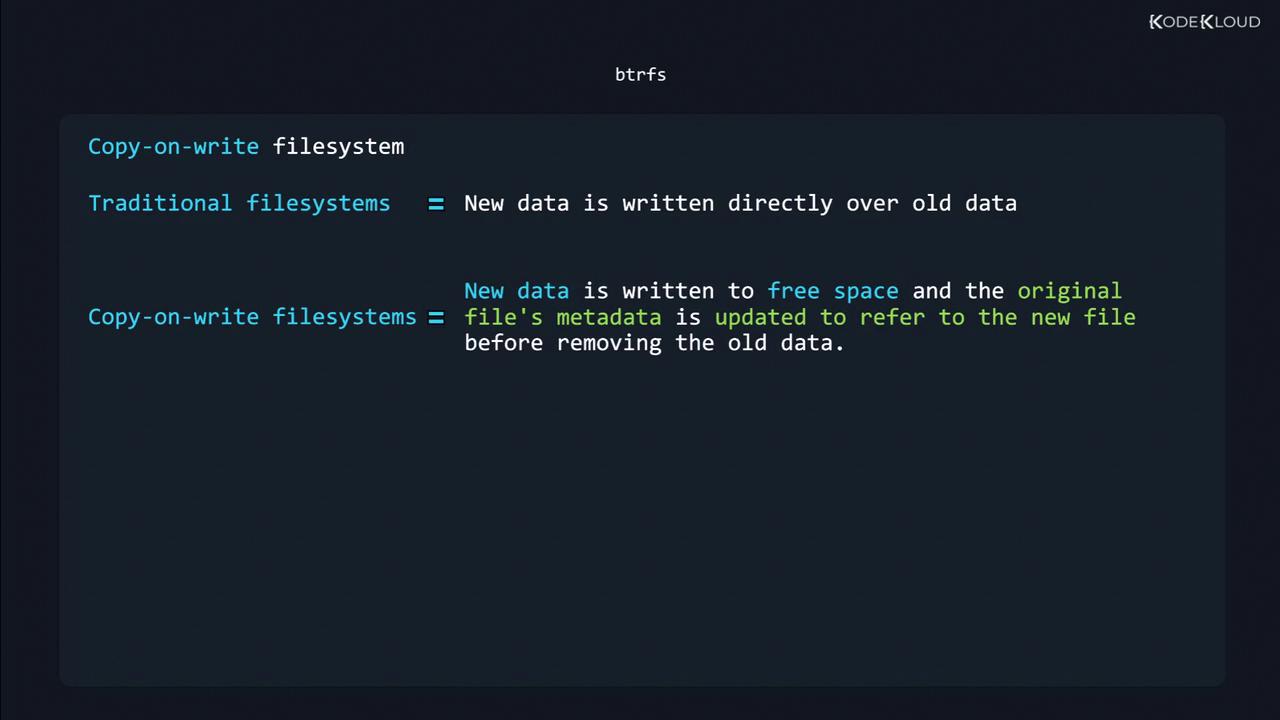
When modifying data, COW filesystems write new data to free space, update metadata, then discard the old blocks. This preserves data integrity across crashes.
1. Creating a Btrfs Filesystem
1.1 Single-Device Setup
Initialize a simple Btrfs volume on/dev/sdb1:
Changing labels on a mounted filesystem can cause mount failures. Always unmount before relabeling.
1.2 Multi-Device & RAID Profiles
Expand a Btrfs pool across/dev/sdb and /dev/sdc:
| Profile | Data Layout | Use Case |
|---|---|---|
| single | No redundancy | Tests, single-disk volumes |
| dup | Metadata only | Protect metadata on single device |
| raid0 | Striping | Max performance, no redundancy |
| raid1 | Mirroring | Redundancy, small pools |
| raid5/6 | Parity | Large pools, high capacity |
| raid10 | Stripe+Mirror | Performance + redundancy |
2. Subvolumes
Subvolumes are independent namespaces within a Btrfs filesystem—each with its own snapshots and quotas.-
Mount the main volume:
-
Create a subvolume named
BKP: -
Verify the listing:
-
Inspect subvolume metadata:
3. Mounting a Specific Subvolume
To mountBKP directly:
4. Snapshots
Snapshots capture a subvolume’s state at a specific point in time. They are instant, space-efficient, and independent from ongoing changes.4.1 Create a Read-Write Snapshot
4.2 Verify & Test
Remove some files from the live subvolume:4.3 Read-Only Snapshots
Immutable snapshots prevent accidental writes:5. Transparent Compression
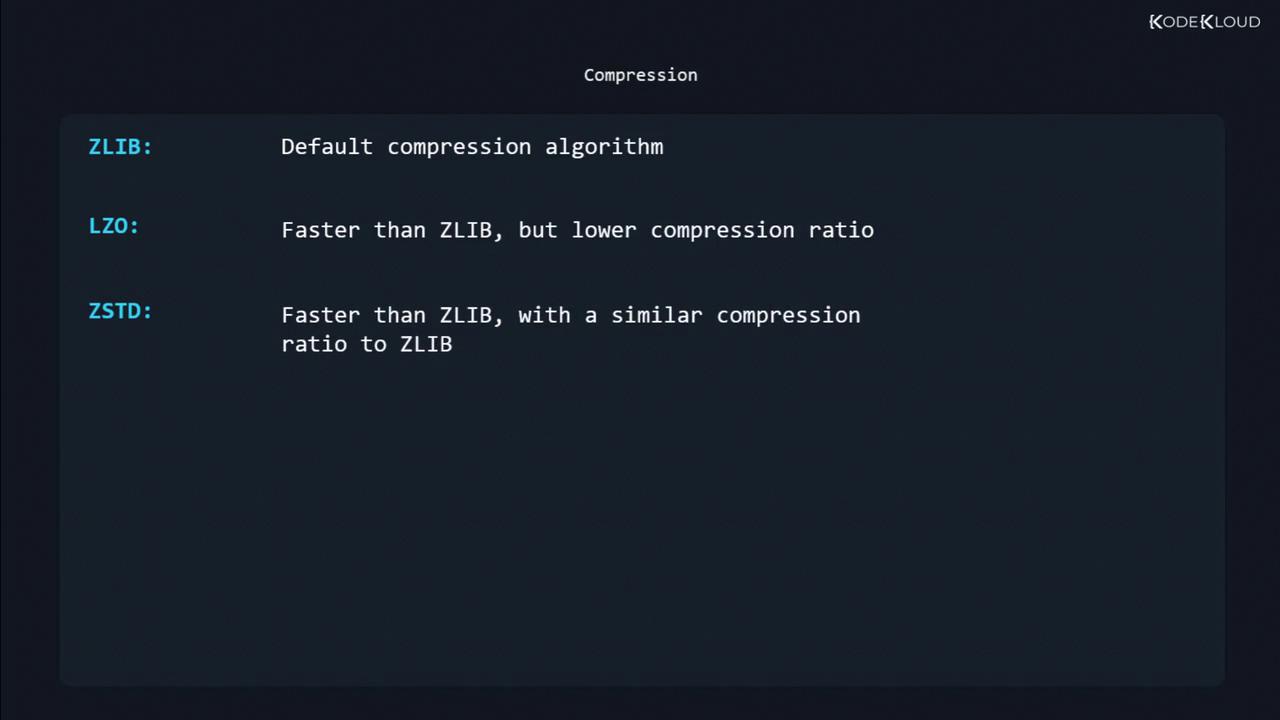
Enable compression at mount time to reduce disk usage without manual compression commands.| Algorithm | Speed | Compression Ratio |
|---|---|---|
| zlib | Moderate | Good (default) |
| lzo | Fast | Lower |
| zstd | Fastest | Similar to zlib |
