

1. Compilation vs. Linking
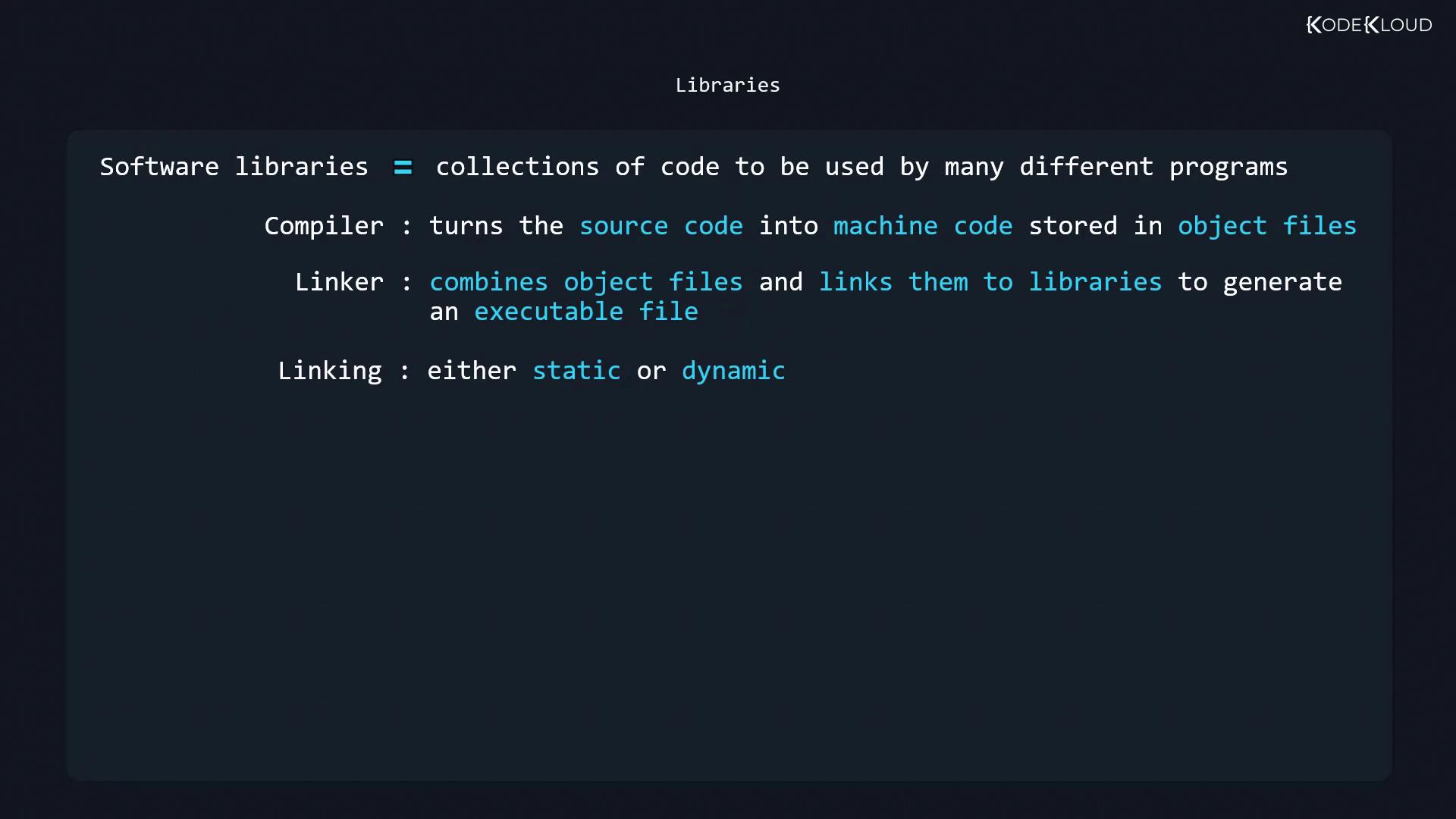
Building an executable from source involves two key steps:-
Compilation
The compiler (e.g.,gcc) translates source files (.c,.cpp) into object files (.o). -
Linking
The linker combines object files and connects them to libraries, producing the final executable.
- Static: Library code is embedded into the executable.
- Dynamic: Executable references shared libraries at runtime.
2. Static Libraries vs. Shared Libraries
Static Libraries (.a)
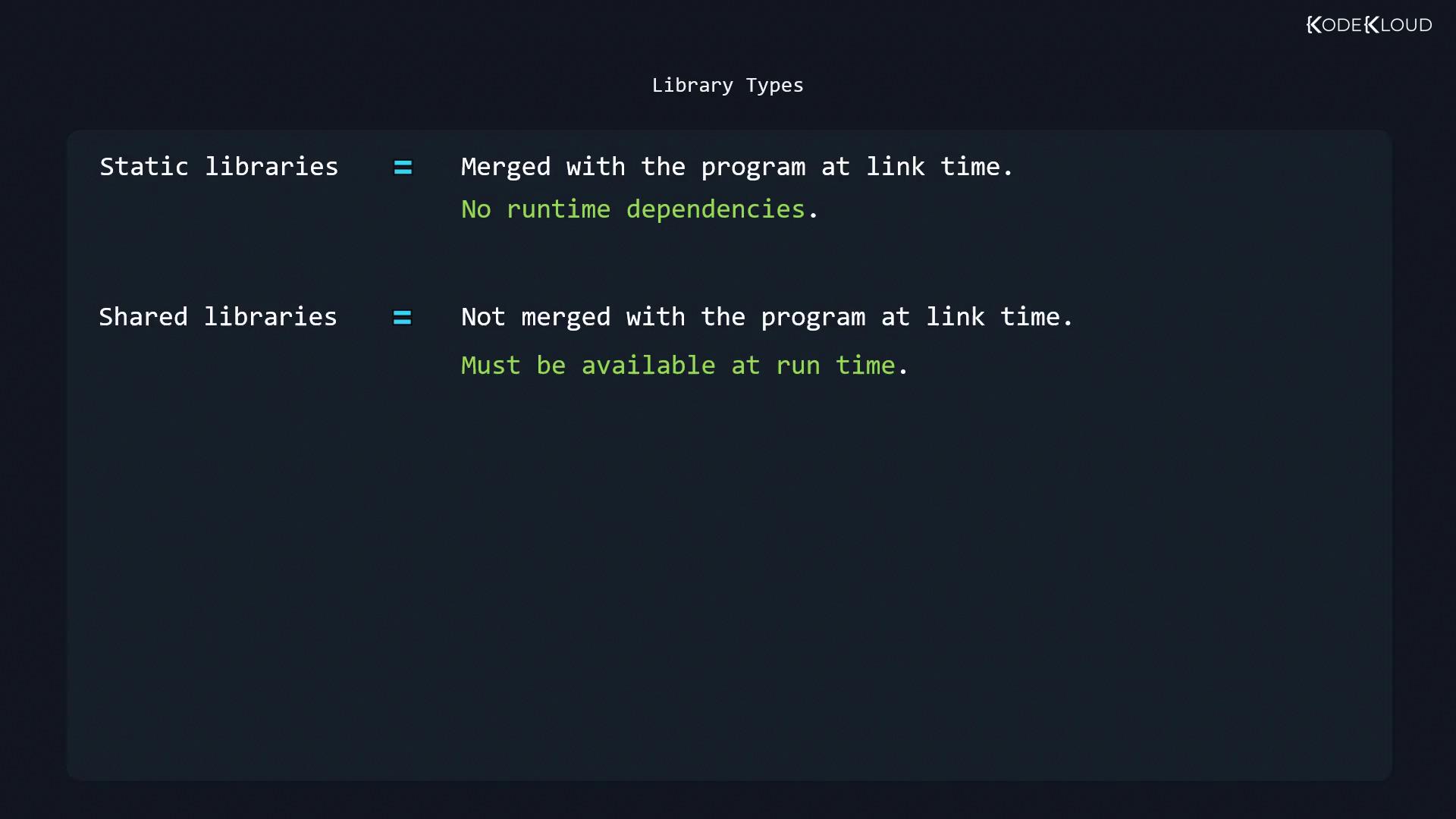
- Merged into the executable at link time.
- No runtime dependency on external files.
- Larger binary size, but fully self-contained.
Static linking increases the size of the executable since all used library code is included.
Shared (Dynamic) Libraries (.so)
- Executable holds references, not library code.
- Resolved by the dynamic linker at runtime.
- Multiple programs can share a single library instance in memory, saving disk and RAM.
3. Shared Library Naming Conventions
Shared libraries follow the SONAME pattern:lib: prefix.so: shared object{major}: major version
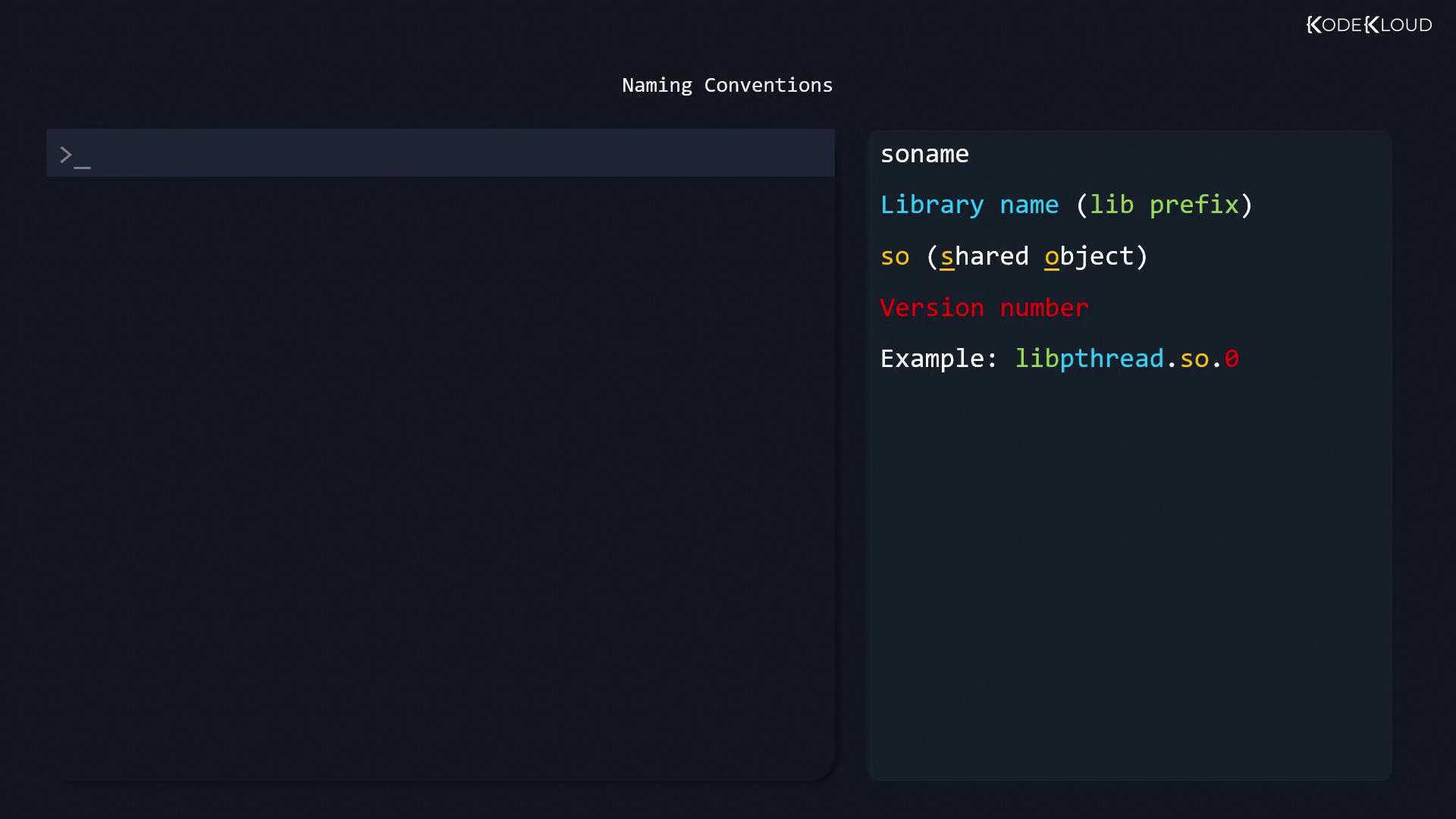
libc.so.6, typically a symlink to the full version. Static archives end with .a, for example libpthread.a.
4. Common Library Locations
Shared libraries are usually installed in these directories:5. Dynamic Linker Configuration
The dynamic linker (ld.so or ld-linux.so) reads /etc/ld.so.conf to locate libraries:
/etc/ld.so.conf.d/ lists absolute library directories, for example:
6. LD_LIBRARY_PATH Environment Variable
LD_LIBRARY_PATH is a colon-separated list of directories the dynamic linker checks before standard paths.
Overusing
LD_LIBRARY_PATH can cause version conflicts and security issues. Prefer updating /etc/ld.so.conf.d/ and running ldconfig for persistent changes.export line to ~/.bashrc or /etc/profile.
7. Inspecting Dependencies with ldd
Useldd to list shared libraries an executable depends on: