

Lab environment
This lab runs in the KodeKloud environment where Kafka is already installed. Start by navigating to the Kafka installation directory to locate the binaries you’ll use:bin directory. Change into bin to see helper scripts used for managing Kafka:
Quick reference: common Kafka CLI commands
Create a simple topic
Create a topic nameddemo_topic with the Kafka topics script:
--create— create a new topic.--topic demo_topic— the topic name.--bootstrap-server localhost:9092— address of a broker to bootstrap against (replace with your cluster’s bootstrap server(s)).
Kafdrop or Confluent Control Center.
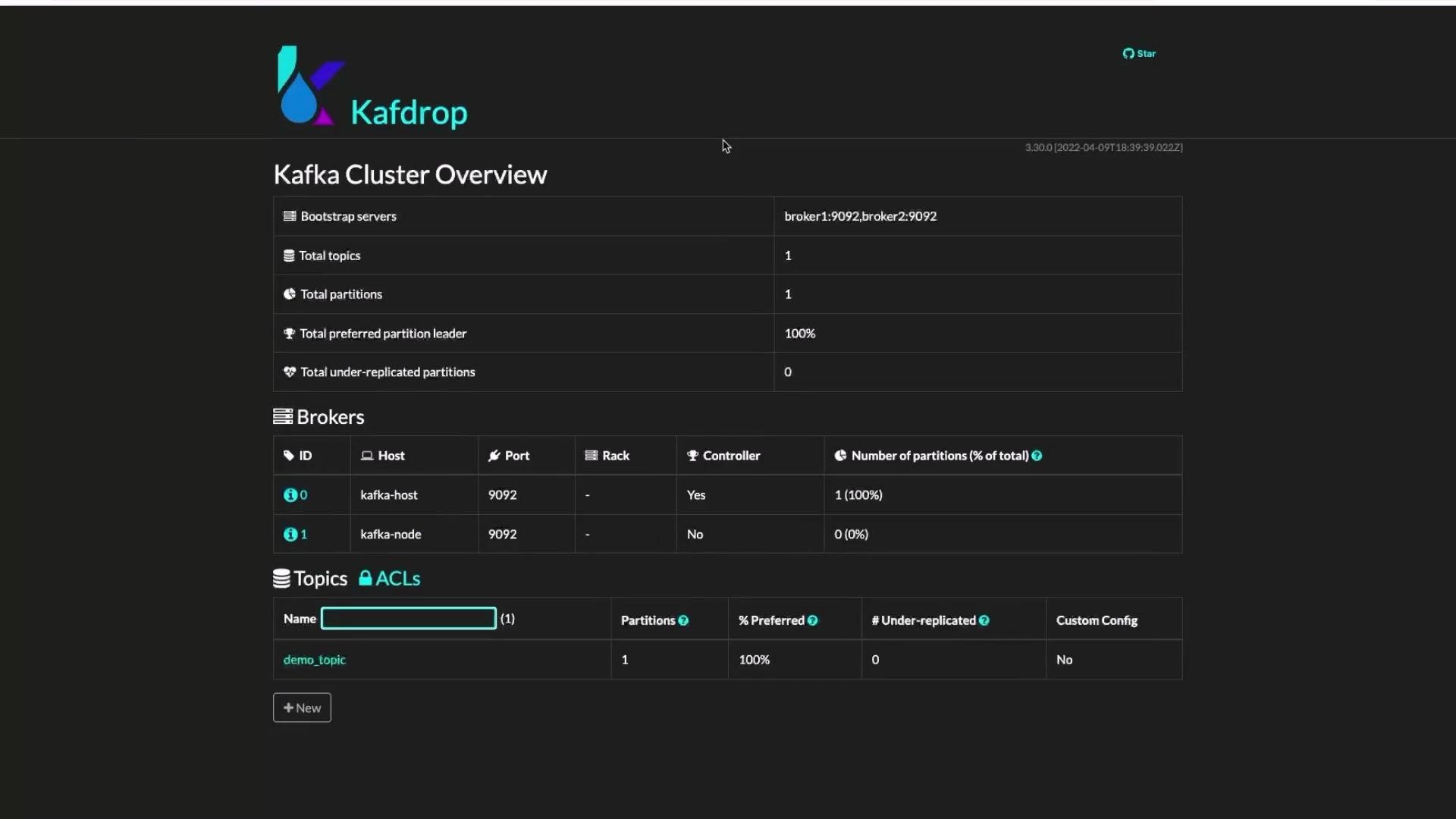
Create a topic with partitions and replication
Partitions increase throughput and parallelism by spreading data across brokers. Create a topic with three partitions and a replication factor of 1:Align partition counts to your throughput and consumer parallelism needs. More partitions can improve parallelism but add overhead for management, disk usage, and leader elections.
Replication factor must not exceed the number of available brokers. If you set
--replication-factor greater than your broker count, topic creation will fail.Describe a topic (inspect metadata)
To view topic metadata—partition count, leader, replicas, in-sync replicas (ISR), and per-topic configs—use the--describe option:
Change topic configuration (retention example)
Topic-level configurations can be updated withkafka-configs.sh. For example, set retention to 2 days (milliseconds):
retention.ms: