

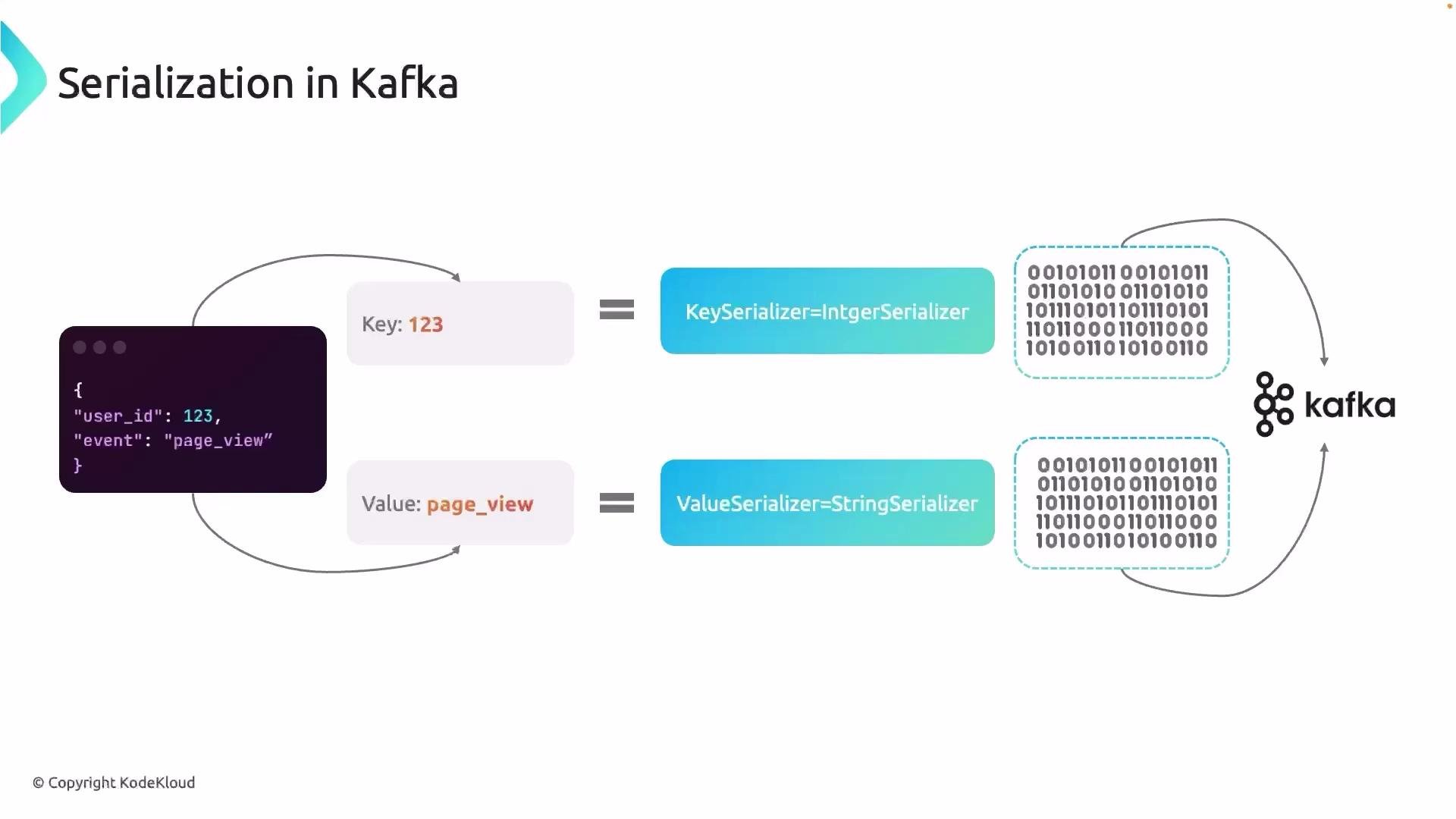
user_id, event) and values (123, "page_view"). The producer must serialize this logical structure into bytes so Kafka can store and transmit it reliably.
Common serialization formats
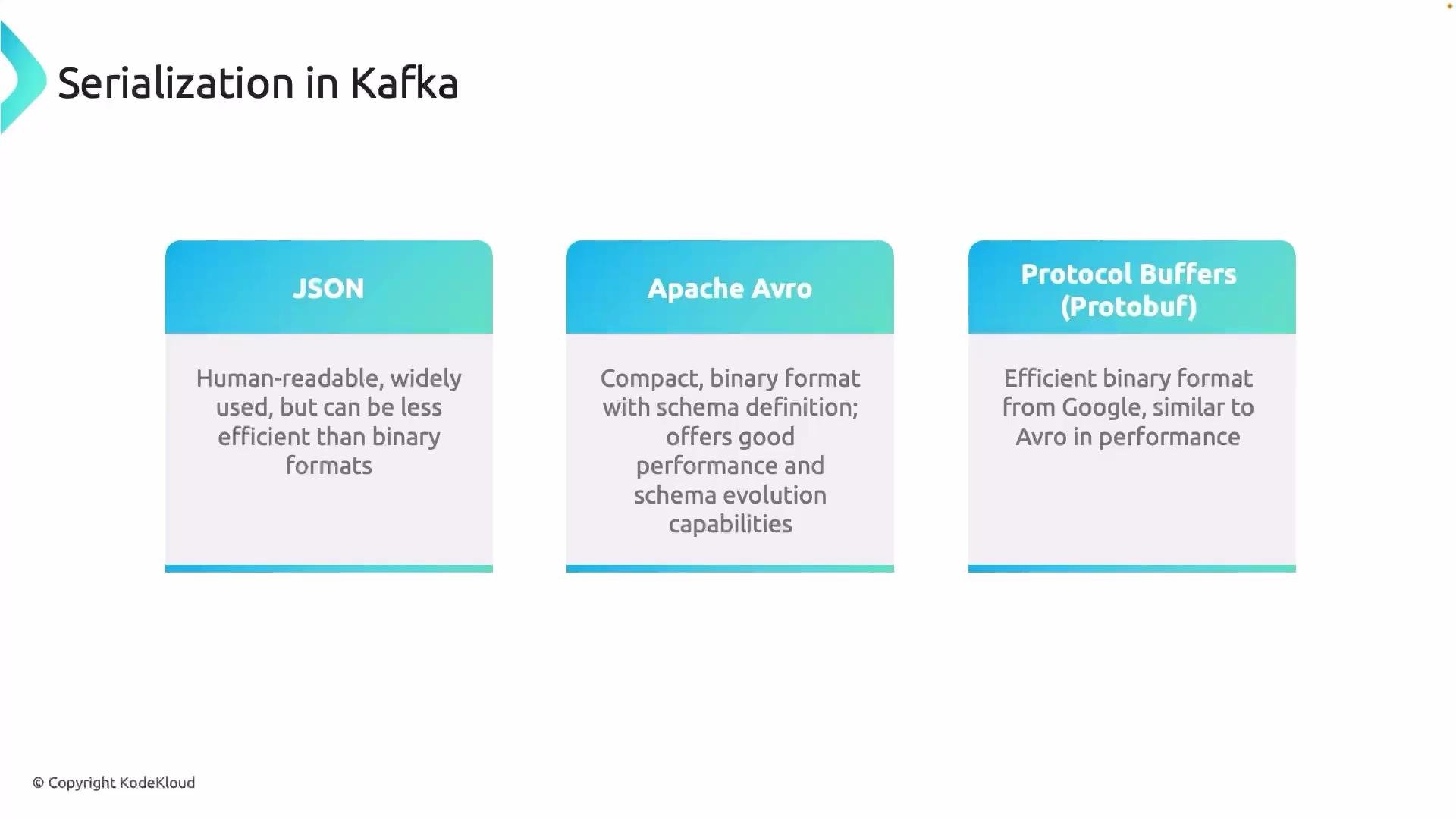
Several serialization formats are commonly used with Kafka, each with trade-offs between human-readability, performance, and schema support:
- JSON — human readable, easy to debug, good for simple or ad-hoc data exchange.
- Apache Avro — compact binary format with explicit schemas, great for large-scale data pipelines and schema evolution.
- Protocol Buffers (Protobuf) — compact binary format from Google, efficient with strong schema support.
byte[] that Kafka can store and transmit. Choose the serializer that matches the data type you are sending and ensure the consumer uses a matching deserializer.
Common mappings (Java):
Basic Java producer properties configuring key and value serializers:
- Serialization is not encryption. For confidentiality use TLS for transport and encryption at rest (disk-level encryption, cloud storage encryption) plus Kafka ACLs for access control.
- A Schema Registry combined with Avro/Protobuf serializers improves governance: schemas are centrally stored, validated, and versioned.
- Producer CPU and latency can be affected by heavy serialization workloads (large Avro/Protobuf messages, intensive schema processing). Use batching, async sends, and properly sized producer instances.
- Ensure producers and consumers agree on the wire format (which serializer/deserializer pair is used). Mismatches lead to deserialization failures and runtime errors.
- Choose a format that matches your needs: JSON for simplicity and debugging, Avro/Protobuf for efficiency and schema-driven pipelines.
- Use a Schema Registry for Avro/Protobuf to enable compatibility checks and governance.
- Configure
key.serializerandvalue.serializercorrectly on the producer and the corresponding deserializers on the consumer. - Use compact binary formats (Avro/Protobuf) when storage efficiency and network performance matter.
- Combine serialization with Kafka security features (TLS, ACLs) and storage-level encryption for sensitive data.
- Monitor producer CPU and latency, and use batching and asynchronous sends to mitigate serialization overhead.
Kafka stores messages as bytes. Always ensure your producer configures the correct key and value serializers so both producers and consumers agree on the wire format.
- Apache Avro
- Protocol Buffers (Protobuf)
- Confluent Schema Registry
- Kafka Documentation — Serializers and Deserializers