

Recap: producers and consumers
- Producers publish events to Kafka topics.
- Consumers read and process those events.
- A topic named “topic A” has four partitions: partition 1–4.
- One consumer is responsible for reading and processing all messages from those four partitions.
Introducing consumer groups
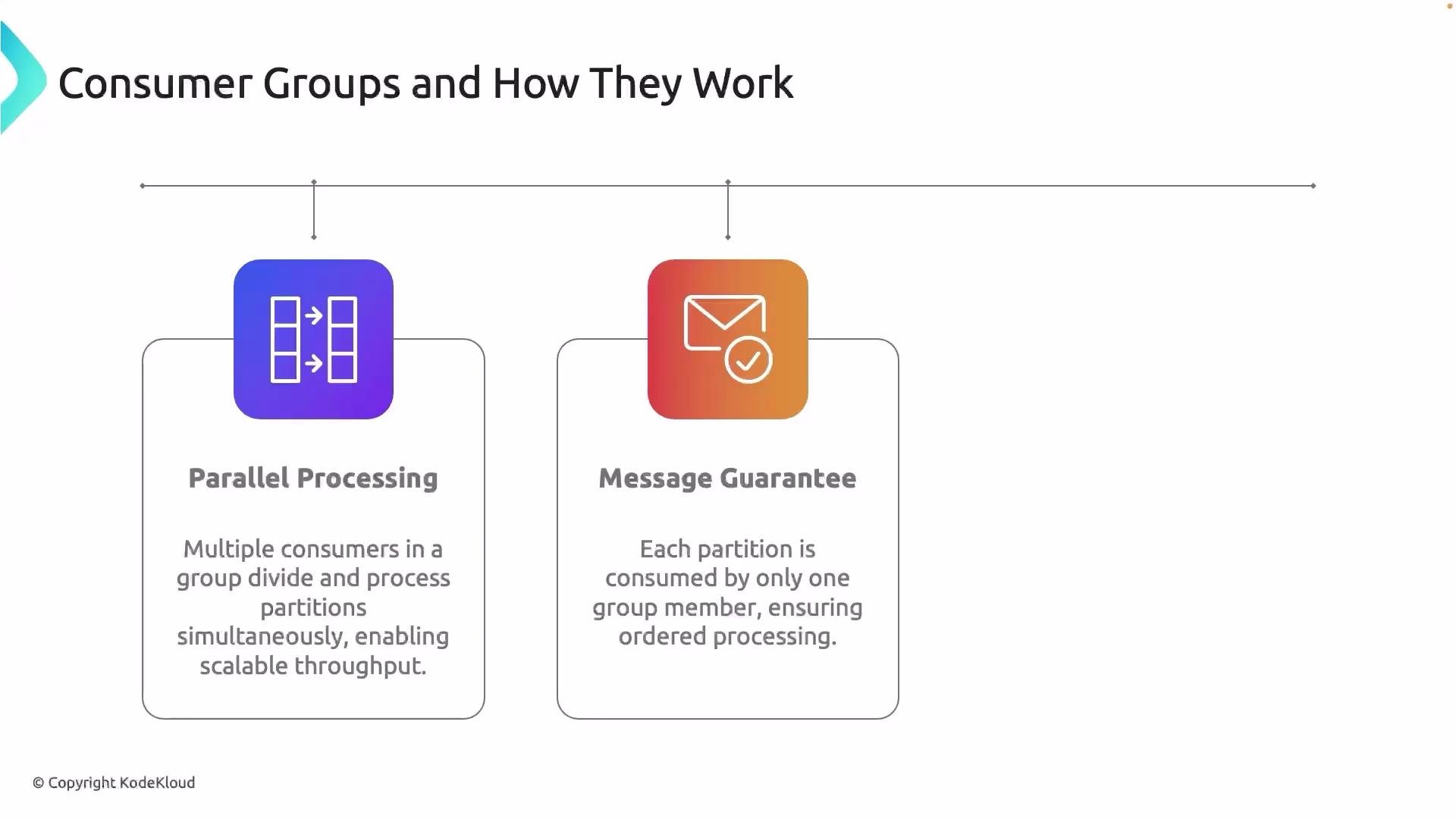
A consumer group is a set of consumers that coordinate to consume data from the same topic. Group members can perform identical processing (to scale throughput) or different processing tasks while consuming the same topic. Kafka divides partition ownership among the members of a consumer group so each partition is read by at most one consumer in the group. That enables parallel processing of partitions and scales consumption horizontally. Example: two consumers- Consumer 1 → partitions 1 and 2
- Consumer 2 → partitions 3 and 4
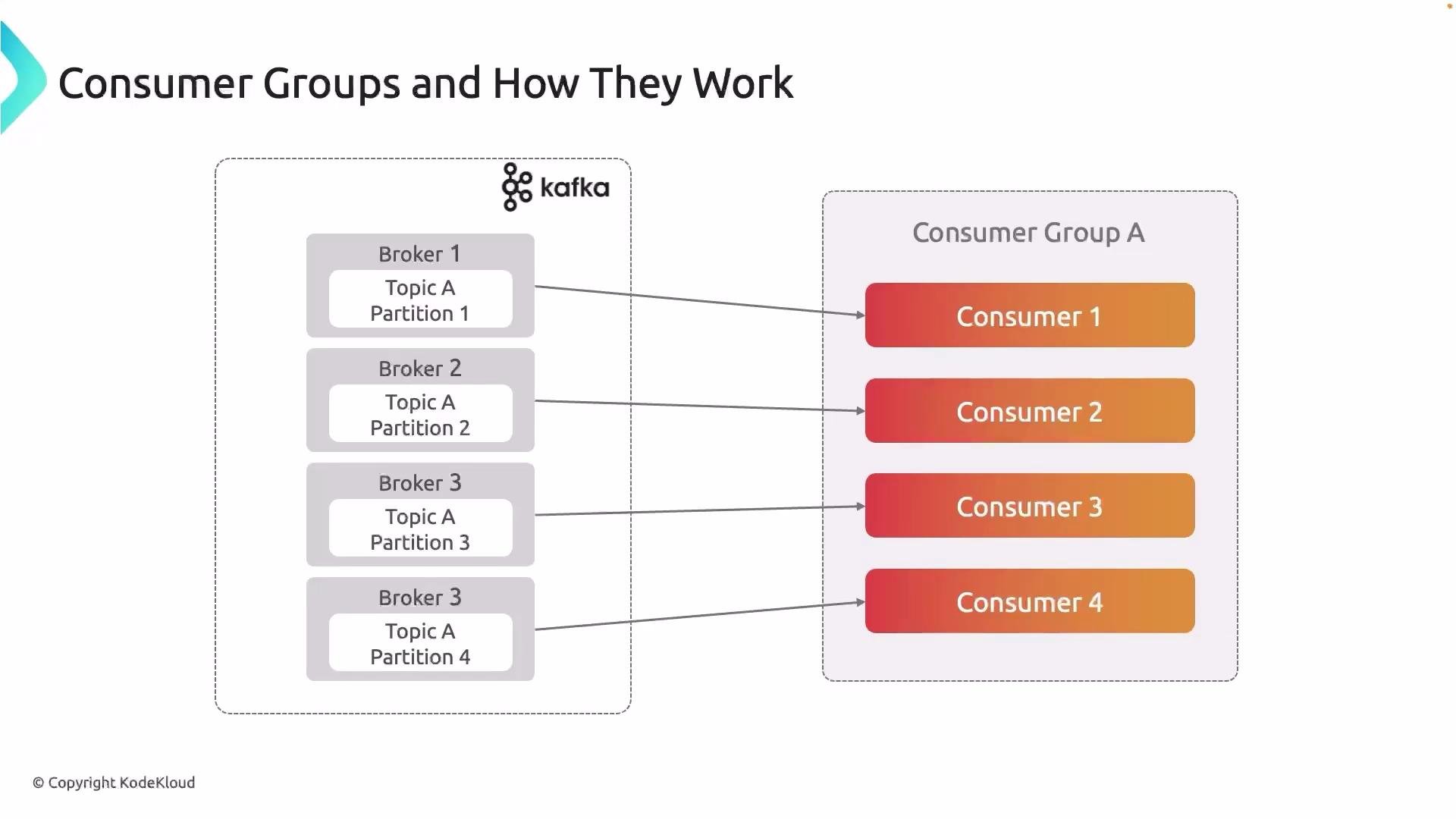
Key behaviors and guarantees
A partition is consumed by exactly one consumer in a consumer group at any time, which prevents parallel duplicate processing across consumers. That said, Kafka’s default delivery semantics are typically at-least-once; achieving true exactly-once processing end-to-end requires extra safeguards.
Recommended practice
- To maximize parallel processing while preserving per-partition ordering, create up to N active consumers for a topic with N partitions (one consumer per partition).
- Tune consumer session and heartbeat settings so that occasional transient network hiccups do not trigger unnecessary rebalances.
- Use idempotent producers, transactions, or an external deduplication layer if you require exactly-once semantics.
Fault tolerance, rebalancing, and coordination
When a consumer leaves the group (crash, network partition, or graceful shutdown), the group coordinator triggers a rebalance to reassign the affected partitions to remaining consumers. Rebalancing restores availability but introduces transient overhead and short pauses while assignments are recomputed and consumers resume fetches. Consumer group coordination is handled by the Kafka broker (the group coordinator), which manages group membership, heartbeats, partition assignments, and rebalances. Historically, Kafka used ZooKeeper for metadata and coordination; modern Kafka can run in KRaft mode (Kafka Raft metadata mode) to manage controller responsibilities without ZooKeeper. Both are cluster-level concerns important for administrators.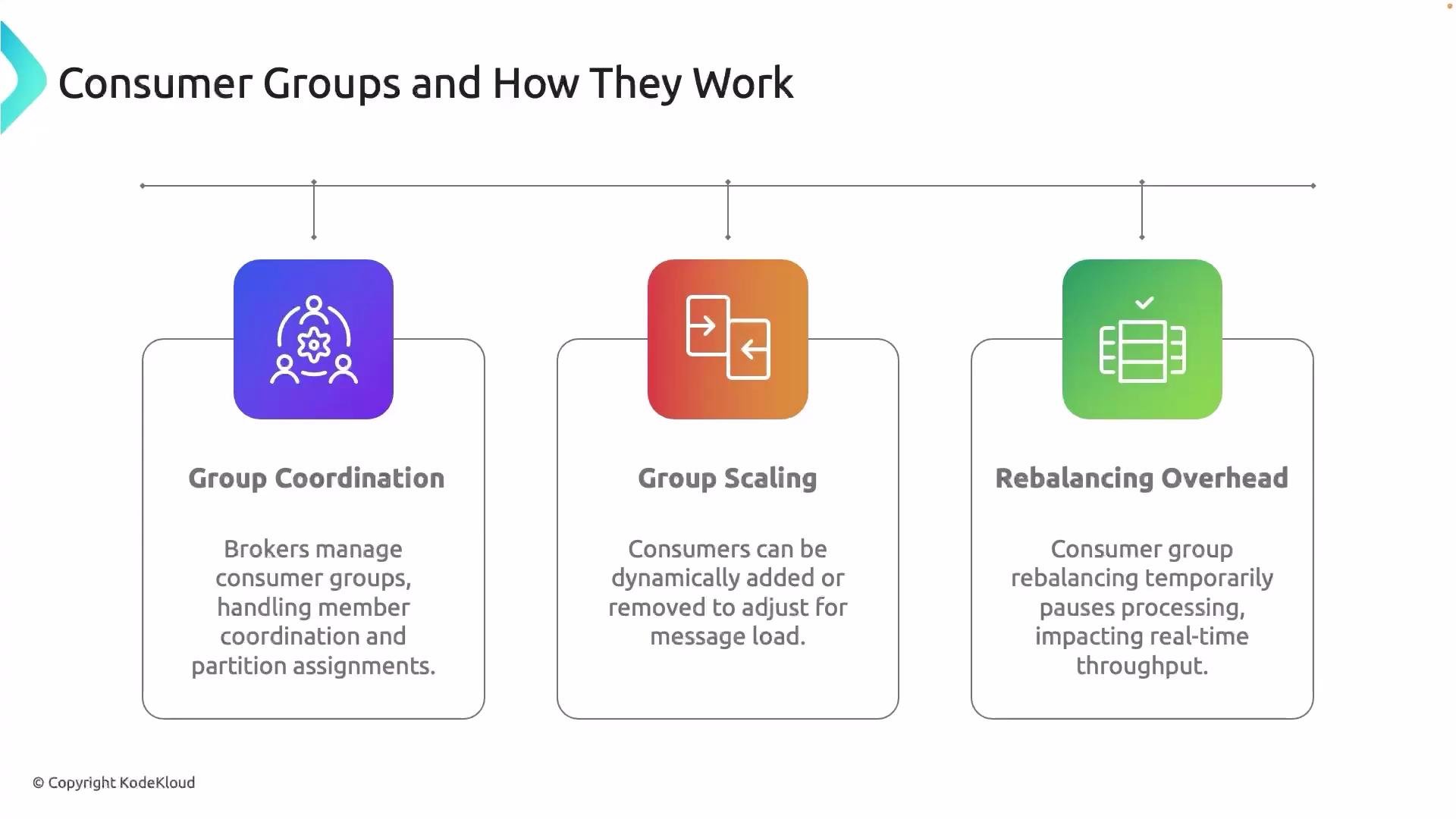
Frequent or large rebalances can cause noticeable processing pauses. Design your consumer scaling strategy and tune session/heartbeat settings to minimize unnecessary rebalances.
Scaling consumer groups
- Add consumers to a group to increase throughput when load grows; remove them when load drops.
- Each membership change causes a rebalance; plan scaling (and sticky assignment strategies) to reduce churn.
- Use monitoring (consumer lag, partition distribution) to decide when to scale horizontally.