

- Producers are applications that write data to Kafka topics.
- Consumers read data from Kafka topics.
- Producers are often the entry point for message flows: microservices, IoT devices, log emitters, streaming jobs, and batch processes.
- A producer establishes a connection to one or more Kafka brokers and publishes records to a topic.
- Topics are partitioned. The producer determines which partition a record goes to using:
- a provided record key (ensures ordering for that key), or
- the producer’s partitioning strategy (e.g., round-robin, sticky partitioner, or a custom partitioner).
- Producers optimize for throughput and latency using buffering, batching, and compression. These behaviors are controlled by configuration parameters to balance durability and performance.
bootstrap.servers— Broker addresses used to discover the Kafka cluster.- Topic name — The target topic for messages.
- Serializers — Key and value serializers (e.g.,
StringSerializer,ByteArraySerializer, Avro/JSON serializers, or custom implementations). - Additional producer configurations that affect reliability and performance.
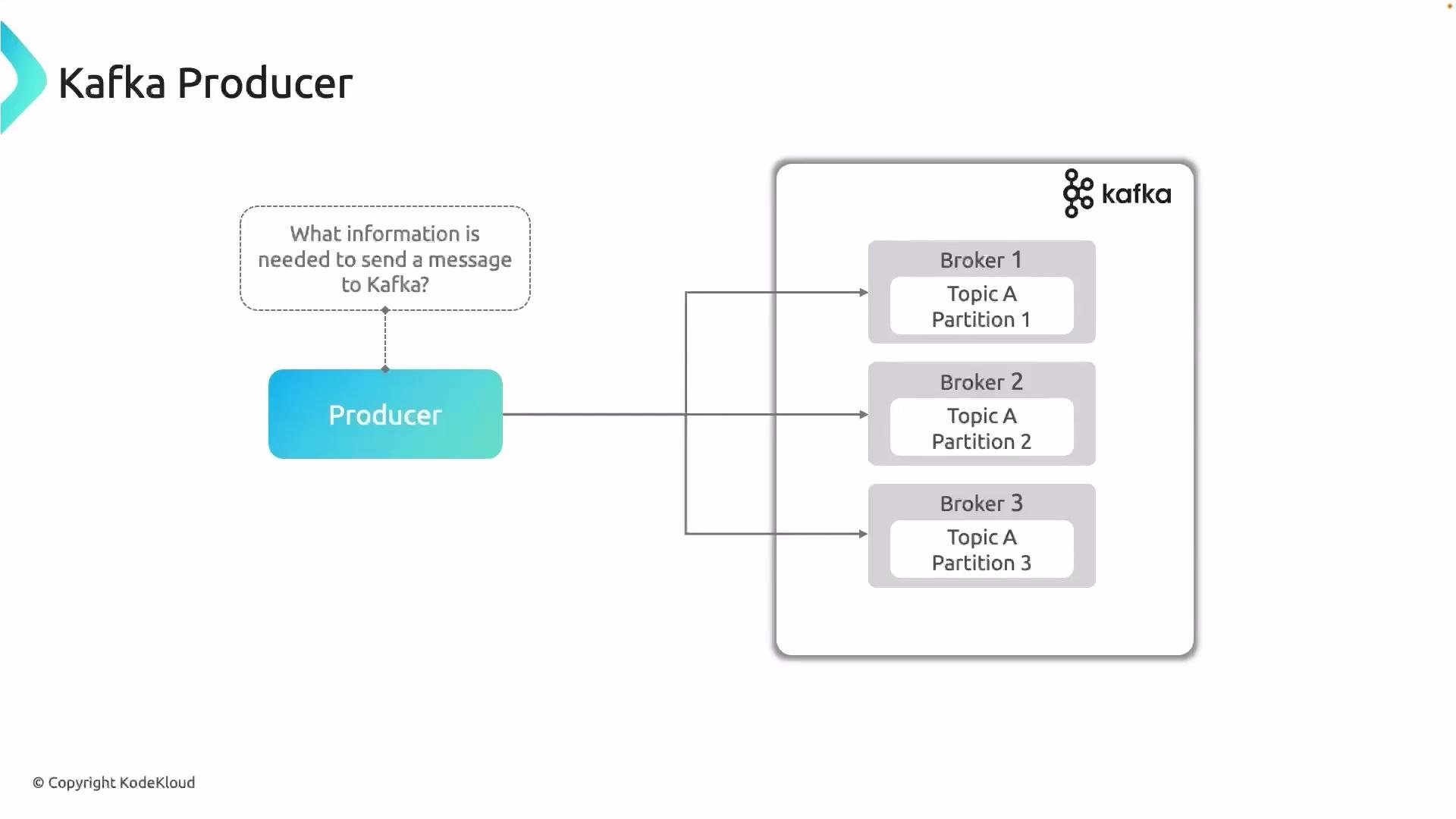
The diagram below illustrates a producer sending messages to multiple brokers; each broker hosts partitions for one or more topics.
A complete producer example includes bootstrap configuration, serializers, and common tuning parameters such as
acks, retries, linger.ms, and batch.size. For high throughput, prefer larger batch.size, linger.ms, and compression (e.g., lz4 or zstd). For stronger durability, use acks=all and tune retries and max.in.flight.requests.per.connection.- Can the producer resolve and reach
bootstrap.servers? Check DNS/firewall. - Are serializers compatible with the consumer/registry (for Avro/Schema Registry setups)?
- Are the broker logs showing leader/ISR issues or partition unavailability?
- Are producer exceptions being logged (e.g.,
TimeoutException,SerializationException)?
- Apache Kafka Documentation
- Producer configuration reference: https://kafka.apache.org/documentation/#producerconfigs